




 here!
here!
I’m your shopping assistant for PC builds, upgrades, and everything tech.
Got questions? Ask away!
Start a conversation
here!
I’m your shopping assistant for PC builds, upgrades, and everything tech.
Got questions? Ask away!
Start a conversation



Any questions? Ask CelesteSM will help you find out quickly.
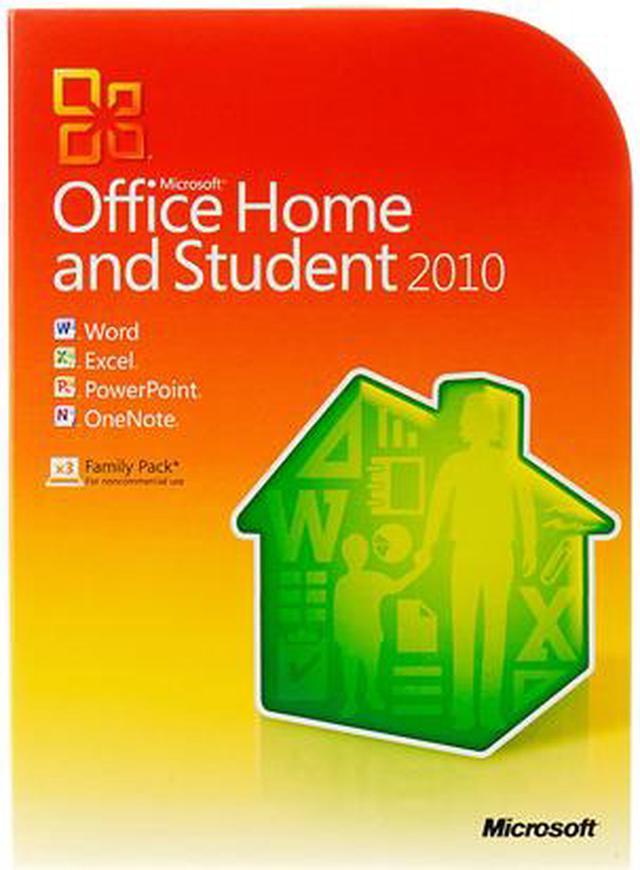
Microsoft Office Home and Student 2010 gives you the essential tools you need to complete school and household projects efficiently.
Ready-to-use templates in Word and PowerPoint 2010 equip students to create outstanding schoolwork, with rich visual effects and media-editing features that help them express their ideas creatively. Excel 2010 gives you the spreadsheet tools the pros use to simplify working with data, from tracking expenses to creating a household budget. And there’s OneNote 2010 for household projects, a catch-all spot for organizing notes, files, and resources in one easy-to-access place.
 Edit Photos from within Your DocumentsEnhance the visual impact of your documents or presentations with easy-to-use Picture Editing tools that let you crop, control brightness and contrast, sharpen or soften and add artistic visual effects without leaving Word or PowerPoint 2010.
 Put Your Presentation in Motion with PowerPointEdit videos right in PowerPoint 2010, breaking longer clips down into shorter segments or reducing file size to make your presentation portable, then dial up the visual impact by adjusting color, adding new video effects and incorporating new dynamic slide transitions and animations.
 Access, Edit, and Share from Virtually Anywhere with Office Web AppsGet things done when you’re away from the office, home, or school by creating documents in Office 2010, then posting them online to access, view, and edit with Office Web Apps from virtually anywhere you have Internet access.
 Organize All of Your Information in a Single Place in OneNoteCreate a digital notebook in OneNote 2010 to capture and share text, images, video, audio — all your thoughts, ideas and important information in a single, easy-to-access location.
 Navigate and Organize Your Documents More Easily in WordFind the information you need faster and more easily in Word 2010 with a summary of search results that gives you one-click access to what you’re looking for, and an improved Navigation Pane that provides a visual outline of your documents to browse, sort, and find what you need quickly.
 Analyze Information Quickly in Excel with Improved Features.Use Sparklines in Excel 2010 to create small charts that make it easy to highlight trends in data at a glance, and improved Conditional Formatting to highlight specific items in your data set with just a few clicks.


