here!
I’m your shopping assistant for PC builds, upgrades, and everything tech.
Got questions? Ask away!
Start a conversation
here!
I’m your shopping assistant for PC builds, upgrades, and everything tech.
Got questions? Ask away!
Start a conversation Hot Seller Hot Seller


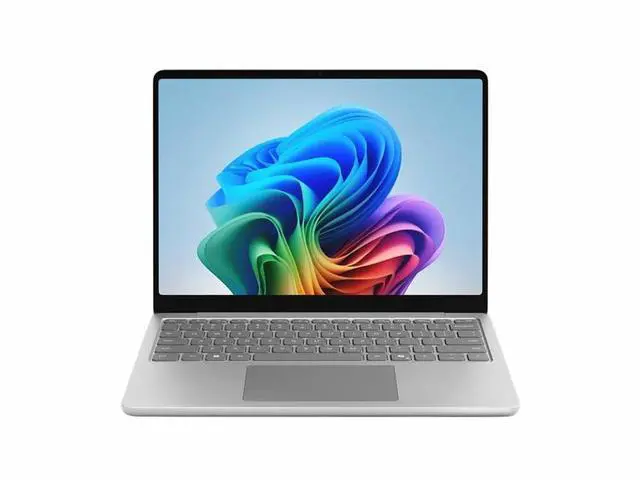
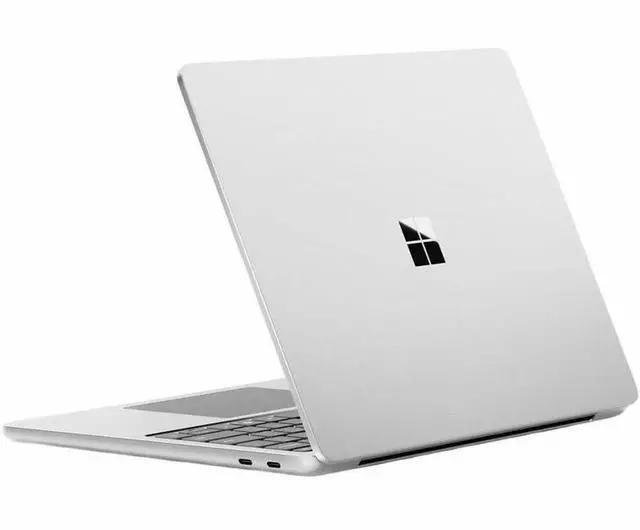
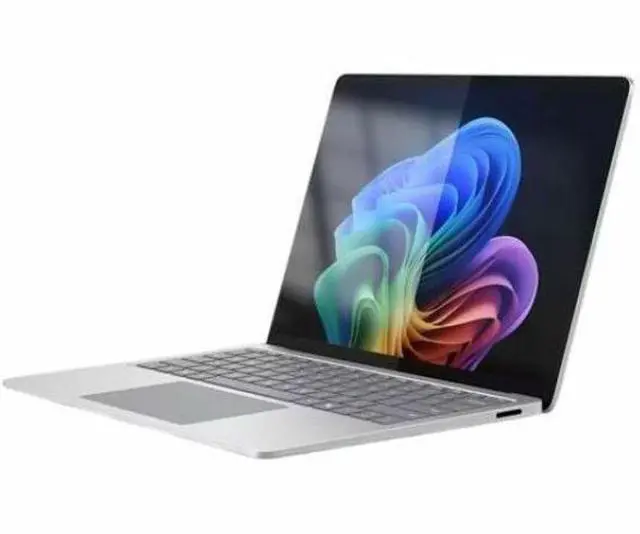
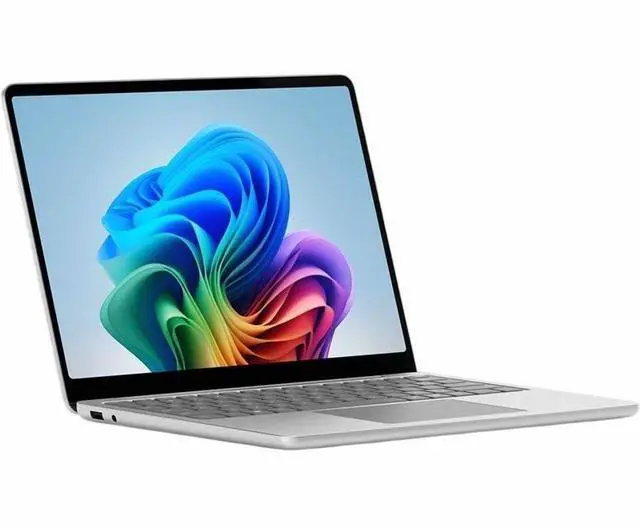



Any questions? Ask CelesteSM will help you find out quickly.
We want to ensure your holiday shopping this year is hassle-free. That’s why we’re automatically extending our return policies on almost every product! For purchases placed between November 1st, 2026 and December 31, 2026 you will have until January 31, 2027 to return your product.
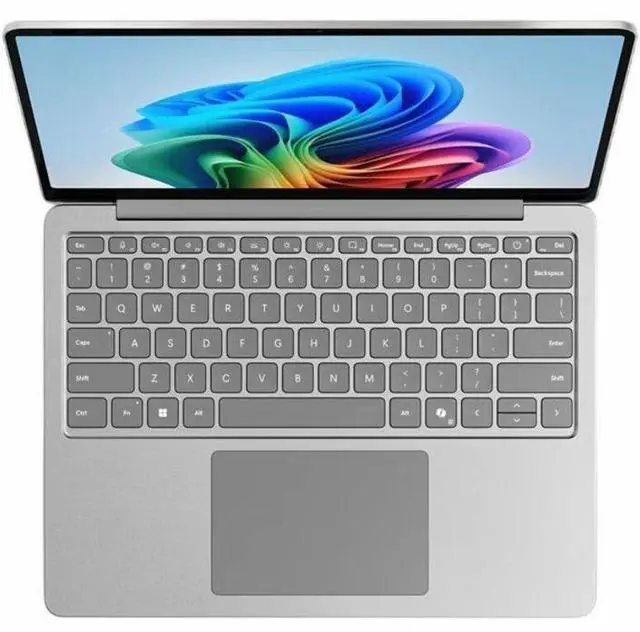
The Microsoft Surface EP2-33452 is a 13-inch Copilot+ PC with a Snapdragon X Plus processor, 24GB memory, 1TB SSD, and Windows 11 Pro, suited to professionals and students who want a compact laptop for everyday productivity and multitasking.
| Attribute | Value |
|---|---|
| Best For | Mobile productivity and touch-based work, with 24 GB of memory and a 1 TB SSD for multitasking and local files |
| Processor And Graphics | Qualcomm Snapdragon X Plus processor with integrated Adreno graphics |
| Display Spec | 13-inch PixelSense touchscreen with 1920 × 1280 resolution and a 60 Hz refresh rate |
| Memory Configuration | 24 GB LPDDR5X memory |
| Storage | 1 TB SSD |
| Ports And Connectivity | 3 ports, including HDMI video output; Wi-Fi 7 (802.11be) and Bluetooth |
| Battery And Power | Up to 23 hours of battery life; 45 Wh lithium-ion battery |
| Operating System And AI | Windows 11 Pro with Copilot+ PC features |
| Portability | 2.69 lb; 11.2 × 8.4 × 0.61 inches (width × depth × height) |
| Form Factor And Color | Clamshell notebook in Platinum |
| In The Box | Surface Notebook, standard battery, AC adapter, quick start guide, and safety and warranty documents |
| Model Identifiers | Microsoft Surface Notebook, model EP2-33452 |
Q: Should I choose this 13-inch Surface Laptop or the 13.8-inch Surface Laptop 7?
A: Choose this 13-inch model for a more compact laptop with 24GB of memory and a 1TB SSD. Choose the 13.8-inch Surface Laptop 7 if its larger, sharper 120Hz display and available 10-core Snapdragon X Plus or 12-core Snapdragon X Elite processor better match your priorities.
Q: Is the 24GB RAM and 1TB SSD Surface Laptop 13-inch worth choosing over a 16GB/256GB configuration?
A: Choose this 24GB/1TB configuration if you want more memory for keeping multiple apps and browser tabs open and more built-in storage for files and applications. A 16GB/256GB configuration prioritizes a smaller memory and storage allotment within the same 13-inch Surface Laptop family.
Q: Should I get this Surface Laptop 13-inch or a 15-inch Surface Laptop?
A: Choose this 13-inch model if a compact, 2.69-pound laptop with a touchscreen is your priority. Choose a 15-inch Surface Laptop if you prefer a larger screen area for viewing documents, arranging windows, or working with more content on screen.
Q: Should I choose this Surface Laptop 13-inch or the 13.8-inch Surface Laptop 7 with Snapdragon X Elite?
A: Choose this 13-inch model for its compact size, 24GB of memory, and 1TB SSD. Choose the 13.8-inch Surface Laptop 7 with Snapdragon X Elite if you want that model’s larger 120Hz display and higher-tier processor option.