




 here!
here!
I’m your shopping assistant for PC builds, upgrades, and everything tech.
Got questions? Ask away!
Start a conversation
here!
I’m your shopping assistant for PC builds, upgrades, and everything tech.
Got questions? Ask away!
Start a conversation Top Rated






Any questions? Ask CelesteSM will help you find out quickly.
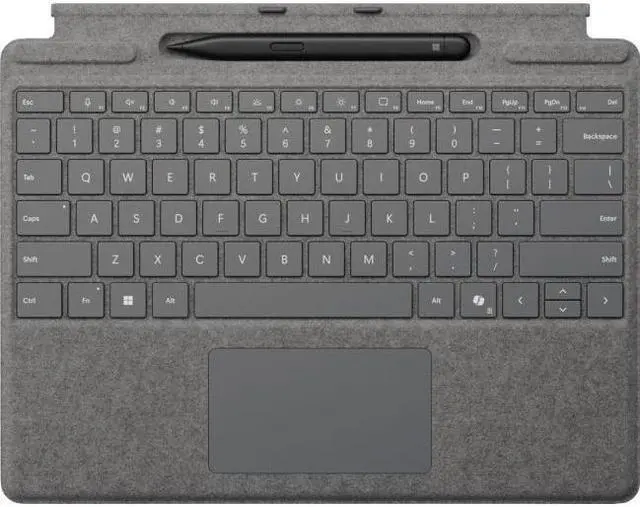
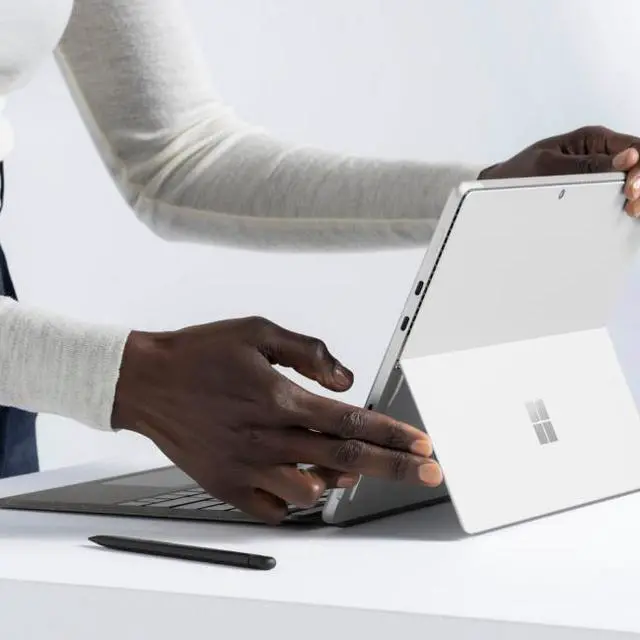
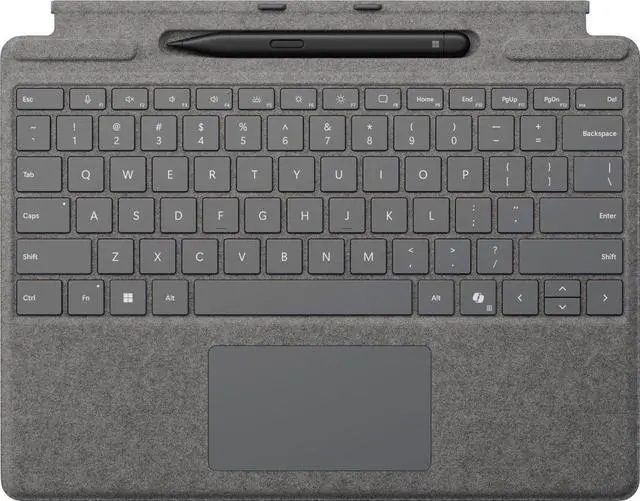
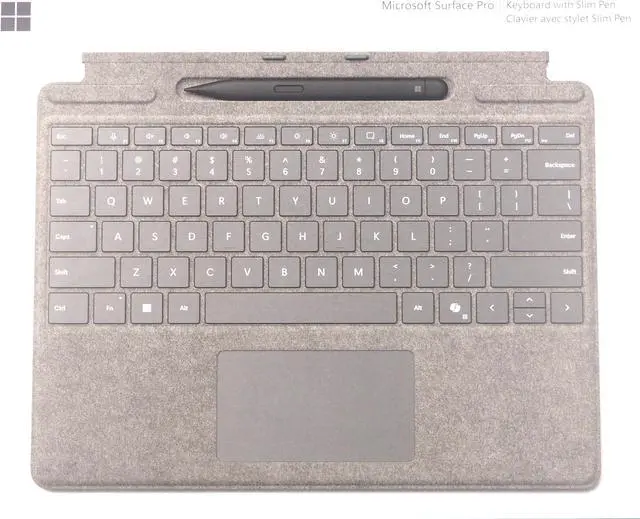
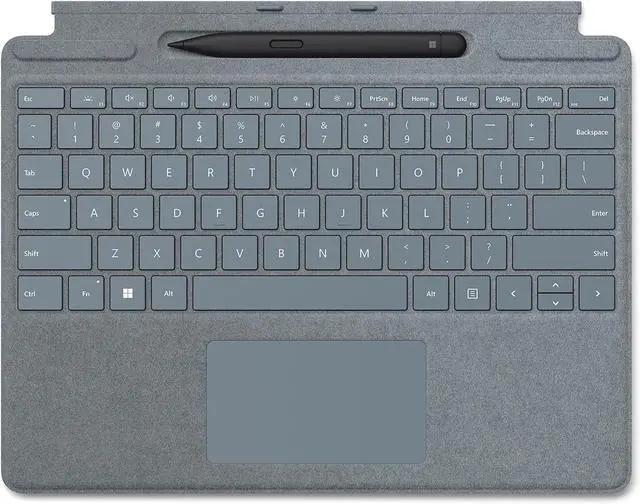
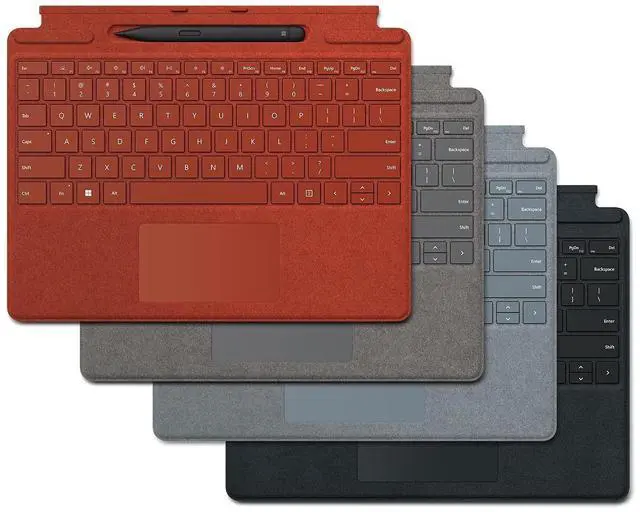
Microsoft Surface Slim Pen (2nd Edition) and Pro Keyboard for Pro (11th Edition) is a 2-in-1 accessory bundle designed for Surface Pro 9 and Pro 8 users who want laptop-style typing, precise trackpad control, and pen input in a single portable setup.
| Attribute | Value |
|---|---|
| Best For | Surface Pro users who want a bundled keyboard plus Surface Slim Pen (2nd Edition) for use with Surface Pro tablets |
| Model Identifiers | Microsoft Surface Accessories (model 8X6-00214), Surface edition; manufactured by Microsoft |
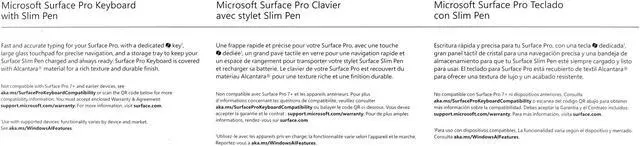
| Compatibility | Designed for Microsoft Surface Pro Copilot+ PC (11th Edition), Surface Pro 9, and Surface Pro 8; compatible with Windows family (minimum Windows 10) and lists platform support for Windows 11; hardware platform: PC |
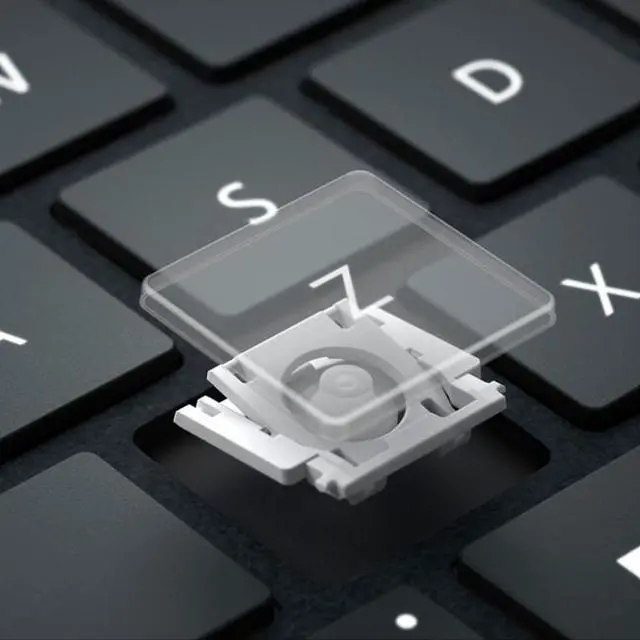
| Keyboard And Input | QWERTY mechanical keyboard with 78 buttons, ambidextrous orientation, single-color backlighting, and switches described as linear/clicky/tactile |
| Included Items | Bundle contains the Surface Pro Keyboard, Surface Slim Pen (2nd Edition), and a startup card/warranty guide; sold as a single kit |
| Power And Batteries | Internal lithium‑ion power (4 cells) with 2.6 Wh energy and ~21.5 g battery weight; batteries are contained in the equipment and the device is battery powered; batteries are not user‑installed and user‑replaceable batteries are not required or included |
| Materials And Design | Alcantara enclosure in Platinum color with a portable form factor; style listed as Direct |
| Connectivity And Emissions | Uses Surface proprietary connectivity; listed as not capable of emitting RF energy and flagged as having no Bluetooth connectivity; antenna location noted as Office |
| Dimensions And Weight | Item dimensions 12.5 x 10 x 0.75 inches and item weight 0.62 pounds; package dimensions 1.7018 x 25.2984 x 31.6992 centimeters and package weight 0.621 kilograms |
| Packaging And Quantity | Sold as a single-pack bundle (1 unit, 1 pack) with package quantity 1 |
| Platform Notes | Hardware platform listed as PC and platform for display indicates Windows 11 |
| Catalog Metadata | First listed on Newegg February 20, 2025 |
Q: Should I buy the Surface Pro Keyboard with Slim Pen 2 or the Surface Pro Flex Keyboard?
A: Choose the Surface Pro Keyboard with Slim Pen 2 if you want the standard Microsoft detachable keyboard experience with integrated pen storage and charging at a lower cost than the Flex Keyboard. Choose the Surface Pro Flex Keyboard if you specifically want wireless use while detached and are willing to pay more for that added flexibility. For most Pro 8 and Pro 9 owners, the regular Pro Keyboard bundle is the more practical match unless detached keyboard use is a priority.
Q: Is this keyboard bundle better than buying a Surface Pro Keyboard without the pen?
A: This bundle is the better choice if you plan to handwrite notes, mark up documents, sketch, or use Copilot and inking features regularly. The included Surface Slim Pen 2 stores and charges in the keyboard, which is more convenient than buying the pen separately later. If you only need typing and trackpad use, a keyboard-only option is usually the simpler purchase.
Q: Is the Surface Pro Keyboard with Slim Pen 2 a good upgrade from an older Surface Pro Type Cover?
A: Yes, if you are moving from an older Type Cover generation and want built-in Slim Pen storage and charging. For Pro 8 and Pro 9-era devices, Microsoft’s newer keyboard design is the more natural upgrade because it is designed around the current chassis and supports the slimmer pen system. If you mainly type and do not need pen storage, the upgrade is more about convenience than a major typing change.
Q: Should I get this Microsoft keyboard bundle or a cheaper third-party Surface keyboard?
A: Choose this Microsoft bundle if you want guaranteed fit with Surface Pro 8 and Pro 9, integrated Slim Pen 2 storage and charging, and the accessory setup Microsoft builds its Surface workflow around. A cheaper third-party keyboard can make sense if your priority is cost and you do not need pen integration. The main trade-off is that third-party options usually compete on price rather than matching Microsoft’s pen storage and charging design.
Q: Is this keyboard and pen bundle compatible with Surface Pro 11, Pro 9, and Pro 8?
A: Yes. Based on the product listing, this bundle is designed for Surface Pro (11th Edition), Surface Pro 9, and Surface Pro 8. It is not a good choice for older models such as Surface Pro 7 or Pro 4, because those use different connection designs.
Q: Is this a good setup for note-taking, meetings, and office work?
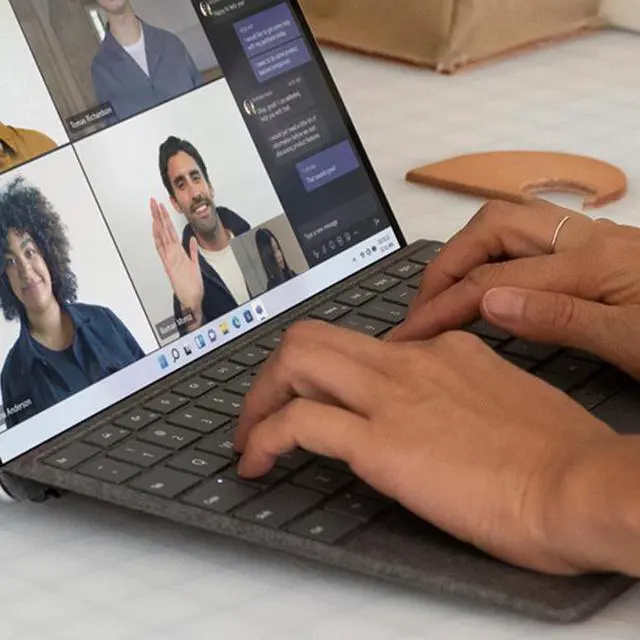
A: Yes, if you want one accessory set for both typing and handwritten input. The keyboard adds a laptop-style typing surface and trackpad, while the Slim Pen is stored and charged in the keyboard, which makes it practical for meetings, annotations, and general office use. The main limitation is that it is still an accessory bundle, not a full laptop by itself.
Q: Is it worth buying for travel and mobile work?
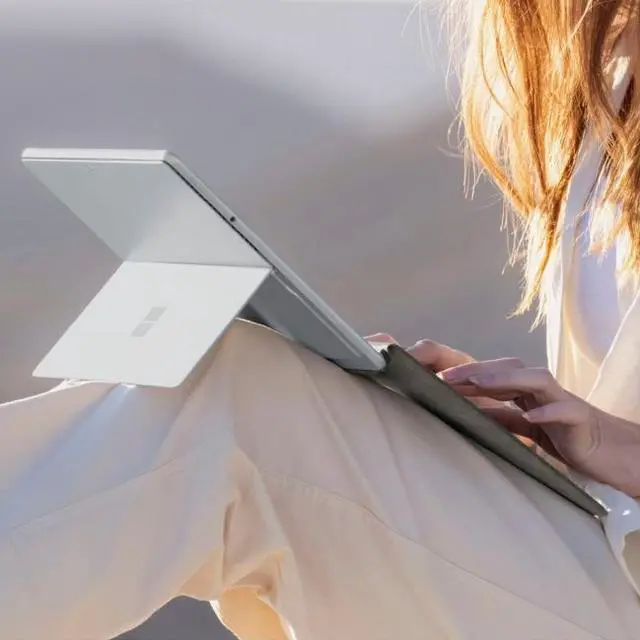
A: It makes the most sense for Surface Pro owners who travel and want to switch quickly between tablet and laptop-style use. The keyboard doubles as a protective cover, includes a large trackpad, and keeps the pen stored in the same setup, which reduces accessory clutter. The trade-off is that buyers who only need typing may pay extra for a pen they will not use often.
Q: Should I buy this bundle or get a keyboard-only alternative?
A: Buy this bundle if you expect to use pen input for note-taking, markup, sketching, or document review. Choose a keyboard-only option if you mainly type and use the trackpad, because the bundle's value comes from combining the keyboard with built-in pen storage and charging. For typing-only buyers, a keyboard-only accessory is usually the simpler and more cost-efficient choice.
Q: Does this keyboard work wirelessly, and does it include extras like a fingerprint reader?
A: No. Retail Q&A for closely comparable Surface Pro keyboard-and-pen bundles indicates the keyboard connects through the Surface connector pins rather than Bluetooth, so it is meant to be used attached to the tablet. The same Q&A also indicates there is no fingerprint reader. This is best for buyers who want an integrated Surface accessory, not a standalone wireless keyboard.
Q: Is this keyboard and Slim Pen bundle worth buying for a Surface Pro 8 or Pro 9?
A: It makes the most sense if you want both accessories and plan to use your Surface Pro as a laptop-tablet hybrid. The main value is getting a fitted keyboard, built-in pen storage, and pen charging in one setup. It is less compelling if you mostly type at a desk, rarely use a pen, or would be satisfied with a cheaper Bluetooth keyboard.
Q: Is it a good choice for note-taking and handwriting?
A: Yes, if handwritten notes are a priority. The bundle is better suited to users who want to switch between typing and writing, because the Slim Pen stores in the keyboard and is easy to keep charged. The trade-off is cost: if you only use a pen occasionally, a simpler pen setup may be enough.
Q: Who is this bundle best suited for?
A: It is best for Surface Pro users who want a portable all-in-one setup for work, school, meetings, or travel. The keyboard adds laptop-style typing and trackpad control, while the Slim Pen supports handwriting and annotation. It is less suitable for buyers who mainly use the device on a desk or do not need pen input regularly.
Q: What are the main trade-offs of choosing this official Microsoft bundle?
A: The main trade-offs are price and dependence on the Surface-specific keyboard for pen storage and charging. In return, you get tight hardware integration, a large trackpad, and a keyboard that also protects the screen when closed. Buyers focused on value may prefer lower-cost keyboard alternatives, but those options do not replicate the same pen integration.
Q: Will this bundle work for both Surface Pro 8 and Surface Pro 9 users deciding whether to upgrade accessories?
A: Yes. Based on the provided product information, this bundle is compatible with Pro 8 and Pro 9. That makes it a practical option for users keeping either device and wanting one accessory set that adds typing, trackpad use, and pen input without changing platforms.


