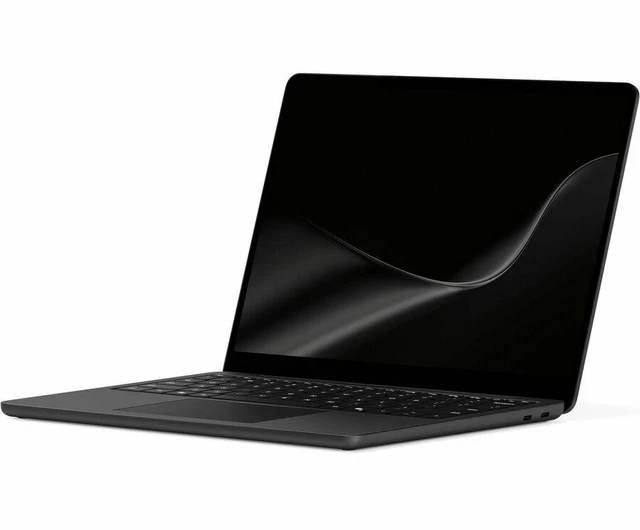
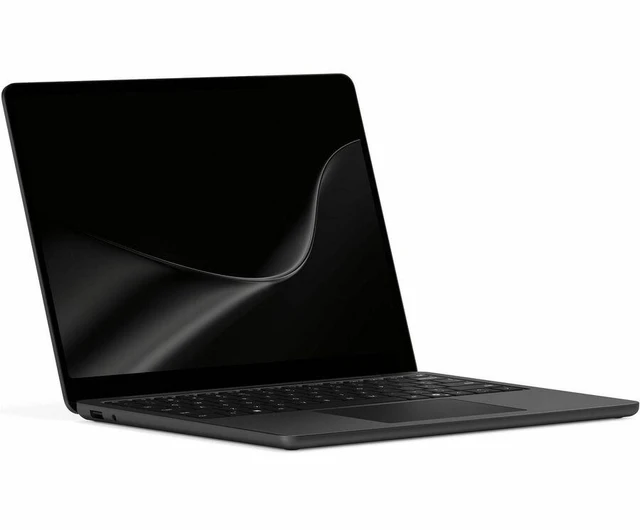
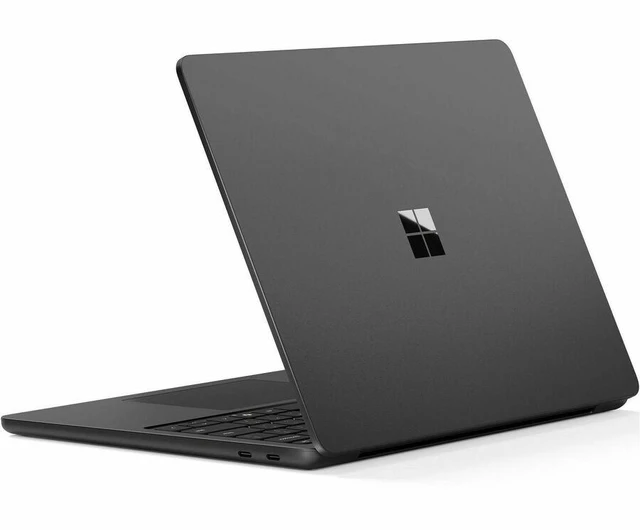
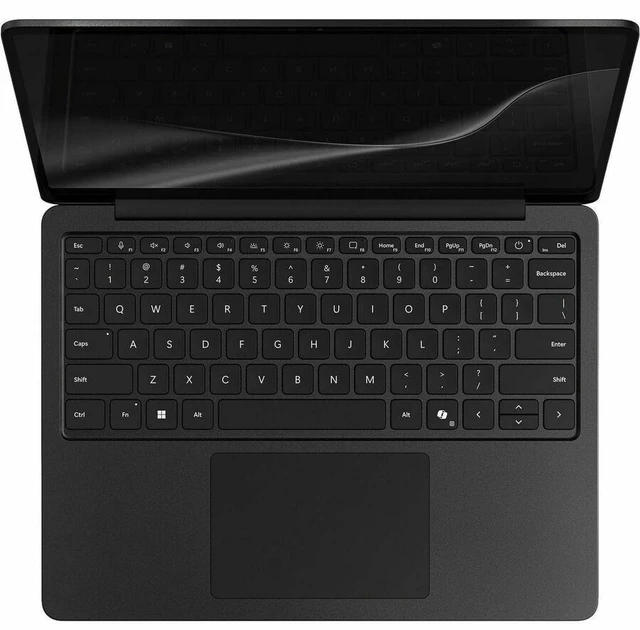
Microsoft Surface 13" Touchscreen Notebook - 13" PixelSense Display - Snapdragon X2 Plus - 16 GB 512 GB SSD - Windows 11 Pro - Wi-Fi - 7 - Black - EP2-77176
- 16 GB Memory / 512 GB SSD
Any questions? Ask CelesteSM will help you find out quickly.
Warranty & Returns
Warranty, Returns, And Additional Information
Warranty
- Limited Warranty period (parts): 1 year
- Limited Warranty period (labor): 1 year
- Read full details
Return Policies
- Return for refund until: January 31, 2027
- Return for replacement until: January 31, 2027
- This item is covered by Newegg.com's Extended Holiday Return Policy.
- Read full return policy for details.
We want to ensure your holiday shopping this year is hassle-free. That’s why we’re automatically extending our return policies on almost every product! For purchases placed between November 1st, 2026 and December 31, 2026 you will have until January 31, 2027 to return your product.
Manufacturer Contact Info
- Manufacturer Website
- Support Phone: 1-800-642-7676
- Support Website
- View other products from Microsoft
The Microsoft Surface Laptop 13-inch (EP2-77176) is a black touchscreen notebook with a PixelSense display, Snapdragon X2 Plus, 16 GB memory, 512 GB SSD, and Windows 11 Pro—well suited to professionals who want a compact Windows laptop for everyday work.
Recommended For
- Frequent travelers and commuters who need a compact Windows laptop for documents, browser-based work, and video calls, with long tested battery life and a fan that is rarely audible during everyday tasks.
- Students and mobile professionals who spend much of the day typing notes, writing, and reading on the go, and want a comfortable keyboard, touchscreen, and 3:2 display in a small clamshell laptop.
- People who work in quiet shared spaces, such as libraries or meeting rooms, and prefer a laptop that stays very quiet during routine workloads.
- Windows users whose day-to-day work relies on compatible productivity apps and accessories, rather than specialized software that requires a particular processor architecture.
Real-World Use Scenarios
- For everyday work or study—writing documents, using web apps, researching in a browser, and switching between common tasks—the Surface Laptop 13 should feel responsive; check that any essential specialist software supports Windows on ARM.
- When working away from an outlet, such as between classes, meetings, or travel stops, it can handle a day of light-to-moderate browsing and office tasks for many users; Notebookcheck measured almost 19 hours in its Wi-Fi test at 150 nits, though actual runtime varies with brightness and workload.
- In a quiet library, classroom, or shared office, everyday browsing and document work are unlikely to be interrupted by fan noise; Notebookcheck reported that it rarely heard the fan during typical workloads.
- For video meetings and remote classes, the built-in 1080p webcam supports joining calls without carrying a separate camera; Notebookcheck found its image quality decent for routine use.
- For light gaming during breaks, it can run some games, but tested results varied by title and settings; it is a better fit for casual play than for demanding games or consistently high frame rates.
Spec Summary
| Attribute | Value |
|---|---|
| Best For | Laptop users seeking a compact device for productivity, with 16 GB memory and 512 GB SSD storage |
| Display | 13-inch screen |
| Memory Configuration | 16 GB memory |
| Storage | 512 GB SSD |
| Model Identifiers And Color | Microsoft Surface Laptop, model EP2-77176, in Black |
Reference Q&A
Q: Surface Laptop 13 vs. Surface Laptop 13.8-inch: which is easier to carry?
A: Choose the 13-inch Surface Laptop for a smaller, lighter setup: Notebookcheck measured it at 1.23 kg, compared with Microsoft’s 1.36 kg specification for the 13.8-inch model. The 13.8-inch model provides a larger screen, while this 13-inch configuration combines a Snapdragon X2 Plus processor with 16 GB of memory and a 512 GB SSD.
Q: Surface Laptop 13 with X2 Plus or 13.8-inch Surface Laptop with X2 Elite?
A: Choose this 13-inch model if a lighter, more compact laptop is the priority. Choose the 13.8-inch Surface Laptop with Snapdragon X2 Elite if you prefer its larger display and higher-tier, 12-core processor option; Microsoft lists both X2 Plus and X2 Elite configurations for that model.
Q: Should I choose the 2026 Surface Laptop 13 or the previous Surface Laptop 13?
A: Choose the 2026 Surface Laptop 13 if you want the newer Snapdragon X2 Plus platform. Microsoft identifies the 2026 model with X2 Plus, while the previous Surface Laptop 13 used an 8-core Snapdragon X Plus processor.