




 here!
I’m your shopping assistant for PC builds, upgrades, and everything tech.
Got questions? Ask away!
Start a conversation
here!
I’m your shopping assistant for PC builds, upgrades, and everything tech.
Got questions? Ask away!
Start a conversation Hot Seller Hot Seller
 Top Rated





Any questions? Ask CelesteSM will help you find out quickly.
We want to ensure your holiday shopping this year is hassle-free. That’s why we’re automatically extending our return policies on almost every product! For purchases placed between November 1st, 2026 and December 31, 2026 you will have until January 31, 2027 to return your product.
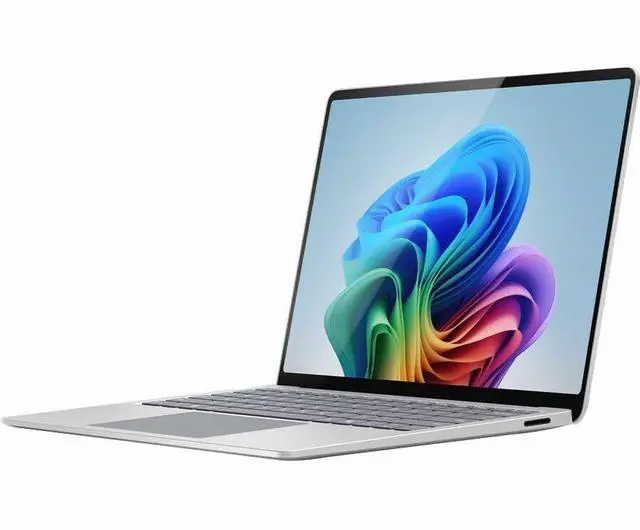
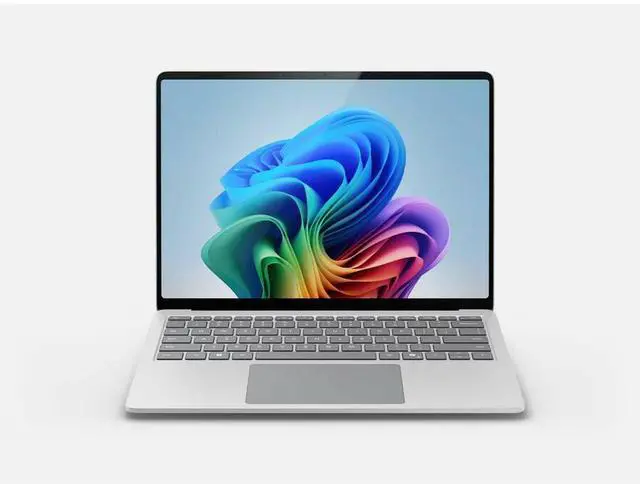
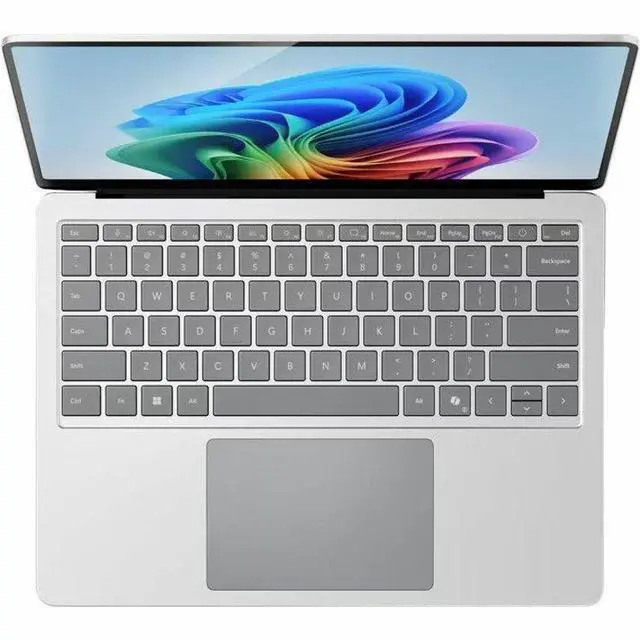
The Microsoft Surface Laptop 7 is a 13.8-inch Copilot+ PC with an Intel Core Ultra 7 processor, 16GB memory, and a 512GB SSD, suited to students and professionals who want a portable Windows laptop for everyday work, multitasking, and AI features.
| Attribute | Value |
|---|---|
| Best For | Home and personal computing with touch input and Copilot+ PC features |
| Processor And Core Count | Intel Core Ultra 7, 2nd generation, with one processor |
| GPU And VRAM | Integrated Intel Arc Graphics; VRAM capacity not specified |
| Display Spec | 13.8-inch PixelSense Flow touchscreen with 2304 × 1536 native resolution and a 120 Hz refresh rate |
| Memory Configuration | 16 GB LPDDR5X memory, running at LPDDR5X speed; maximum supported memory is 16 GB |
| Storage And Expansion | 512 GB NVMe M.2 SSD |
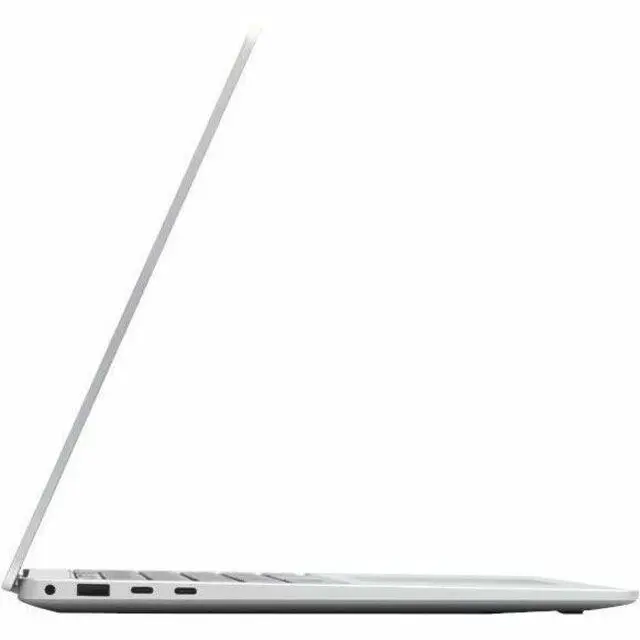
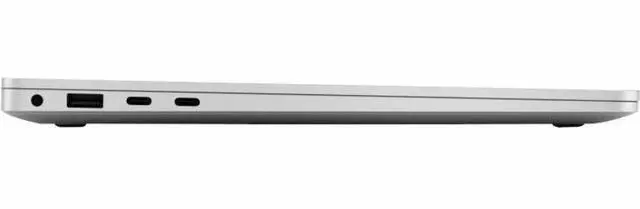
| High Speed I O | Two ports; port types are not specified |
| Battery And Power | Up to 20 hours of battery life; 39 Wh lithium-ion battery with three cells |
| Wired And Wireless Networking | 802.11be Wi-Fi and Bluetooth; no cellular connectivity |
| Webcam And Privacy | Webcam included; privacy features not specified |
| Keyboard And Control | Chiclet keyboard and touchscreen input |
| Operating System And AI | Windows 11 with Copilot+ PC features |
| Portability | 2.97 lb; 11.9 × 8.7 × 0.69 inches (width × depth × height) |
| Color And Design | Platinum |
| Package Contents | Surface Laptop 7 notebook, standard battery, AC adapter, quick start guide, and safety and warranty documents |
| Model Identifiers | Microsoft Surface Laptop 7th Edition, model EP2-22138 |
Q: Surface Laptop 7 Intel vs. Snapdragon: which should I choose for Windows app compatibility?
A: Choose this Intel Surface Laptop 7 if you want an x86 Intel processor for native compatibility with Windows apps and peripherals designed for Intel-based PCs. Choose the Snapdragon version if your apps and workflow are optimized for Windows on Arm.
Q: Surface Laptop 7 13.8-inch vs. 15-inch: which is better for carrying around?
A: Choose this 13.8-inch model for a more compact laptop: it weighs about 2.97 lb and measures 11.9 × 8.7 inches. The 15-inch Surface Laptop 7 provides a larger screen area, while the 13.8-inch model prioritizes a smaller footprint.
Q: Surface Laptop 7 Intel vs. Surface Laptop 6: what changes with the newer model?
A: Choose this Surface Laptop 7 if you want its 13.8-inch, 120Hz PixelSense Flow touchscreen and Intel Core Ultra Series 2 processor. Surface Laptop 6 has a 13.5-inch PixelSense display and Intel Core Ultra Series 1 processors, making it a previous-generation option in a slightly smaller screen size.


