here!
I’m your shopping assistant for PC builds, upgrades, and everything tech.
Got questions? Ask away!
Start a conversation
here!
I’m your shopping assistant for PC builds, upgrades, and everything tech.
Got questions? Ask away!
Start a conversation





Any questions? Ask CelesteSM will help you find out quickly.

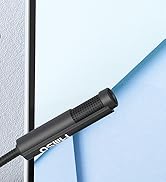
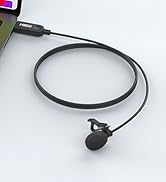
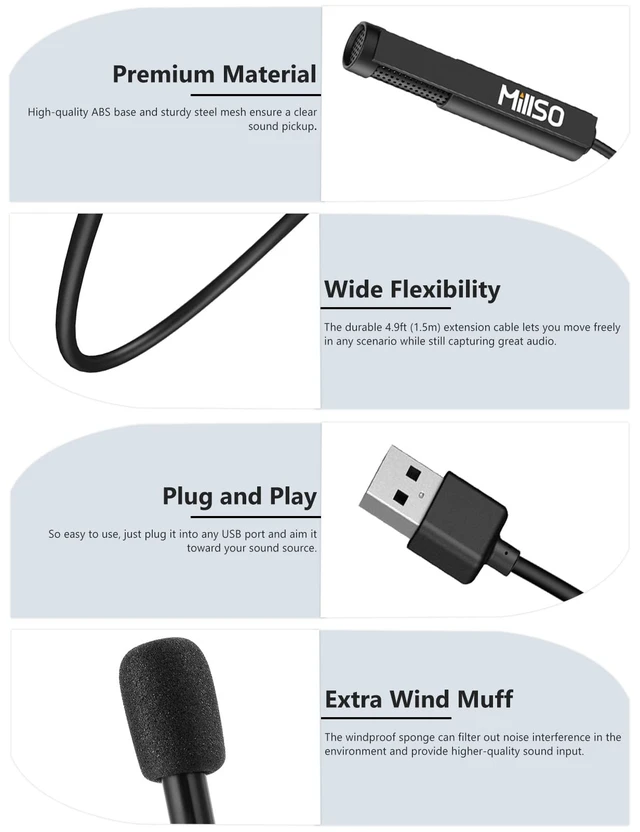
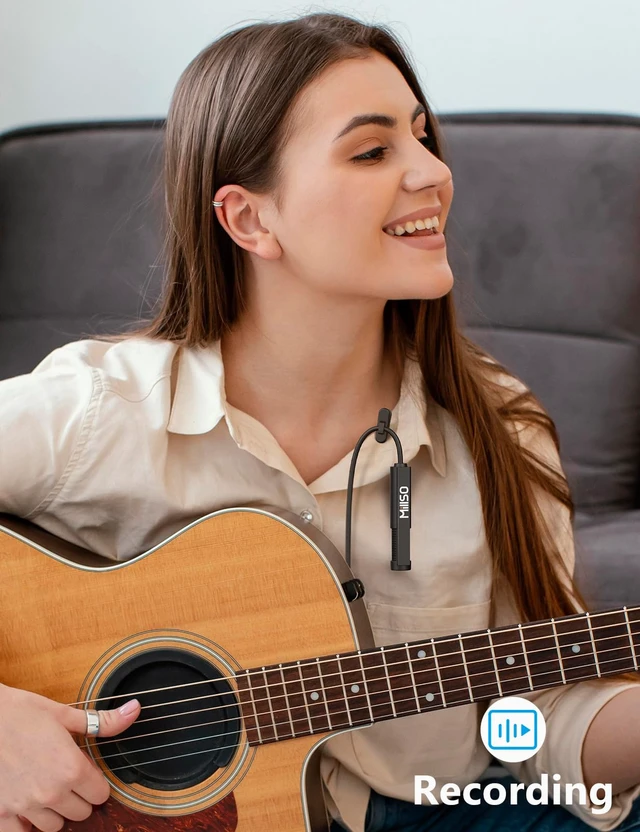
This is a class-compliant mini USB microphone, allowing plug-and-play functionality with all types of computers with USB, simple to capture your voice. And this wired USB microphone is not subject to signal interference, transmission is stable.


MQ2 | Item Model | MQ8 |
Lavalier or Handheld | Design Style | Stand |
360° adjustable | Feature | 120° adjustable |
Plug and Play | Usage | Plug and Play |
MQ2 | Item Model | MQ5 |
Lavalier or Handheld | Design Style | Lavalier or Handheld |
360° adjustable | Feature | 360° adjustable |
Plug and Play | Usage | Plug and Play |
MQ2 | Item Model | MQ6 |
Lavalier or Handheld | Design Style | Lavalier or Handheld |
360° adjustable | Feature | 360° adjustable |
Plug and Play | Usage | Plug and Play |

This is a class-compliant mini USB microphone, allowing plug-and-play functionality with all types of computers with USB, simple to capture your voice. And this wired USB microphone is not subject to signal interference, transmission is stable.


| Package List | USB microphone, customized box, brand manual, extra sponge wind muffs and clip |
|---|---|
| Tip 1 | Please check both system and software preferences and set "USB PnP Sound Device" as the DEFAULT INPUT DEVICE, so that it can be recognized by Windows. |
| Tip 2 | Please don't connect the microphone to an extension adapter (including USB hub), or it will weaken the signal sent from devices. |
| Tip 3 | No gain control, please adjust the volume on the device or via Windows software. |
| Tip 4 | No inline mute button, please disable the microphone input or unplug the microphone directly. |
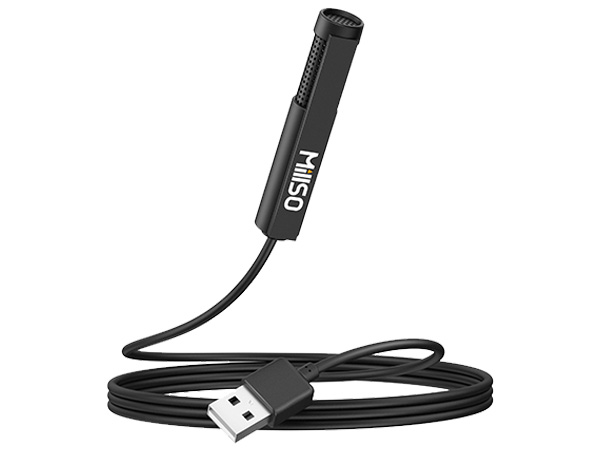
Item Model | MQ2 |
Design Style | Lavalier or Handheld |
Feature | 360° adjustable |
Usage | Plug and Play |

Item Model | MQ8 |
Design Style | Stand |
Feature | 120° adjustable |
Usage | Plug and Play |
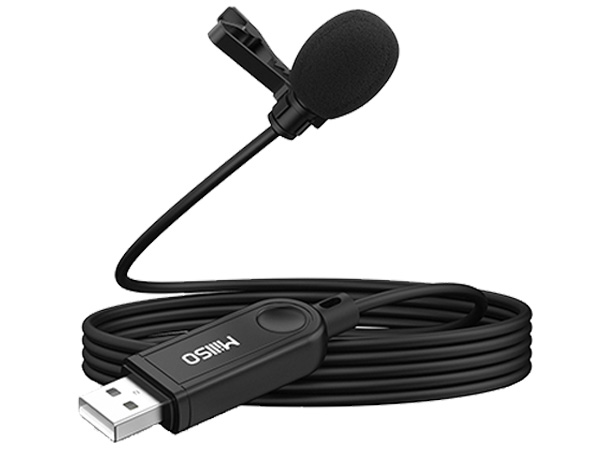
Item Model | MQ5 |
Design Style | Lavalier or Handheld |
Feature | 360° adjustable |
Usage | Plug and Play |
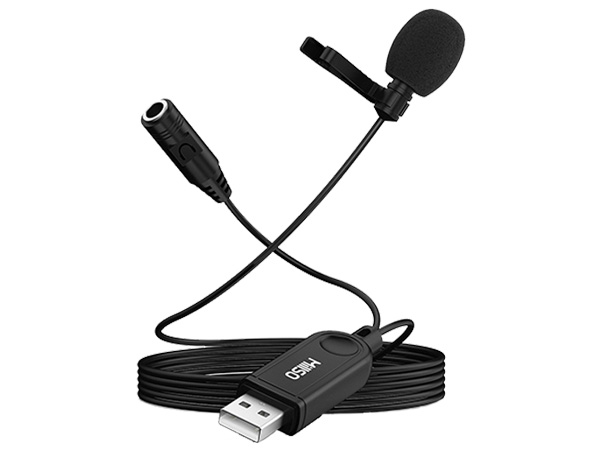
Item Model | MQ6 |
Design Style | Lavalier or Handheld |
Feature | 360° adjustable |
Usage | Plug and Play |