



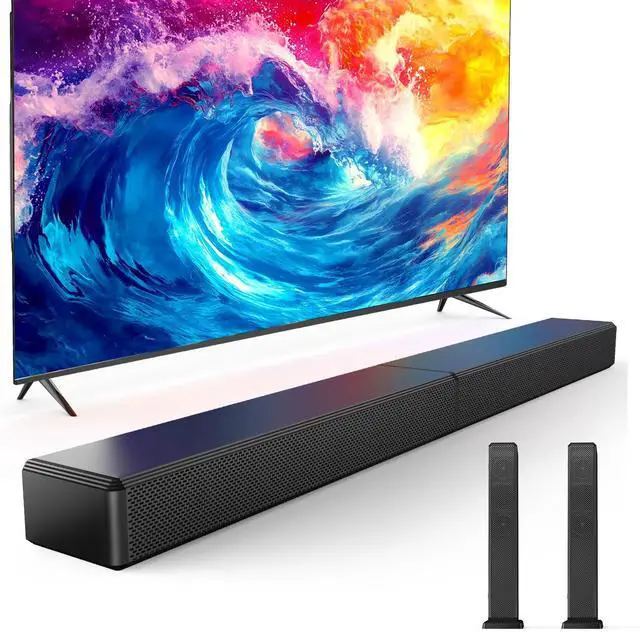
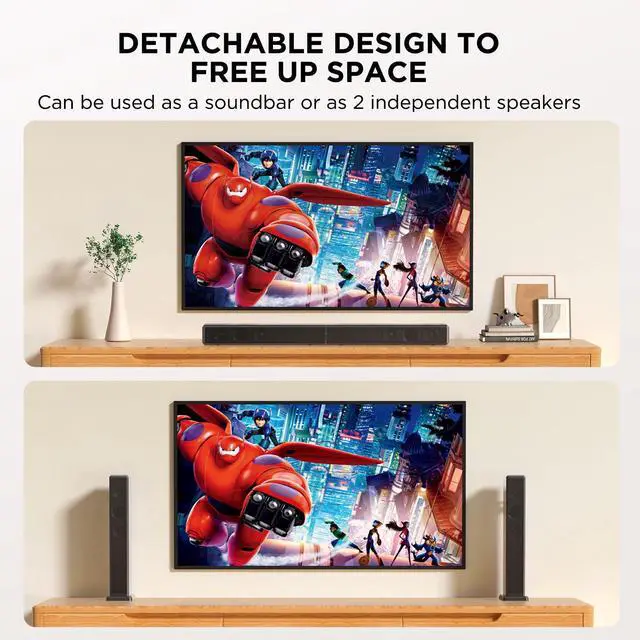

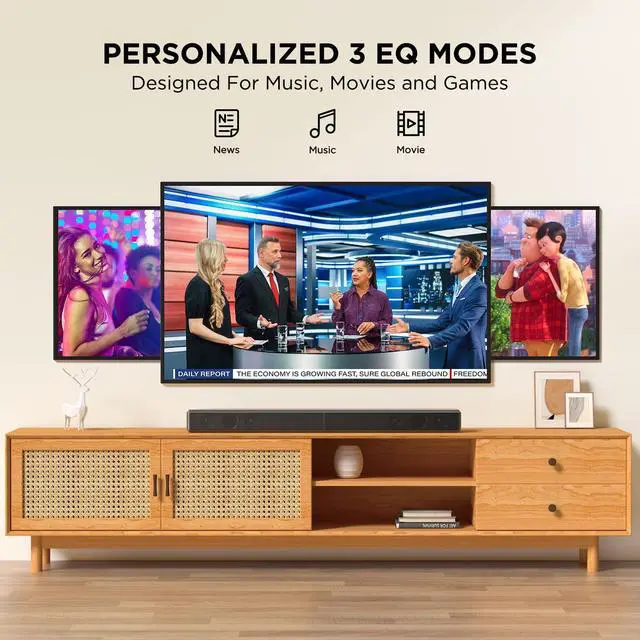

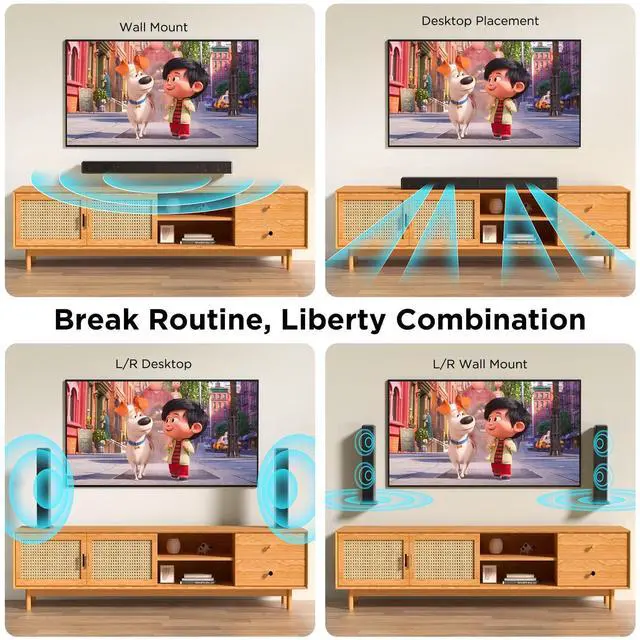



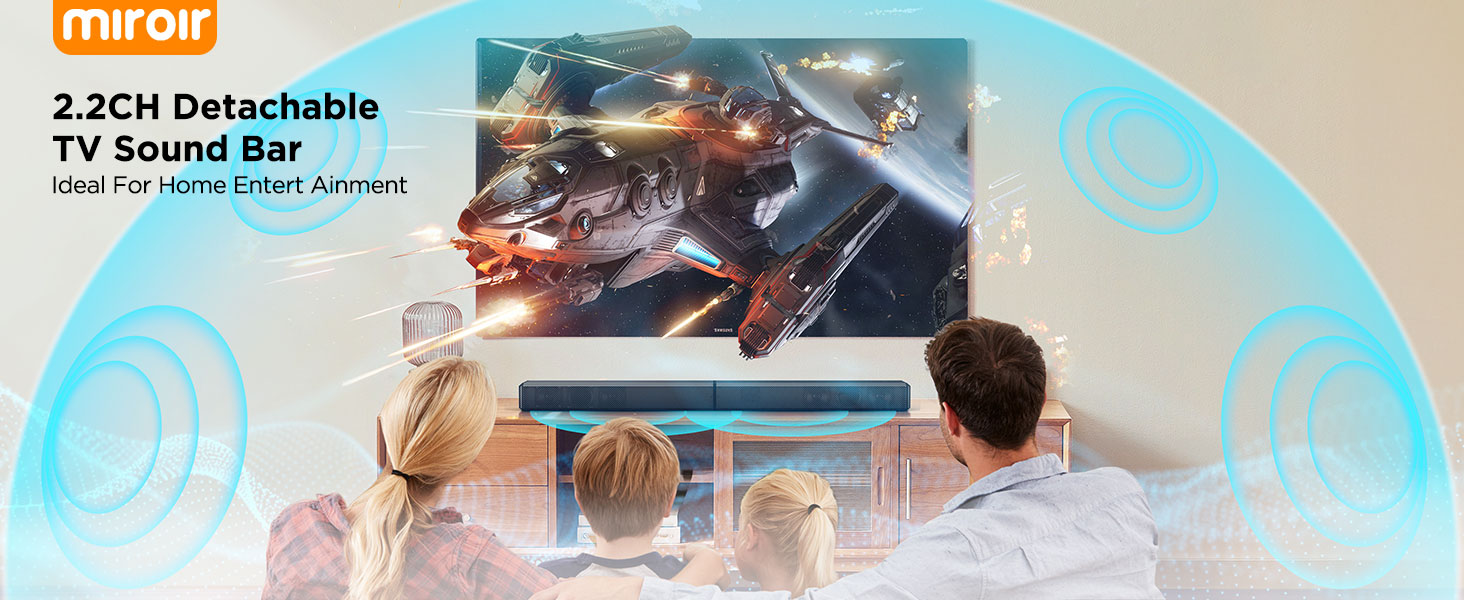
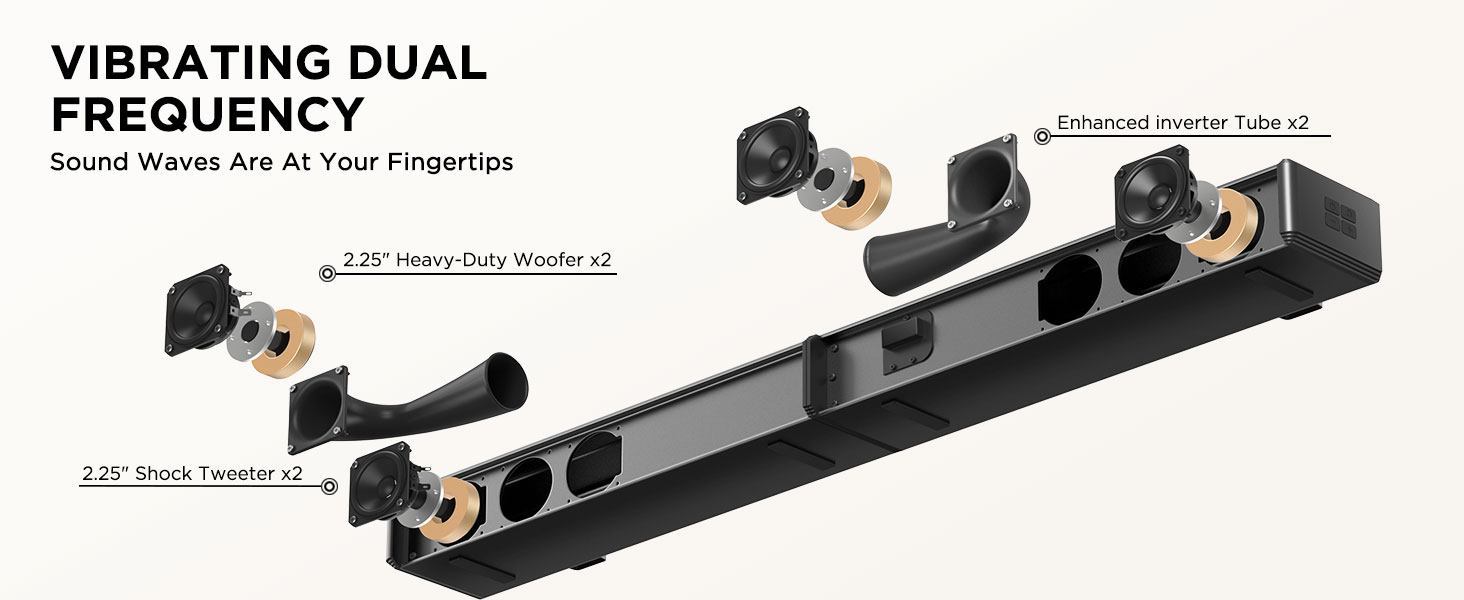
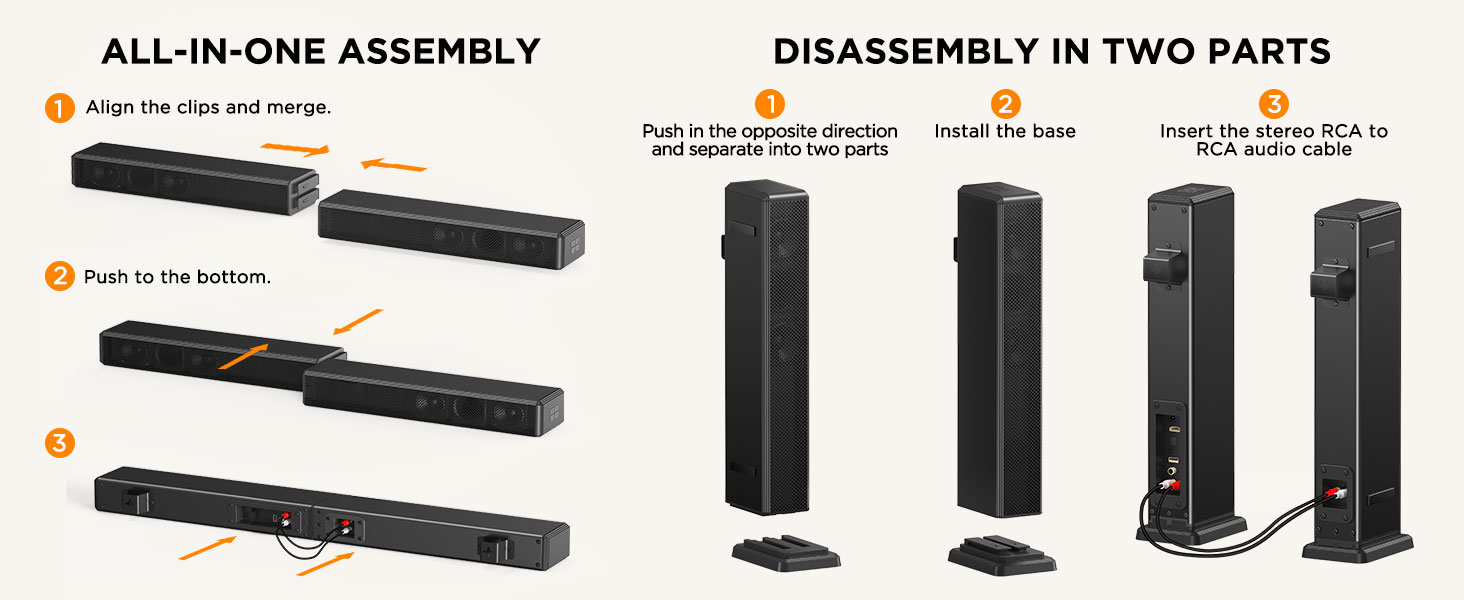
2.2ch Sound Bar for Smart TV
Merchant Video

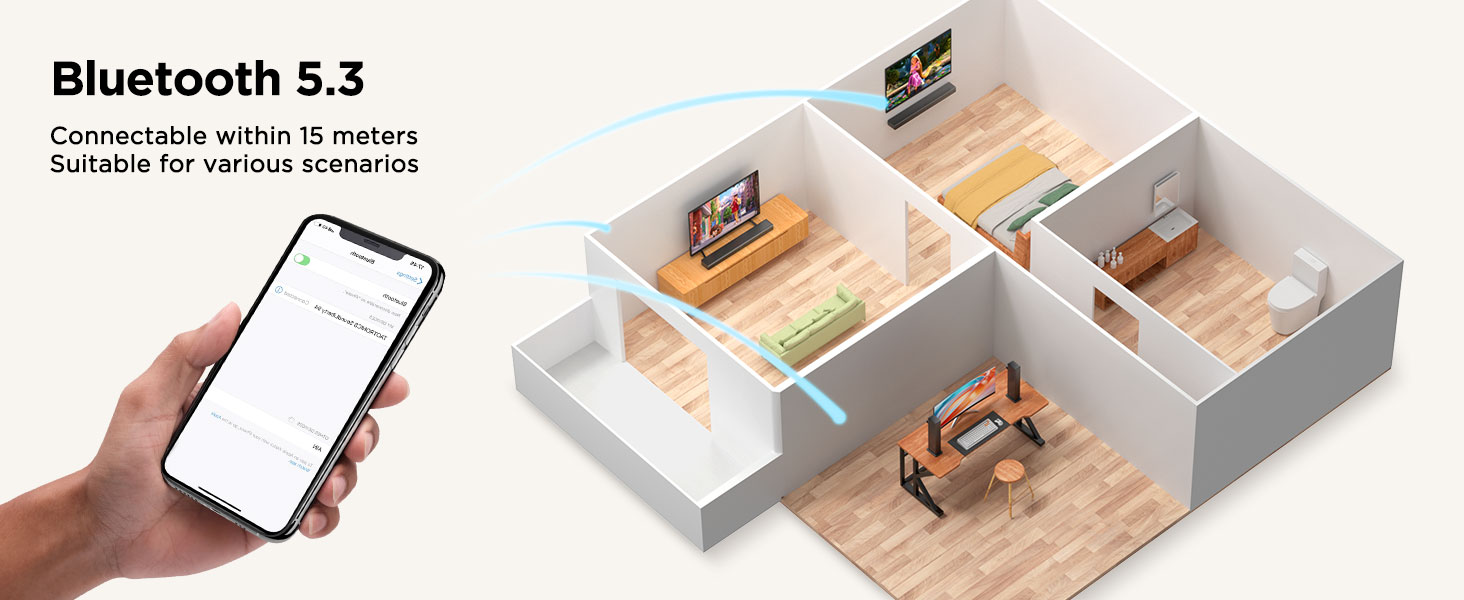
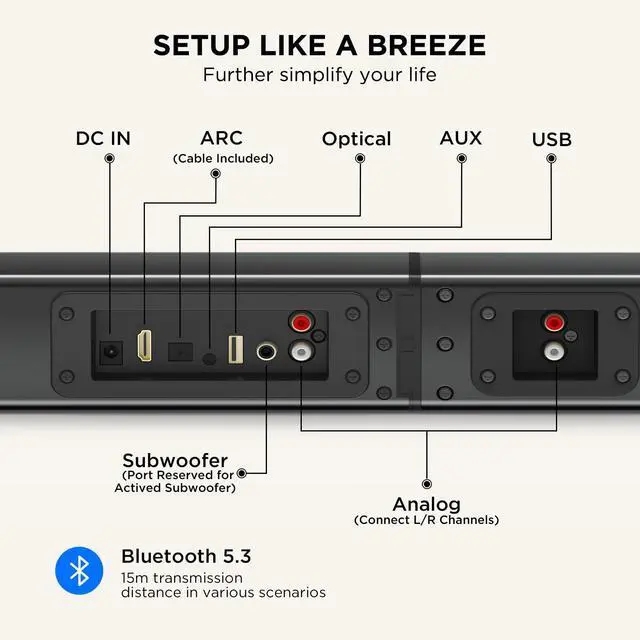
Methods for Bluetooth connection and LED light status display
1. Upon powering on, pairing will automatically begin when switching to Bluetooth. The LED will display the Bluetooth "bt" symbol flashing slowly, indicating successful Bluetooth pairing.
2. The LED will display the Bluetooth "bt" symbol solid, indicating a successful connection between the phone and the device.
3. Press and hold the "SOURCE" button on the device for 3 seconds, or press and hold the "BT" button on the remote control for 3 seconds, or turn off Bluetooth on the device. The LED will display the Bluetooth "bt" symbol flashing slowly, indicating a Bluetooth disconnection.
4. After the Soundbar is powered off and then restarted, the LED will display the Bluetooth "bt" symbol flashing slowly and then solid, indicating automatic Bluetooth reconnection to the phone.
5. Disconnecting Bluetooth at a distance and returning to a distance of 3 meters will display the Bluetooth "bt" symbol flashing slowly and then solid, indicating a successful Bluetooth reconnection.
6. After disconnecting Bluetooth, the LED will display the Bluetooth "bt" symbol flashing slowly, indicating entry into pairing mode.
Troubleshooting:
1. If the connection fails, repeat the above steps.
2. If there is no sound after connecting, delete the Bluetooth device name on your phone and repeat the above steps.

2.2ch Sound Bar for Smart TV
Merchant Video

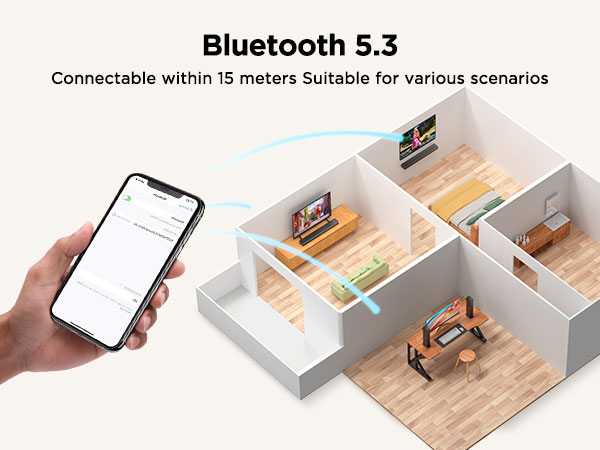
Methods for Bluetooth connection and LED light status display
1. Upon powering on, pairing will automatically begin when switching to Bluetooth. The LED will display the Bluetooth "bt" symbol flashing slowly, indicating successful Bluetooth pairing.
2. The LED will display the Bluetooth "bt" symbol solid, indicating a successful connection between the phone and the device.
3. Press and hold the "SOURCE" button on the device for 3 seconds, or press and hold the "BT" button on the remote control for 3 seconds, or turn off Bluetooth on the device. The LED will display the Bluetooth "bt" symbol flashing slowly, indicating a Bluetooth disconnection.
4. After the Soundbar is powered off and then restarted, the LED will display the Bluetooth "bt" symbol flashing slowly and then solid, indicating automatic Bluetooth reconnection to the phone.
5. Disconnecting Bluetooth at a distance and returning to a distance of 3 meters will display the Bluetooth "bt" symbol flashing slowly and then solid, indicating a successful Bluetooth reconnection.
6. After disconnecting Bluetooth, the LED will display the Bluetooth "bt" symbol flashing slowly, indicating entry into pairing mode.
Troubleshooting:
1. If the connection fails, repeat the above steps.
2. If there is no sound after connecting, delete the Bluetooth device name on your phone and repeat the above steps.