




 here!
I’m your shopping assistant for PC builds, upgrades, and everything tech.
Got questions? Ask away!
Start a conversation
here!
I’m your shopping assistant for PC builds, upgrades, and everything tech.
Got questions? Ask away!
Start a conversation Top Rated






Any questions? Ask CelesteSM will help you find out quickly.


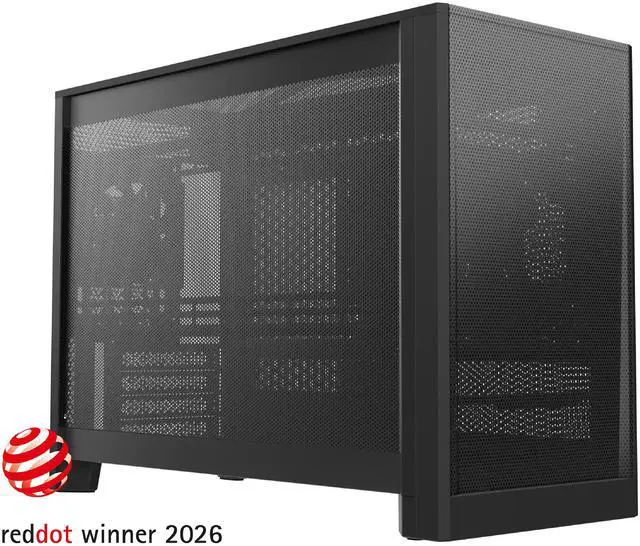
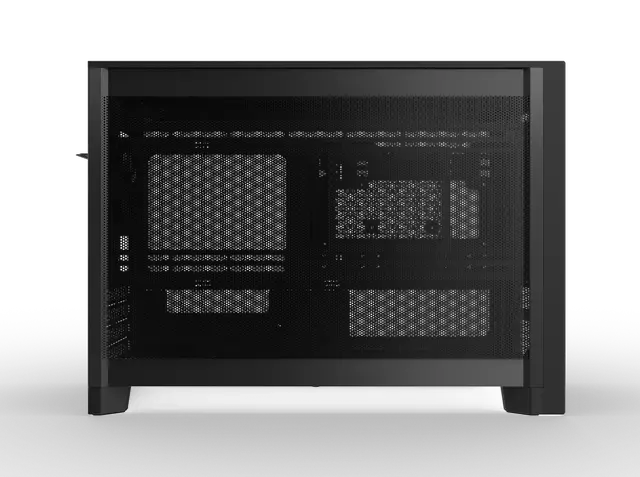
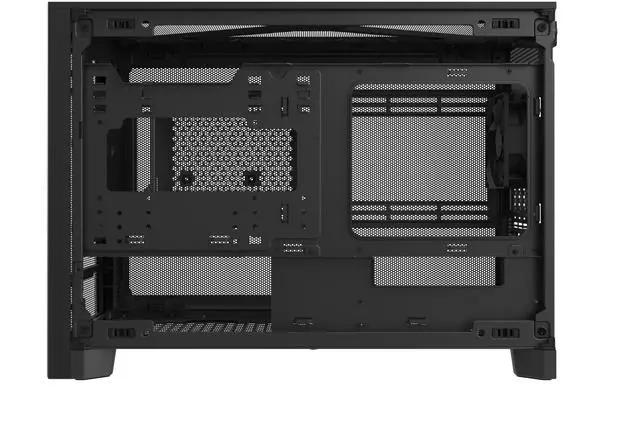
Everything begins with a point, a line, and a plane. The MONTECH TEN isn’t just a PC case; it is a Stable Gravity for your workspace, engineered to dissolve the boundary between cold technology and home aesthetics.


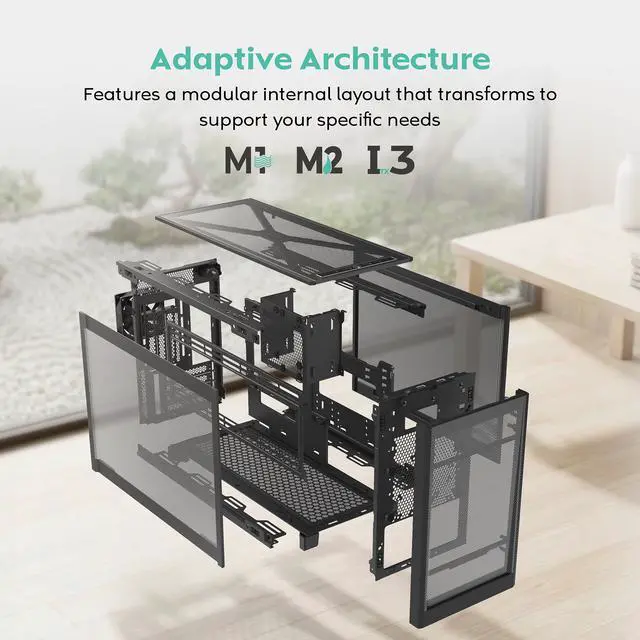
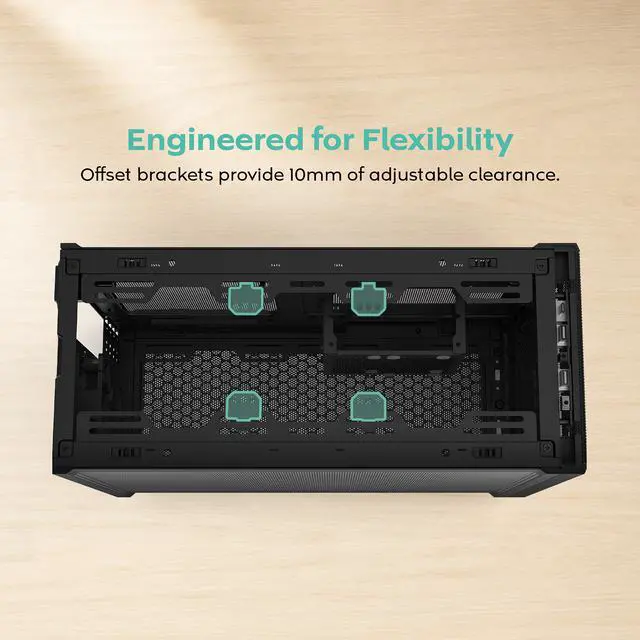
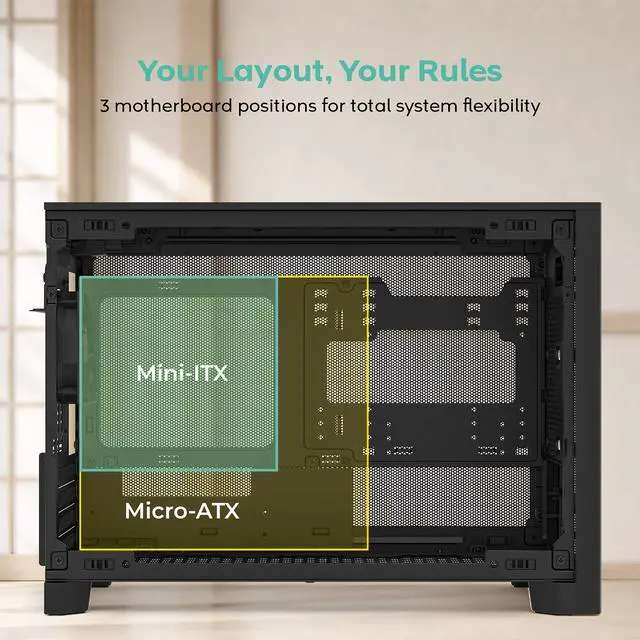
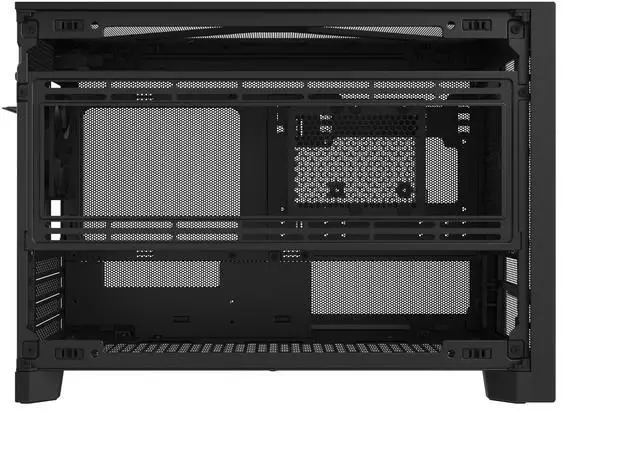
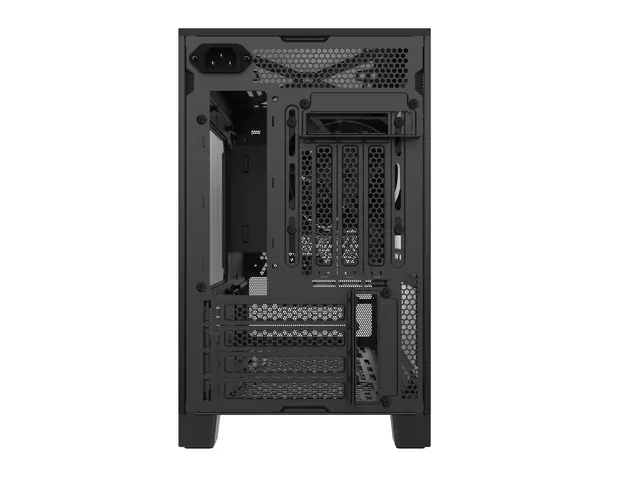
A layout system, not a fixed configuration the TEN features a modular internal layout that transforms to support your specific performance needs.

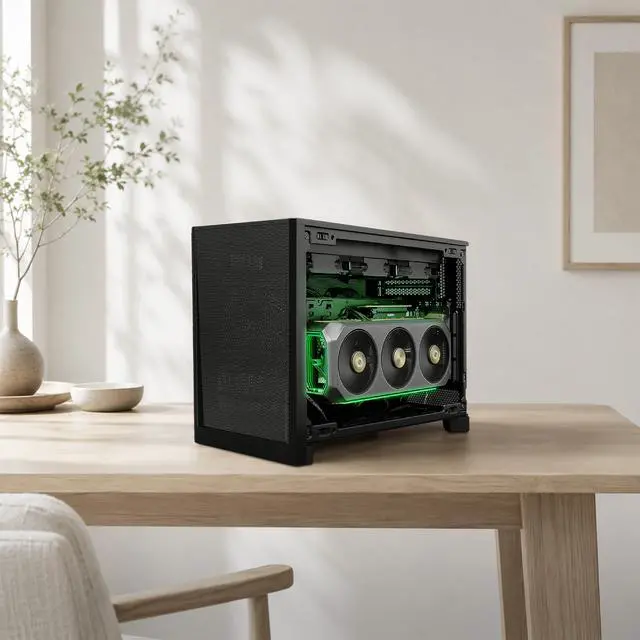
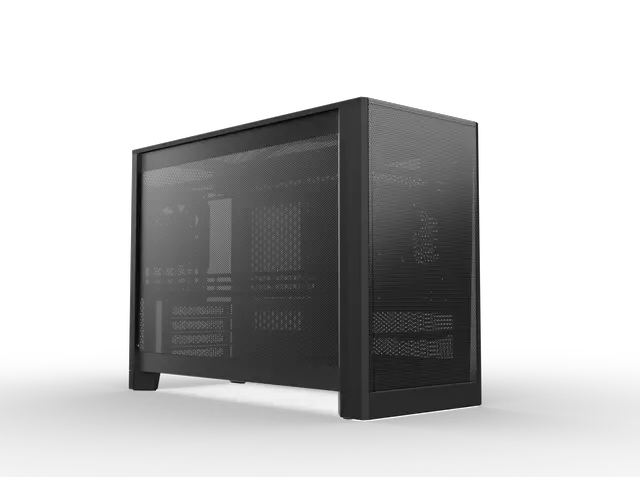
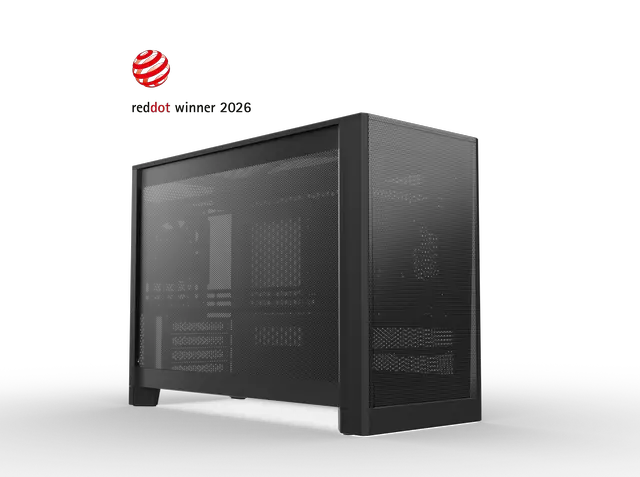
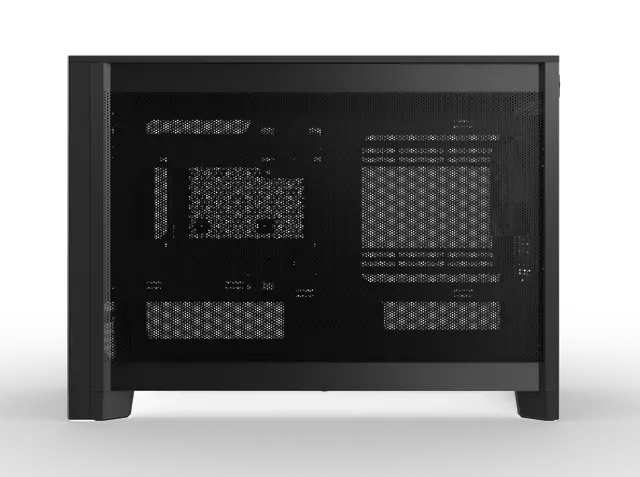
Explore the versatile geometries of the MONTECH TEN, designed to seamlessly integrate into any workspace.


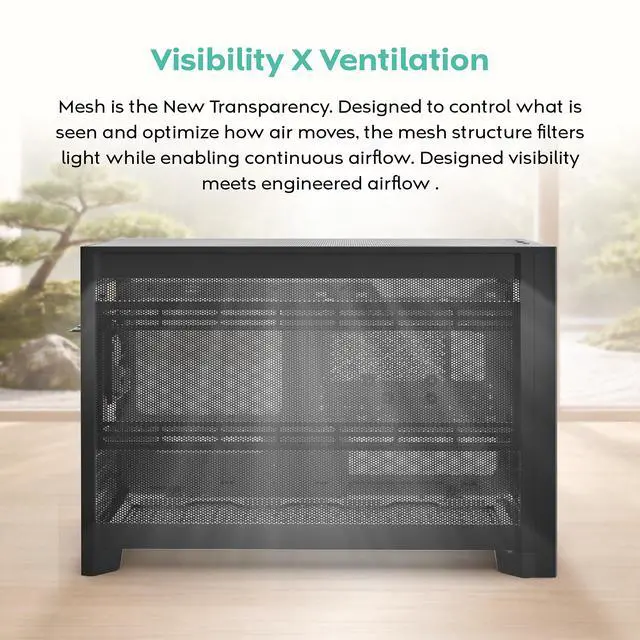
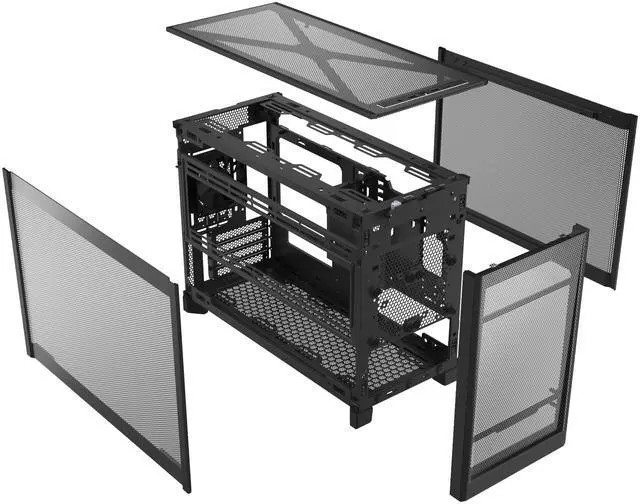
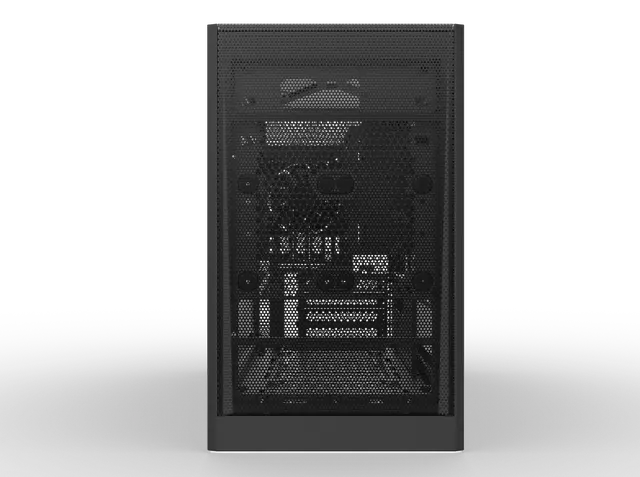
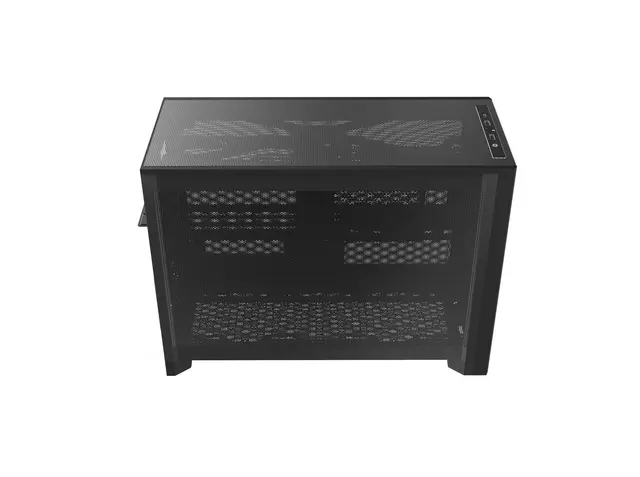
Mesh is the New Transparency. Designed to control what is seen and optimize how air moves, the mesh structure filters light while enabling continuous airflow. Designed visibility meets engineered airflow.

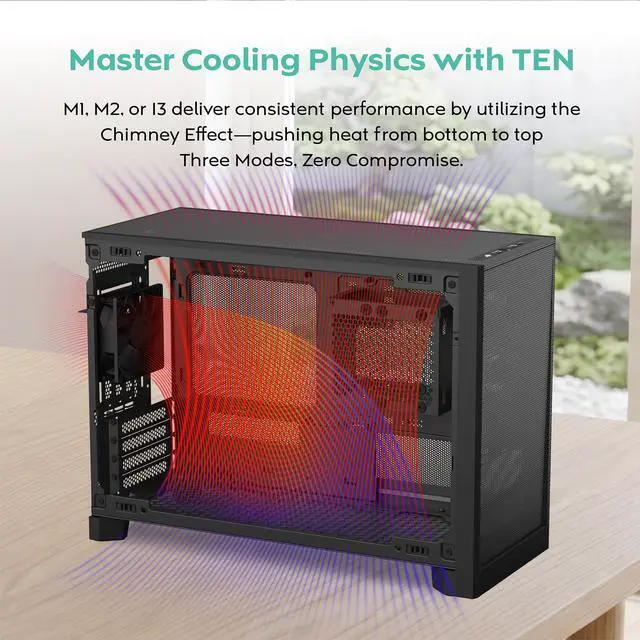
No matter how you build—M1, M2, or I3—the physics of cooling remain absolute. The TEN is engineered to harness the natural Chimney Effect, aggressively driving heat from the bottom intakes and purging it through the top exhaust. One Case. Three Modes. Zero Thermal Compromise.

To celebrate a decade of innovation, each TEN includes an exclusive commemorative kit:
Airflow Specialist
Airflow Specialist
SFF Master


We want to ensure your holiday shopping this year is hassle-free. That’s why we’re automatically extending our return policies on almost every product! For purchases placed between November 1st, 2025 and December 31, 2025 you will have until January 31, 2026 to return your product.
The MONTECH TEN M1 is a compact Micro ATX and Mini ITX PC case designed for customizable gaming, workstation, and high-performance SFF builds. It supports multiple motherboard, PSU, GPU, fan, and radiator configurations, including radiators up to 360mm, so it suits builders who want strong cooling and flexible component layouts in a small chassis.
Q: Is the Montech TEN a better choice than the ASUS Prime AP201 for a compact Micro-ATX build?
A: Choose the Montech TEN when you want a smaller 22.7-liter main-frame design, multiple internal layouts, flexible PSU placement, vertical GPU options, and support for up to a 360mm radiator. Choose the ASUS Prime AP201 when you prefer a more conventional 33-liter Micro-ATX layout with easier cable routing, standard ATX PSU support up to 180mm, and a 338mm maximum GPU length. The TEN offers more configuration flexibility, while the AP201 provides a simpler traditional build experience.
Q: Should I buy the Montech TEN or the cheaper Montech AIR 100 ARGB?
A: Choose the Montech TEN for a compact performance-focused system using a large GPU, a 360mm radiator, or a modular air- or liquid-cooling layout. Choose the AIR 100 ARGB when lower cost, included fans, RGB lighting, and a more conventional building process matter more than minimum size. The AIR 100 ARGB is larger and supports up to a 330mm GPU and 240mm top radiator, while the TEN provides more layout options and greater radiator flexibility.
Q: Is the Montech TEN better than the Cooler Master NR200P V3 for a portable gaming PC?
A: Choose the Cooler Master NR200P V3 when portability and the smallest practical enclosure are the priorities: it uses a Mini-ITX motherboard, SFX or SFX-L power supply, and has an approximately 18.6-liter volume. Choose the Montech TEN when you need Micro-ATX support, a taller air cooler, more storage flexibility, an ATX PSU option, or a 360mm radiator. The NR200P V3 is more travel-oriented, while the TEN accommodates a broader range of high-performance components.
Q: Should I use the Montech TEN M1 layout or the M2 layout?
A: Use the TEN M1 layout for an air-cooled Micro-ATX build with a conventional motherboard orientation and straightforward bottom-to-top airflow. Use the M2 layout when a liquid cooler, vertical GPU, or alternate component arrangement is more important. M1 is generally the simpler starting point for air cooling, while M2 provides more liquid-cooling flexibility but requires closer checks for GPU length, radiator thickness, PSU placement, and cable routing.
Q: Will this case fit my Micro ATX or Mini ITX motherboard?
A: Yes. The MONTECH TEN supports Micro ATX and Mini ITX motherboards. It is suitable for compact gaming, workstation, and small-form-factor builds, but it does not support standard ATX motherboards.
Q: Can this case fit a large graphics card?
A: Generally, yes. The listed clearance is up to 438 mm for horizontal GPU installation and 433 mm for vertical installation. Actual fit depends on the GPU thickness, power-connector clearance, radiator placement, and the selected case configuration, so check the graphics card dimensions before building.
Q: Does the MONTECH TEN support liquid cooling?
A: Yes. The case supports radiators up to 360 mm in the bottom or side positions. Because radiator, fan, GPU, and motherboard clearances can interact in a compact chassis, confirm the dimensions of the complete cooling configuration before purchasing.
Q: Does this PC case include a power supply and all the parts needed to build a computer?
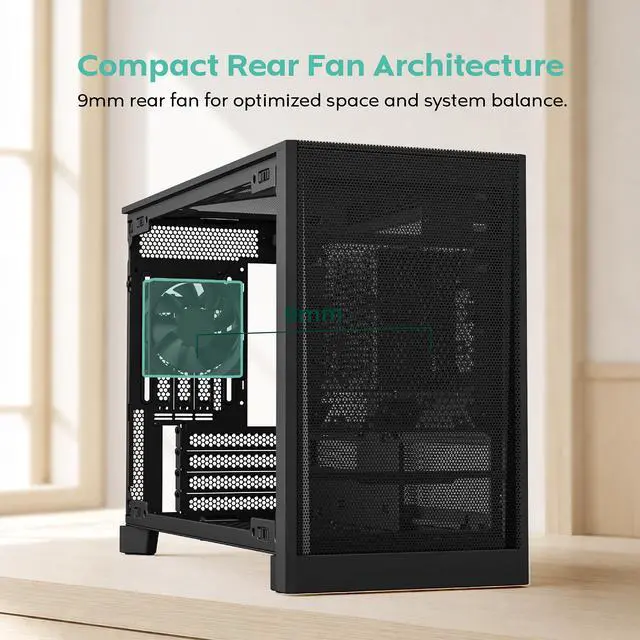
A: No. The MONTECH TEN is an empty PC chassis and does not include a power supply. You must provide the motherboard, processor, memory, graphics card if needed, storage, power supply, and CPU cooling solution. The listing identifies one rear fan as included.
Q: Who is the MONTECH TEN best suited for?
A: It is best suited for builders who want a compact Micro ATX or Mini ITX system with flexible component placement, strong mesh airflow, and support for either air or liquid cooling. It is less suitable for users who want a plug-and-play desktop, standard ATX compatibility, extensive large-drive storage, or the simplest first-time build experience.
Q: Who is the MONTECH TEN best suited for?
A: The MONTECH TEN is best suited for builders who want a compact Micro-ATX or Mini-ITX system with flexible layouts, strong ventilation, and support for large GPUs or up to a 360mm radiator. It is less suitable for users who want tempered-glass visibility, built-in RGB, or the simplest possible assembly.
Q: Is the MONTECH TEN easy to build in?
A: The case is highly configurable, but building in it can require more planning than a conventional Micro-ATX case. Component placement, PSU position, GPU orientation, radiator placement, and cable routing affect one another, and some layouts may have limited cable-management space.
Q: Should I use an SFX power supply in the MONTECH TEN?
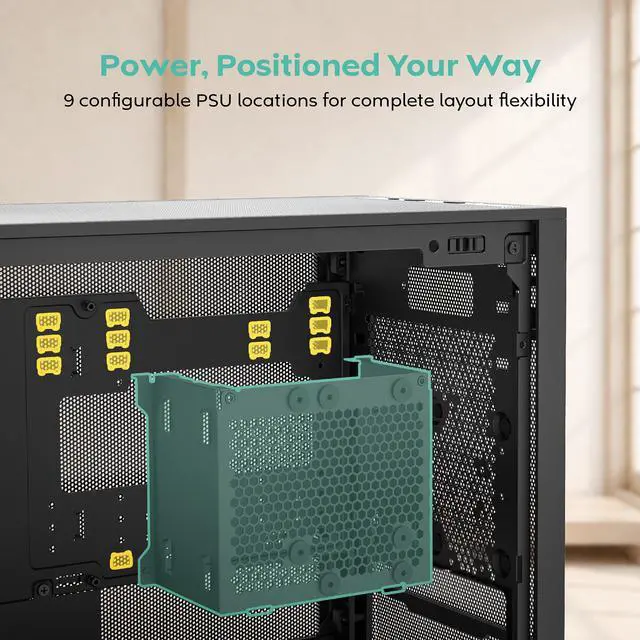
A: An ATX power supply can fit, but an SFX or SFX-L unit is generally the easier choice for compact or complex layouts because it leaves more room for GPU clearance and cable routing. Verify the PSU length and cable positions against the selected configuration before building.
Q: Can the MONTECH TEN support a liquid-cooled or vertically mounted GPU build?
A: Yes. The case supports liquid-cooling layouts with radiators up to 360mm and offers vertical GPU configurations. A vertical GPU setup may require a separately purchased PCIe riser cable, and radiator, PSU, GPU, and expansion-card clearances must be checked together.
Q: Is the MONTECH TEN a good choice for high-performance gaming or workstation hardware?
A: It can support high-performance hardware, including long GPUs, air coolers, and 360mm radiators, while its mesh panels favor airflow. The trade-off is that thermal and installation results depend heavily on the selected layout, fan configuration, PSU size, and component clearances; a larger case remains easier to configure for maximum cooling.


