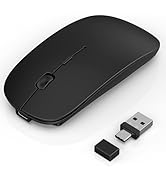
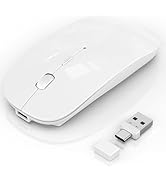
here!
here!
I’m your shopping assistant for PC builds, upgrades, and everything tech.
Got questions? Ask away!
Start a conversation
here!
I’m your shopping assistant for PC builds, upgrades, and everything tech.
Got questions? Ask away!
Start a conversation



Any questions? Ask CelesteSM will help you find out quickly.
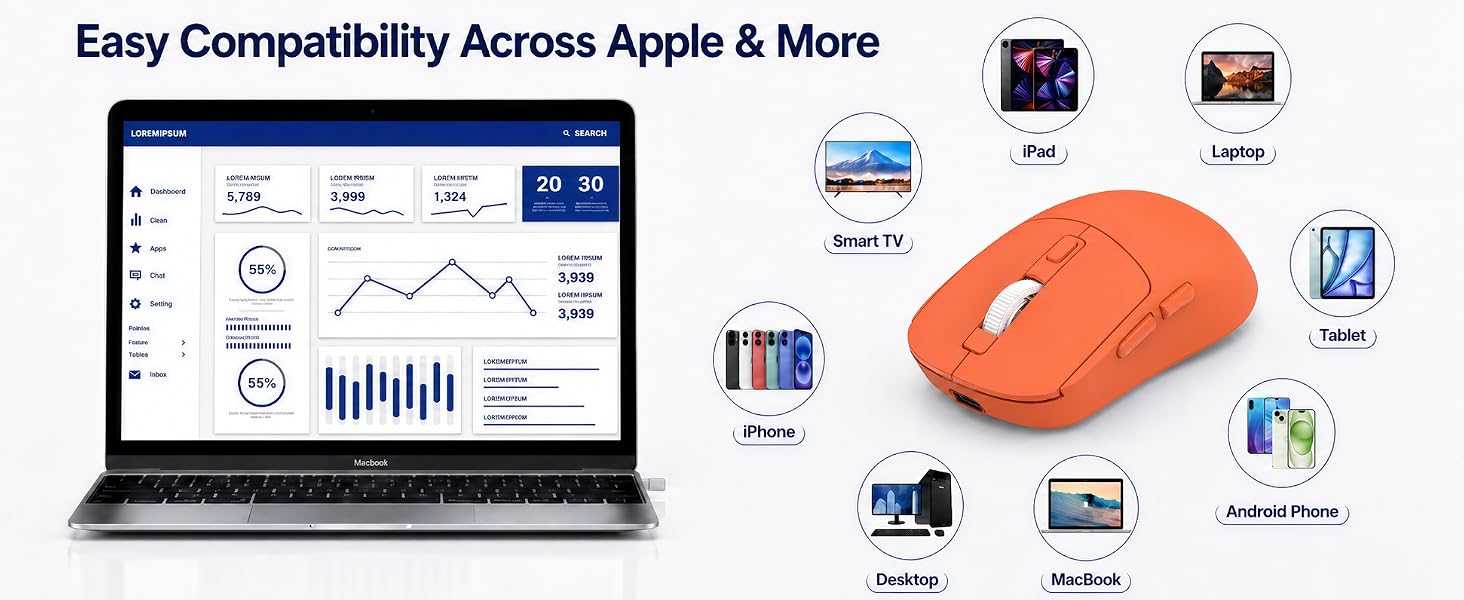
Is this wireless mouse compatible with MacBook Air, iPad, iPhone and Windows laptops?
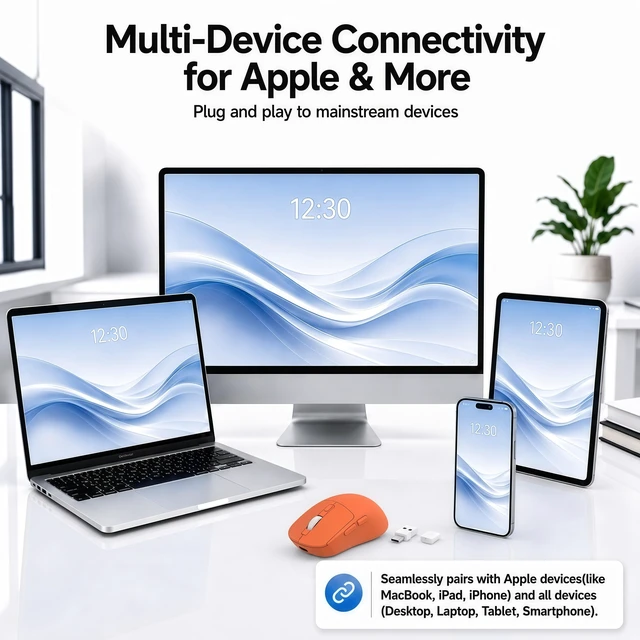
Yes. Gizdot wireless mouse works with MacBook Air/Pro, Windows laptops and desktops, iPad, iPhone, Android devices, Chromebooks and Linux systems. Minimum versions are Windows 8+, macOS 10.10+, iPadOS/iOS 13+, Android 4.3+ and Linux 3.6+.
How does the built-in mouse jiggler or mouse mover work?
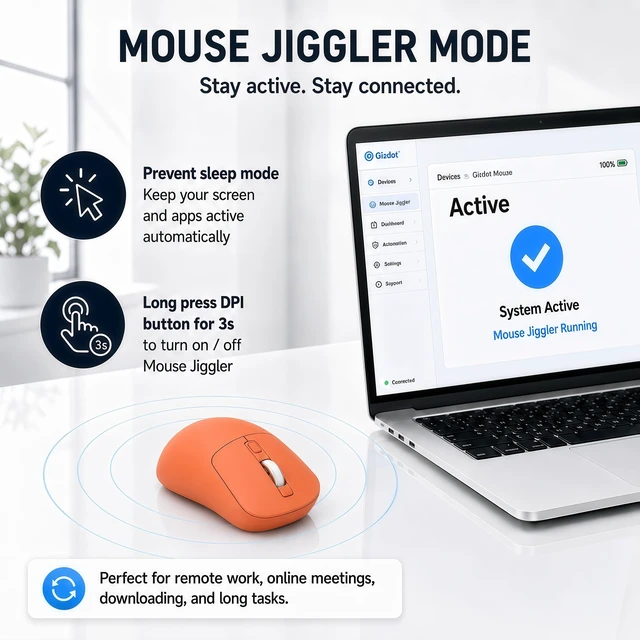
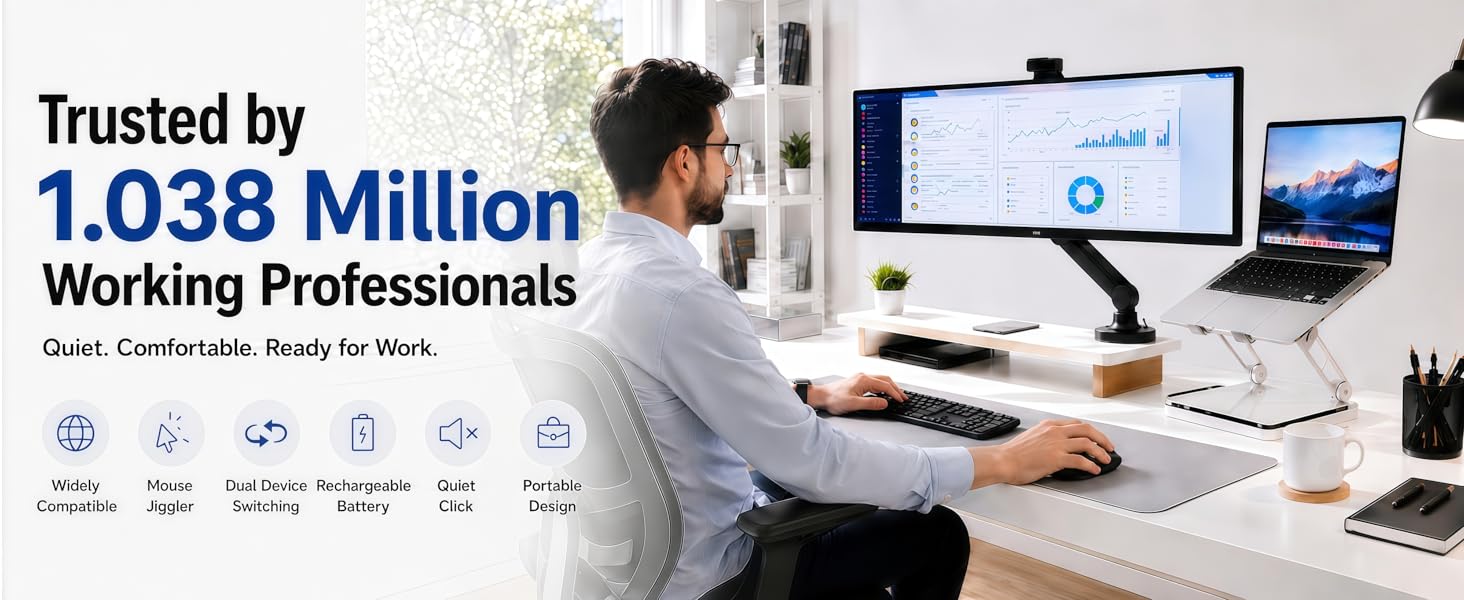
Hold the DPI button for three seconds to activate/deactivate built-in mouse jiggler mode. It creates small automatic cursor movements that help keep the screen awake during presentations, long downloads or classes without additional software.
How long does the rechargeable wireless mouse battery last?
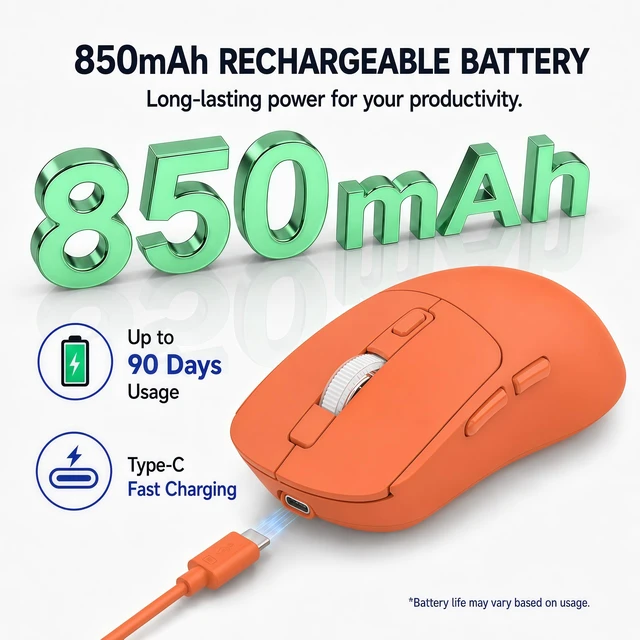
Gizdot wireless mouse features a large built-in battery with up to 90 days of standby after 2–4 hours of USB-C charging. Smart sleep modes save power, reduce charging frequency, save on disposable batteries, and support an eco-friendly lifestyle.
Why is this mouse so light? Does it feel cheap?
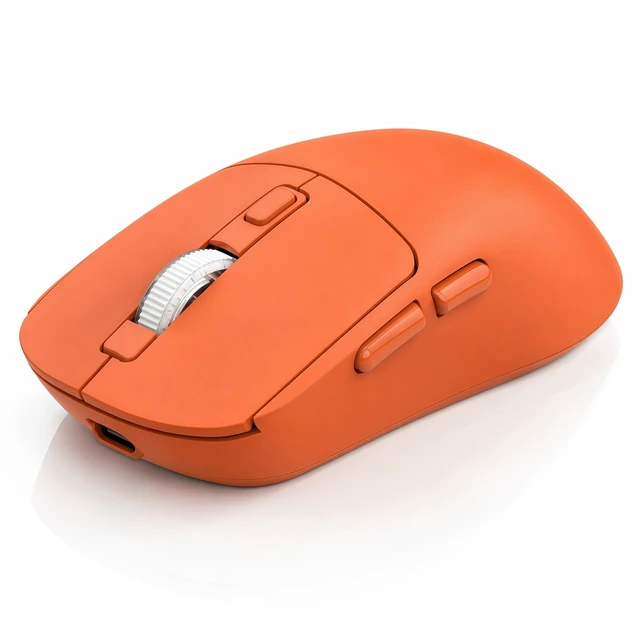
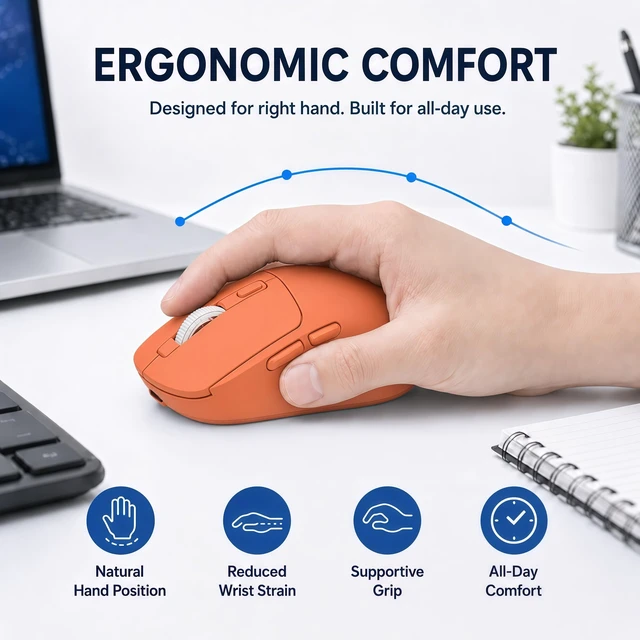
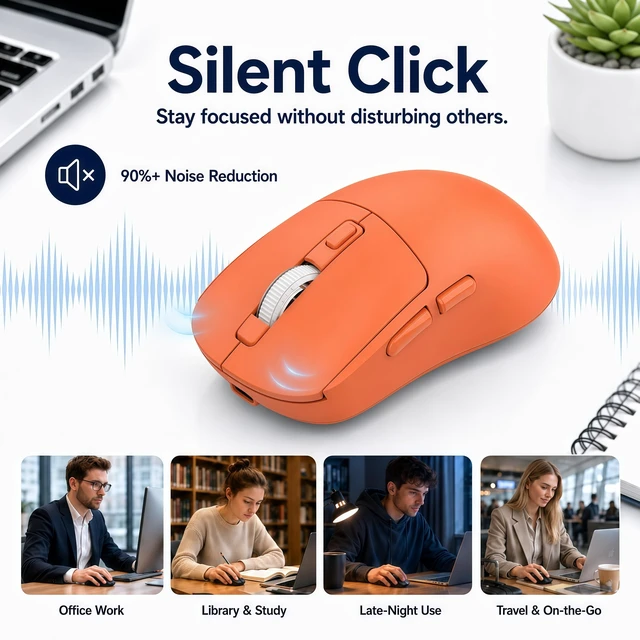
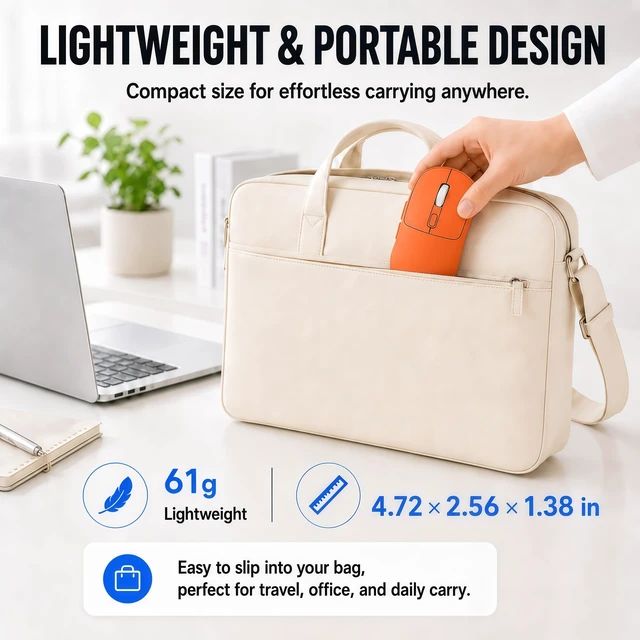
No. The lightweight design is intentional for comfort and control. Its ergonomic low-profile structure and 2.15 oz (61 g) body reduce hand fatigue during extended use, while maintaining wireless connection, rechargeable power, and silent operation.
What should I do if the Bluetooth mouse disconnects or feels delayed?
Ensure the battery is charged and the mode matches your connection. For Bluetooth, remove and re-pair the mouse; for 2.4G, reconnect the receiver or try another USB port. Reduce wireless interference and restart the device if needed.

Built on deep R&D and rigorous QC, Gizdot makes quality mice and empowers efficient creation and collaboration.

Your satisfaction is our ultimate goal:
? 30-day return window if you’re not 100% happy
? Free replacement for quality issues within 12 months
?Need setup or troubleshooting help? Send us a message through .
Thank you for choosing Gizdot!
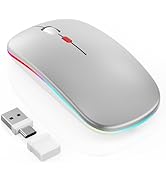

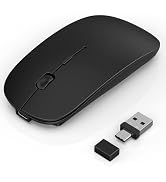

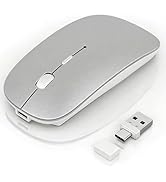
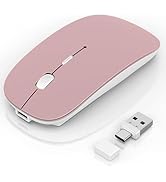



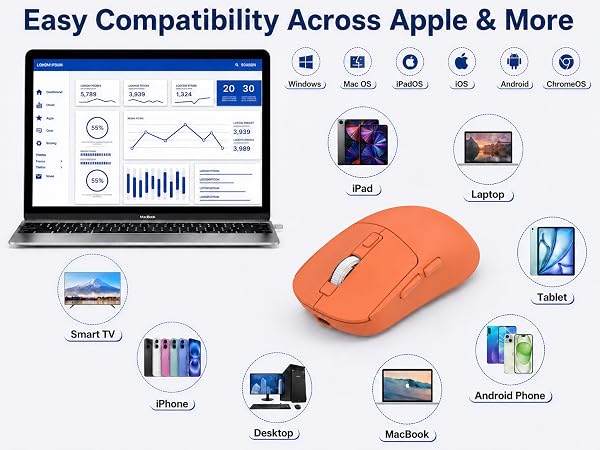
Is this wireless mouse compatible with MacBook Air, iPad, iPhone and Windows laptops?
Yes. Gizdot wireless mouse works with MacBook Air/Pro, Windows laptops and desktops, iPad, iPhone, Android devices, Chromebooks and Linux systems. Minimum versions are Windows 8+, macOS 10.10+, iPadOS/iOS 13+, Android 4.3+ and Linux 3.6+.
How does the built-in mouse jiggler or mouse mover work?
Hold the DPI button for three seconds to activate/deactivate built-in mouse jiggler mode. It creates small automatic cursor movements that help keep the screen awake during presentations, long downloads or classes without additional software.
How long does the rechargeable wireless mouse battery last?
Gizdot wireless mouse features a large built-in battery with up to 90 days of standby after 2–4 hours of USB-C charging. Smart sleep modes save power, reduce charging frequency, save on disposable batteries, and support an eco-friendly lifestyle.
Why is this mouse so light? Does it feel cheap?
No. The lightweight design is intentional for comfort and control. Its ergonomic low-profile structure and 2.15 oz (61 g) body reduce hand fatigue during extended use, while maintaining wireless connection, rechargeable power, and silent operation.
What should I do if the Bluetooth mouse disconnects or feels delayed?
Ensure the battery is charged and the mode matches your connection. For Bluetooth, remove and re-pair the mouse; for 2.4G, reconnect the receiver or try another USB port. Reduce wireless interference and restart the device if needed.
Built on deep R&D and rigorous QC, Gizdot makes quality mice and empowers efficient creation and collaboration.
Your satisfaction is our ultimate goal:
? 30-day return window if you’re not 100% happy
? Free replacement for quality issues within 12 months
?Need setup or troubleshooting help? Send us a message through .
Thank you for choosing Gizdot!