




 here!
here!
I’m your shopping assistant for PC builds, upgrades, and everything tech.
Got questions? Ask away!
Start a conversation
here!
I’m your shopping assistant for PC builds, upgrades, and everything tech.
Got questions? Ask away!
Start a conversationShipped by Newegg
 Top Rated

Make informed decisions with expert advice. Learn More




Any questions? Ask CelesteSM will help you find out quickly.


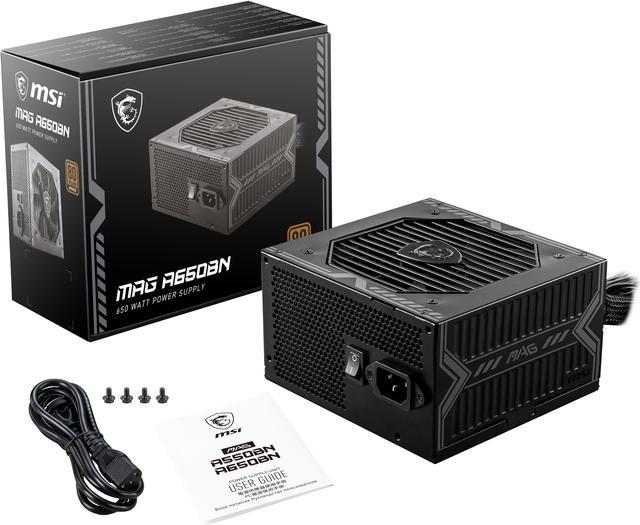
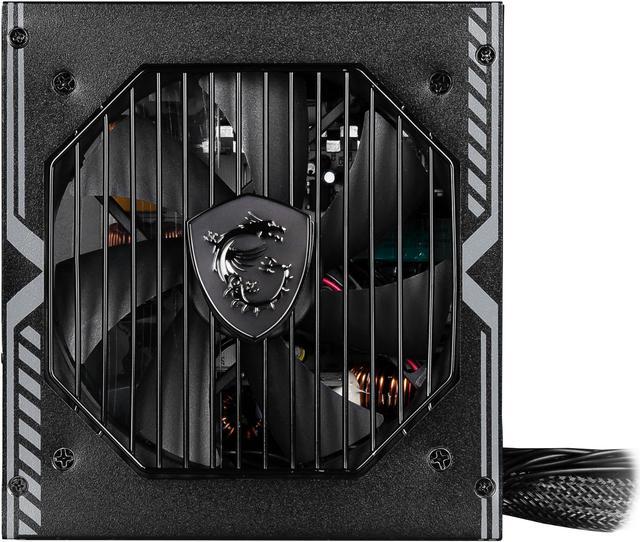
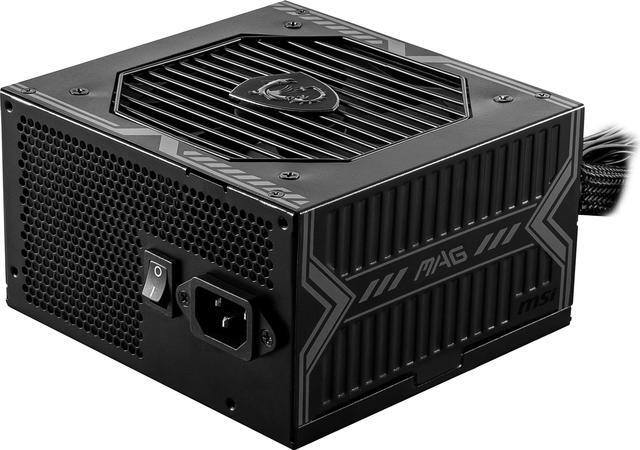
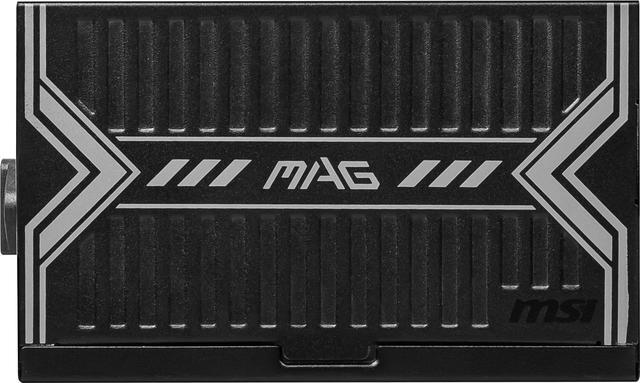
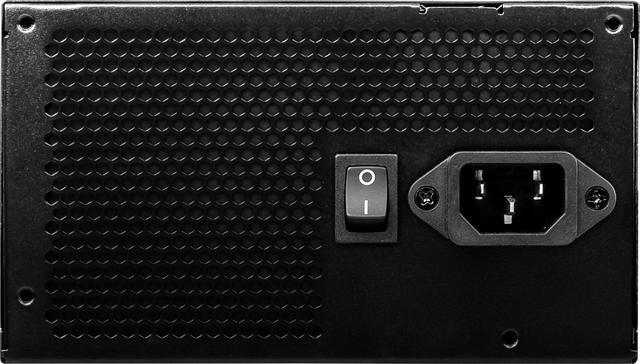
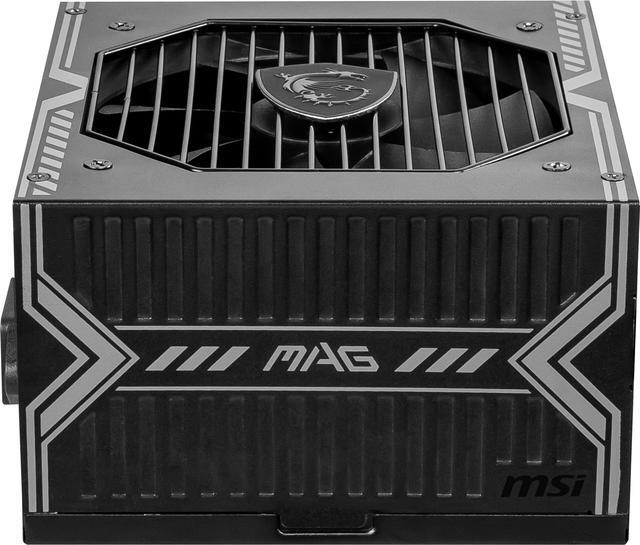
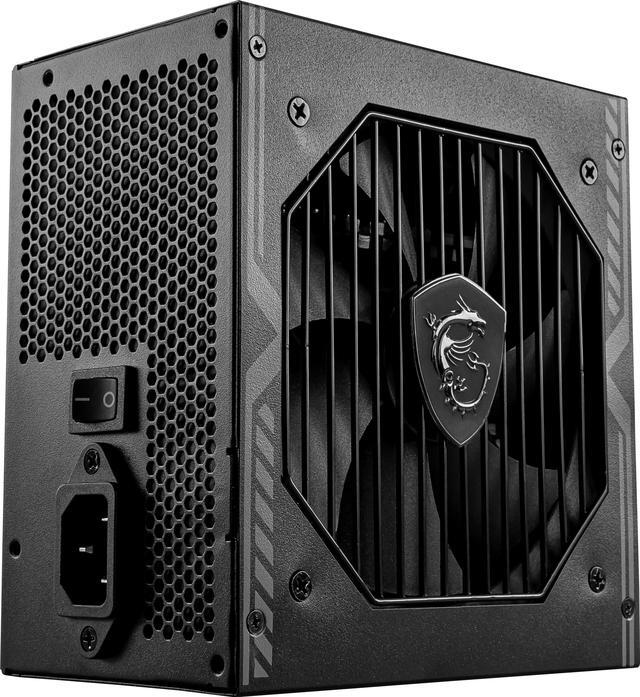
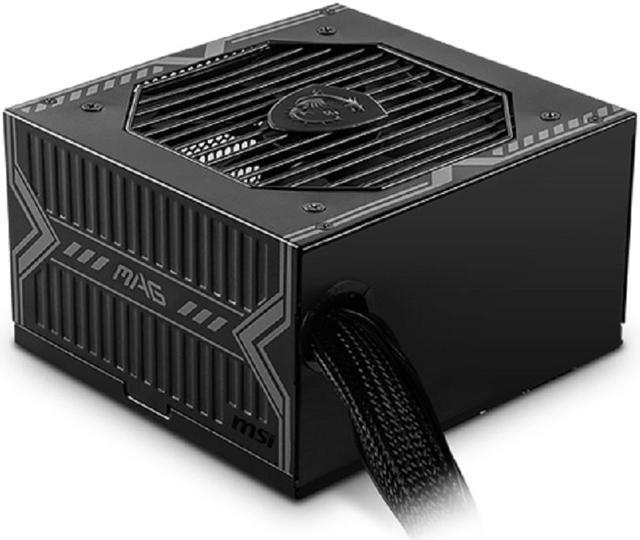
MAG A650BN provides players with a safe, reliable, and efficient entry-level power supply option. Its core features include 80 PLUS Bronze certification, DC to DC circuit design, 12V single rail, active PFC, and low-noise fan. The MAG A650BN will be one of the best choices for players who are just getting started with looking into DIY computers. After installation, gamers can immediately enjoy a reliable performance experience without additional settings.

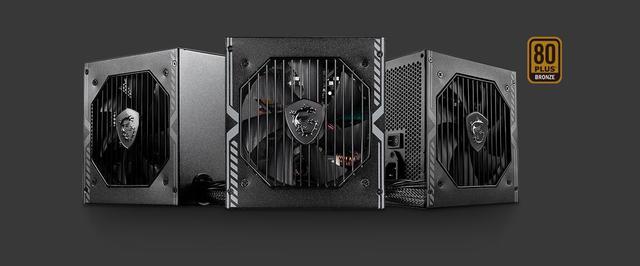
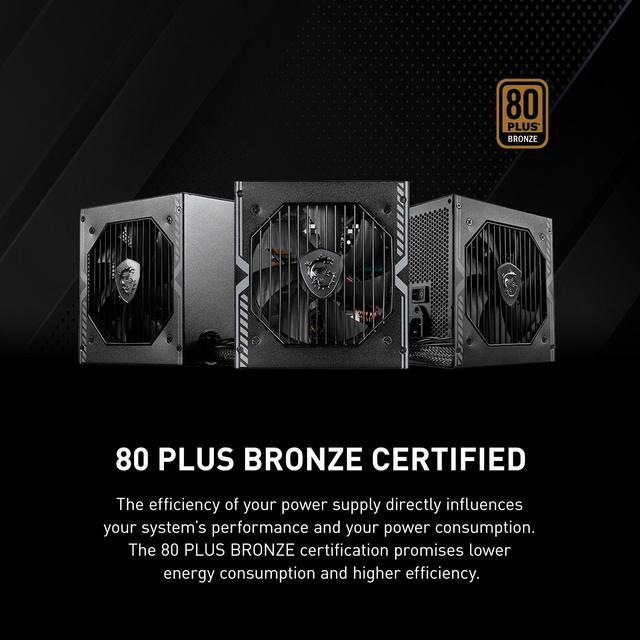
The efficiency of your power supply directly influences your system’s performance and your power consumption. The 80 PLUS BRONZE certification promises lower energy consumption and higher efficiency.

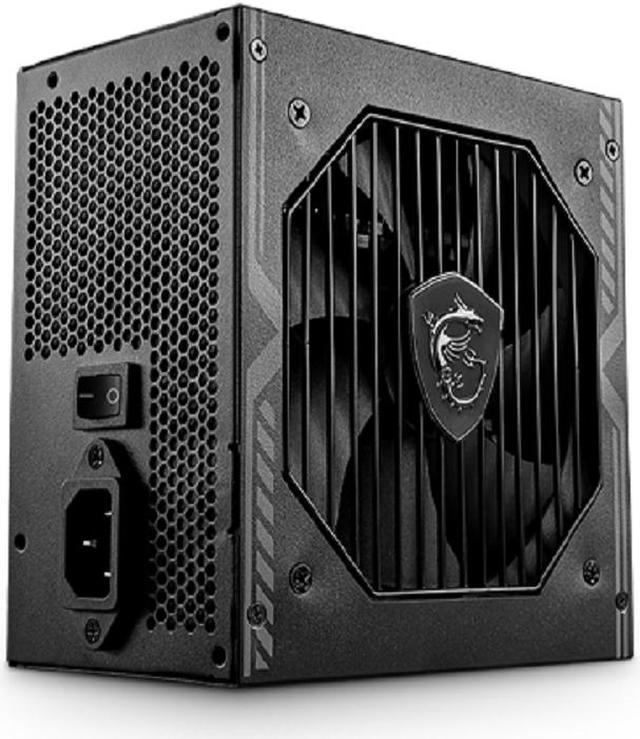
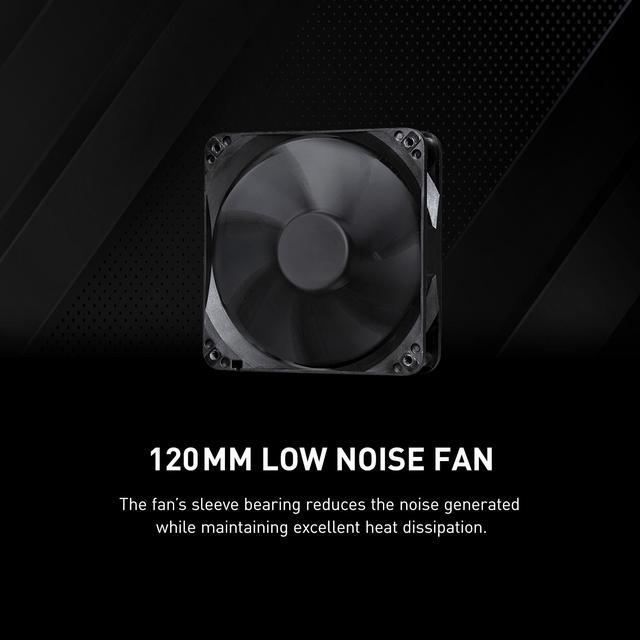
The fan’s sleeve bearing reduces the noise generated while maintaining excellent heat dissipation.

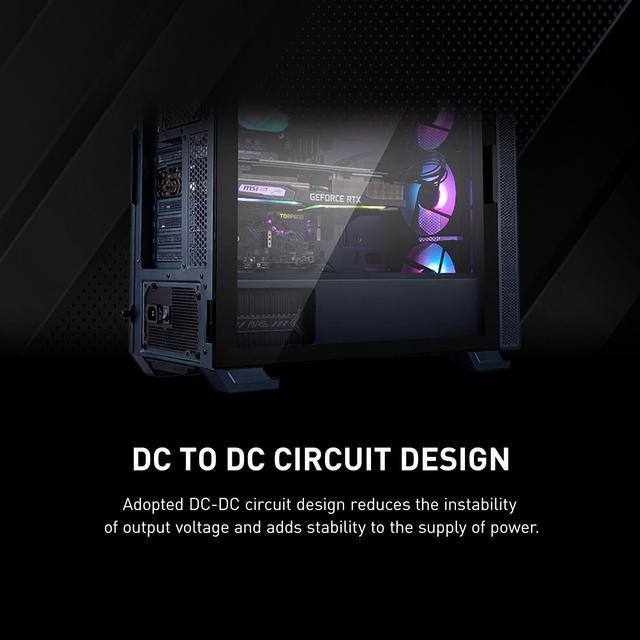
Adopted DC-DC circuit design reduces the instability of output voltage, and adds stability to the supply of power.

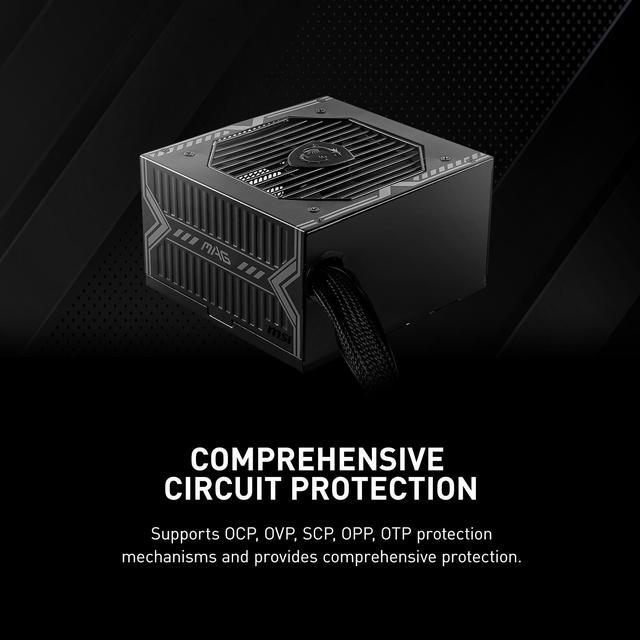
Supports OCP, OVP, SCP, OPP, OTP protection mechanisms and provides comprehensive protection.


The MAG A650BN is proudly backed by a 5-year limited warranty, guaranteeing long term reliable operation.


The MSI MAG A650BN is a compact, non-modular 650W ATX power supply for mainstream gaming PCs, home-office systems, and general desktop upgrades. It combines 80 PLUS Bronze efficiency, a low-noise 120mm fan, active PFC, DC-DC design, and multiple protection features for reliable single-GPU builds.
Q: Is the MSI MAG A650BN better than the MSI MAG A550BN for a gaming PC?
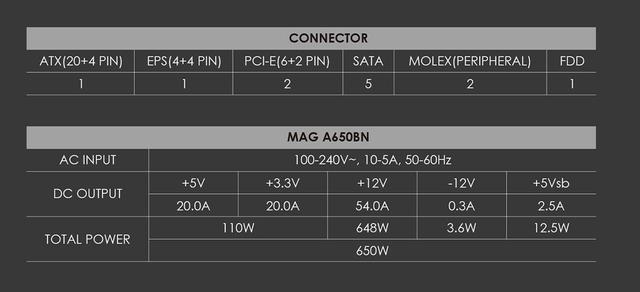
A: Choose the MAG A650BN when the system may use a higher-power graphics card or needs additional wattage headroom. Both models are non-modular, 80 PLUS Bronze units with DC-DC design, two PCIe connectors, a 140 mm chassis, and a five-year warranty; the A650BN increases capacity from 550W to 650W and raises 12V output from 45.5A to 54A. Choose the A550BN only when the build's calculated power requirement is comfortably below 550W and the lower-capacity unit is meaningfully less expensive.
Q: Should I buy the MSI MAG A650BN or the MSI MAG A650GL?
A: Choose the MAG A650BN for a lower-cost build using standard PCIe power connectors and no need for modular cables. Choose the MAG A650GL for a newer graphics-card platform or cleaner cable management: it provides 80 PLUS Gold efficiency, full modular cabling, two EPS connectors, four PCIe connectors, and native support for newer PCIe power requirements. The A650BN remains suitable when its 650W capacity and two 6+2-pin PCIe connectors match the rest of the system.
Q: Is the MSI MAG A650BN or Corsair CX650 better for a budget PC?
A: Both are 650W, non-modular, 80 PLUS Bronze power supplies with five-year warranties, so the practical choice depends on the build. Choose the Corsair CX650 for a tighter case because its listed length is 125 mm, compared with 140 mm for the MSI MAG A650BN. Choose the MSI when five SATA connectors and two Molex connectors are more useful than the Corsair's three SATA connectors and two PATA connectors. Neither model provides modular cabling or a native modern 16-pin GPU connector.
Q: Is the MSI MAG A650BN enough for a modern gaming PC, or should I get a 750W PCIe 5 power supply?
A: The MAG A650BN is a reasonable match for a mid-range system when the graphics card's power recommendation fits within 650W and the card uses standard 6+2-pin PCIe cables. Choose a 750W PCIe 5 model when the build uses a higher-power GPU, requires a native 16-pin connector, or is likely to receive a substantial graphics-card upgrade. The higher-wattage option adds upgrade headroom and newer connector support, while the A650BN is simpler and typically more cost-focused.
Q: Is 650W enough for a typical gaming PC?
A: The MSI MAG A650BN can suit mainstream gaming and general-purpose PCs when the CPU, graphics card, and other components have a combined power requirement below 650W. It provides up to 54A on the +12V rail, but high-end GPUs or heavily upgraded systems may require a higher-wattage PSU. Check the graphics card manufacturer's recommended PSU rating before buying.
Q: Will this power supply work with my graphics card?
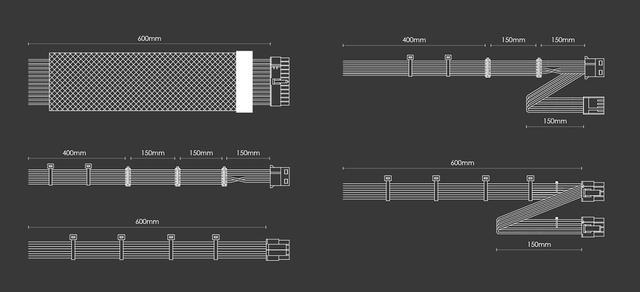
A: It includes two 8-pin PCIe connectors configured as 6+2-pin plugs, which support graphics cards using 6-pin or 8-pin auxiliary power connections. Compatibility still depends on the graphics card's recommended wattage and connector requirements. This PSU does not list a native 12VHPWR or 12V-2x6 connector, so GPUs requiring that connection may need an approved adapter or a different PSU.
Q: Is this PSU compatible with a standard ATX motherboard and case?
A: It is designed for Intel ATX 12V systems and includes a 24-pin motherboard connector plus a 4+4-pin EPS CPU connector. Its 140 mm maximum length is compact for an ATX power supply, but case clearance and mounting compatibility should still be confirmed, especially in slim, proprietary, or small-form-factor desktops.
Q: Is the non-modular design a problem for cable management?
A: The non-modular design means all power cables are permanently attached, so unused cables must be routed or stored inside the case. This can make cable management less flexible than with a modular PSU, but it avoids the need to install separate detachable cables. It is best suited to standard builds where the included 24-pin, EPS, PCIe, SATA, and Molex connectors are sufficient.
Q: Is this power supply suitable for a quiet PC?
A: It uses a 120 mm low-noise fan, which is intended to reduce operating noise, but the actual sound level depends on system load, airflow, case design, and ambient temperature. Buyers prioritizing near-silent operation should not assume the PSU will be fanless or inaudible under heavy load.
Q: Is the MSI MAG A650BN a good budget power supply for a mainstream gaming PC?
A: It is suitable for budget and mid-range systems when the total load stays within 650W and the graphics card does not require newer high-power cabling. It offers 650W output, 80 PLUS Bronze efficiency, active PFC, and standard protection features, but it is a non-modular, entry-level unit with limited upgrade headroom.
Q: Is 650W enough for a gaming PC using this power supply?
A: 650W can be enough for systems with moderate-power CPUs and GPUs, but suitability depends on the specific components and their recommended PSU ratings. It is a reasonable fit for many mainstream builds, while higher-end graphics cards, substantial transient loads, or future upgrades may justify a higher-wattage PSU.
Q: Can the MSI MAG A650BN power newer or high-power graphics cards?
A: It may power some newer graphics cards if the system’s total demand is within 650W, but its two PCIe connectors are provided through a single daisy-chained cable, and it does not include a native 12V-2x6 connector. For GPUs with high transient demand or strict multi-cable requirements, a newer PSU with separate PCIe cables or native 12V-2x6 support is the safer choice.
Q: Does the MSI MAG A650BN work with motherboards that have an extra CPU power connector?
A: The A650BN includes one 8-pin 4+4 EPS CPU connector, so it may not populate an additional CPU power socket on some motherboards. For most standard, non-overclocked systems, the primary CPU connector is generally the important connection, but high-power CPUs or heavy overclocking may require a PSU with additional EPS connectors.
Q: What are the main trade-offs of buying the MSI MAG A650BN?
A: The main advantages are its compact 140 mm length, 650W capacity, Bronze efficiency rating, protection circuitry, and relatively low-cost positioning. The main trade-offs are non-modular cabling, only one EPS connector, no native 12V-2x6 connector, and limited suitability for high-end upgrades compared with newer or higher-tier PSUs.


