


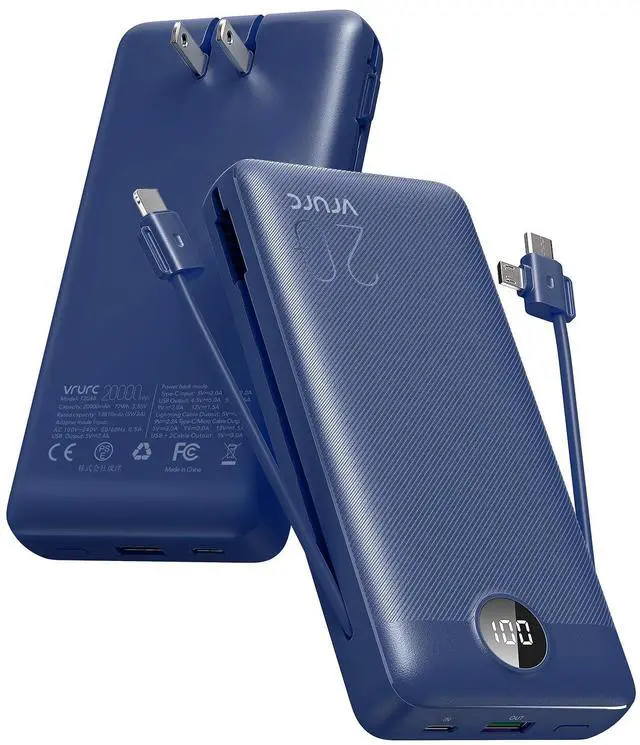
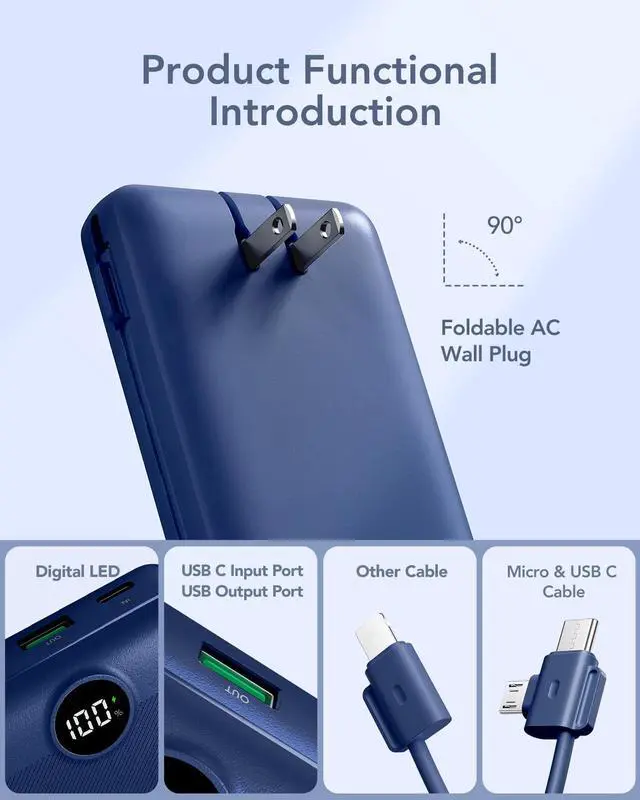
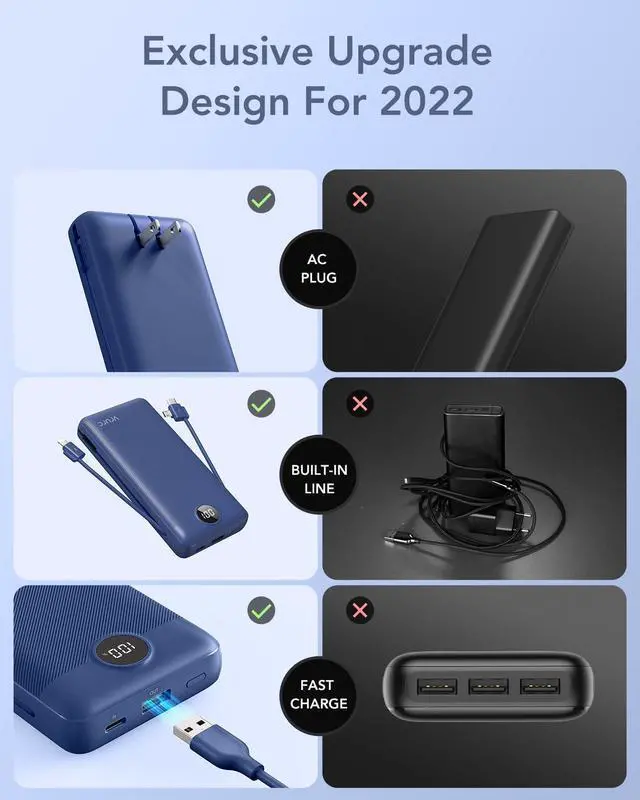


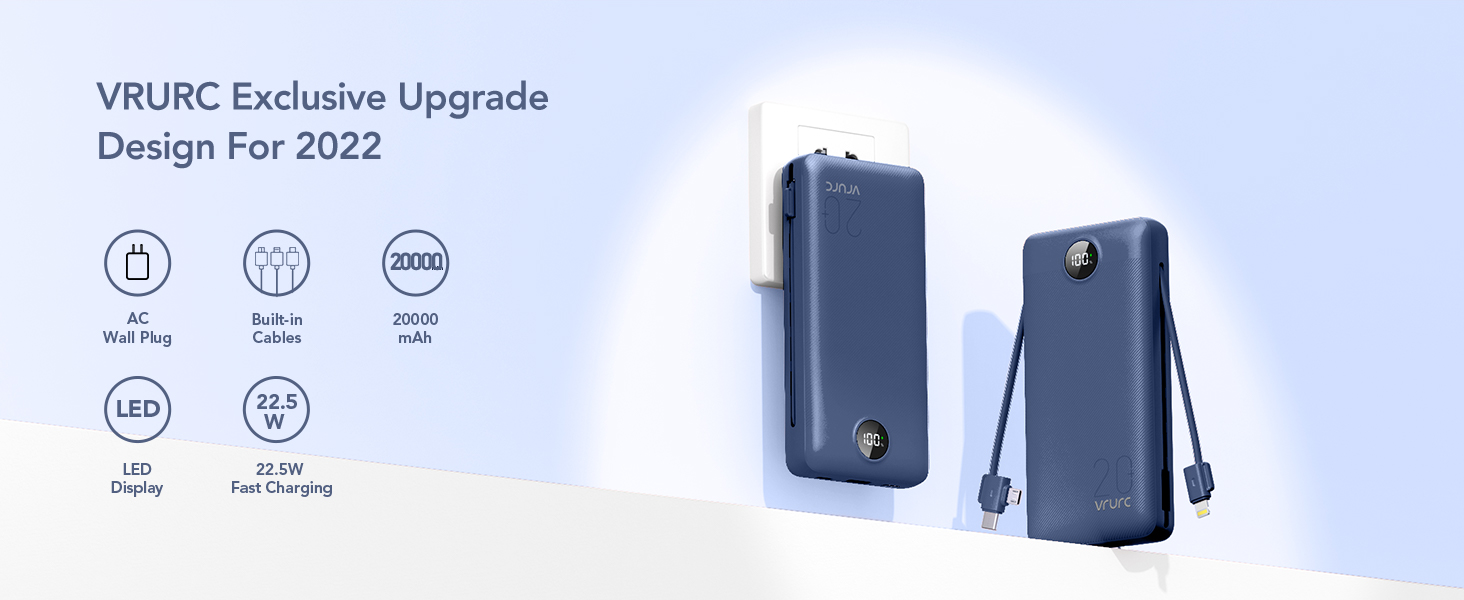
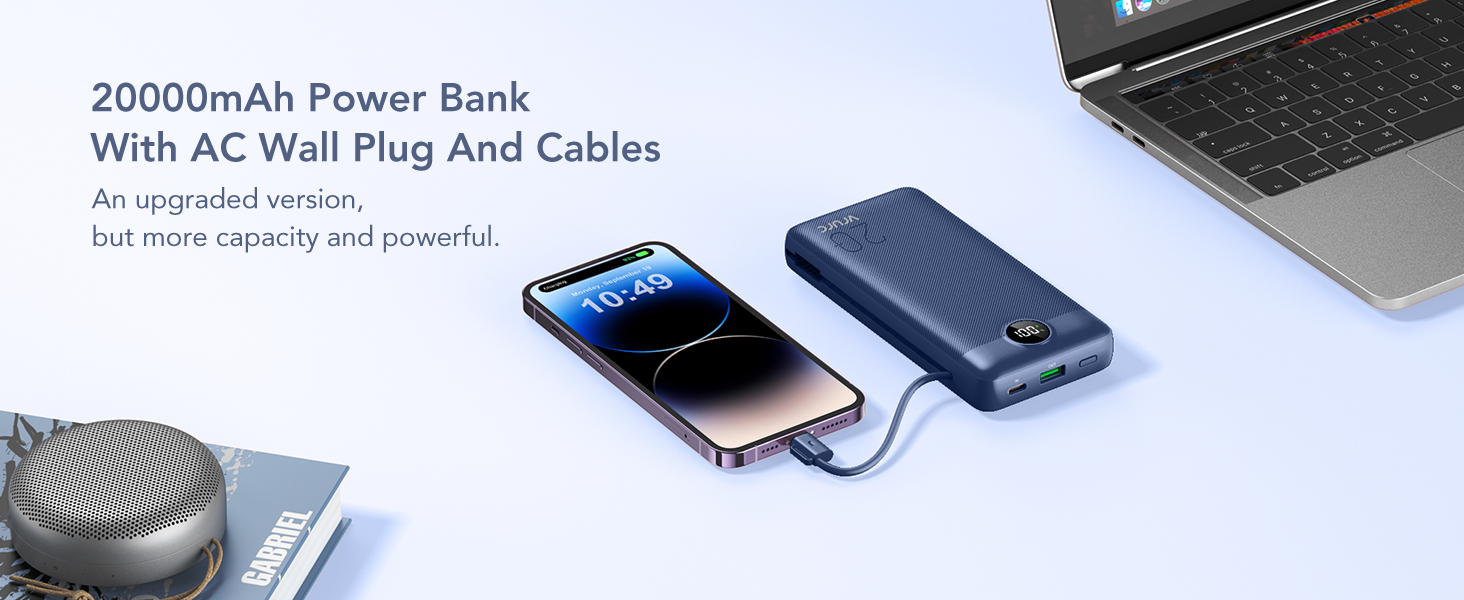
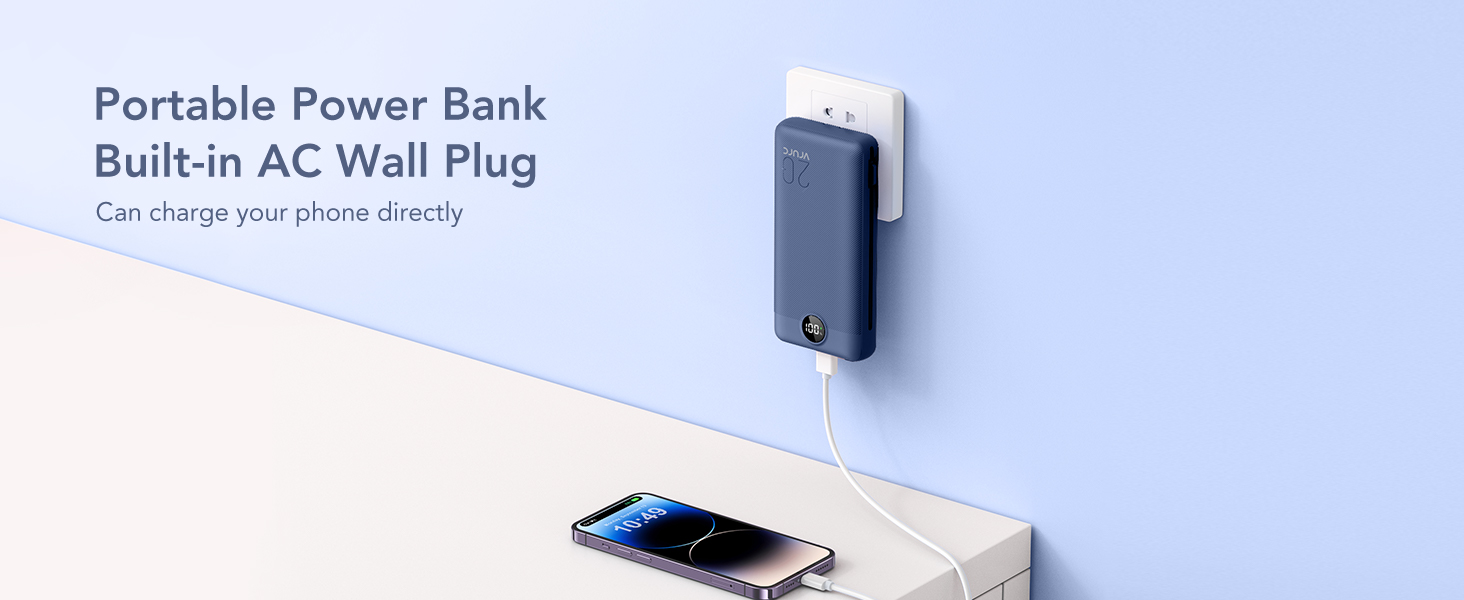

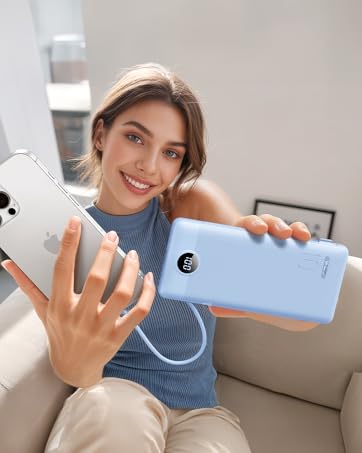
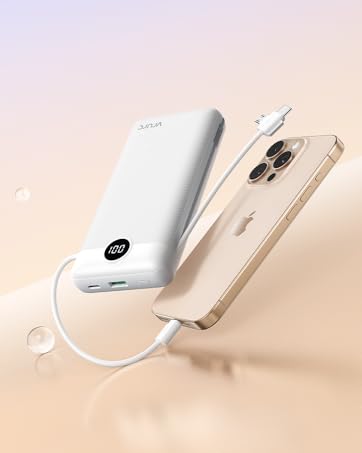
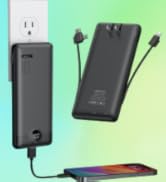
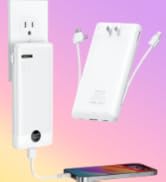
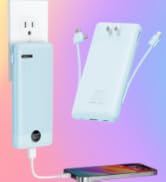
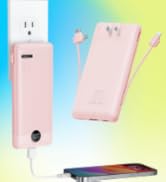
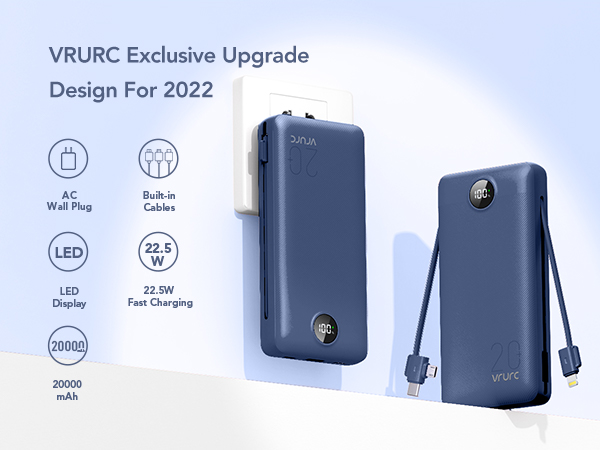
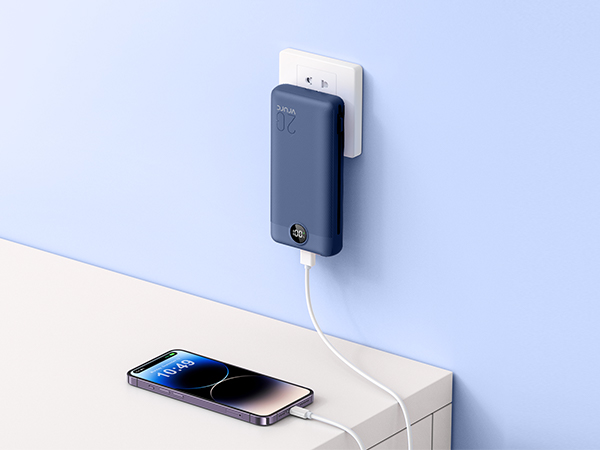
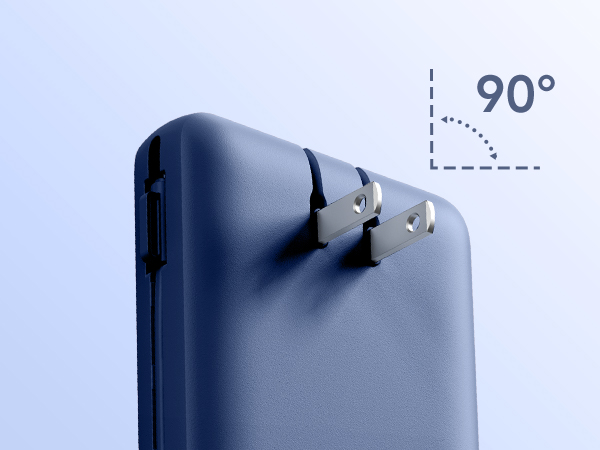
The 90-degree folding design saves storage space,allows you to take it out at any time and charge.
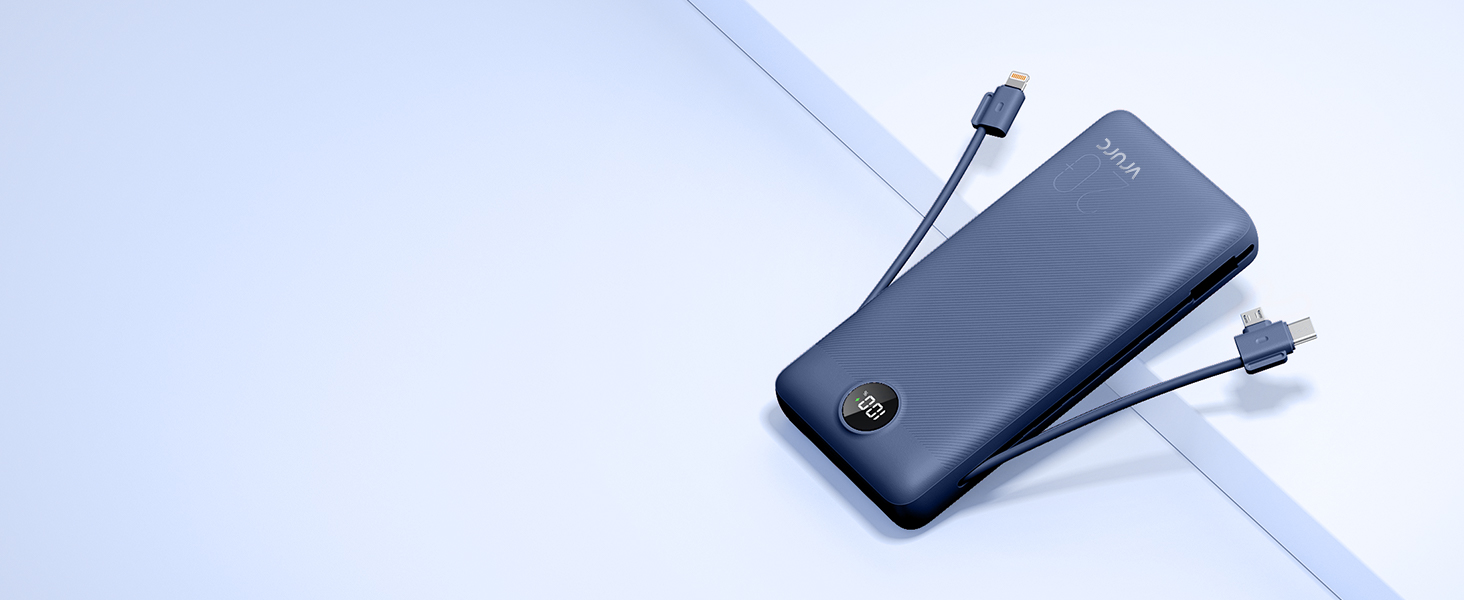
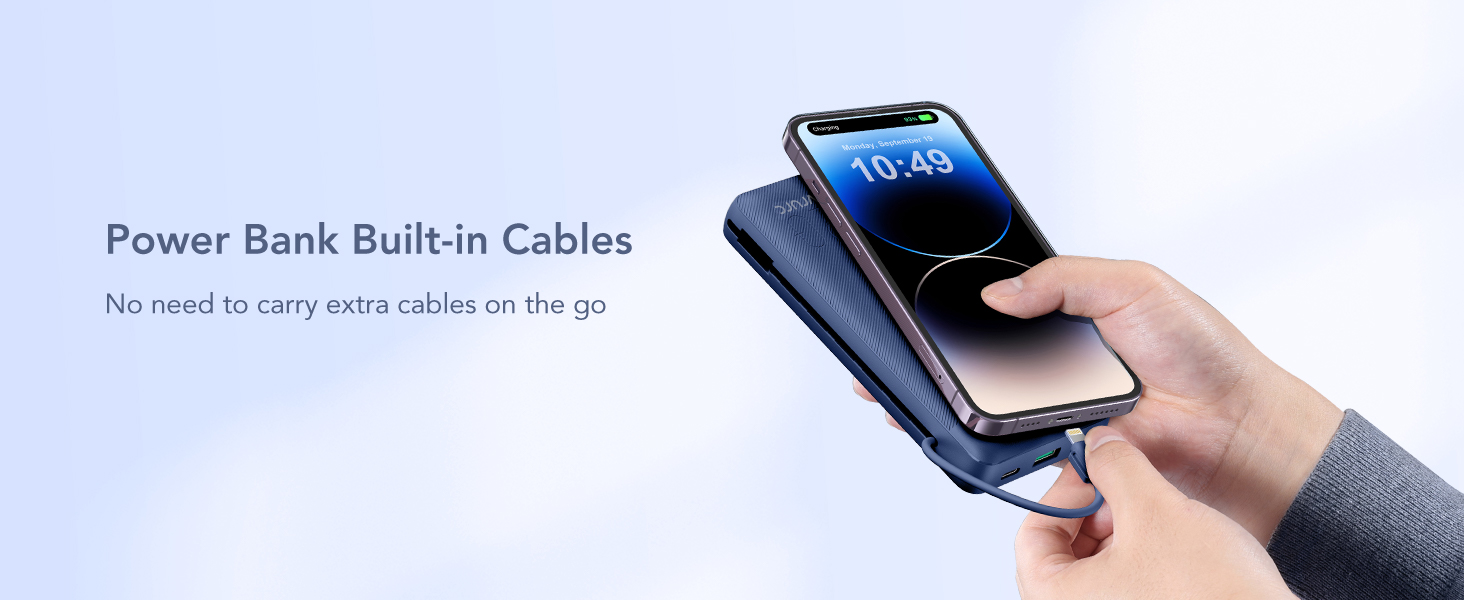
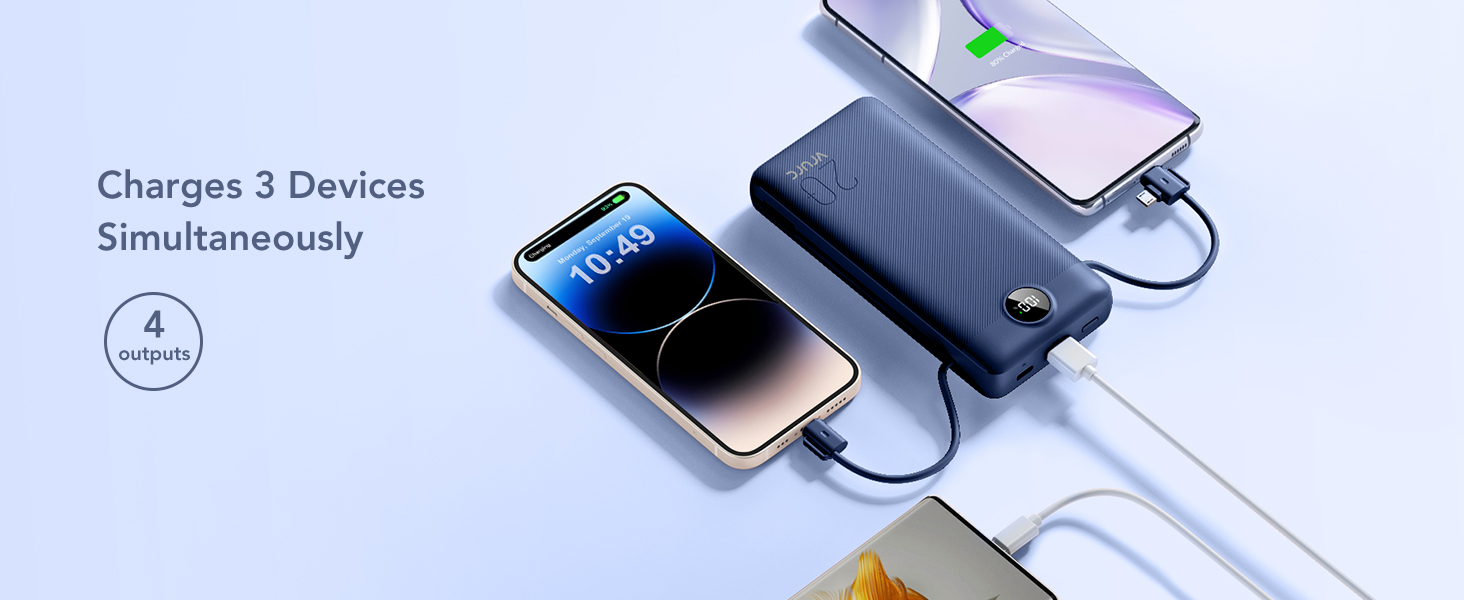
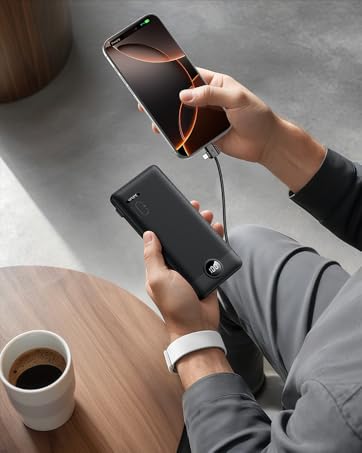
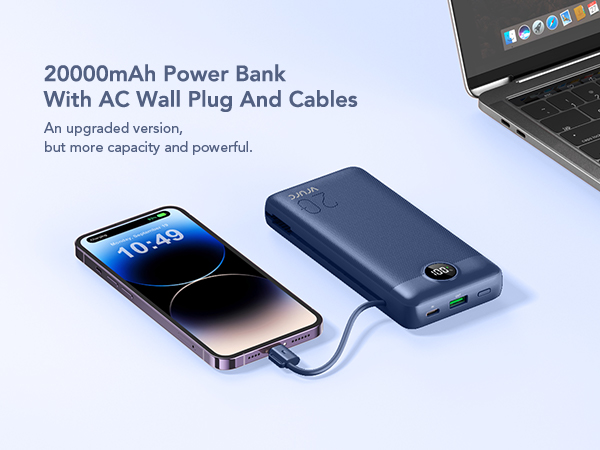
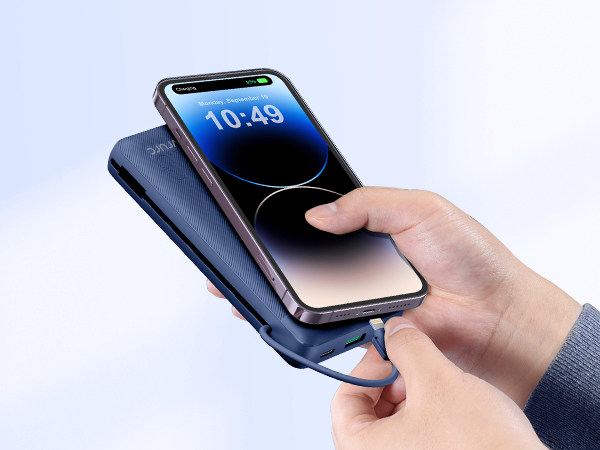
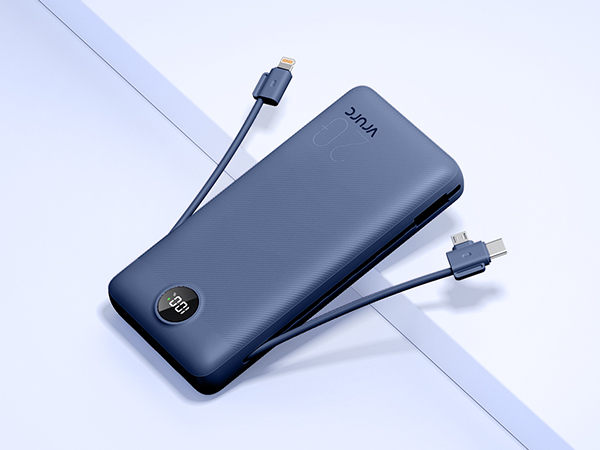
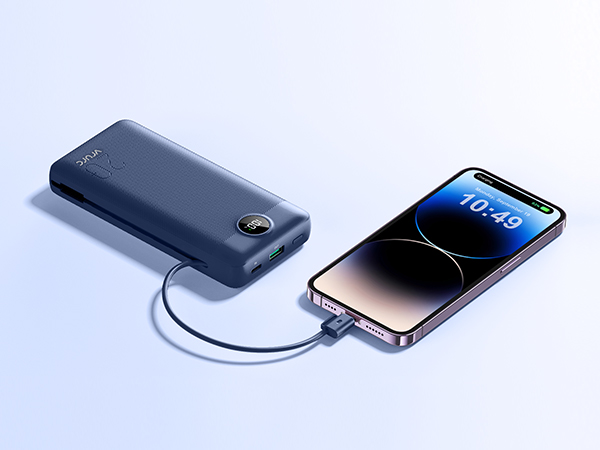
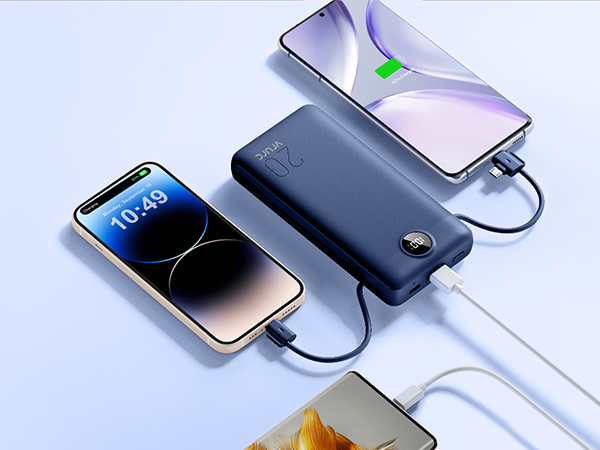
Built-in Micro, USB C, and cable for iPhone, it can meet your daily charging needs.
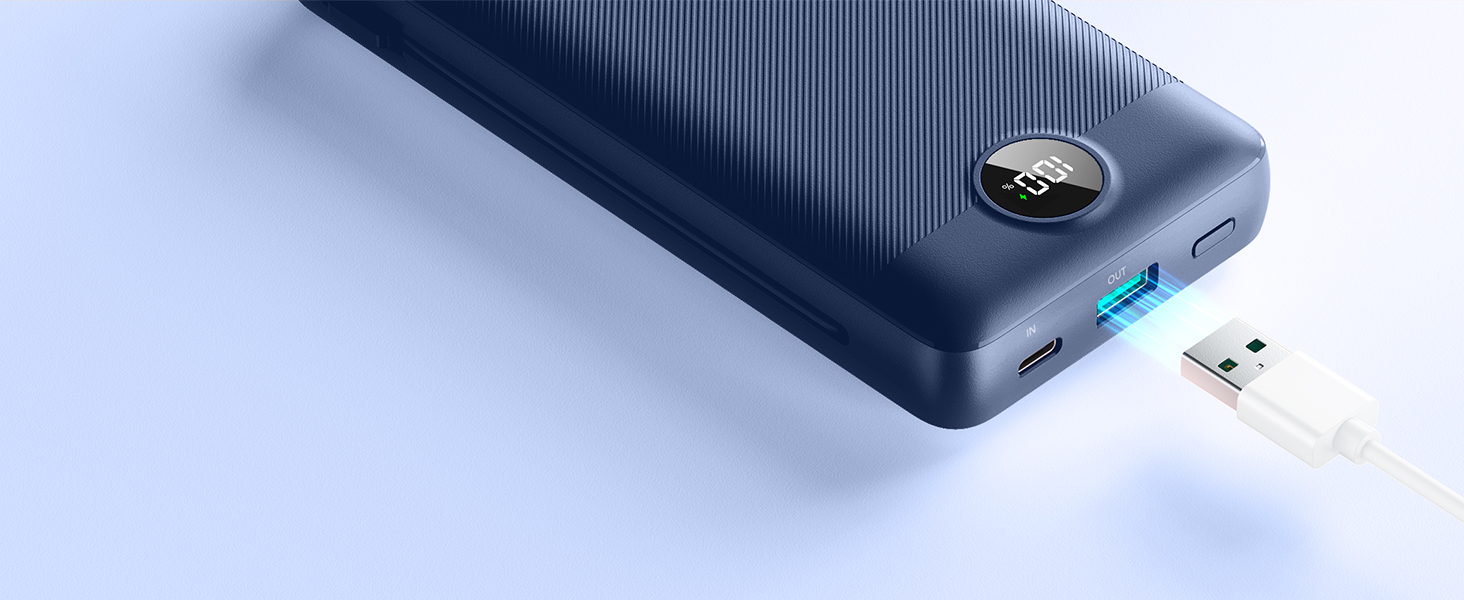
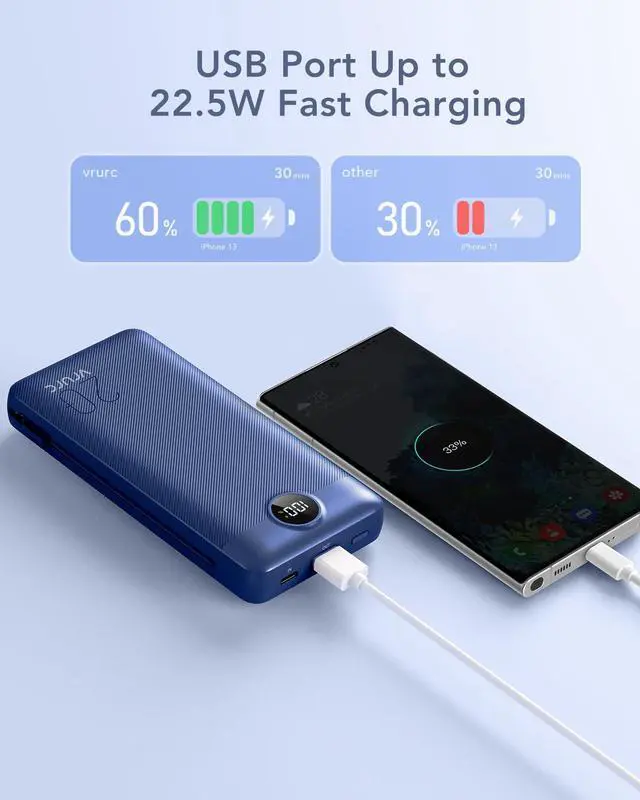
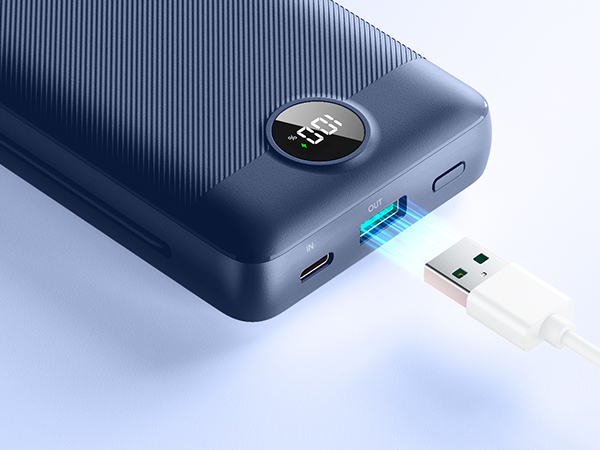
The USB port supports up to 22.5W fast charging output, which quickly charges your device for you.
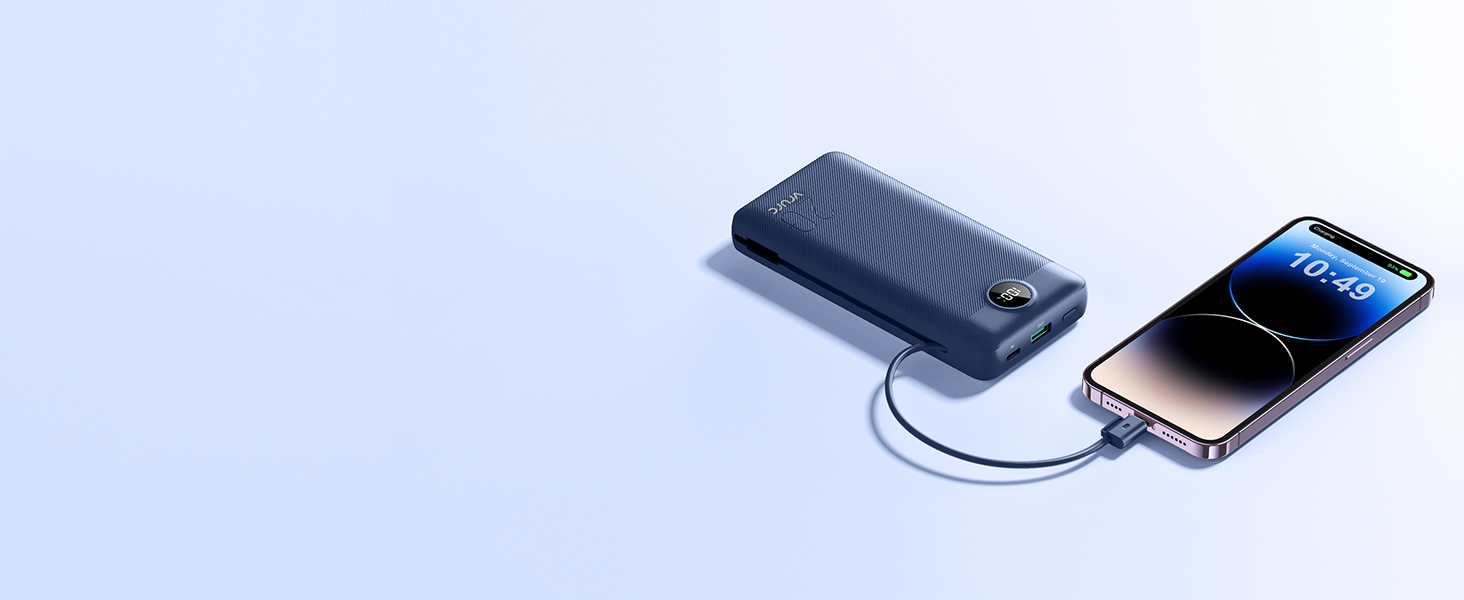
The built-in 20W fast charging cable for iPhone greatly reduce charging time for you.

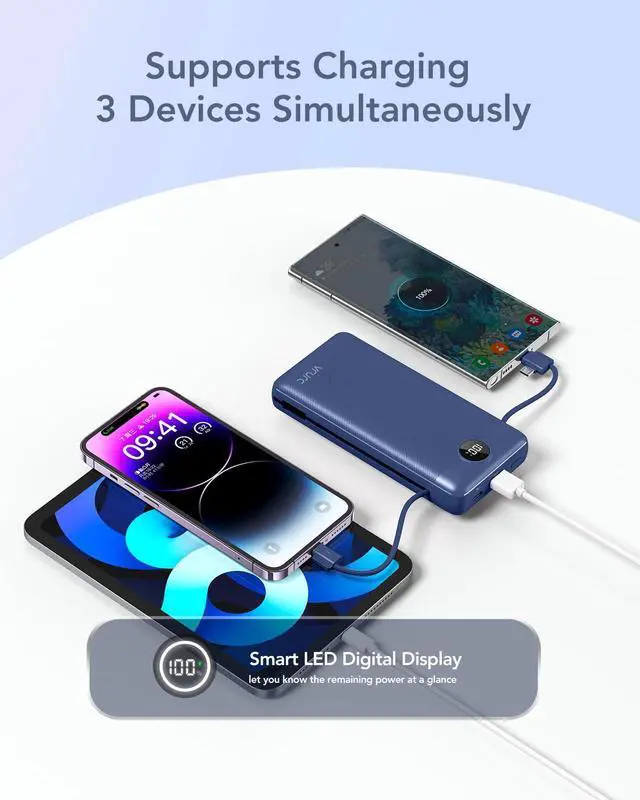
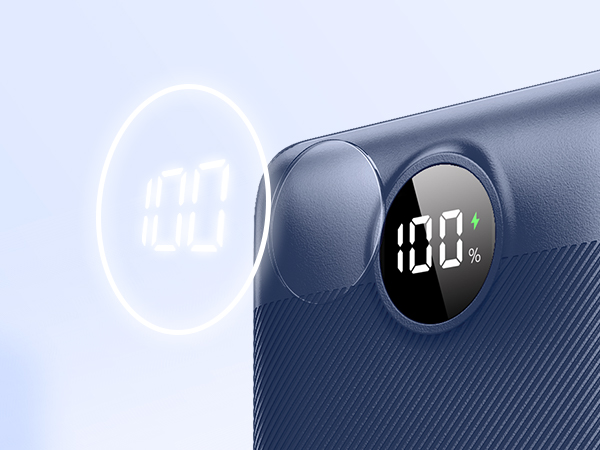
Let you know at a glance the remaining power of the battery power bank.
Wall Plug Portable Charger – Troubleshooting & Safe Charging Guide
Troubleshooting Steps
If your wall plug portable charger does not charge properly when connected to a wall outlet, please follow these steps carefully:
A. Check the Power Source: Make sure the wall outlet is working properly by testing it with another device (e.g., a lamp or phone charger).Avoid using loose or damaged outlets—they may cause unstable voltage or charging interruptions.If you are using a power strip or extension cord, try plugging the charger directly into a wall socket.
B. Check the Charger’s Plug and Ports: Ensure the built-in wall plug of the power bank is fully unfolded and inserted into the wall socket.
Gently remove and reinsert the plug to make sure there is secure contact with the outlet.Check for visible damage or bent prongs. If any damage is found, stop using the product immediately.
C. Charging Indicator Behavior: When properly connected to power, the LED indicator lights should turn on or flash, showing the charging process.If no lights appear:Try another outlet.
Try charging via USB-C input port using a wall adapter and cable to verify input function.If charging works through the cable input but not via wall plug, apply for further assistance.
D. Temperature and Environment: Avoid charging in extremely hot or humid environments.If the device feels warm, unplug it immediately and allow it to cool before continuing use.
Safe Charging Instructions
To ensure safe and efficient charging, please follow these guidelines:
- Use standard household outlets only (AC 100–240V, 50/60Hz).
- Do not charge the power bank overnight or unattended for long periods.
- Keep away from flammable materials, water, and direct sunlight during charging.
- Always unplug the power bank once it is fully charged.
- Do not use the product if it has been dropped, crushed, or exposed to liquid.
- Use only certified cables and adapters that meet UL / CE / FCC standards.
- Avoid covering the charger while in use to prevent overheating.
SPECIFICATIONS
VRURC Power Bank
 Power Bank With AC Plug |  Power Bank With AC Plug |  Power Bank With AC Plug |  Power Bank With AC Plug |  Power Bank With AC Plug | 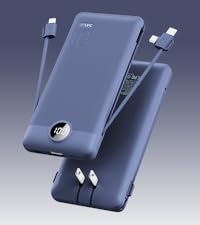 Power Bank With AC Plug |  Power Bank With AC Plug | |
|---|---|---|---|---|---|---|---|
Customer Reviews | — | — | — | — | — | — | — |
Price | — | — | — | — | — | — | — |
Capacity | 20000mAh | 10000mAh | 10000mAh | 10000mAh | 10000mAh | 10000mAh | 10000mAh |
Main Feature | Built-in 2 Cables,AC Wall Plug | Built-in 2 Cables,AC Wall Plug | Built-in 2 Cables,AC Wall Plug | Built-in 2 Cables,AC Wall Plug | Built-in 2 Cables,AC Wall Plug | Built-in 2 Cables,AC Wall Plug | 2 Cables,Wall Plug,Fast Charge |
Size | 5.91 x 2.83 x 1.09 in | 5.9 x 2.8 x 0.7 in | 5.9 x 2.8 x 0.7 in | 5.9 x 2.8 x 0.7 in | 5.9 x 2.8 x 0.7 in | 5.9 x 2.8 x 0.7 in | 5.9 x 2.8 x 0.7 in |
Weight | 0.81 lb | 0.5 lb | 0.5 lb | 0.5 lb | 0.5 lb | 0.5 lb | 0.5 lb |
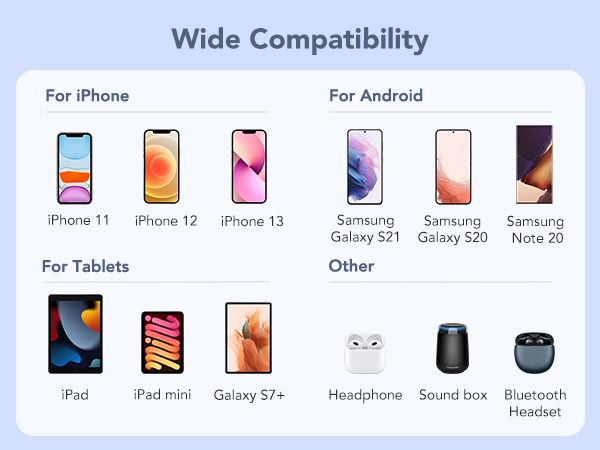
Compatible Devices | Most of Smart Devices | Most of Smart Devices | Most of Smart Devices | Most of Smart Devices | Most of Smart Devices | Most of Smart Devices | Most of Smart Devices |


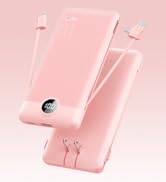
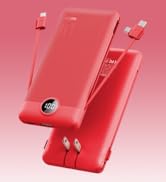
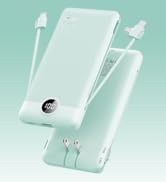
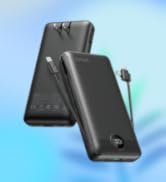
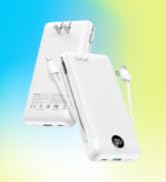
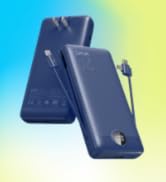
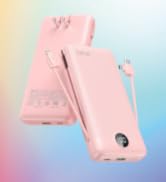


The 90-degree folding design saves storage space,allows you to take it out at any time and charge.
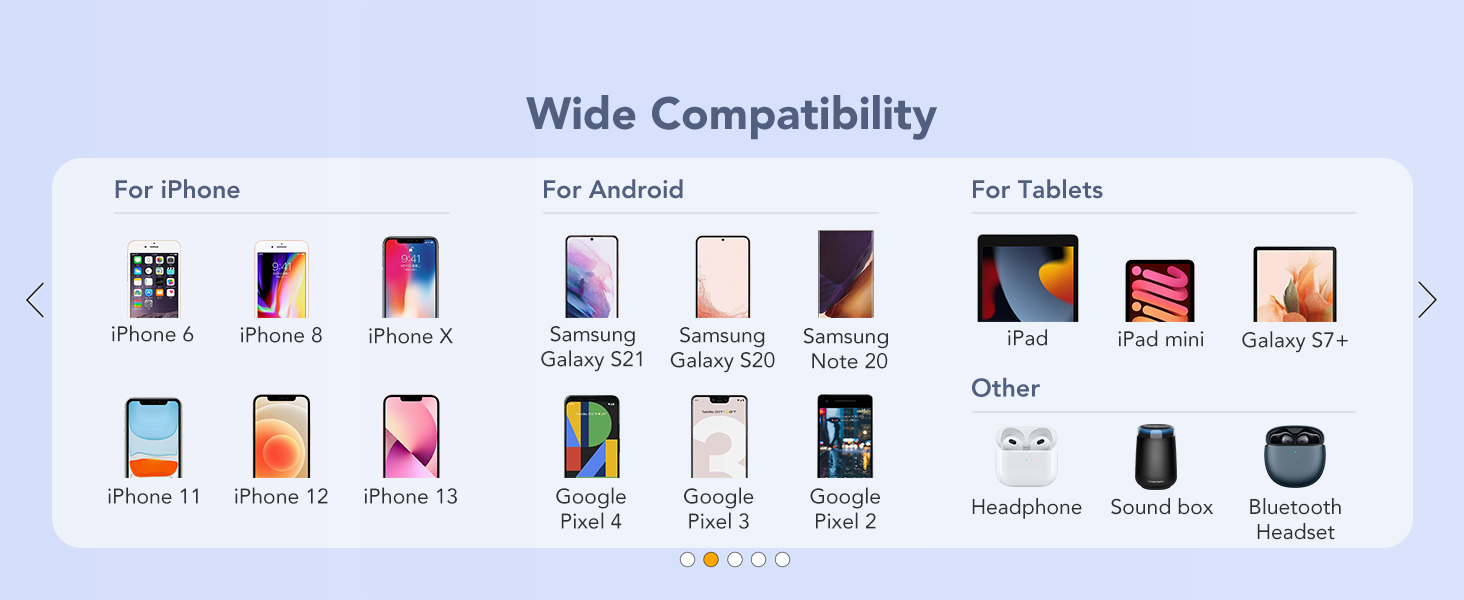
Built-in Micro, USB C, and cable for iPhone, it can meet your daily charging needs.
The USB port supports up to 22.5W fast charging output, which quickly charges your device for you.
The built-in 20W fast charging cable for iPhone greatly reduce charging time for you.
Let you know at a glance the remaining power of the battery power bank.
Prioritize using national standard sockets that comply with national standards.
Wall Plug Portable Charger – Troubleshooting & Safe Charging Guide
Troubleshooting Steps
If your wall plug portable charger does not charge properly when connected to a wall outlet, please follow these steps carefully:
A. Check the Power Source: Make sure the wall outlet is working properly by testing it with another device (e.g., a lamp or phone charger).Avoid using loose or damaged outlets—they may cause unstable voltage or charging interruptions.If you are using a power strip or extension cord, try plugging the charger directly into a wall socket.
B. Check the Charger’s Plug and Ports: Ensure the built-in wall plug of the power bank is fully unfolded and inserted into the wall socket.
Gently remove and reinsert the plug to make sure there is secure contact with the outlet.Check for visible damage or bent prongs. If any damage is found, stop using the product immediately.
C. Charging Indicator Behavior: When properly connected to power, the LED indicator lights should turn on or flash, showing the charging process.If no lights appear:Try another outlet.
Try charging via USB-C input port using a wall adapter and cable to verify input function.If charging works through the cable input but not via wall plug, apply for further assistance.
D. Temperature and Environment: Avoid charging in extremely hot or humid environments.If the device feels warm, unplug it immediately and allow it to cool before continuing use.
Safe Charging Instructions
To ensure safe and efficient charging, please follow these guidelines:
- Use standard household outlets only (AC 100–240V, 50/60Hz).
- Do not charge the power bank overnight or unattended for long periods.
- Keep away from flammable materials, water, and direct sunlight during charging.
- Always unplug the power bank once it is fully charged.
- Do not use the product if it has been dropped, crushed, or exposed to liquid.
- Use only certified cables and adapters that meet UL / CE / FCC standards.
- Avoid covering the charger while in use to prevent overheating.
SPECIFICATIONS
| Capacity | 20000mAh/77Wh |
|---|---|
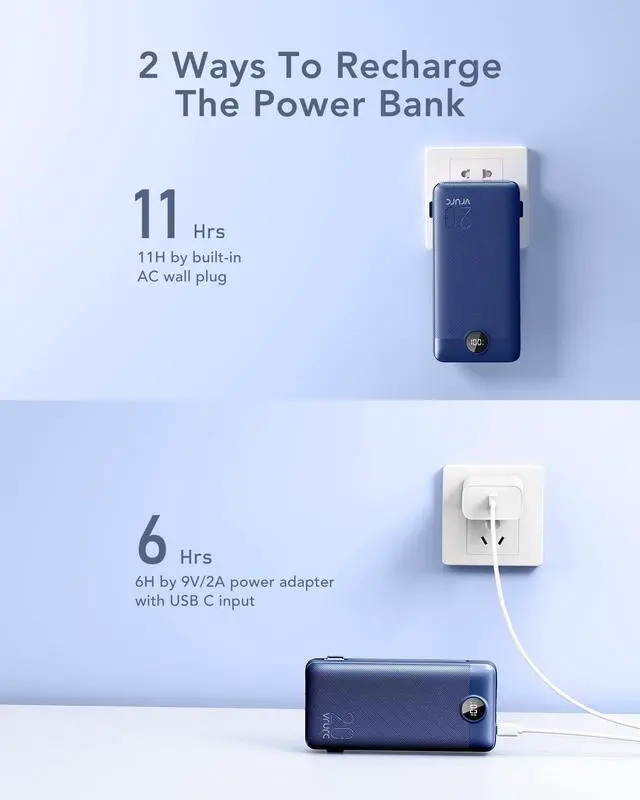
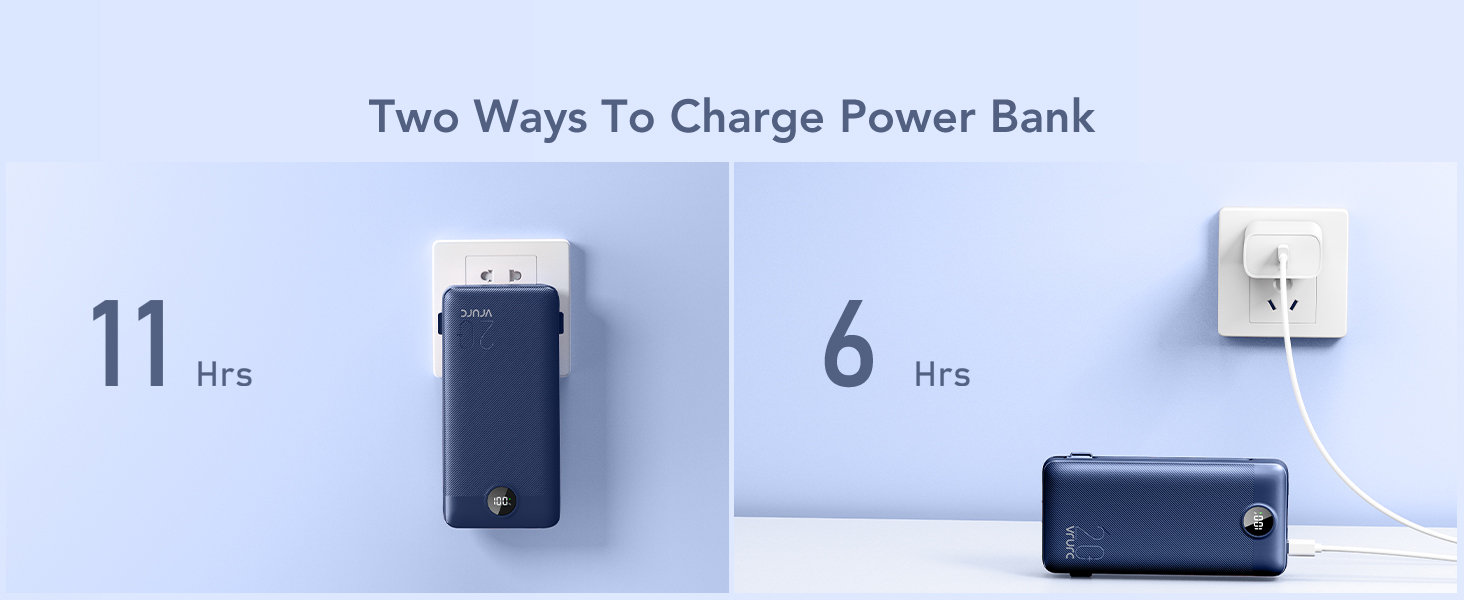
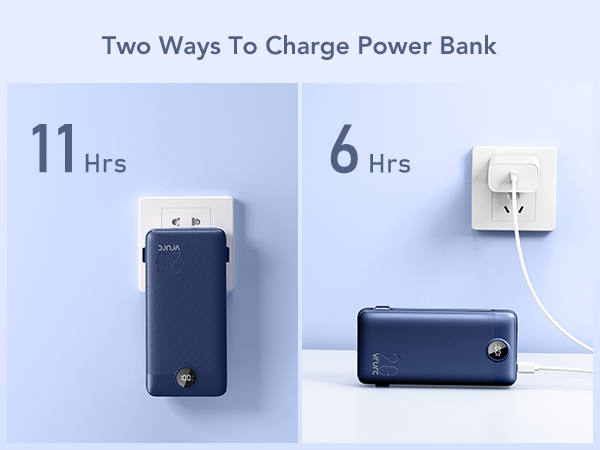
| Charging Time | Appr 6 hours (by 9V/2A power adapter with its USB C input) |
| Charging Time | Appr 11 hours (by built-in AC 220V wall plug) |
| AC Plug Input | AC 100-240V~50/60Hz 0.5A |
| USB C Input | USB C 5V-2.0A/9V-2.0A |
| USB A Output | 4.5V - 5.0A/5V - 4.5A/9V - 2.0A/12V - 1.5A |
| Cable For iPhone Output | 5V-2.4A/9V-2.2A |
| USB C+Micro Cable Output | 5V - 3.0A/9V - 2.0A/12V - 1.5A |
| Dimensions | 150.2 *72.0 * 27.8mm/5.91"*2.83"*1.09" |
| Weight | 430g |
VRURC Power Bank
Power Bank With AC Plug | Power Bank With AC Plug | Power Bank With AC Plug | Power Bank With AC Plug | Power Bank With AC Plug | Power Bank With AC Plug | Power Bank With AC Plug |
|---|---|---|---|---|---|---|
| Customer Reviews | ||||||
| — | — | — | — | — | — | — |
| Price | ||||||
| — | — | — | — | — | — | — |
| Capacity | ||||||
| 20000mAh | 10000mAh | 10000mAh | 10000mAh | 10000mAh | 10000mAh | 10000mAh |
| Main Feature | ||||||
| Built-in 2 Cables,AC Wall Plug | Built-in 2 Cables,AC Wall Plug | Built-in 2 Cables,AC Wall Plug | Built-in 2 Cables,AC Wall Plug | Built-in 2 Cables,AC Wall Plug | Built-in 2 Cables,AC Wall Plug | 2 Cables,Wall Plug,Fast Charge |
| Size | ||||||
| 5.91 x 2.83 x 1.09 in | 5.9 x 2.8 x 0.7 in | 5.9 x 2.8 x 0.7 in | 5.9 x 2.8 x 0.7 in | 5.9 x 2.8 x 0.7 in | 5.9 x 2.8 x 0.7 in | 5.9 x 2.8 x 0.7 in |
| Weight | ||||||
| 0.81 lb | 0.5 lb | 0.5 lb | 0.5 lb | 0.5 lb | 0.5 lb | 0.5 lb |
| Compatible Devices | ||||||
| Most of Smart Devices | Most of Smart Devices | Most of Smart Devices | Most of Smart Devices | Most of Smart Devices | Most of Smart Devices | Most of Smart Devices |
Portable Charger With AC Plug
Portable Charger 20000mAh
Fast Charge Portable Charger
