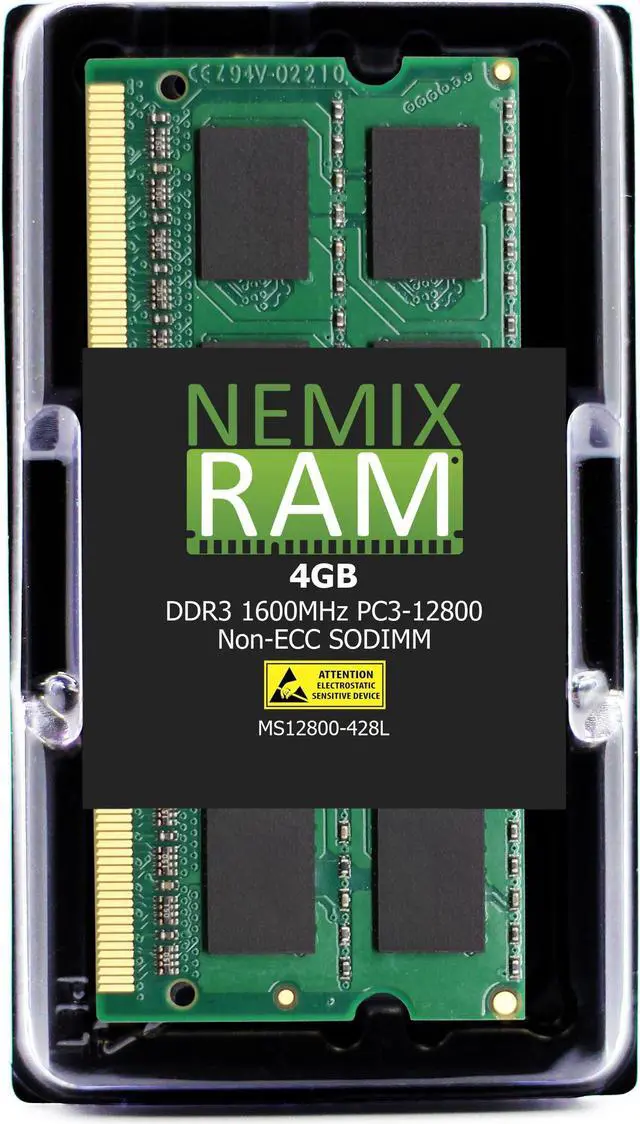
The NEMIX RAM MS12800-428K1 is a 4GB DDR3-1600 (PC3-12800) SODIMM memory module for users upgrading a compatible 2012 Apple Mac mini 6,1 or 6,2; it is a 204-pin, 1.35V, non-ECC, unbuffered module.
Recommended For
- Owners of a Late 2012 Mac mini (Macmini6,1 or Macmini6,2) looking for a modest RAM increase for everyday browsing, email, and office work. One 4GB module can replace a smaller module or pair with an existing 4GB module; check the current memory configuration before buying.
- People keeping a Late 2012 Mac mini in service for light home or small-office tasks who want to add memory without replacing every module. Community reports describe RAM as a useful upgrade, while noting that an SSD may matter more for slow boot and app-launch times.
- DIY upgraders working on a Late 2012 Mac mini who want a module that fits its two user-accessible memory slots. Apple documents the installation process, and OWC lists Macmini6,1 and Macmini6,2 as compatible models.
- Owners replacing a faulty 4GB DDR3-1600 SODIMM in a compatible 2012 Mac mini who want a single replacement module rather than a full matched pair. Verify the installed module’s specifications and the Mac’s model identifier before ordering.
Real-World Use Scenarios
- On a compatible 2012 Mac mini with 4GB of RAM and an available slot, adding this 4GB module can bring the system to 8GB, giving the browser, email, and office apps more room to stay open together with fewer memory-related pauses. It won’t necessarily make startup or app launches faster if the hard drive is the bottleneck.
- When switching among several large Photoshop or Illustrator files on a 2012 Mac mini, additional RAM can reduce memory pressure and the need to close other apps to keep working. It won’t make CPU-heavy rendering or exports inherently faster.
- For a lightly used 2012 Mac mini serving as a household web-browsing computer, upgrading a low-memory configuration can make it more practical to keep basic apps and browser tabs open. This is a memory upgrade, not a fix for slow storage or limitations when loading modern websites.
- If you’re reviving a 2012 Mac mini that slows down when several apps are open, extra RAM may reduce beachballs caused by memory swapping. Community reports also point to the hard drive as a separate source of sluggishness, so this module alone may not resolve slow booting or app launches.




 here!