






Karaoke Joy with Retro Soul
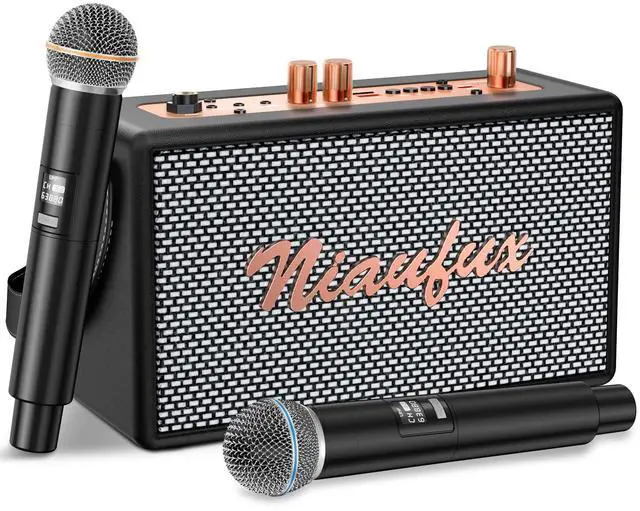
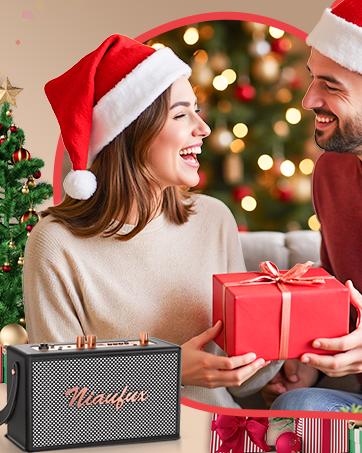
We founded Niaufux because great sound deserves great style.
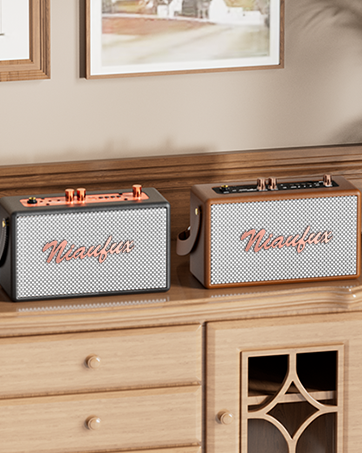
In a world of generic, forgettable speakers, we set out to craft something that feels both nostalgic and new: a karaoke companion that turns your living room into a stage, and your shelf into a statement.
It’s not just a speaker—it’s a memory-maker, blending the warmth of the past with the energy of now. Grab the mic, hit play, and let Niaufux make your moments sing.




How do I connect a microphone to a Karaoke speaker?
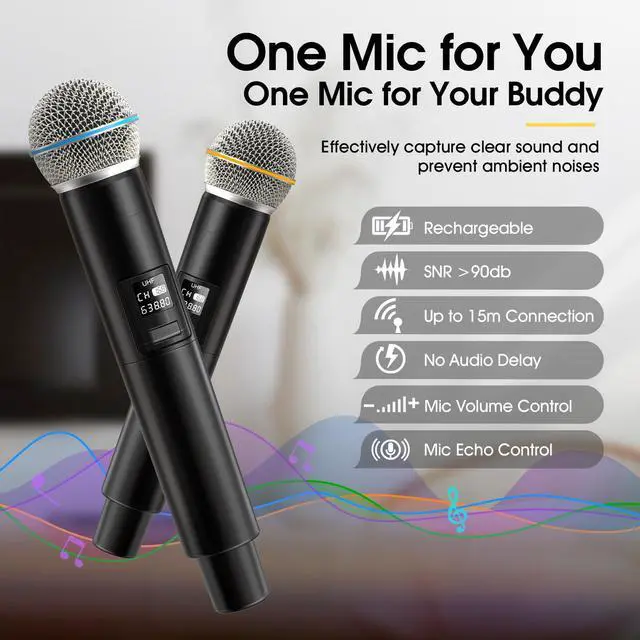
1. Switch on the karaoke speaker.
2. Press and hold the microphone button to connect the microphone to the speaker wirelessly.
If the microphone screen keeps flashing, please restart the microphone until the connection is successful.
How to connect Niaufux karaoke machine via Bluetooth?
1. Turn on the karaoke machine.
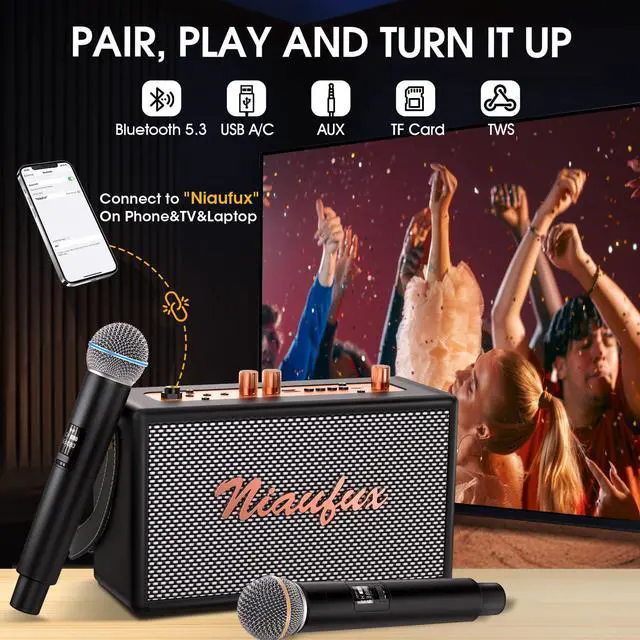
2. Turn on your phone's Bluetooth and find 'Niaufux' in the list.
3. Once connected, open YouTube Music, Spotify or Apple Music to start playing music.
How to enable TWS Function?
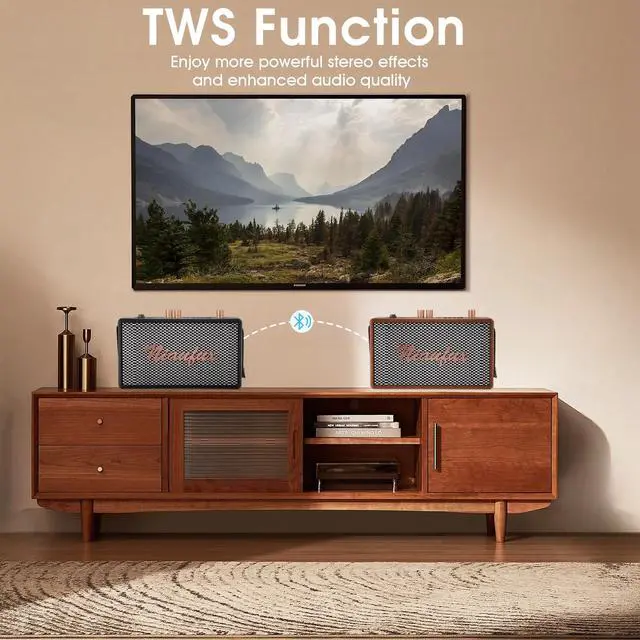
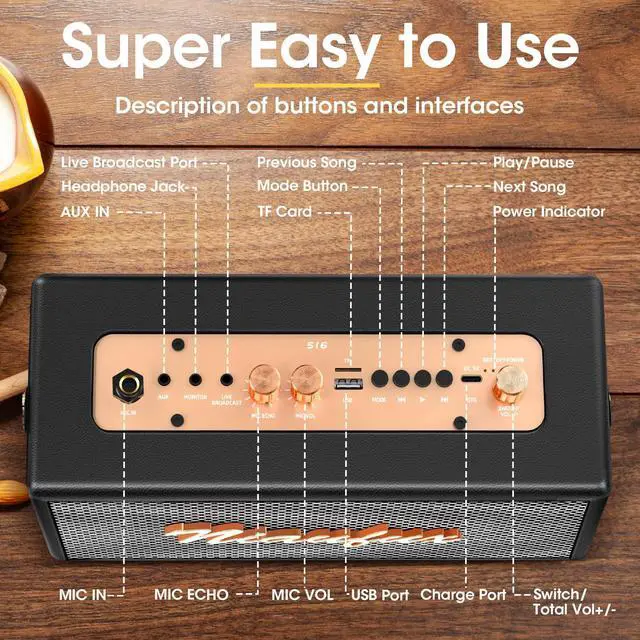
Long press the Mode button of two Karaoke speaker at the same time to pair them automatically and form a dual-speaker karaoke system.
Note: The TWS function only applies to speakers; microphone sound can only be emitted from the paired speaker.
What is Karaoke Mode? How do I use Karaoke Mode?
Karaoke Mode will remove vocals, leaving only the accompaniment, so your karaoke experience won't be affected.
Double-click the Play/Pause button (with a Mic icon) on speaker to turn karaoke mode on/off.
What TF card/U disk formats and what music file formats are supported?
1. The U-disk needs to be formatted into FAT32 format.
2. This karaoke machine can play music files in either MP3 or WMA format.


How do I connect a microphone to a Karaoke speaker?
1. Switch on the karaoke speaker.
2. Press and hold the microphone button to connect the microphone to the speaker wirelessly.
If the microphone screen keeps flashing, please restart the microphone until the connection is successful.
How to connect Niaufux karaoke machine via Bluetooth?
1. Turn on the karaoke machine.
2. Turn on your phone's Bluetooth and find 'Niaufux' in the list.
3. Once connected, open YouTube Music, Spotify or Apple Music to start playing music.
How to enable TWS Function?
Long press the Mode button of two Karaoke speaker at the same time to pair them automatically and form a dual-speaker karaoke system.
Note: The TWS function only applies to speakers; microphone sound can only be emitted from the paired speaker.
What is Karaoke Mode? How do I use Karaoke Mode?
Karaoke Mode will remove vocals, leaving only the accompaniment, so your karaoke experience won't be affected.
Double-click the Play/Pause button (with a Mic icon) on speaker to turn karaoke mode on/off.
What TF card/U disk formats and what music file formats are supported?
1. The U-disk needs to be formatted into FAT32 format.
2. This karaoke machine can play music files in either MP3 or WMA format.
Karaoke Joy with Retro Soul
We founded Niaufux because great sound deserves great style.
In a world of generic, forgettable speakers, we set out to craft something that feels both nostalgic and new: a karaoke companion that turns your living room into a stage, and your shelf into a statement.
It’s not just a speaker—it’s a memory-maker, blending the warmth of the past with the energy of now. Grab the mic, hit play, and let Niaufux make your moments sing.