


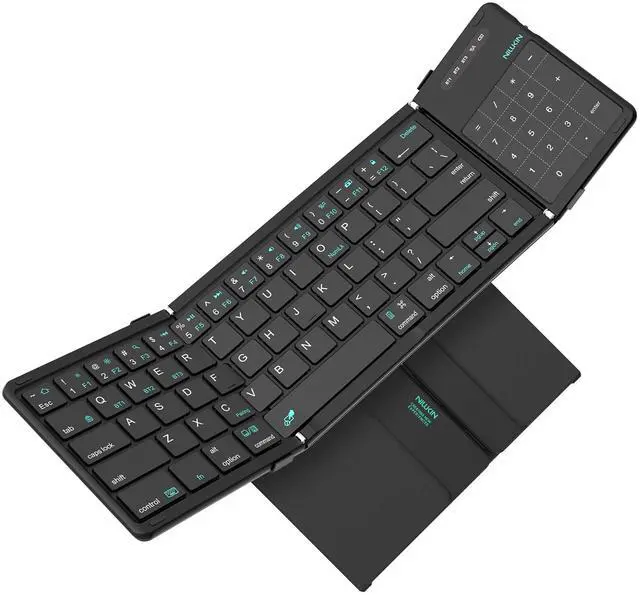


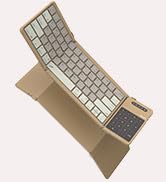
Nillkin Cube Foldable Keyboard




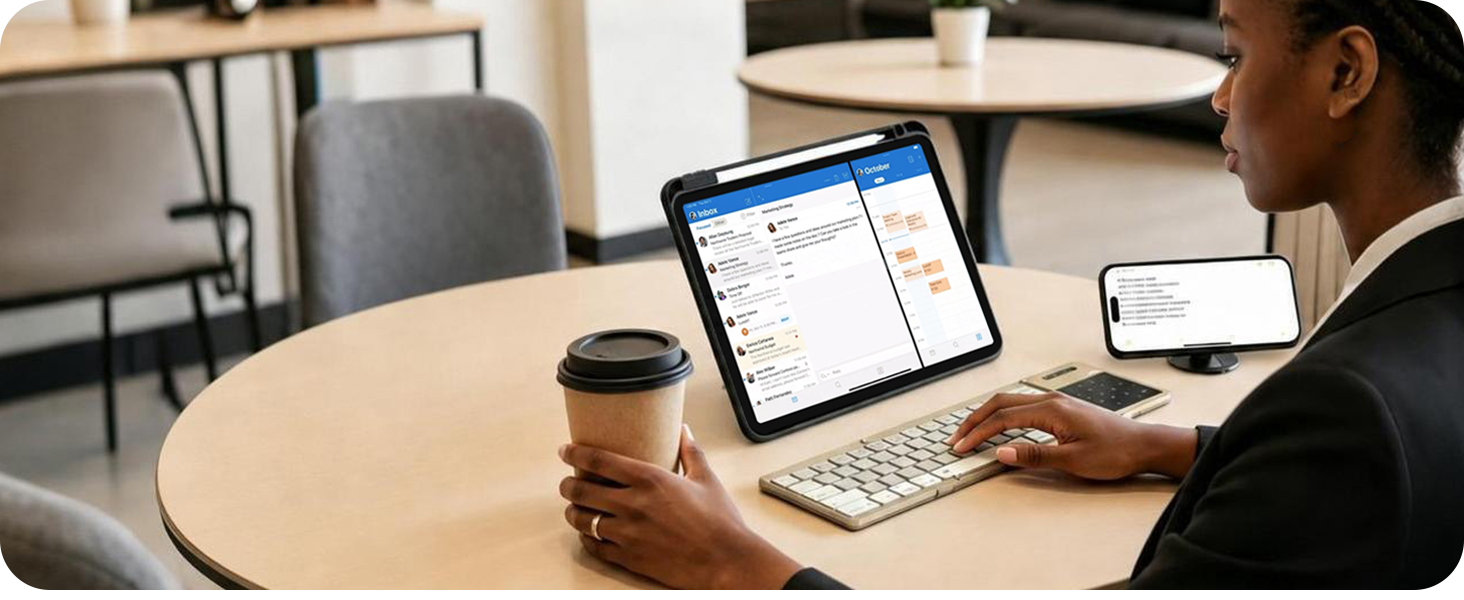
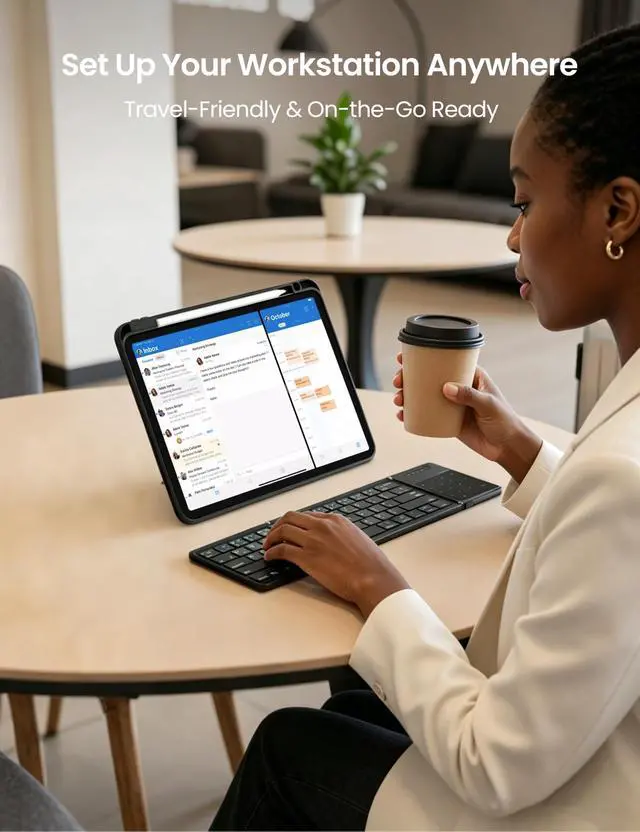
Workstation on the Go
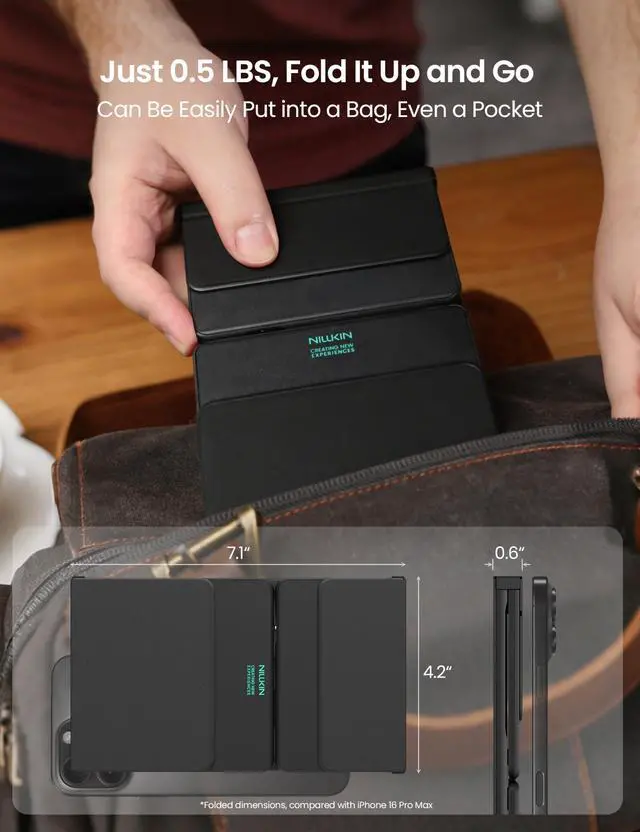
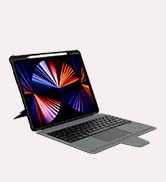
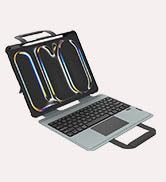
Turn any café into your office — unfold, pair with your tablet, and type on full-size keys wherever you go.
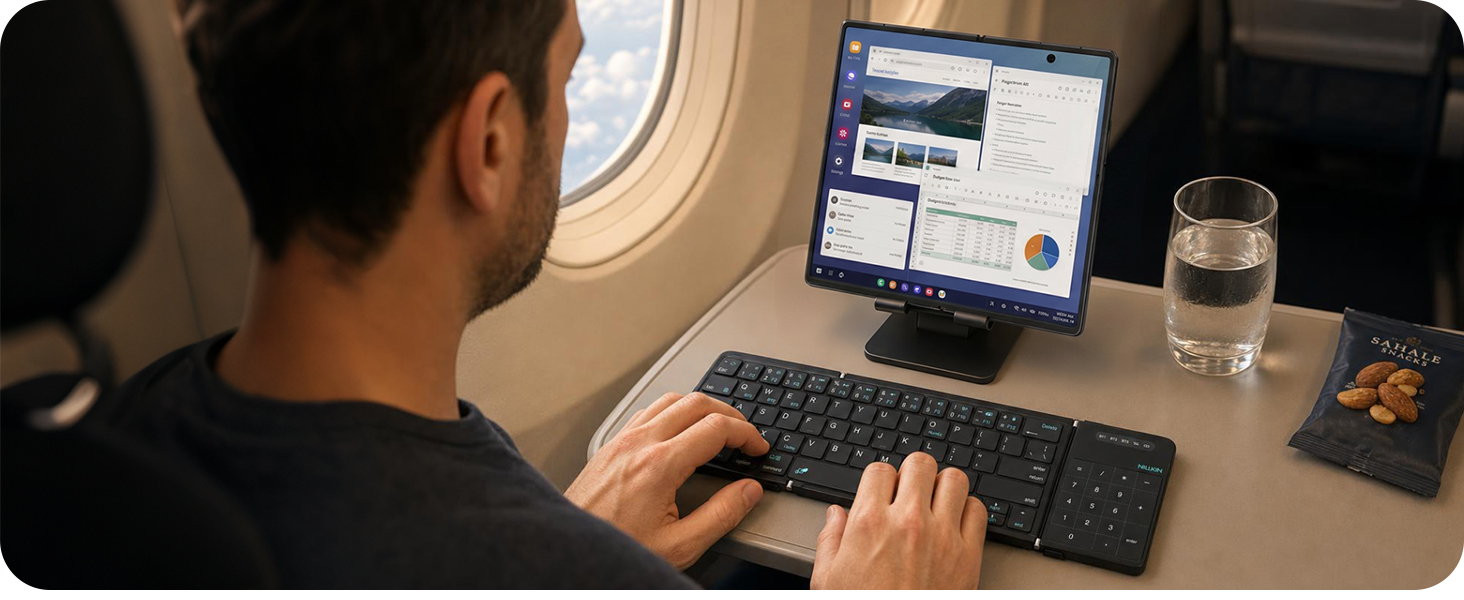
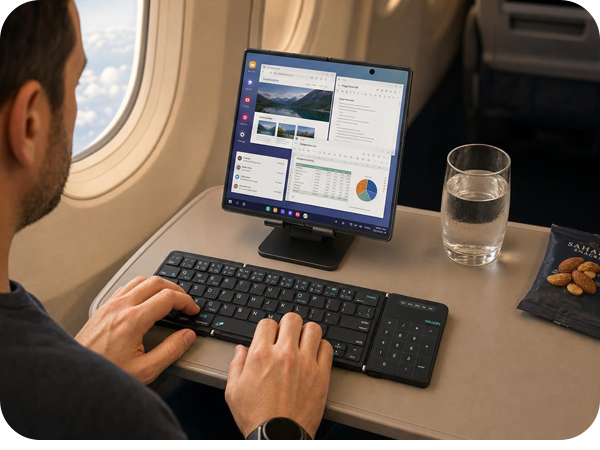
Turn Your Phone Into a Laptop
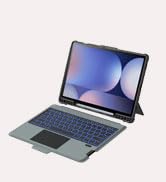
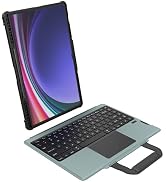
Pair with any phone for laptop-style work in the air — especially Samsung DeX on Galaxy Z Fold as your mobile office.
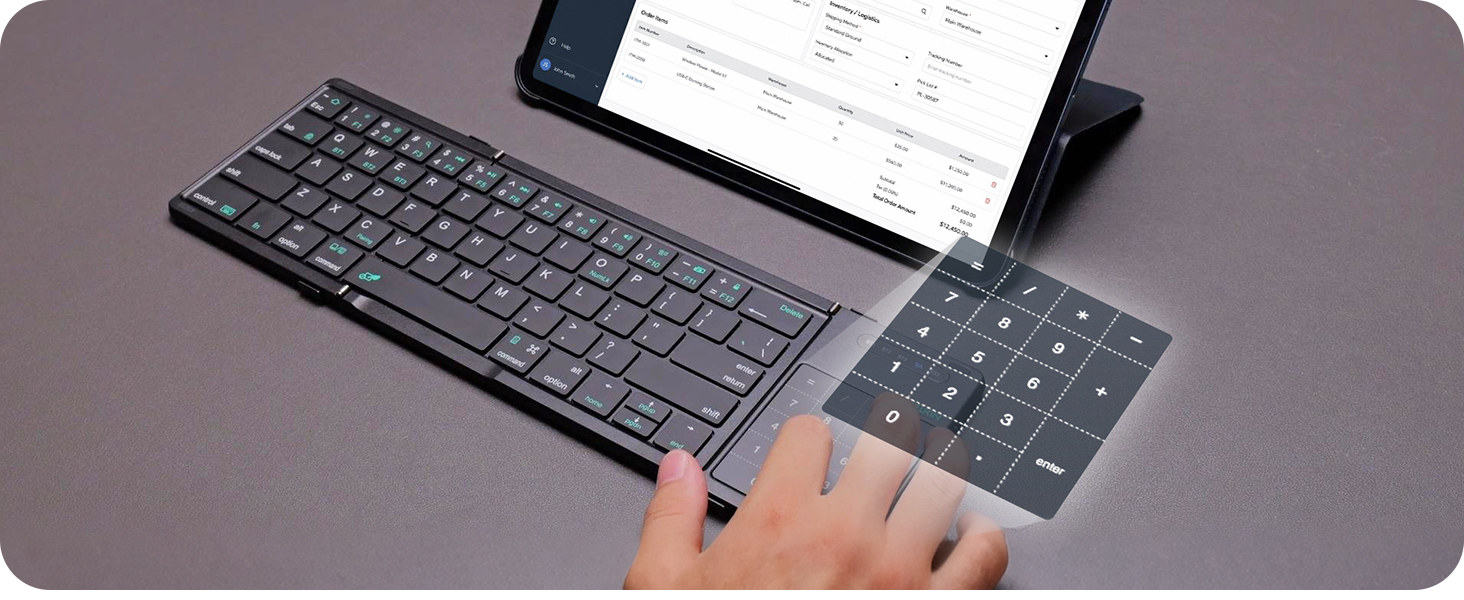
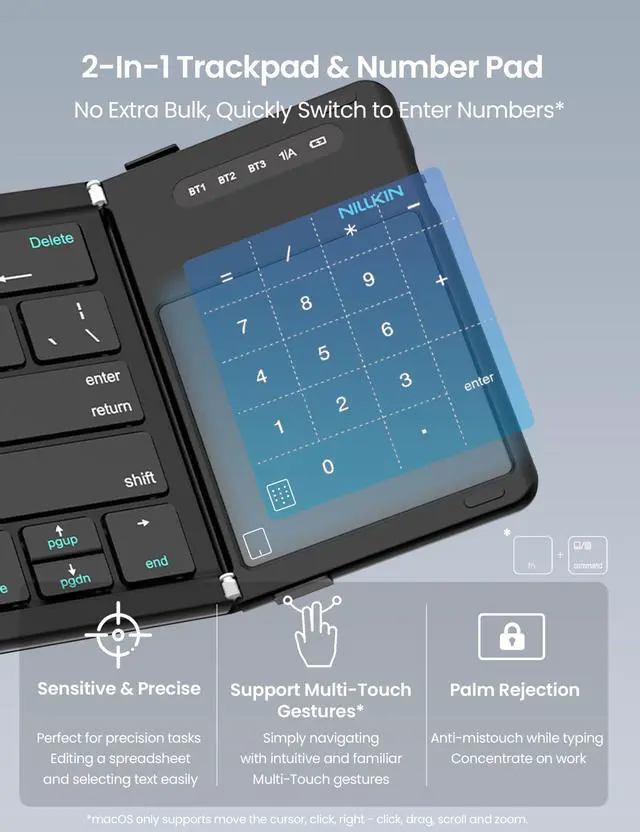
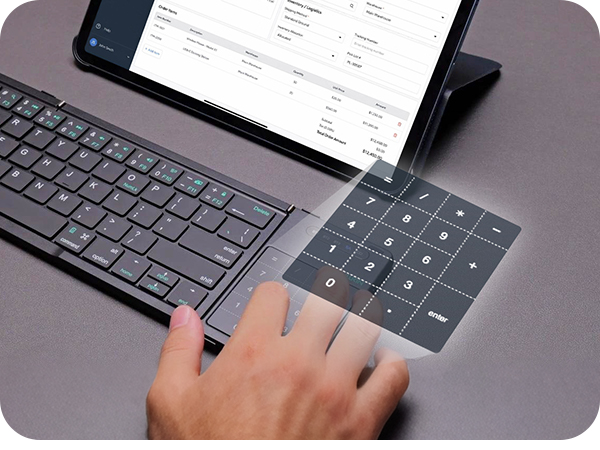
Instant Number Pad
Switch trackpad to number pad with one keystroke — fast numeric input for spreadsheets, invoices, and accounting work.
How do I pair the keyboard to my device?
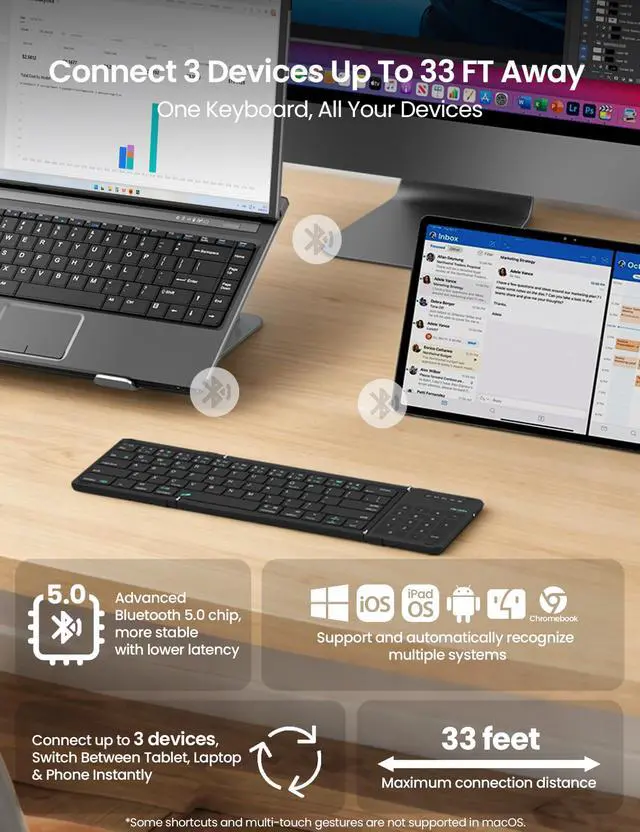
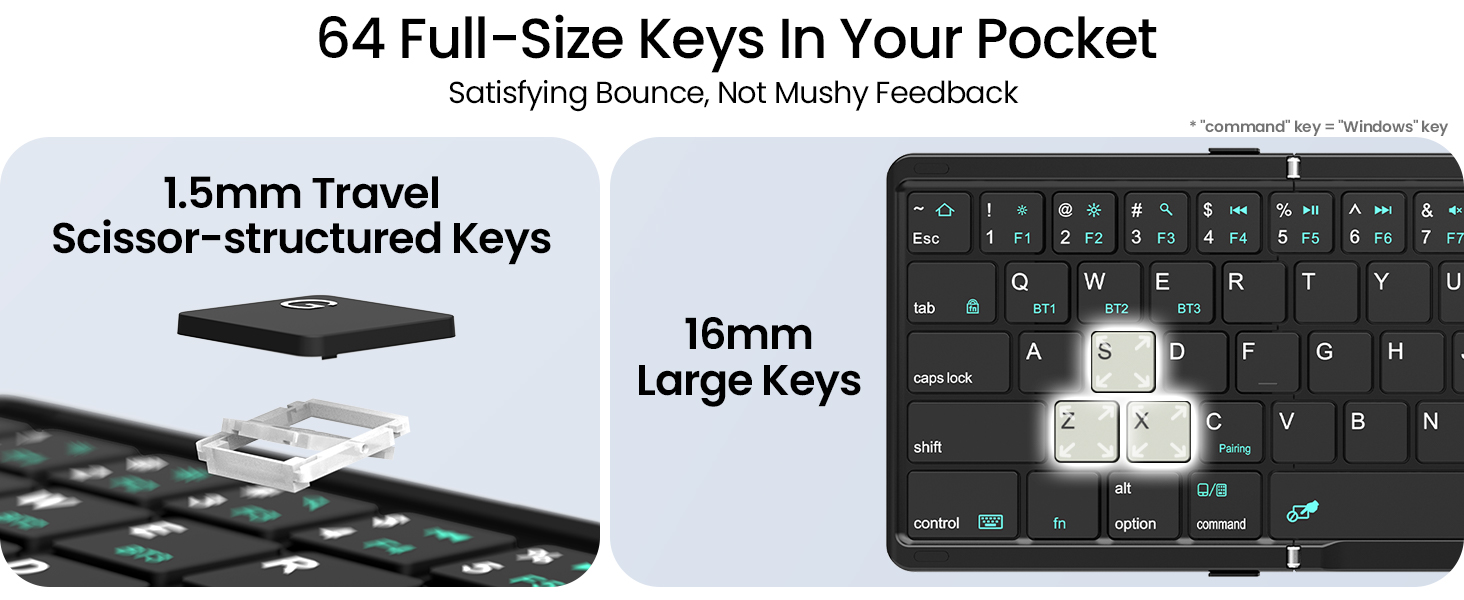
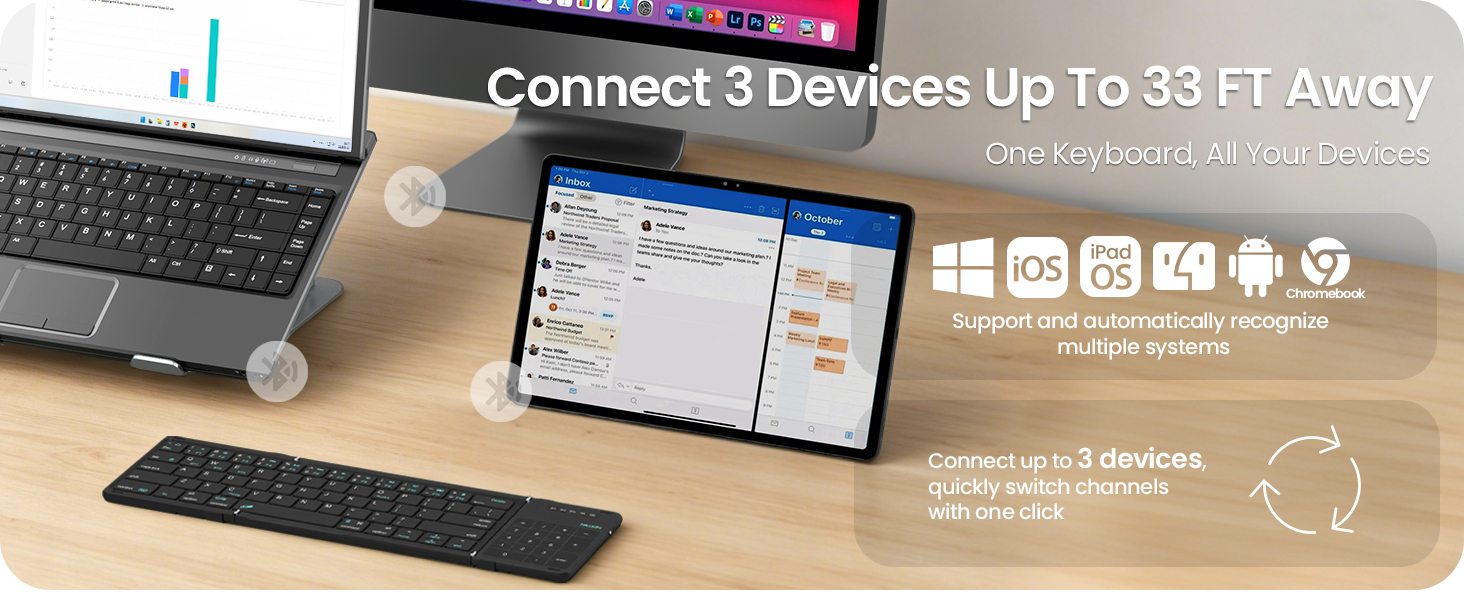
Turn on the keyboard, press Fn + BT1, BT2 or BT3 to pick a channel, then press Fn + C to enter pairing mode (blue light flashes). Open Bluetooth on your device and select "Cube Pocket Keyboard" to connect.
How do I switch between the touchpad and the number pad?
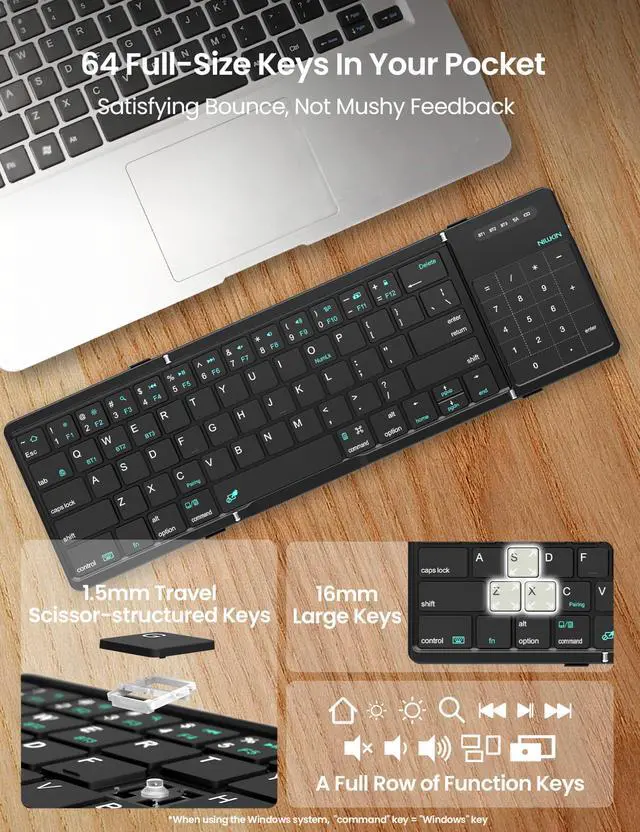
Press Fn + Left Command to toggle the built-in touchpad between mouse control and a number pad. Tip: enabling "Tap to Click" in your system settings makes clicks feel more natural.
Does the trackpad work with Linux?
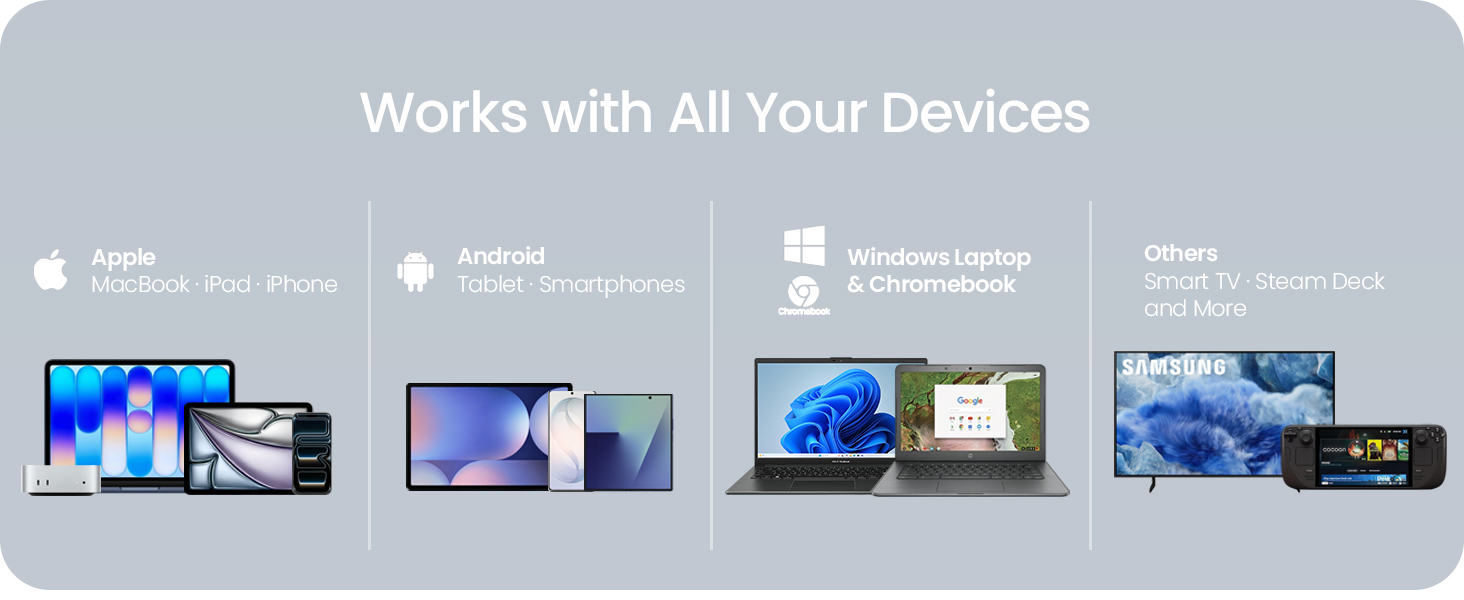
The trackpad is tuned for Windows, macOS, and iPadOS. Linux support is limited — on some distros the trackpad may not respond as expected. The keyboard types normally, but for full trackpad use we recommend Windows, macOS, or iPadOS.
What if I have an issue with my keyboard?
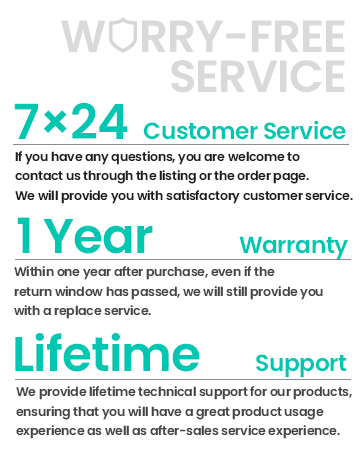
Reach us in seconds: go to Your Orders, select this keyboard, and choose "Contact Seller." Our support team responds within 48 hours and will work with you to resolve any issue.
How long does the battery last, and how do I charge it?
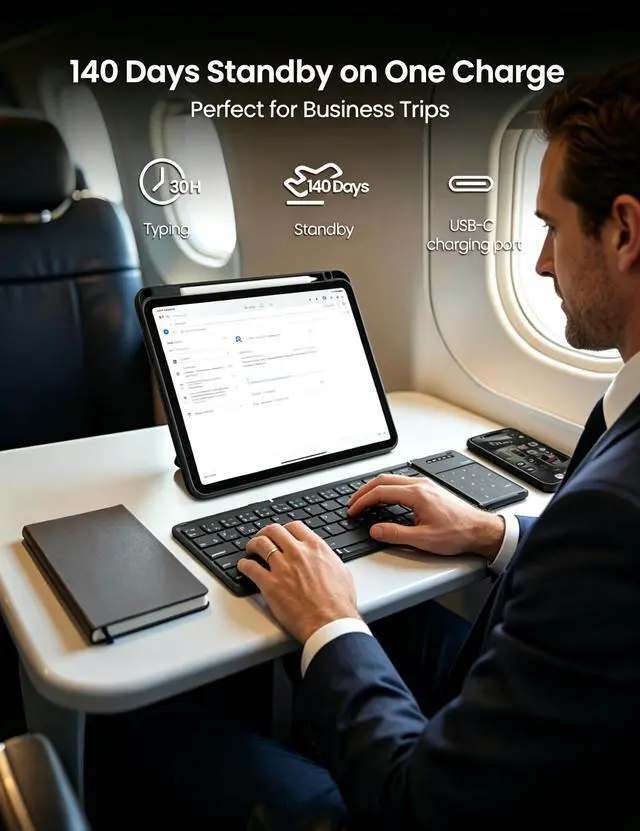
Up to 140 days of standby on a full charge. When it's time to top up, it charges over USB-C — one cable handles your keyboard and your devices. The battery indicator shows charge level at a glance.
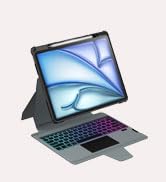
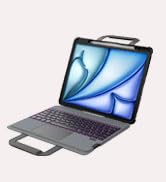
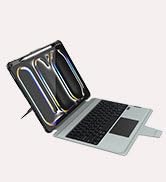
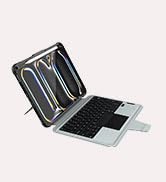

Nillkin Cube Foldable Keyboard
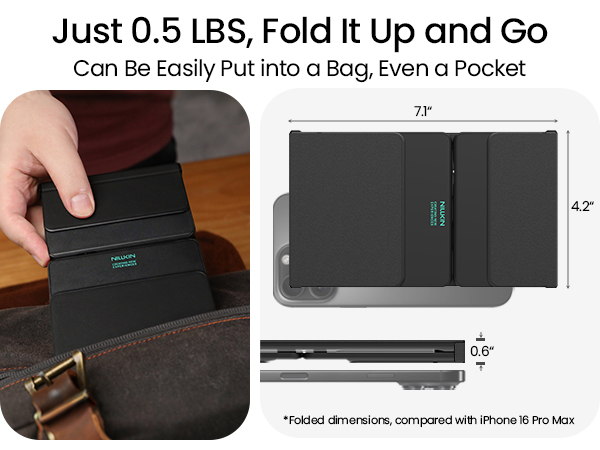




Workstation on the Go
Turn Your Phone Into a Laptop
Instant Number Pad
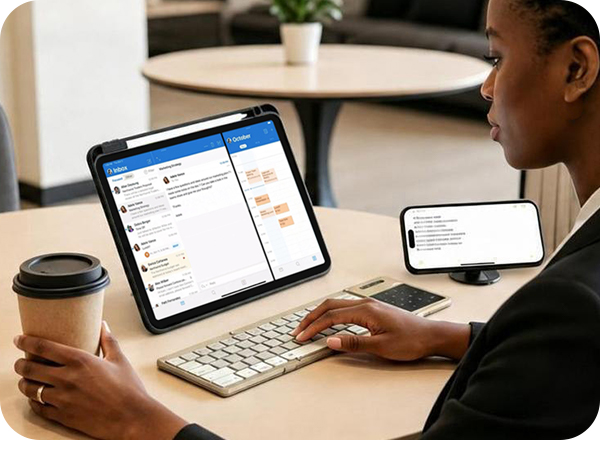
Turn any café into your office — unfold, pair with your tablet, and type on full-size keys wherever you go.
Pair with any phone for laptop-style work in the air — especially Samsung DeX on Galaxy Z Fold as your mobile office.
Switch trackpad to number pad with one keystroke — fast numeric input for spreadsheets, invoices, and accounting work.
How do I pair the keyboard to my device?
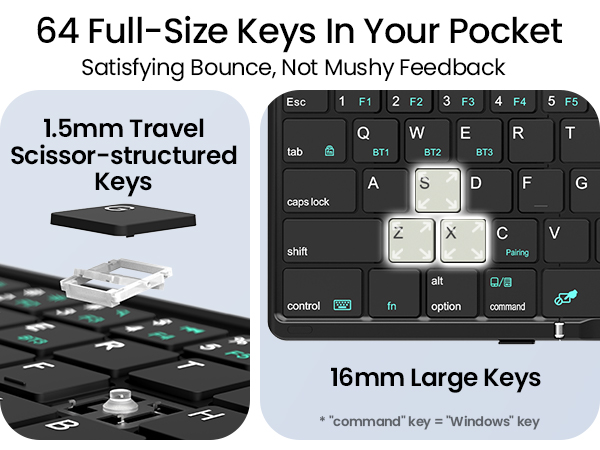
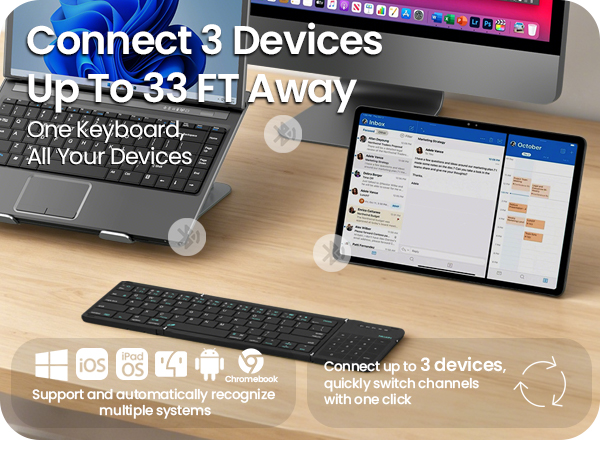
Turn on the keyboard, press Fn + BT1, BT2 or BT3 to pick a channel, then press Fn + C to enter pairing mode (blue light flashes). Open Bluetooth on your device and select "Cube Pocket Keyboard" to connect.
How do I switch between the touchpad and the number pad?
Press Fn + Left Command to toggle the built-in touchpad between mouse control and a number pad. Tip: enabling "Tap to Click" in your system settings makes clicks feel more natural.
Does the trackpad work with Linux?
The trackpad is tuned for Windows, macOS, and iPadOS. Linux support is limited — on some distros the trackpad may not respond as expected. The keyboard types normally, but for full trackpad use we recommend Windows, macOS, or iPadOS.
What if I have an issue with my keyboard?
Reach us in seconds: go to Your Orders, select this keyboard, and choose "Contact Seller." Our support team responds within 48 hours and will work with you to resolve any issue.
How long does the battery last, and how do I charge it?
Up to 140 days of standby on a full charge. When it's time to top up, it charges over USB-C — one cable handles your keyboard and your devices. The battery indicator shows charge level at a glance.
Swipe to learn more >>>
Cube Pocket Foldable Keyboard
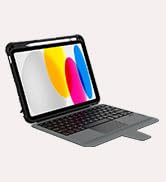
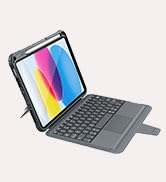
Keyboard Case for iPad
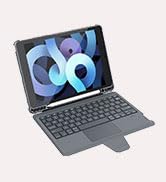
Keyboard Case for iPad Air
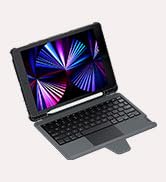
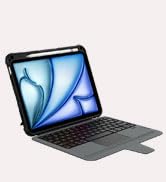
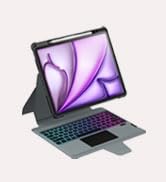
Keyboard Case for iPad Pro
Keyboard Case for Galaxy Tab
