







How do I connect a wireless keyboard?
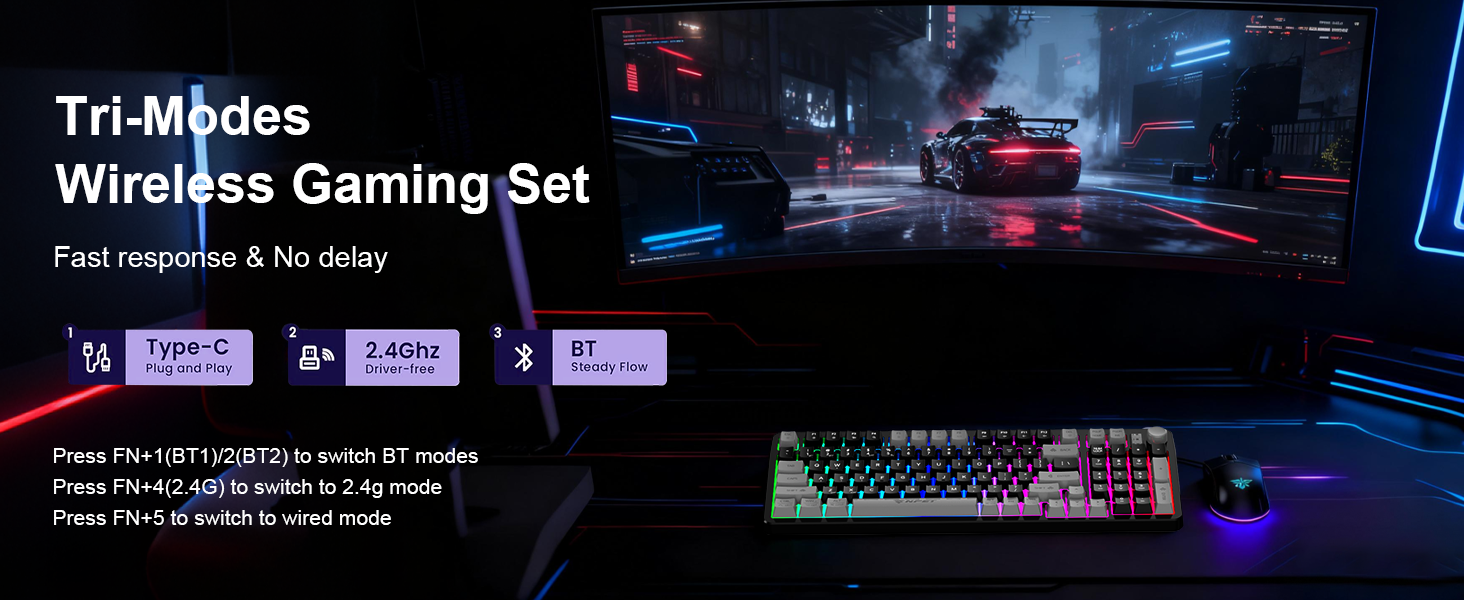
Slide the power switch on the back of the keyboard to the ON position
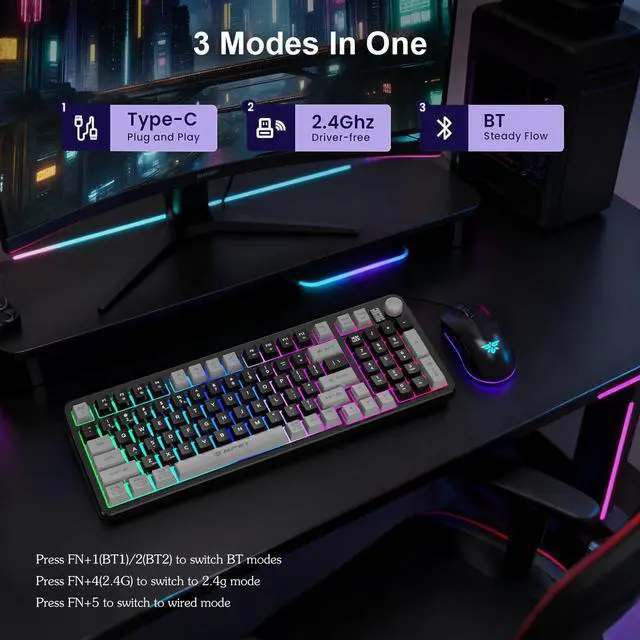
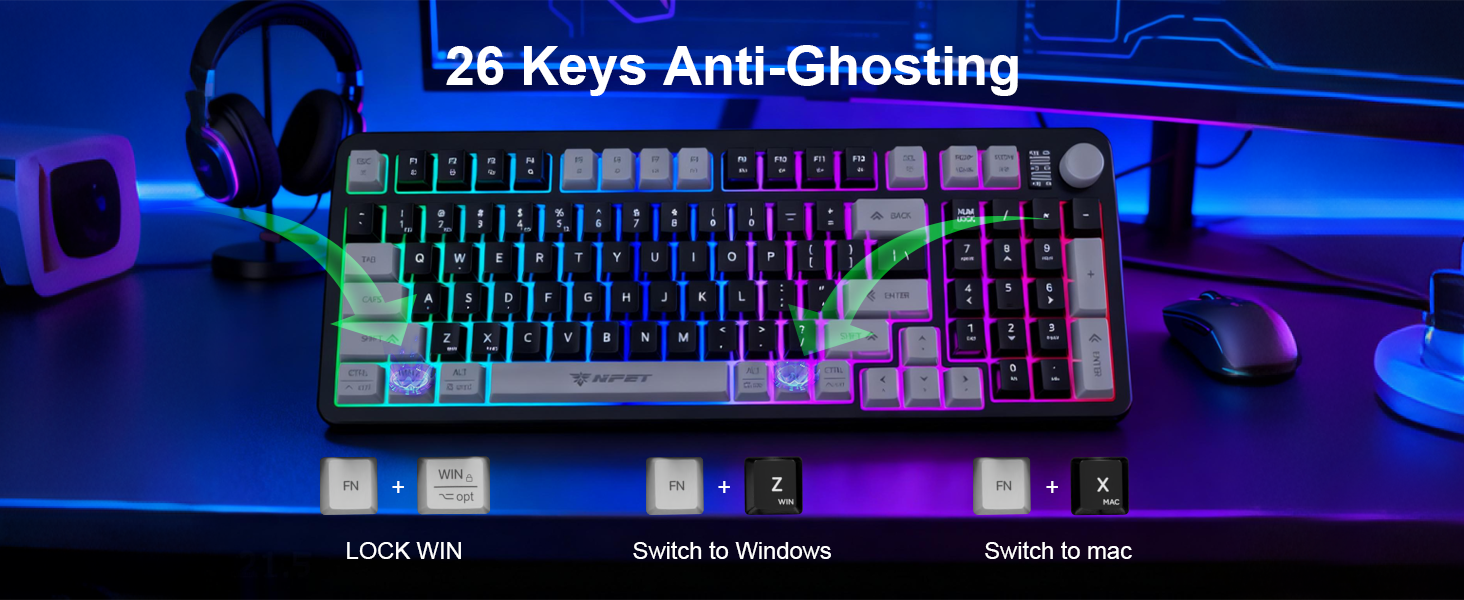
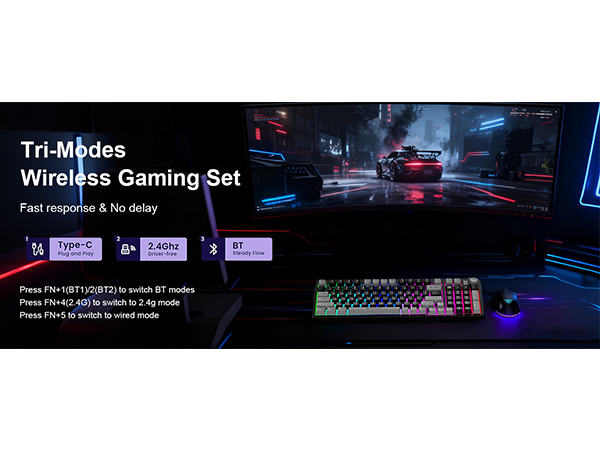
2.4G - Insert the receiver and press and hold FN+4 (if automatic pairing does not occur)
Bluetooth - Press and hold FN+1/2 and search for the device on your computer to connect
How do I connect a wireless mouse?
To use 2.4G mode, set the underside switch to "2.4G." Insert the USB receiver; connection is automatic. For Bluetooth, switch to "BT," then press and hold the "Pair BT" button for three seconds. Finally, connect your device's Bluetooth settings menu.
Where can I find a 2.4 GHz receiver?
The 2.4G receiver is located in the slot on the back of the mouse. This receiver is a dual-function receiver, allowing you to connect both the keyboard and mouse simultaneously in 2.4G mode
How do I connect a wireless keyboard?
Slide the power switch on the back of the keyboard to the ON position
2.4G - Insert the receiver and press and hold FN+4 (if automatic pairing does not occur)
Bluetooth - Press and hold FN+1/2 and search for the device on your computer to connect
How do I connect a wireless mouse?
To use 2.4G mode, set the underside switch to "2.4G." Insert the USB receiver; connection is automatic. For Bluetooth, switch to "BT," then press and hold the "Pair BT" button for three seconds. Finally, connect your device's Bluetooth settings menu.
Where can I find a 2.4 GHz receiver?
The 2.4G receiver is located in the slot on the back of the mouse. This receiver is a dual-function receiver, allowing you to connect both the keyboard and mouse simultaneously in 2.4G mode