here!
here!
I’m your shopping assistant for PC builds, upgrades, and everything tech.
Got questions? Ask away!
Start a conversation
here!
I’m your shopping assistant for PC builds, upgrades, and everything tech.
Got questions? Ask away!
Start a conversation




Any questions? Ask CelesteSM will help you find out quickly.
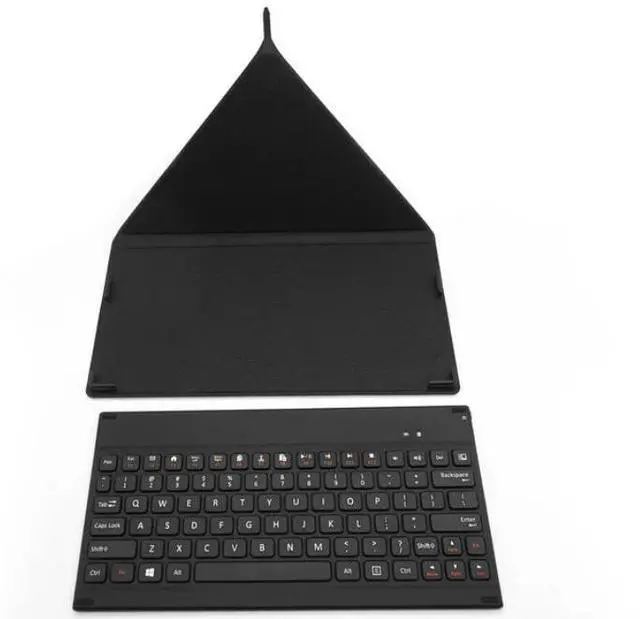
Please note: This product functions as a Bluetooth keyboard with an integrated stand, and it is not designed or intended to be used as an iPad protective case.
It is a Bluetooth keyboard that can be an iPad stand, it is NOT an iPad protective cover.
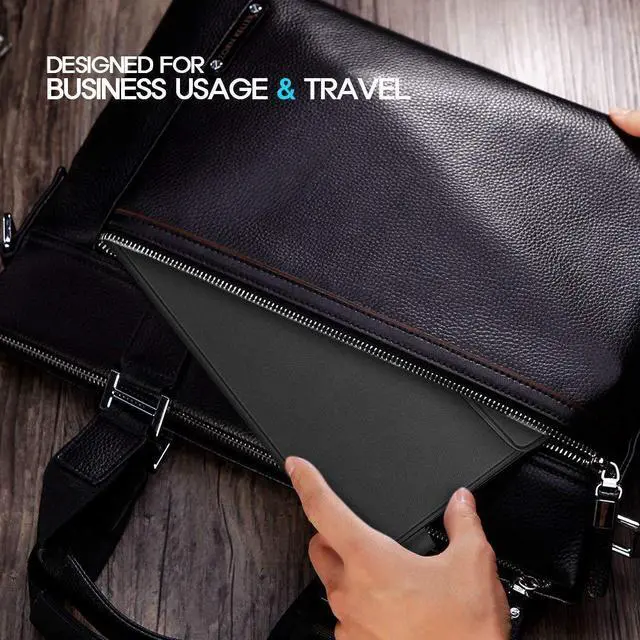
Bluetooth Keyboard is a great combination of protective case and functional laptop-style keyboard. It is specially designed for business users who travel a lot with Bluetooth enabled tablets and smart phones, running iOS, Windows or Android.
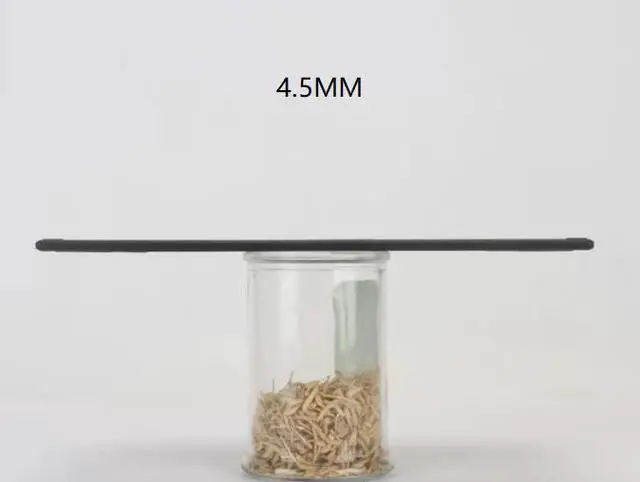
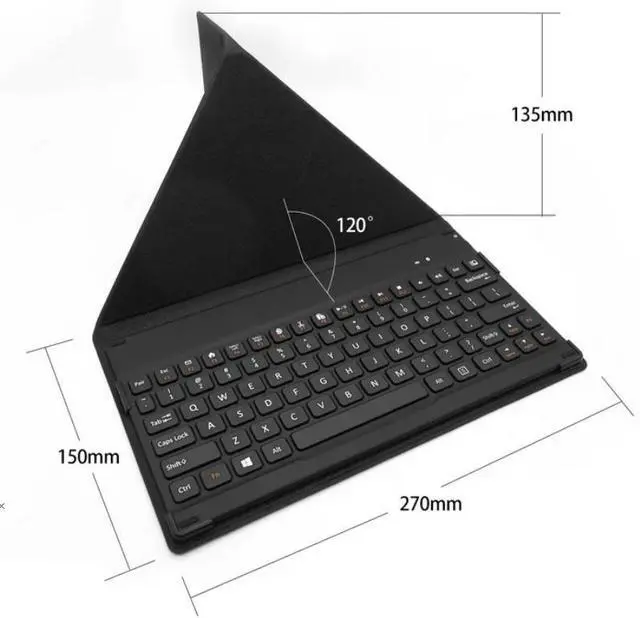
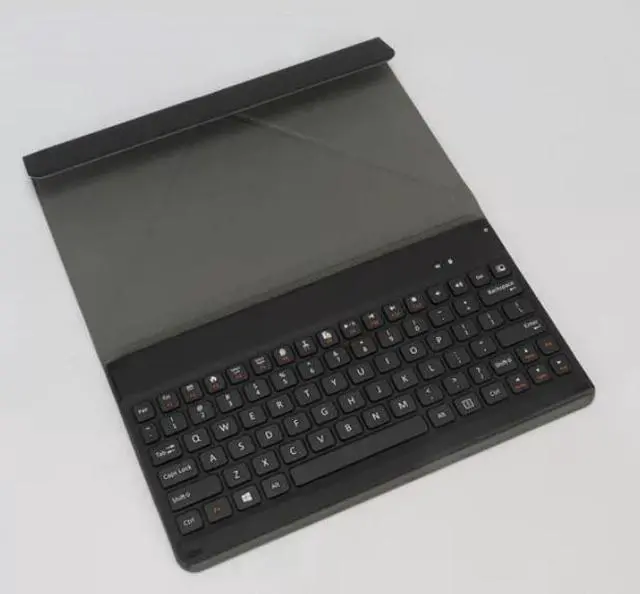
INCLUDING A COVER--The decent leather cover offers perfect protection for your portable business keyboard. It can also be folded and used as a smart stand for your iPad, tablet and smart phone. Keeping away from scratches, dust, accidental spills and bumps. ULTRA SLIM AND PORTABLE--The thin and compact design makes wireless keyboard easy to carry with your backpack, best choice for travelling or business trip. Lightweight for carrying around easily. ENERGY SAVING--Automatically goes to sleep if 15 minutes without typing. Last over 60 days (based on two hours use per day) with power-saving mode.
CROSS COMPATIBILITY--Compatible with iOS, Android and Windows, including iPad Air 3/2/1, iPad Pro, iPad Mini 4/3/2/1, iPad 4/3/ 2, iPhone X/8/8 Plus, surface tablet, smart phones and etc.
How to use:
1. Charging Instructions
2. Bluetooth Pairing Steps
3. Multi-Device Switching Operation
Method to remap the Ctrl key to Apple Command key