here!
here!
I’m your shopping assistant for PC builds, upgrades, and everything tech.
Got questions? Ask away!
Start a conversation
here!
I’m your shopping assistant for PC builds, upgrades, and everything tech.
Got questions? Ask away!
Start a conversation



Any questions? Ask CelesteSM will help you find out quickly.


When "Fn" is not in lock mode
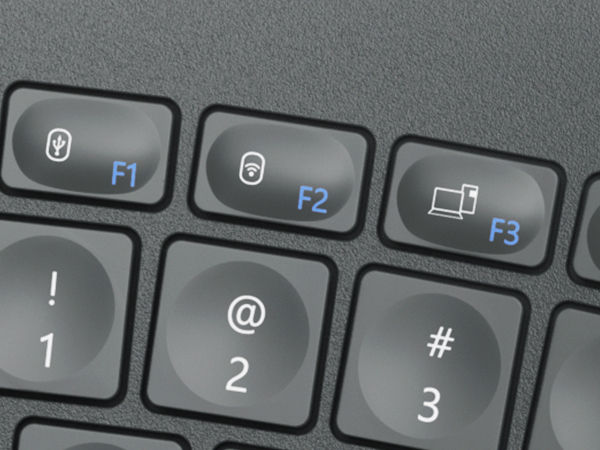
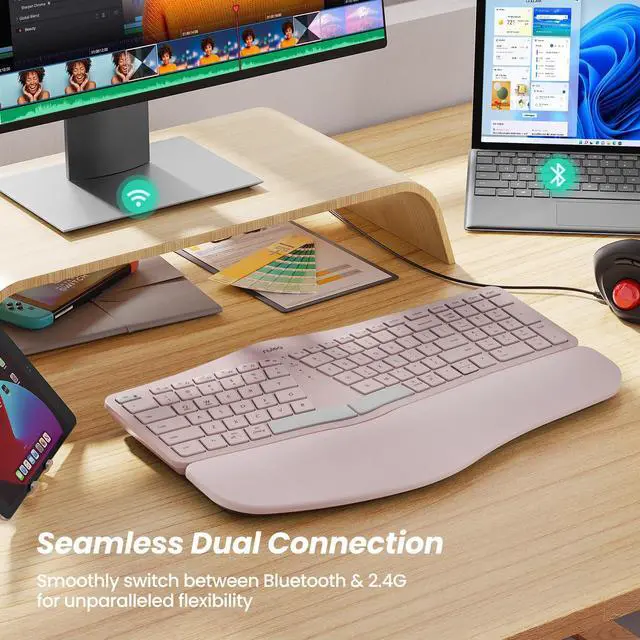
1. If you want to connect via wired connection, press "F1", the mode indicator is red.
2. If you want to connect via 2.4G USB, please press "F2", the mode indicator is green.
3. If you want to connect via Bluetooth, press "F3", the mode indicator is blue.When "Fn" is in lock mode and pressing F1, F2 or F3 directly has no effect, then you need to press "Fn" while pressing F1, F2 or F3. {Note: Press "Fn" and "Esc" at the same time to switch Fn function lock/unlock.}


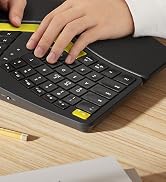
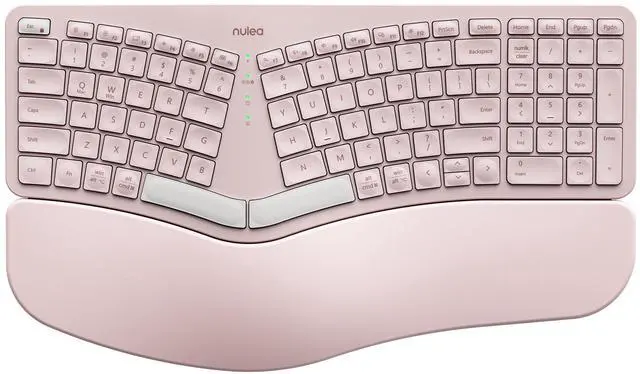
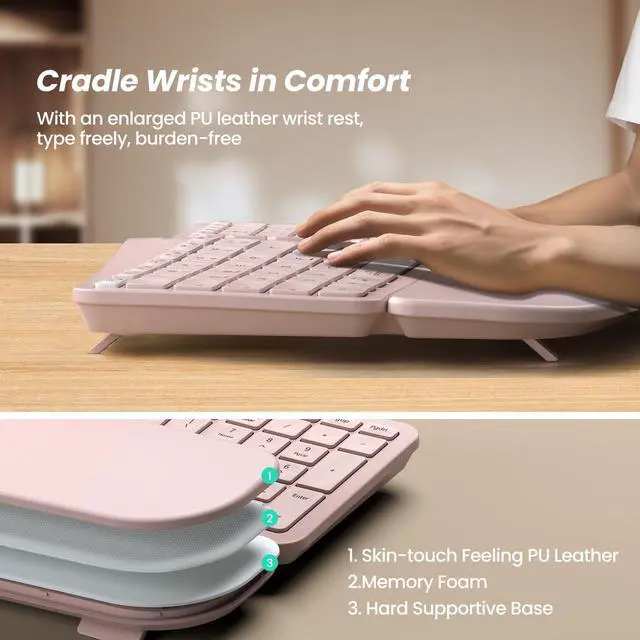
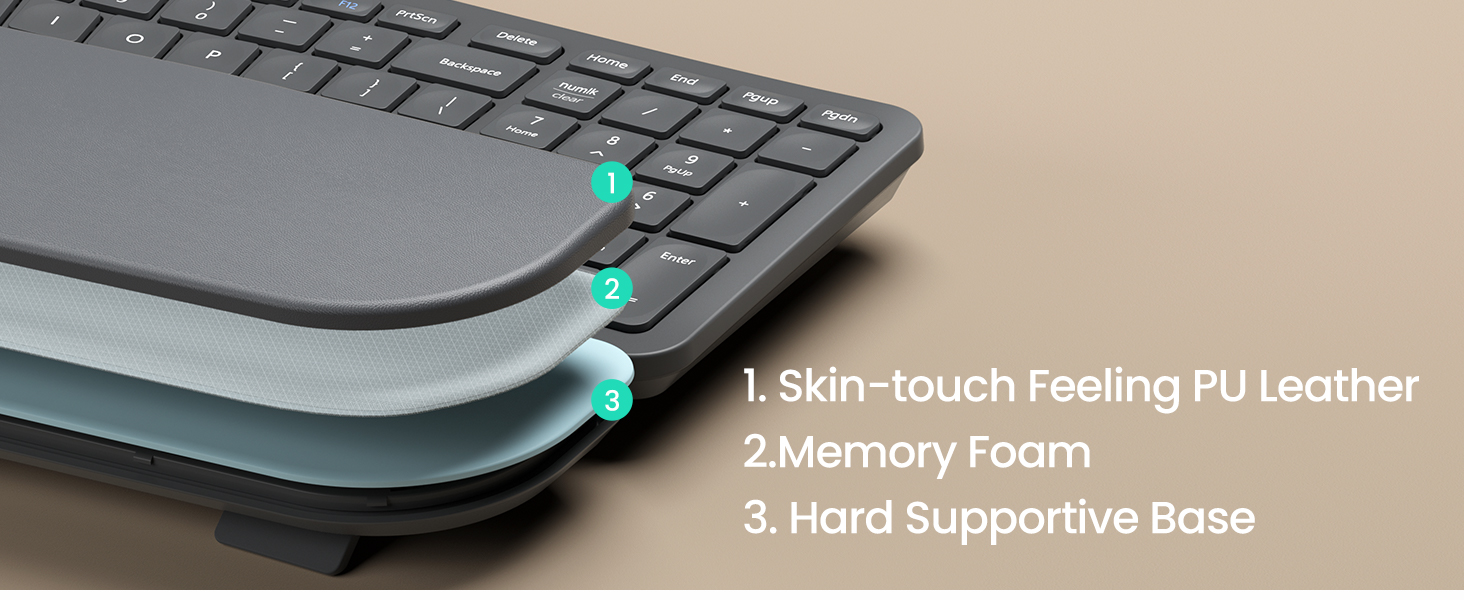
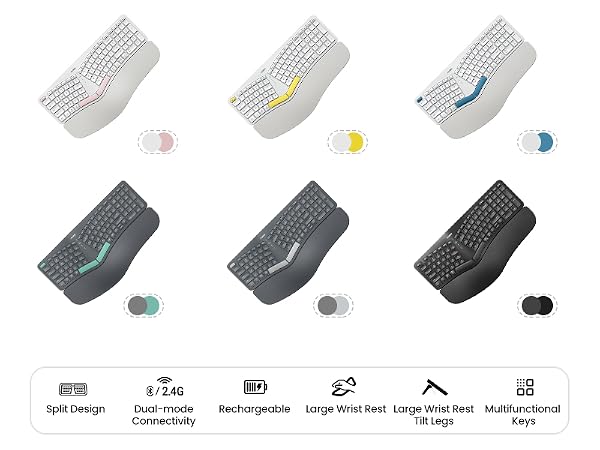
Experience better palm and wrist support with a larger pillowed palm rest, enhancing your typing comfort.
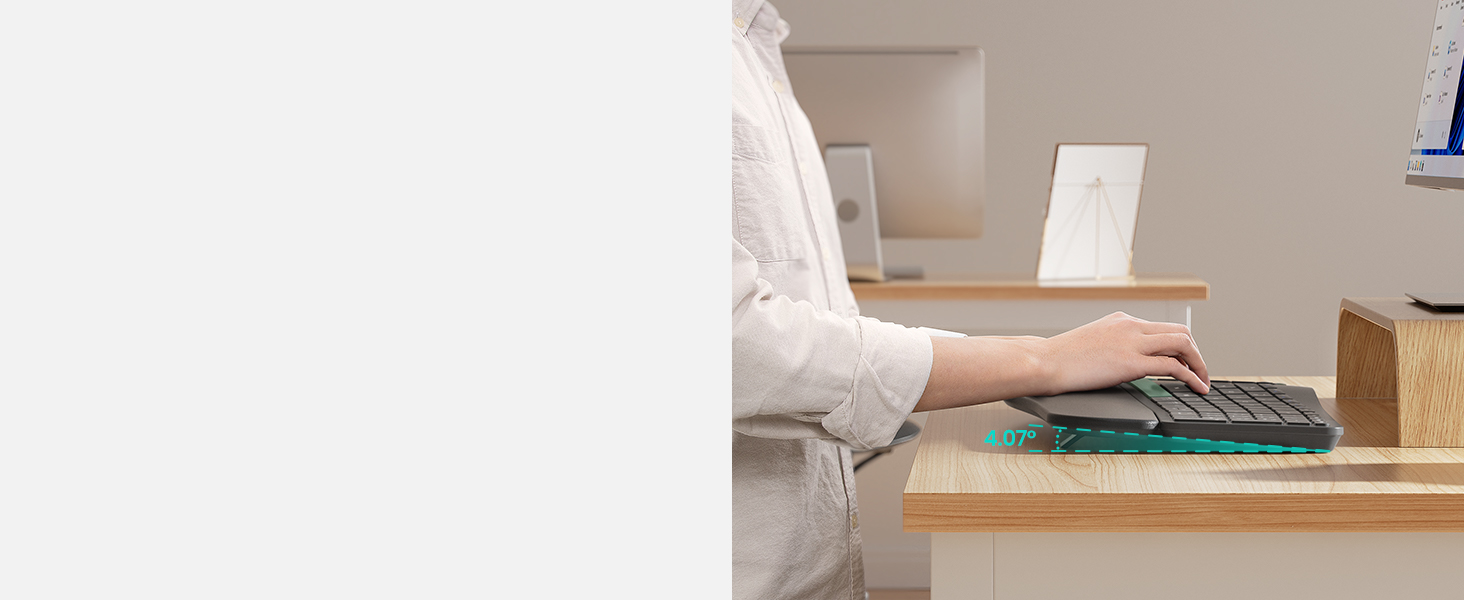
Experience better palm and wrist support with a larger pillowed palm rest, enhancing your typing comfort
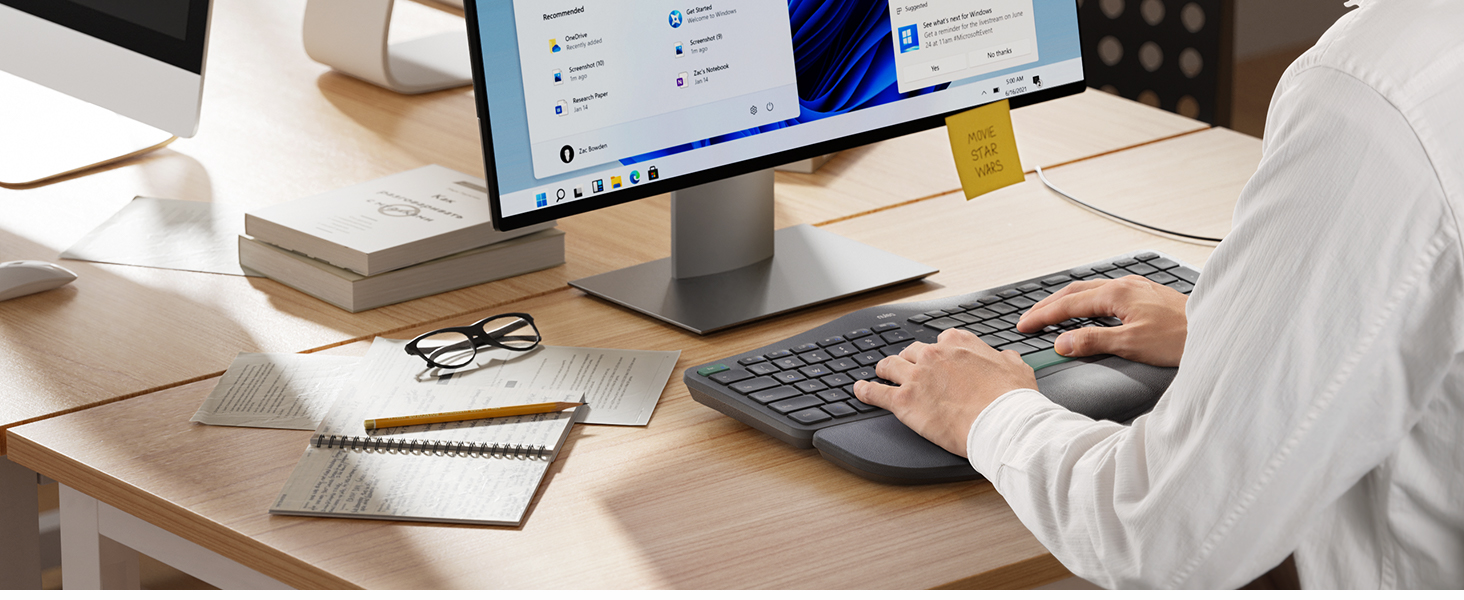
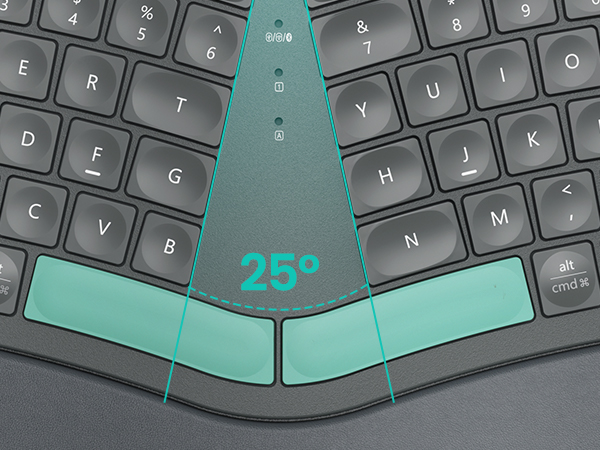
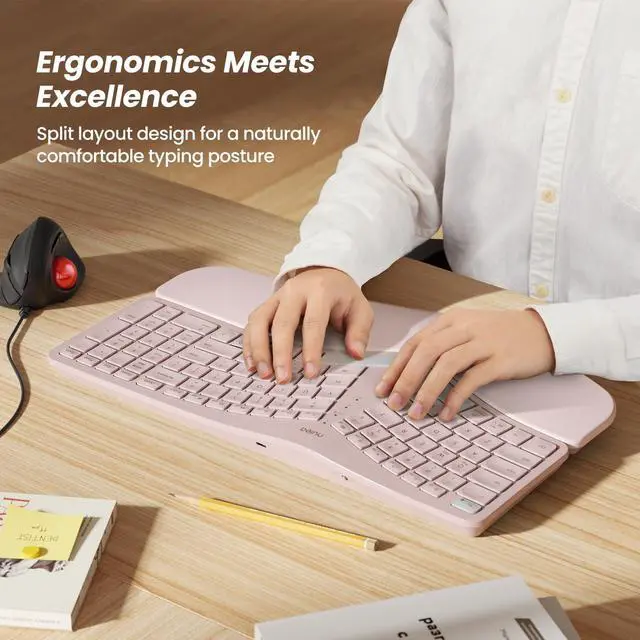
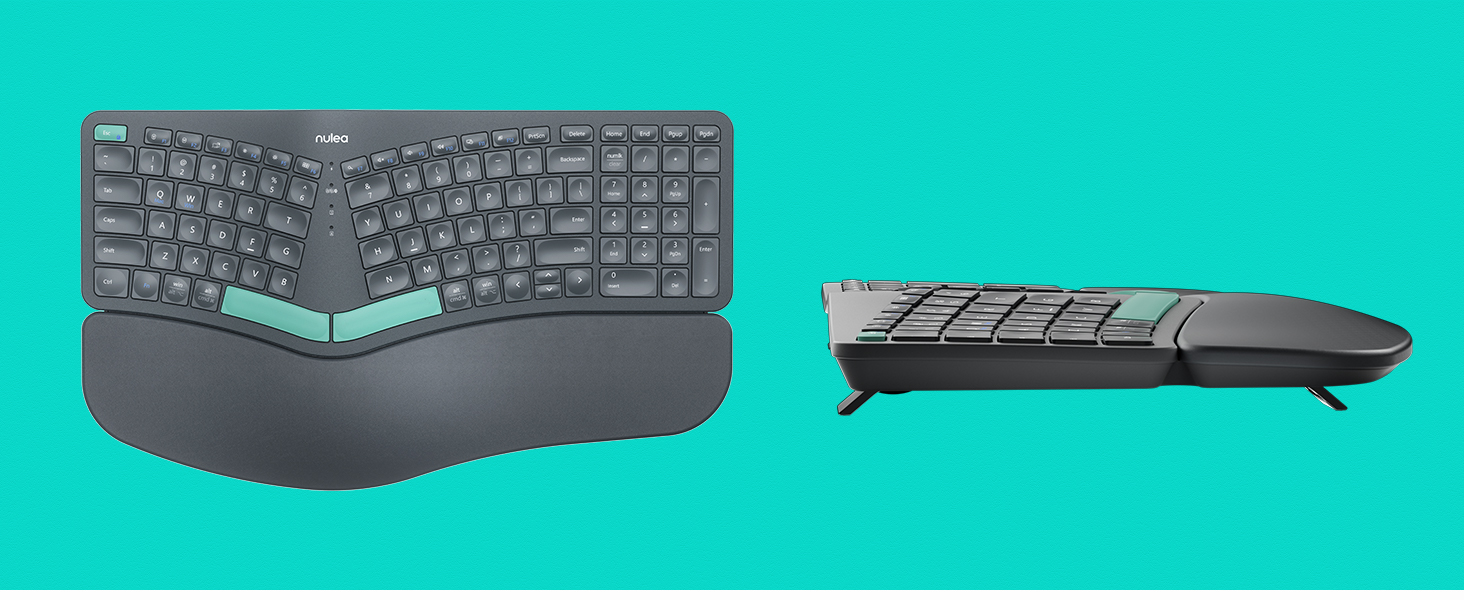
Discover the ergonomic split & splayed design for reduced wrist and forearm strain.
When "Fn" is not in lock mode
1. If you want to connect via wired connection, press "F1", the mode indicator is red.
2. If you want to connect via 2.4G USB, please press "F2", the mode indicator is green.
3. If you want to connect via Bluetooth, press "F3", the mode indicator is blue.When "Fn" is in lock mode and pressing F1, F2 or F3 directly has no effect, then you need to press "Fn" while pressing F1, F2 or F3. {Note: Press "Fn" and "Esc" at the same time to switch Fn function lock/unlock.}


Experience better palm and wrist support with a larger pillowed palm rest, enhancing your typing comfort.
Experience better palm and wrist support with a larger pillowed palm rest, enhancing your typing comfort
Discover the ergonomic split & splayed design for reduced wrist and forearm strain.