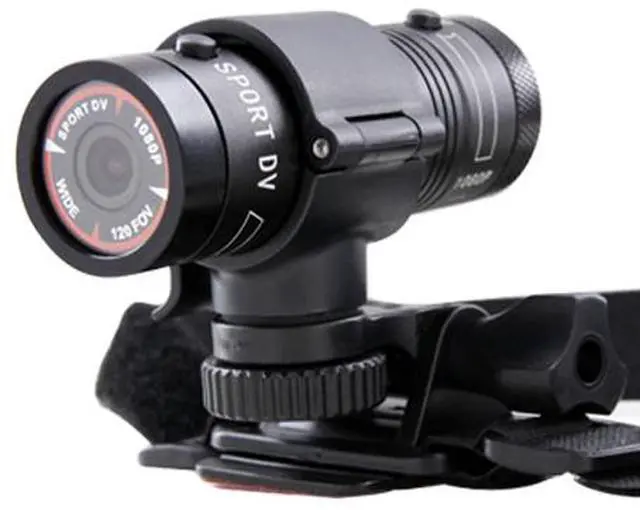
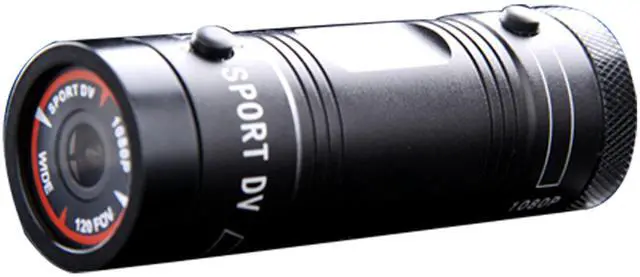
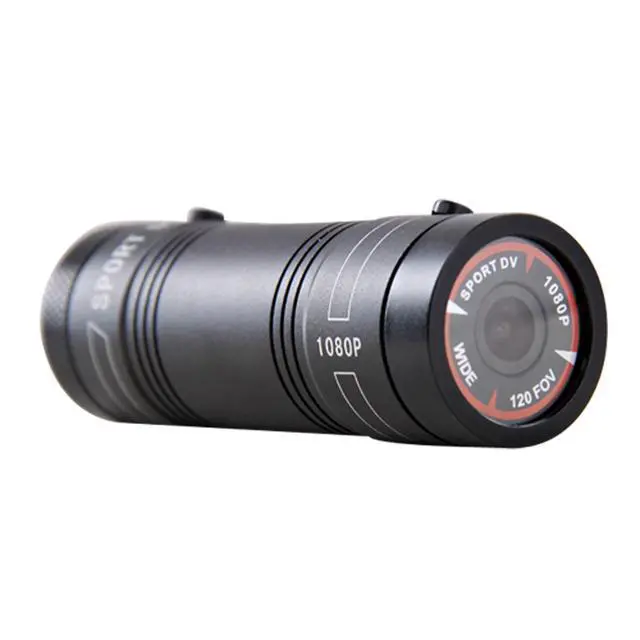
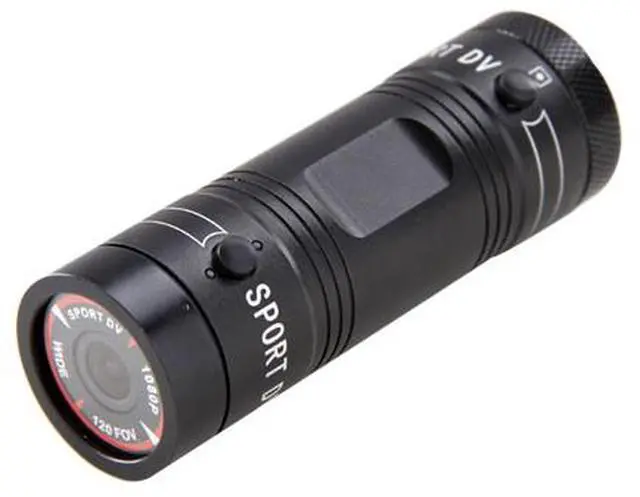
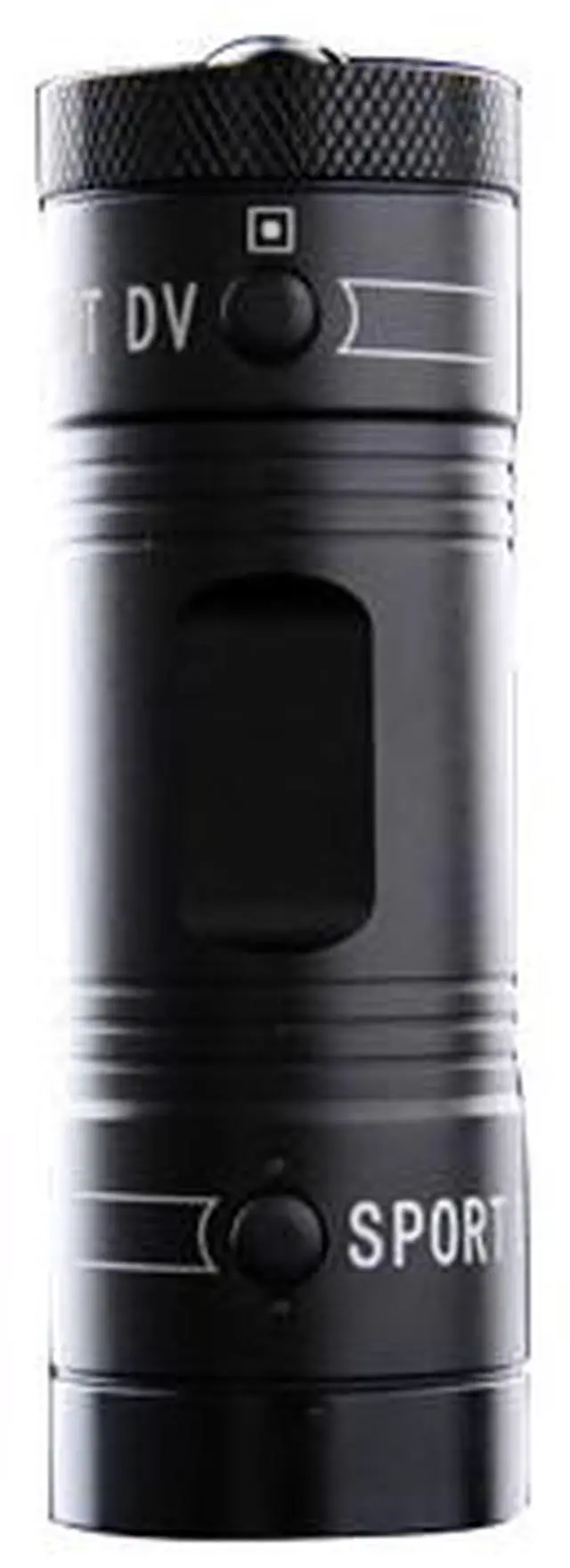
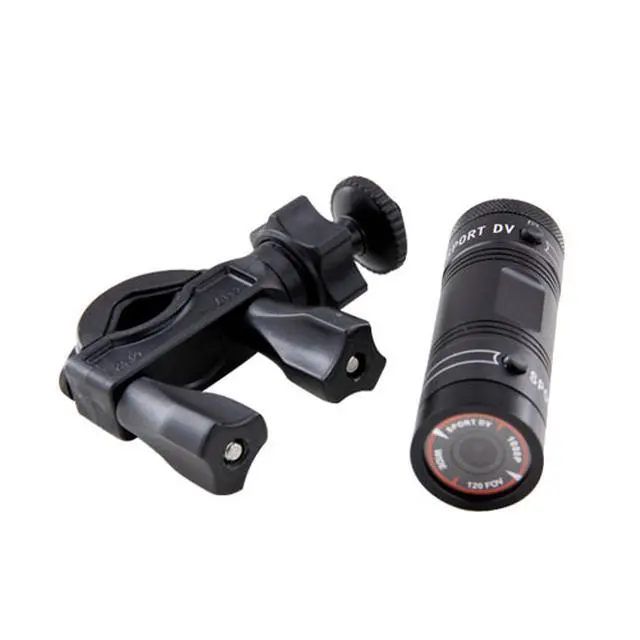
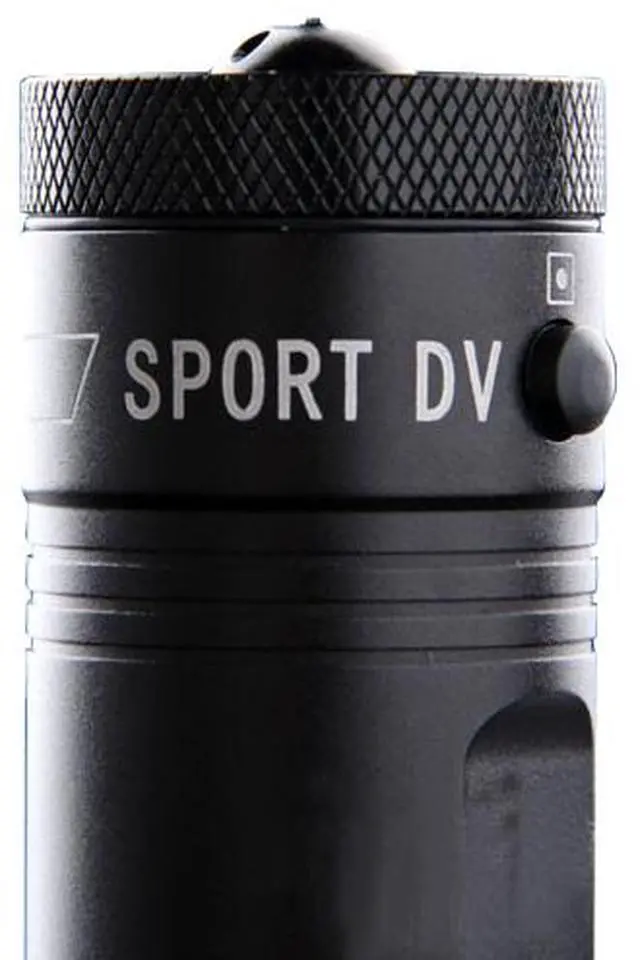
The Ambarella Full HD 1080P sport action camera mini F9 120 degree wide angle with 3 Kinds of mounts for Bike/Motorcycle, Helmet or Car Use (car black box). There is a high resolution sensor which can record videos in 1080p high definition. With the customized mounts include it's ideally suited for mounting to your motorbike, car, mountain bike, BMX, airplane, golf cart...you won't miss an inch of the excitement and don't worry about the extreme outdoor weather.
In addition, you can record all of the action with a 4GB micro SD memory card or add more up to 32GB capacity. There's also a mini USB port so you can view photos and video on a big screen TV. The Sports HD DV Waterproof Action Camera is a simple to use digital video camera that easily on helmets, bikes, race cars, dirt bikes and more. It lets you capture your sports activities as you see them.
Specification:
• Lens 120 degree wide angle lens
• Resolution 1920*1080P 30fps /1280*720P 60fps
• Vide 1080P/720P
• Photo 1080P
• Record Format Ambarella 1920*1080P/30fps H.264 AVI
• Memory Card TF Card up to 32GB (Card included)
• USB Interface USB 2.0
• Power Interface 5V 1A
• Microphone Built-in
• Battery Built-in lithium Battery
• Dimensions Approx. 88*29*30mm
• Gross/Net Weight Approx. 426g/80g
Package Content:
• 1X HD 1080P Action Sport Camera
• 1X Bike/Motorcycle-Mounted Holder
• 1X Helmet-Mounted Holder
• 1X Car-Mounted Holder
• 1X Strap
• 1X USB Cable
• 1X UK Charger
• 1X Detailed User Manual
• 1X 32G TF Card
Instructions:
How to take pictures
In 1080P (30fps) mode switch to the camera mode switch fluctuations, press the camera / video key, sports DV to red light, red light goes off after the completion of photographs, can be connected to a PC or use a card reader to read take pictures files.
Note: Only have a camera at 1080P (30fps) mode.
How Photography
After boot mode to video mode is set, press the camera / video button, the machine red light and start recording (to be inserted TF card), and then press the camera / video button, the machine stops recording after saving the red light goes off. In video mode toggle switch to select the resolution of 1080p (30fps), 720p (60fps) two kinds of formats, you can select the appropriate format for recording video clips on demand.
Time Setting
Time Set (Set): The machine card after connecting the unit to a PC, there is a text document SportDV.txt in removable disk, open the document, change the following information: 1.UPDATE: N Change UPDATE: Y; 2 Change the appropriate date timeshare seconds to save the file, such as changing the year: 2012 month: 9 date: 24 hour: 10 minute: 10 second: 0, set the machine time is at 10:00 on September 24th, 2012 10 minutes 0 seconds. Shutdown, then boot, the machine will automatically update the time you set, then you can take pictures or video, see the corresponding time information in the archives.
Note: If you do not see this document, is set to display hidden files come to this document.