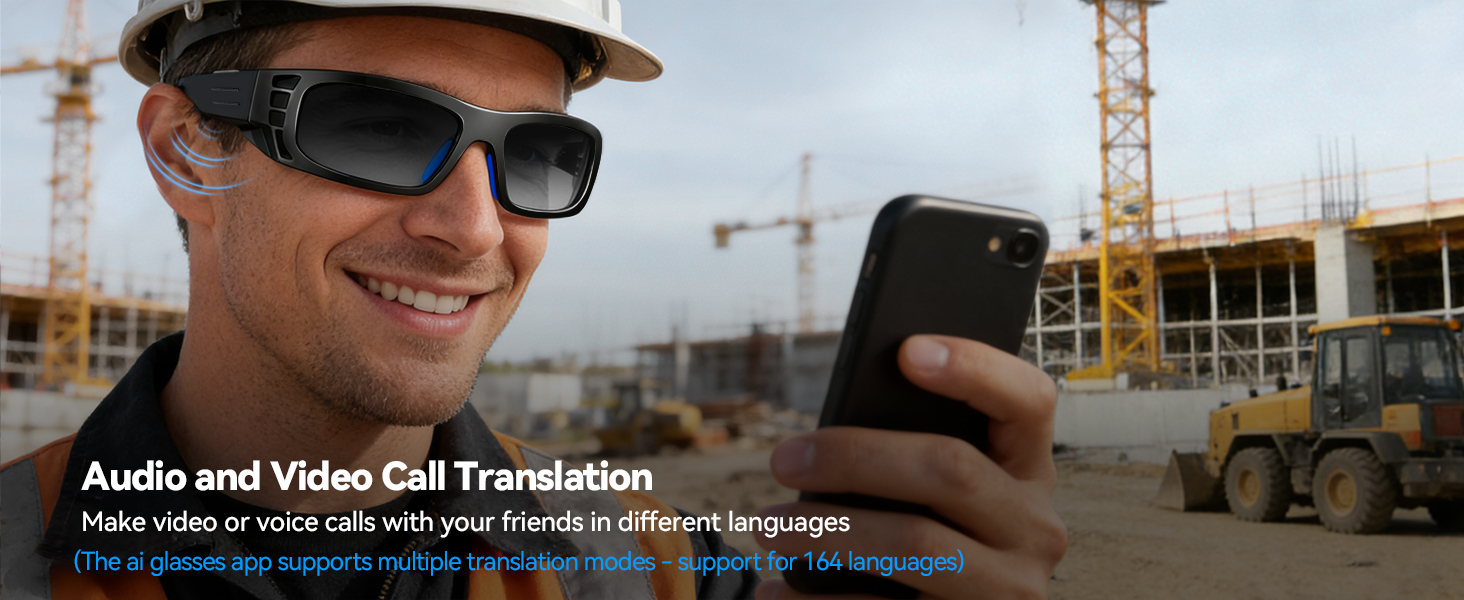
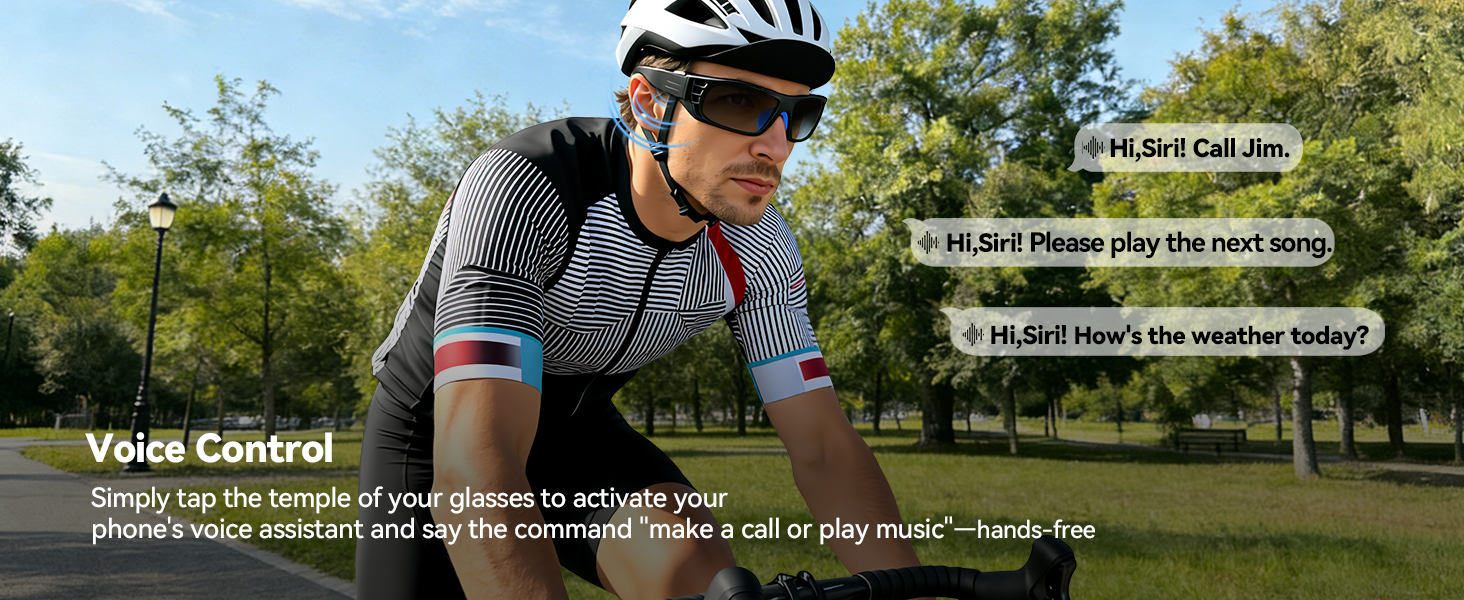
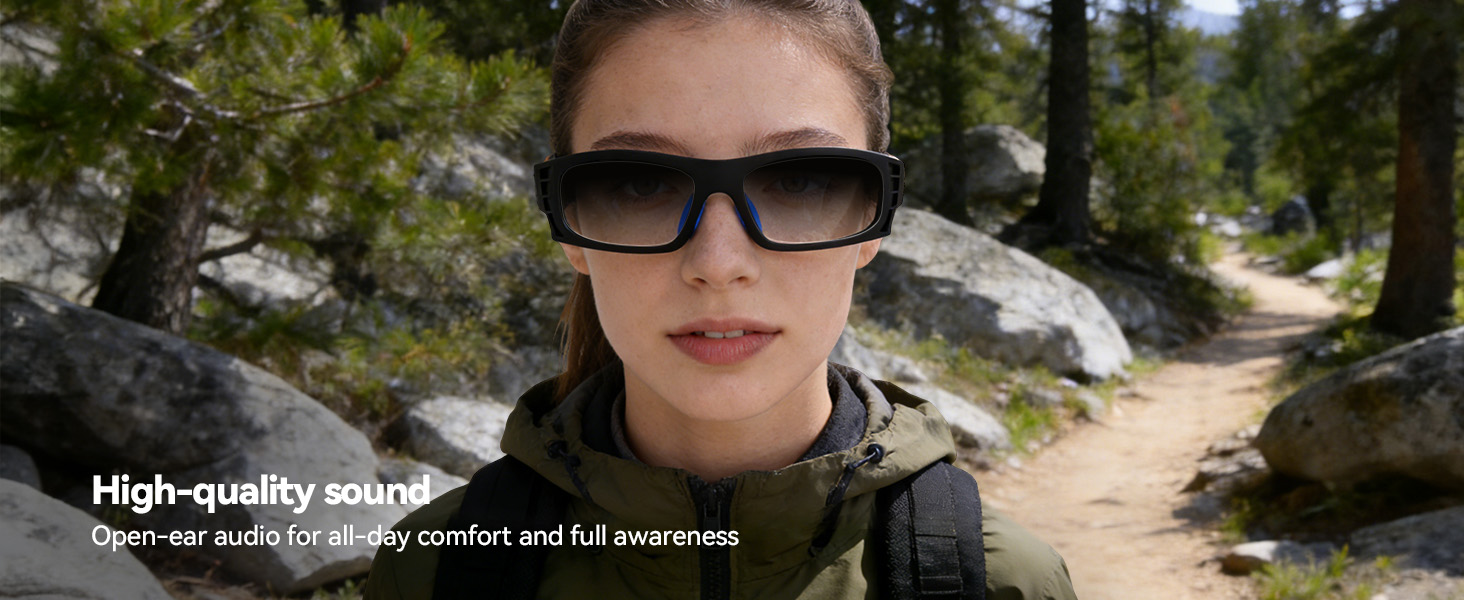
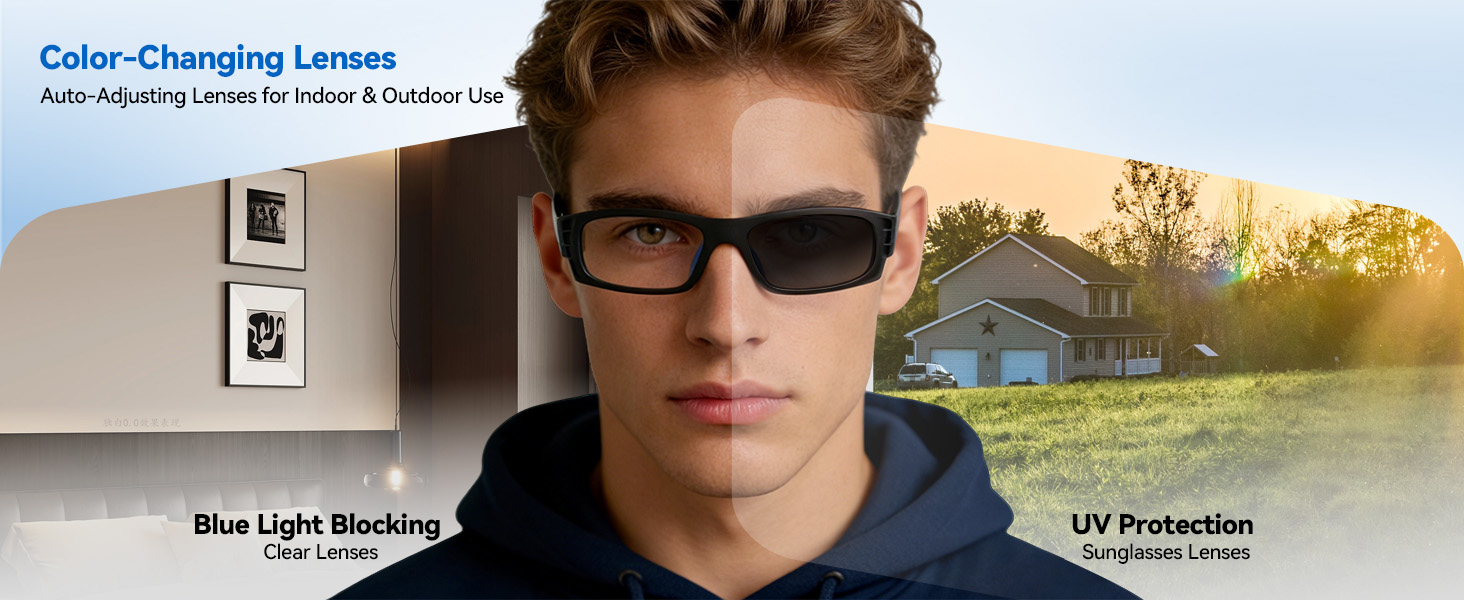
here!
here!
I’m your shopping assistant for PC builds, upgrades, and everything tech.
Got questions? Ask away!
Start a conversation
here!
I’m your shopping assistant for PC builds, upgrades, and everything tech.
Got questions? Ask away!
Start a conversation





Any questions? Ask CelesteSM will help you find out quickly.
Fully charge both temples before first use, there will be a clear indicator light during charging.
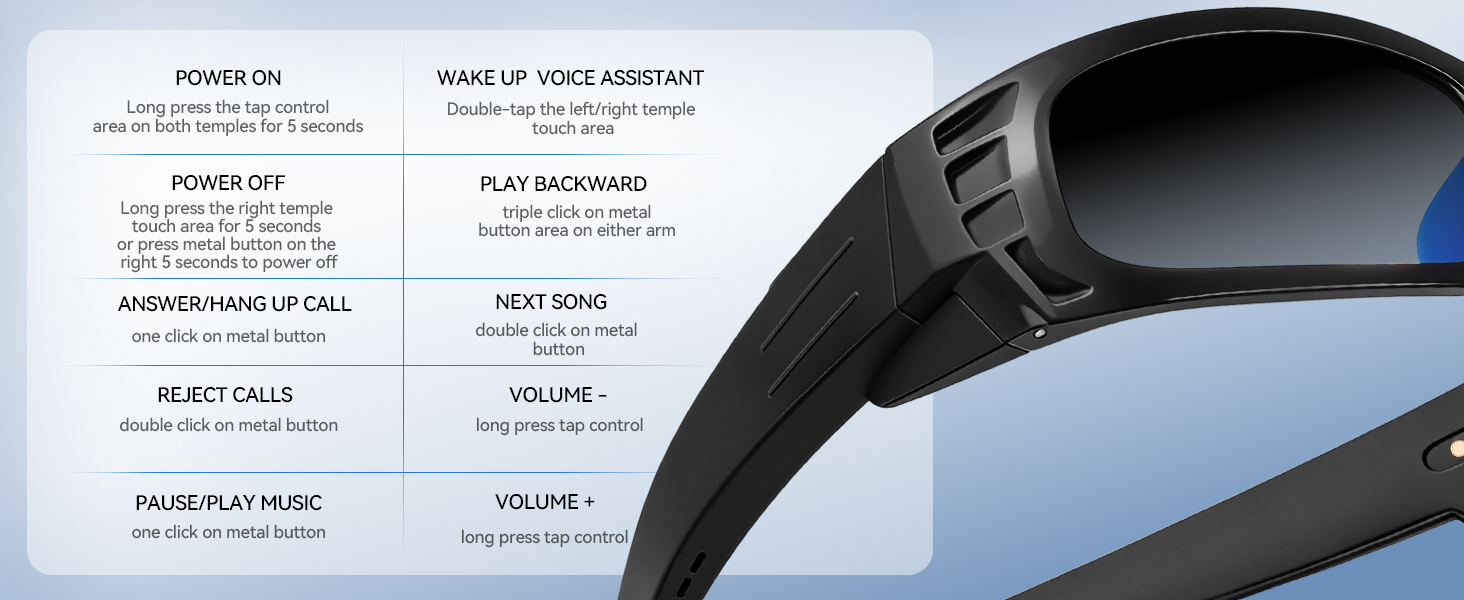
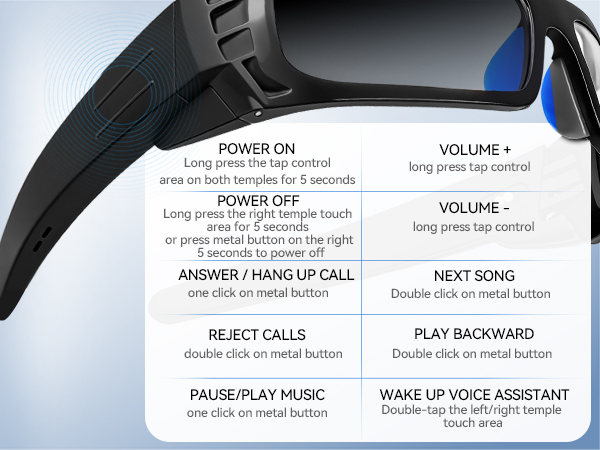
Q:How do I turn on smart glasses?
A: Power on: Long press the tap control area on both temples for 5 seconds.
Q:How to pair a smart glasses with a mobile phone?
A: 1,Turn on both temples of your glasses and turn on Bluetooth on your phone, search device name: "eyewear tactic" to connect the glasses;2,click Connect - Go to Settings at the top of the Home page, then go to your phone's Bluetooth page and search for the device name: "eyewear tactic" to connect the glasses.
Q:How to connect to the smart glasses APP?
A:1,After entering the Glasses app, Click Mine - Bind device (scan the authorization code on the instruction manual to bind);
2,Ear Dance app with free lifetime access
If you encounter any problems while using the smart glasses, please use the "Find Order - Contact Seller" function.
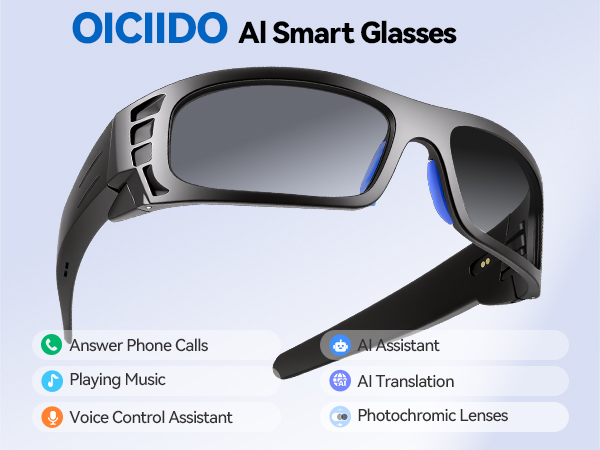

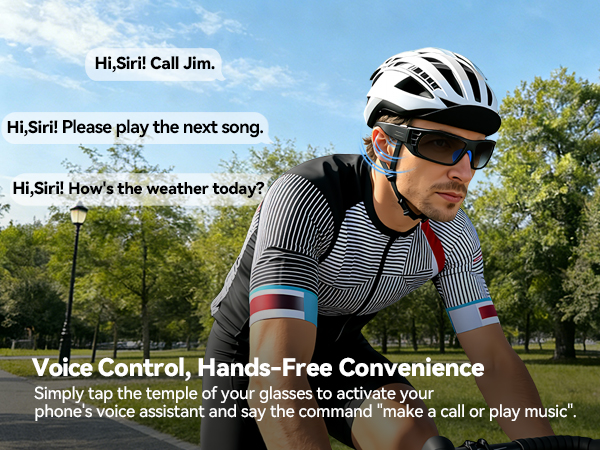
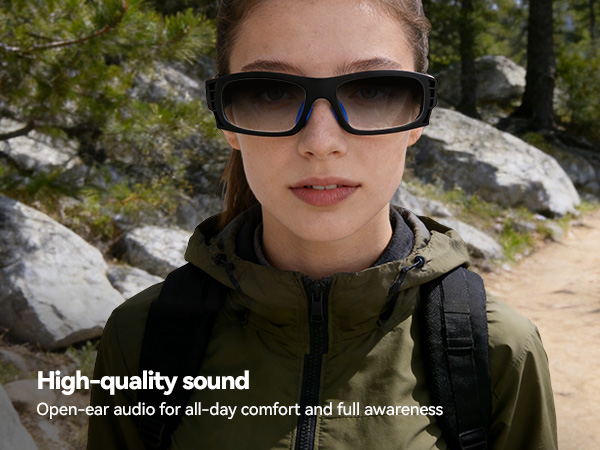
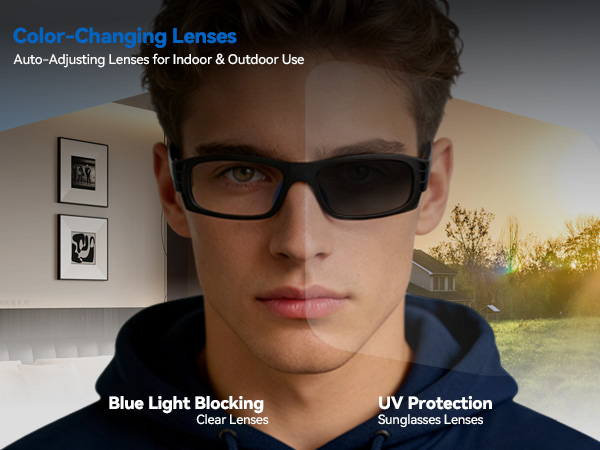
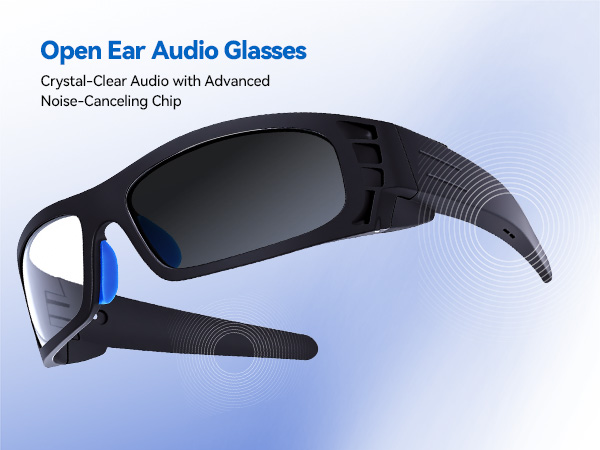
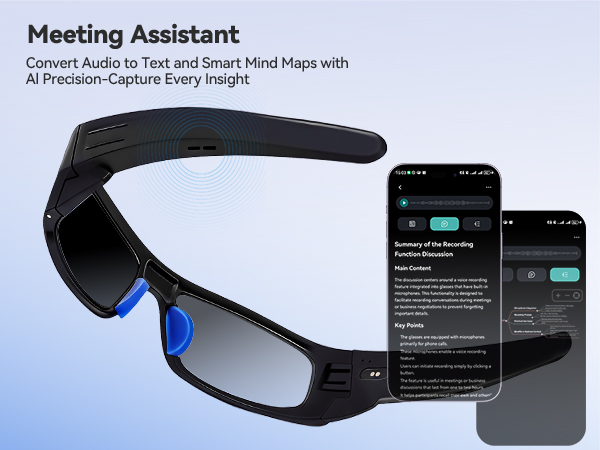
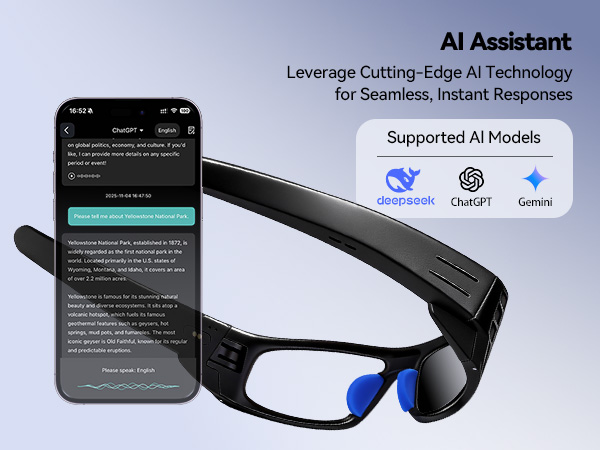
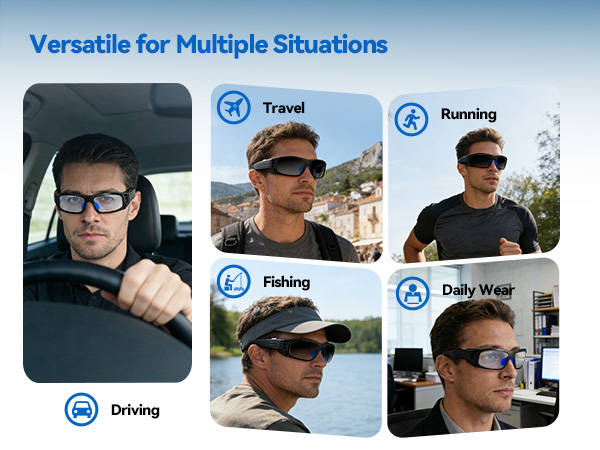
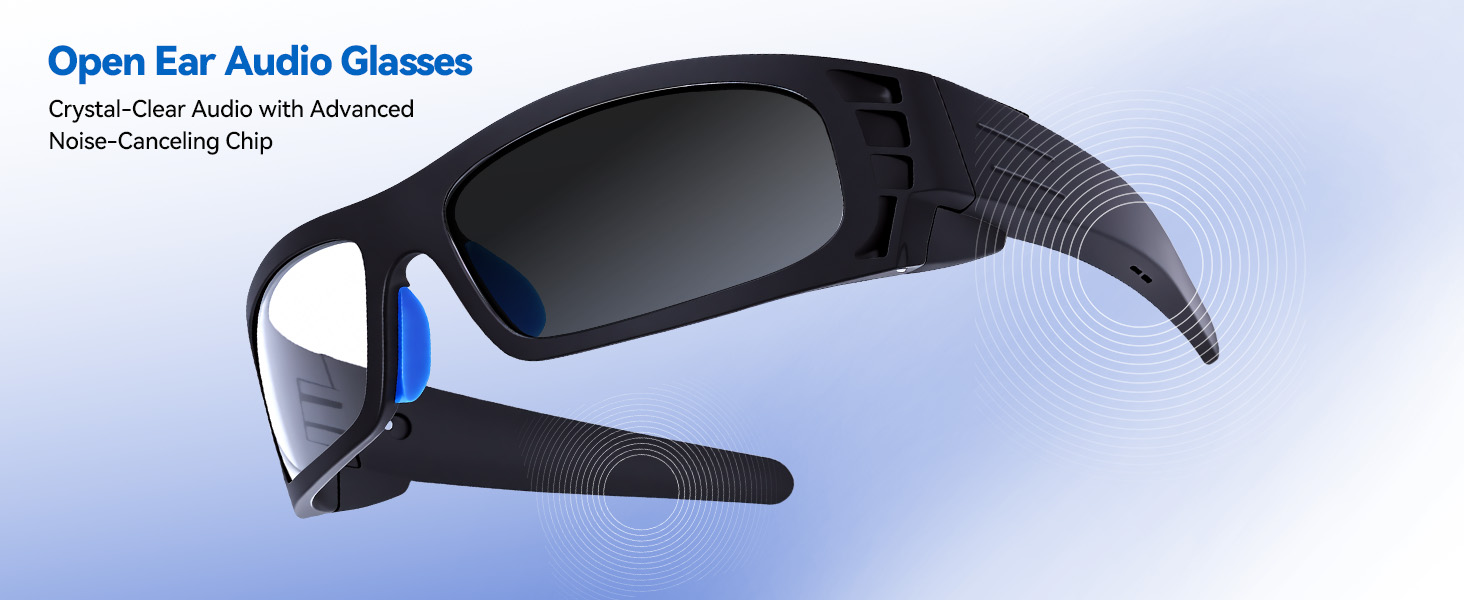
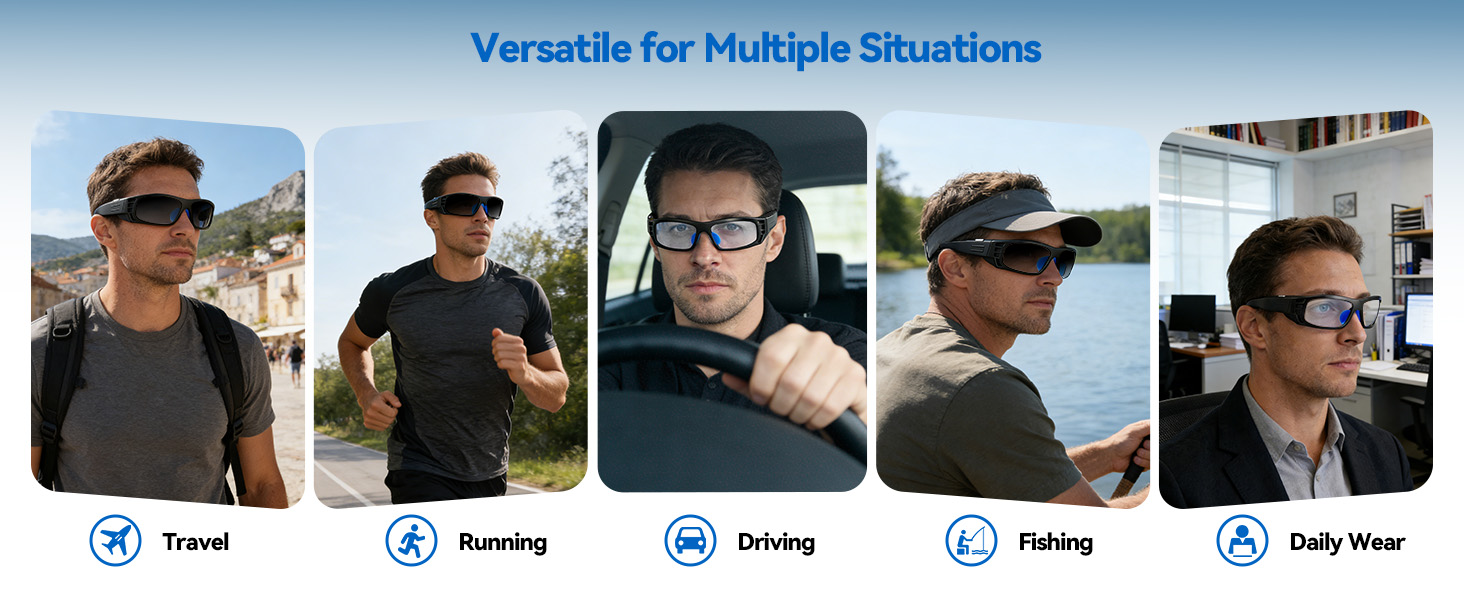
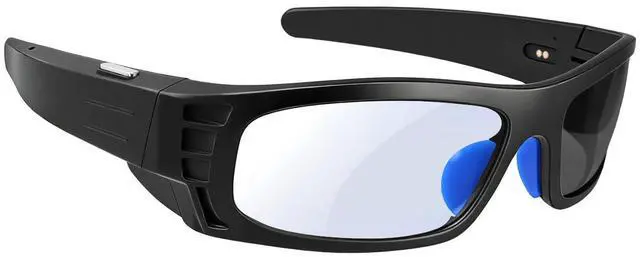
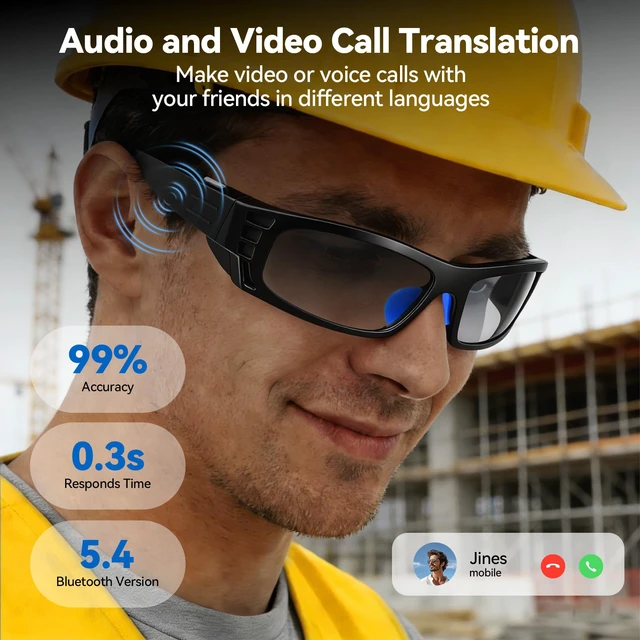
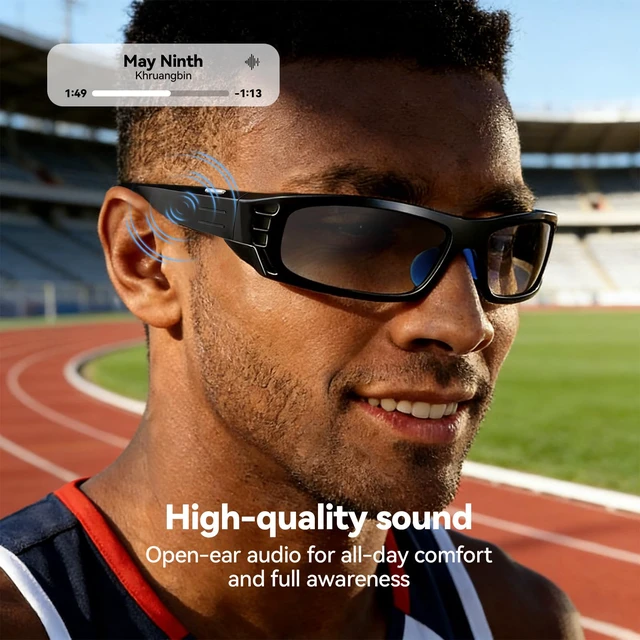
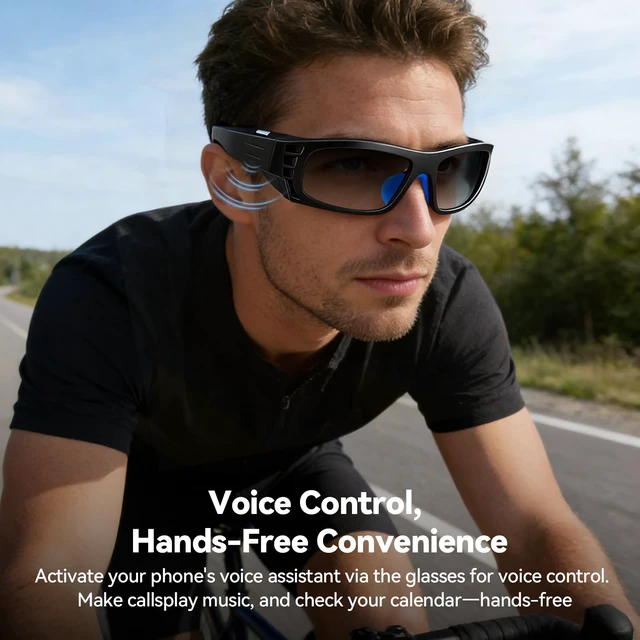
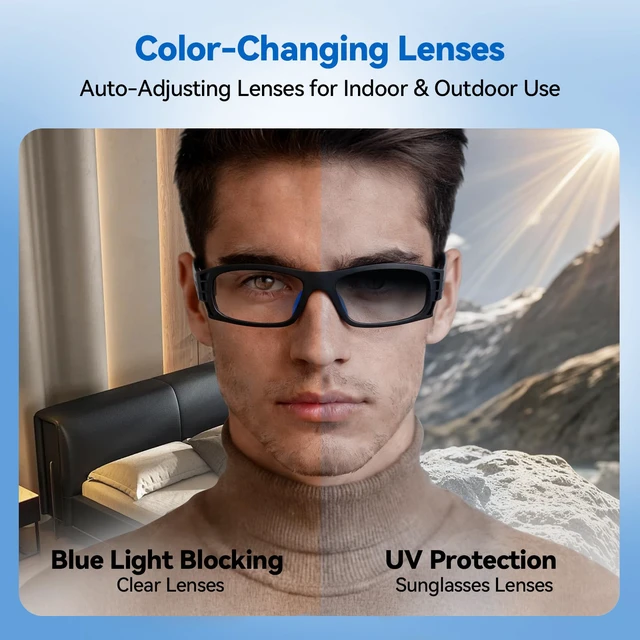
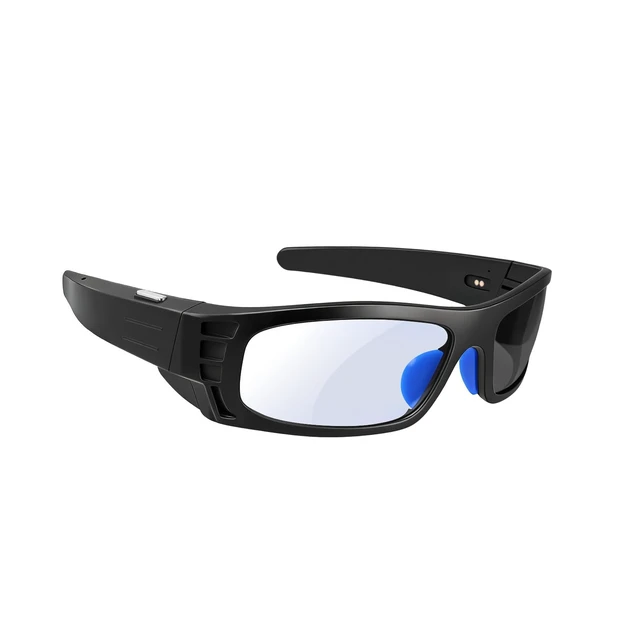
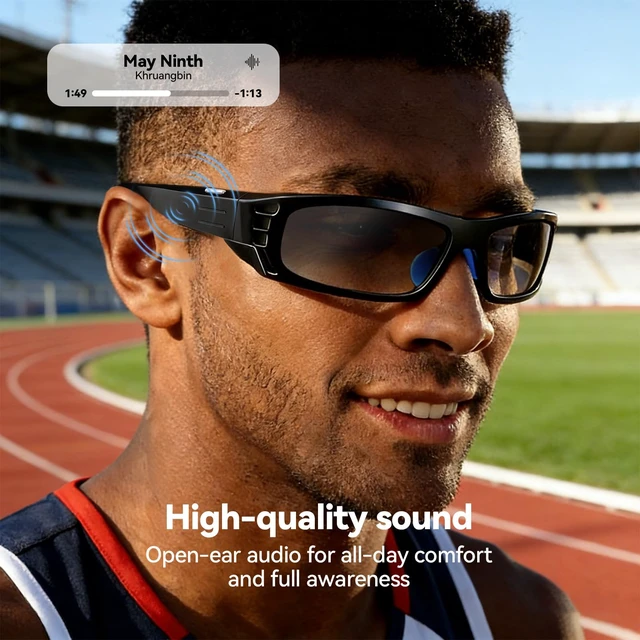
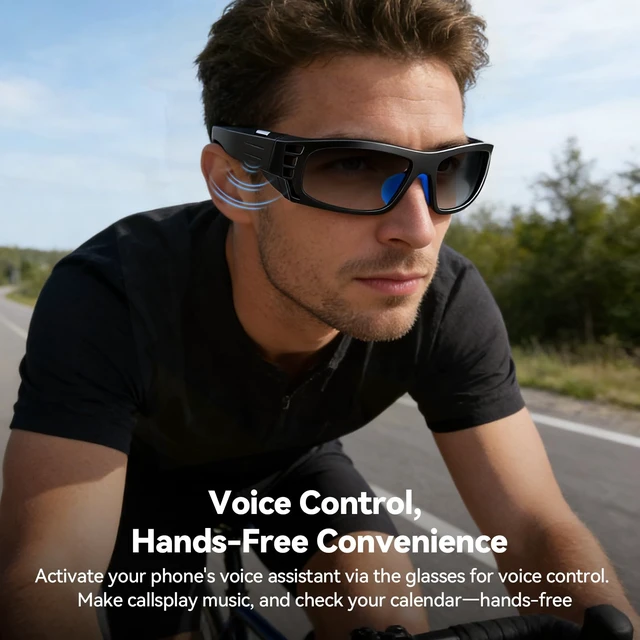
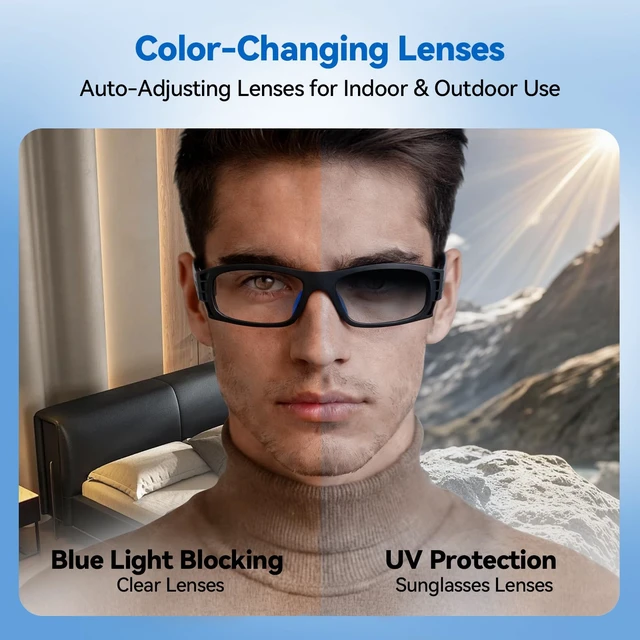
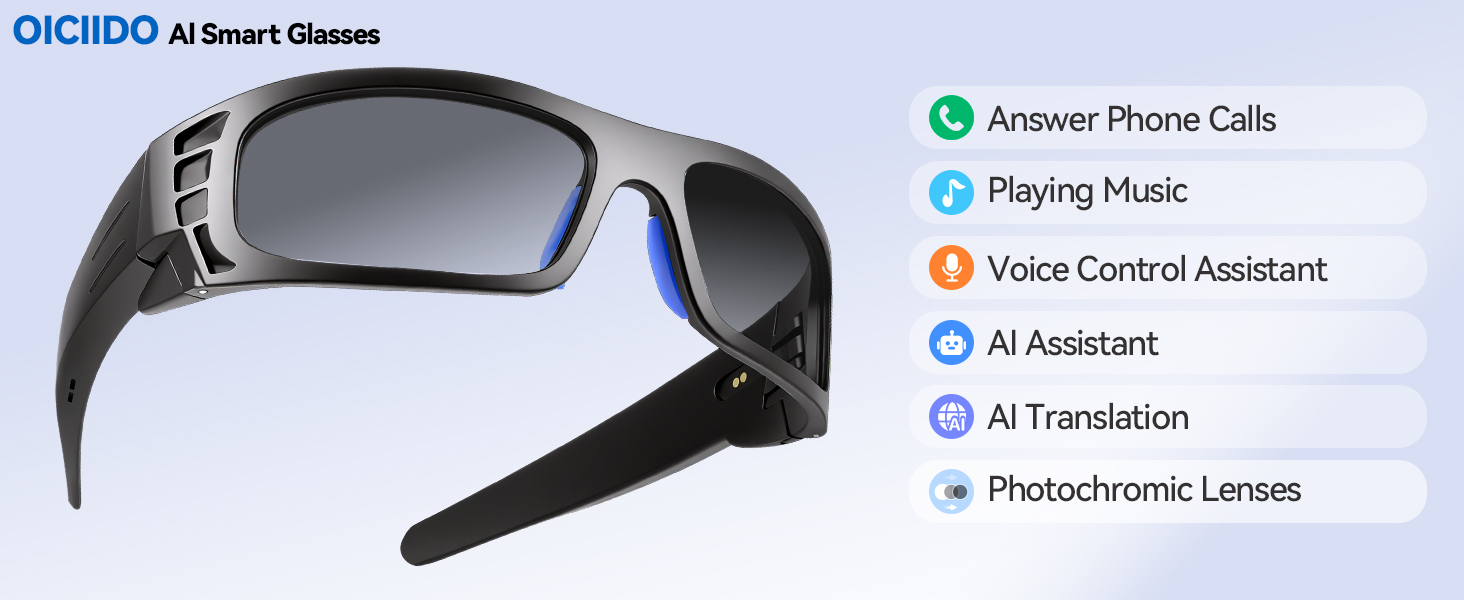
Bluetooth Outdoor Glasses, Smart Glasses for Men Women -Photochromic Lens(It is transparent indoors, but its color depth changes with the intensity of outdoor light) with UV Protect, Open Ear Speakers, Audio Sunglasses Outdoor Glasses for Running Hiking Driving Fishing Golf
| Model Number | eyewear tactic |
|---|---|
| Material | Frame TR90 + Temples PC |
| Waterproof Rating | IP65 |
| Dual Speaker | 0815*2 |
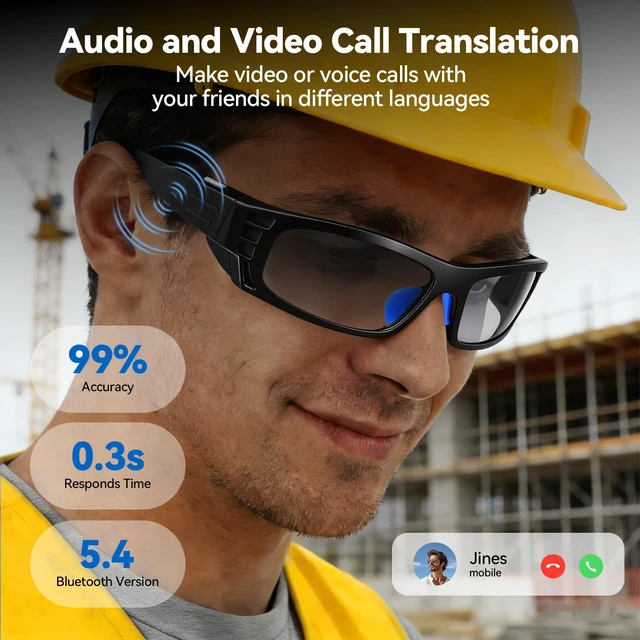
| Platforms and Versions | JLAD6973D4 / Bluetooth 5.4 (Single Microphone ENC) |
| Bluetooth/ WiFi Range | Bluetooth Range: =15min open space |
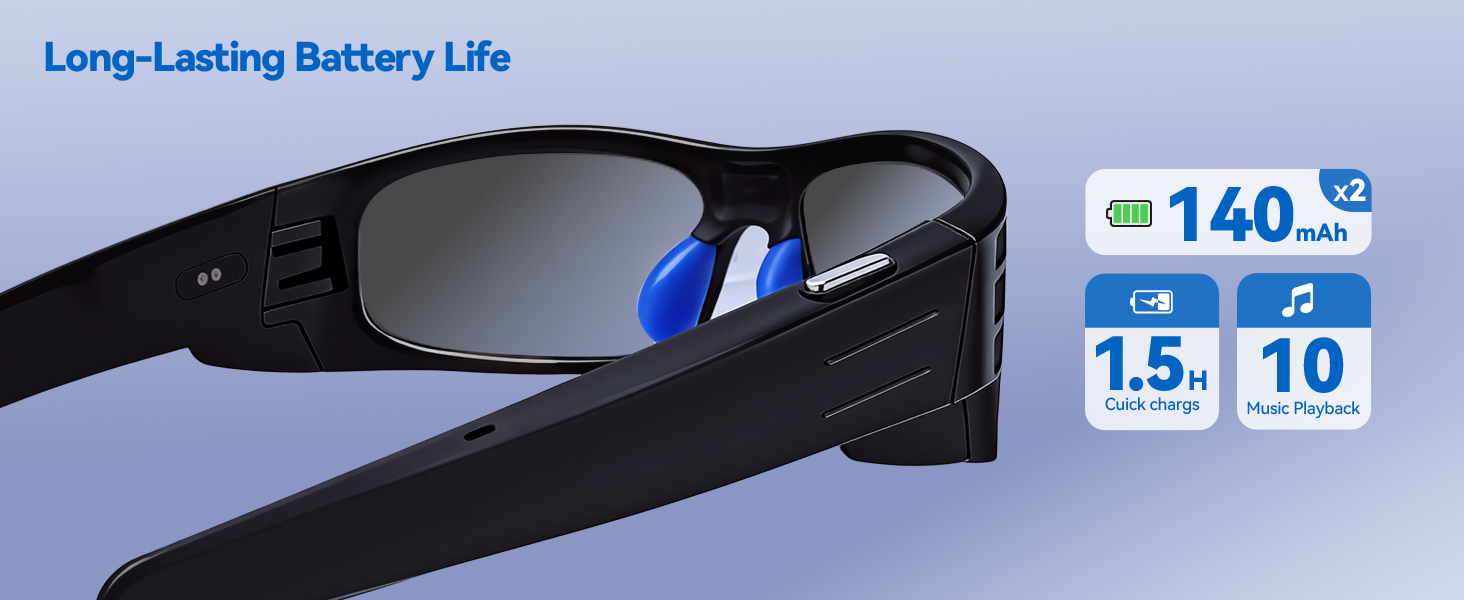
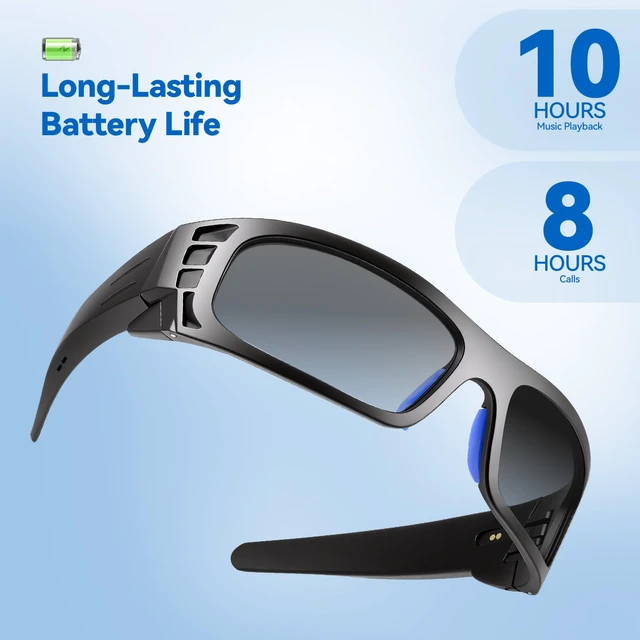
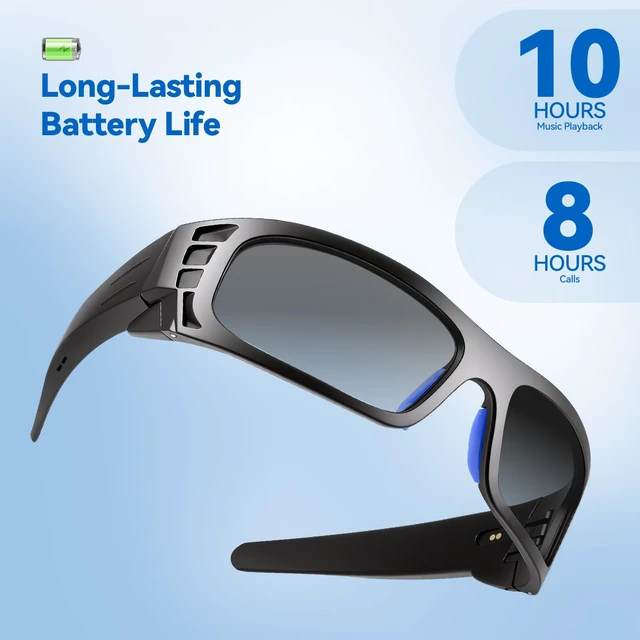
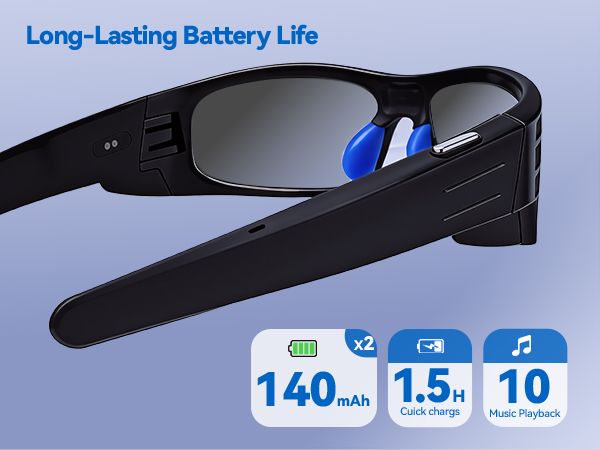
| Battery Capacity | 140mAh*2 |
| Charging Port | Magnetic charging |
| Charging Time | 1.5H |
| Music Playback Time | 10H |
| Talk Time | 8H |
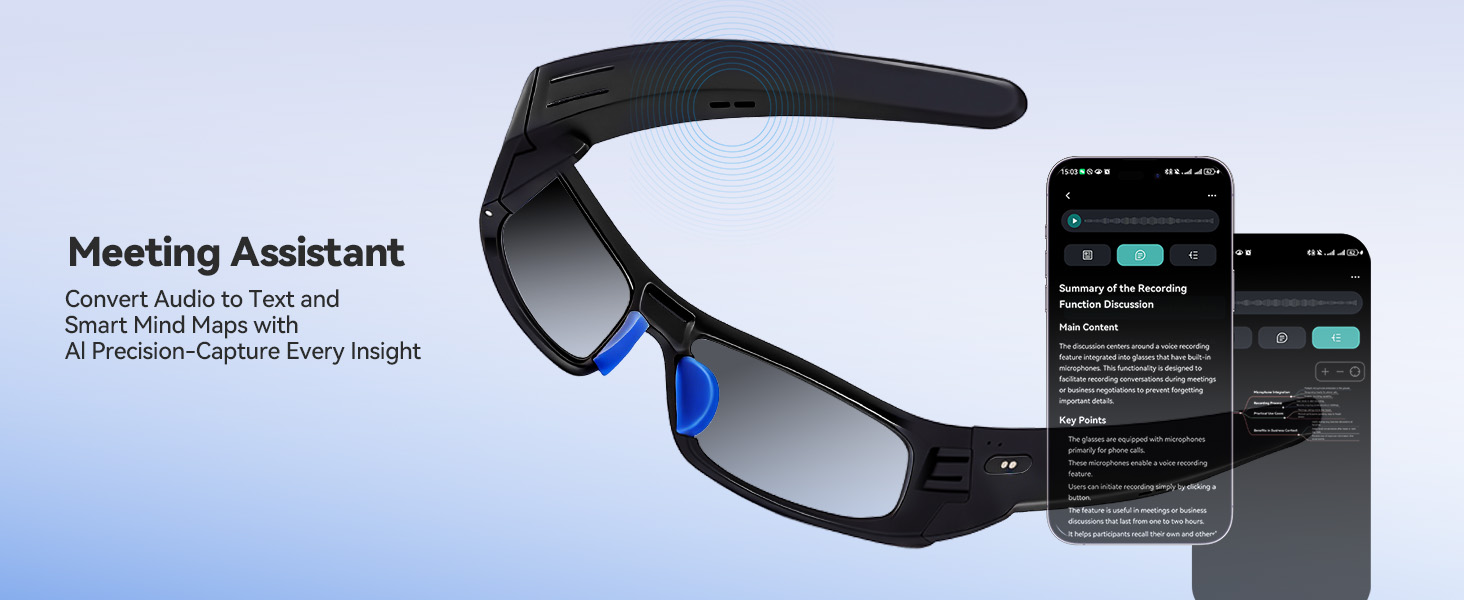
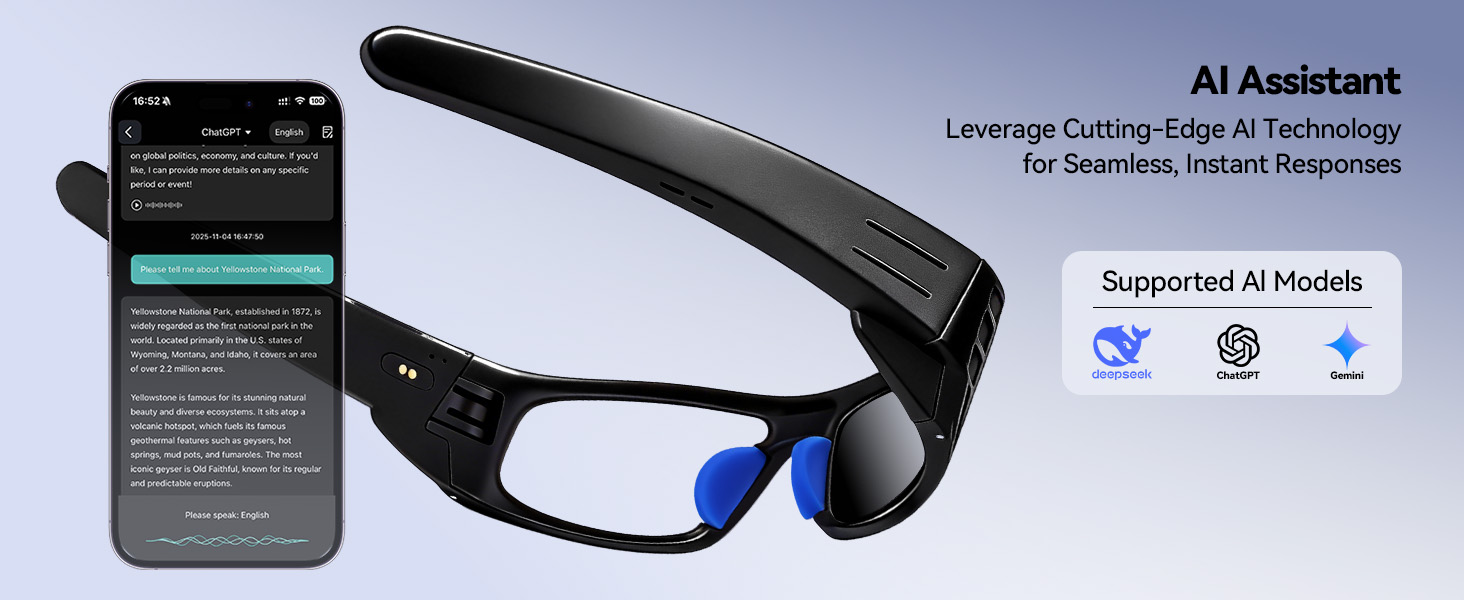
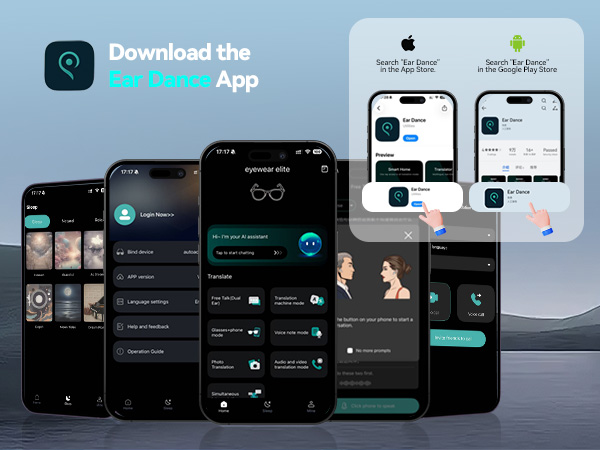
| Glasses APP | Ear Dance (Available for download on the App Store and Google Play) |
Fully charge both temples before first use, there will be a clear indicator light during charging.
Q:How do I turn on smart glasses?
A: Power on: Long press the tap control area on both temples for 5 seconds.
Q:How to pair a smart glasses with a mobile phone?
A: 1,Turn on both temples of your glasses and turn on Bluetooth on your phone, search device name: "eyewear tactic" to connect the glasses;2,click Connect - Go to Settings at the top of the Home page, then go to your phone's Bluetooth page and search for the device name: "eyewear tactic" to connect the glasses.
Q:How to connect to the smart glasses APP?
A:1,After entering the Glasses app, Click Mine - Bind device (scan the authorization code on the instruction manual to bind);
2,Ear Dance app with free lifetime access
If you encounter any problems while using the smart glasses, please use the "Find Order - Contact Seller" function.