





Q&A
Q:Howtopair a smart watchwith a mobilephone?
A:You canrefer to the following steps toset it up
Please charge it first to activate the watch the first time you receive it
Step 1: You need to download the "HryFine" app on your phone and keep your phone system running iOS 9.0 or Android 5.0 or above
Step 2: Make sure the Bluetooth of your phone is turned on, then open the "HryFine" app, click on the binding and search for "Y13" and connect. When the Bluetooth pairing request window pops up, select "Pairing". If the pop-up window does not appear,please enter your phone's Bluetooth settings and find"Y13"for manual pairing.
Step 3: When a pairing request for Bluetooth calls and message notifications appears, please select "Allow", and then in the "HryFine" App, click on the message push and open the social media app.Then you can make calls and receive message notifications from the app through the smartwatch
Q: The product does not work?
A:1,the battery is dead,please charge;
2,The power is not turned on,please turn on the power;
If it still doesn't work properly, please via “Find Order - Contact Seller.”


| Motherboard size | 44.3*40.2*12.3mm |
|---|---|
| Battery capacity | 180mAh |
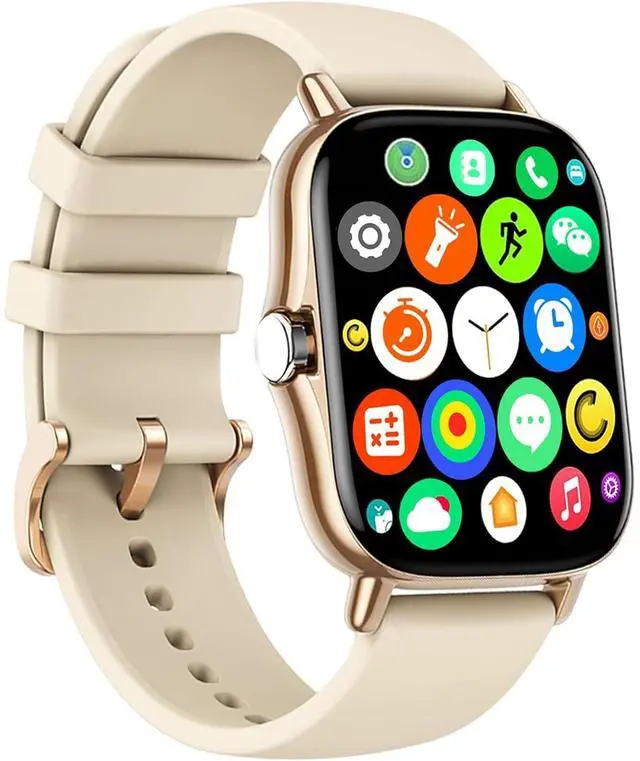
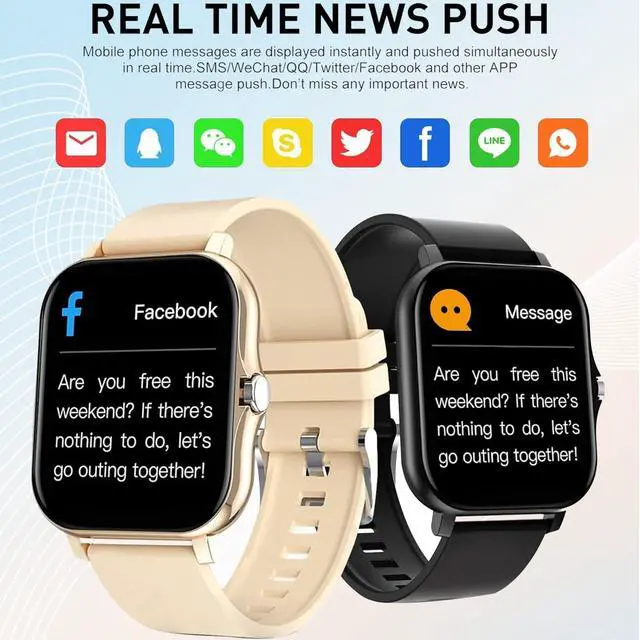
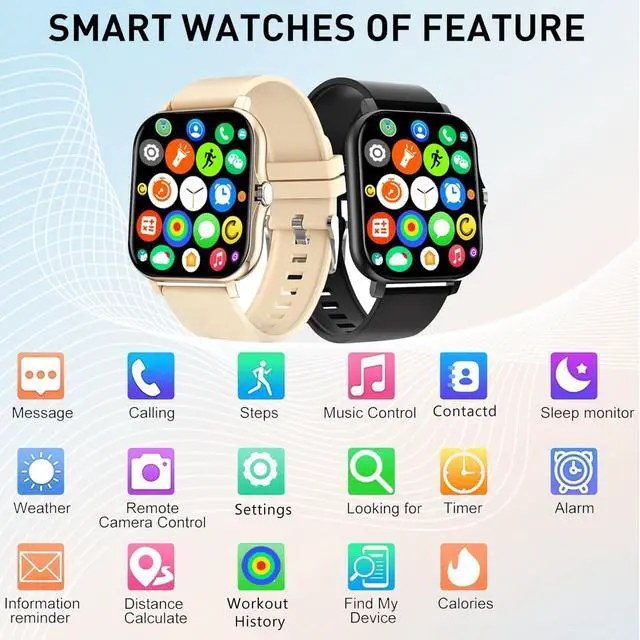
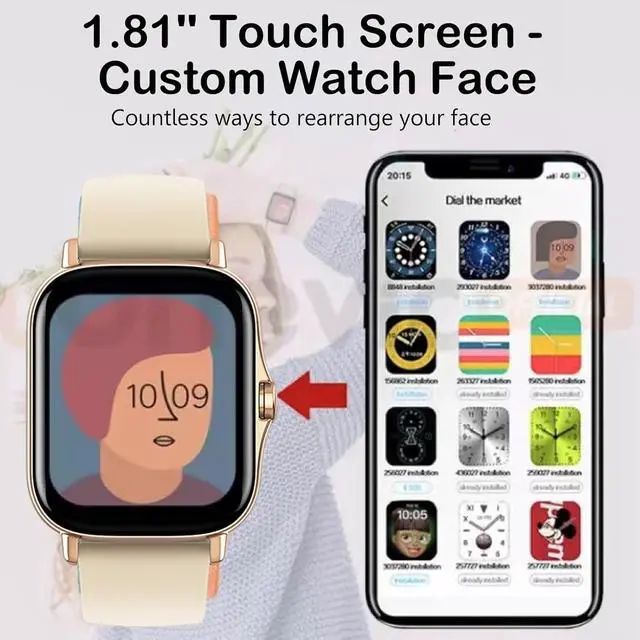
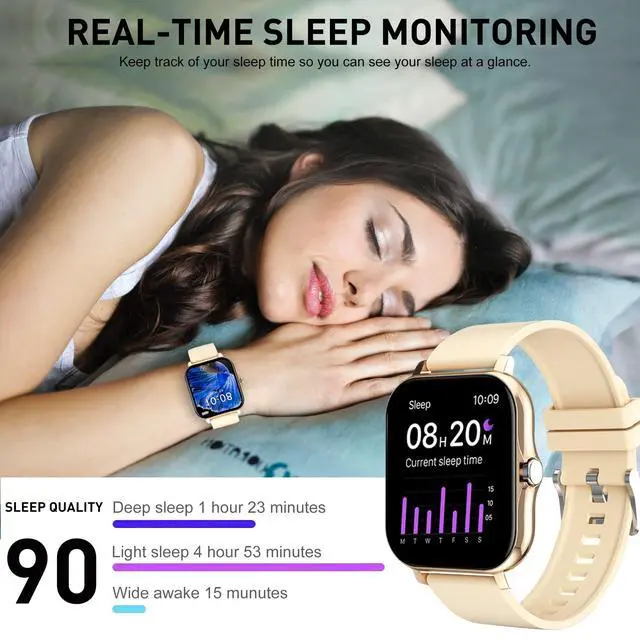
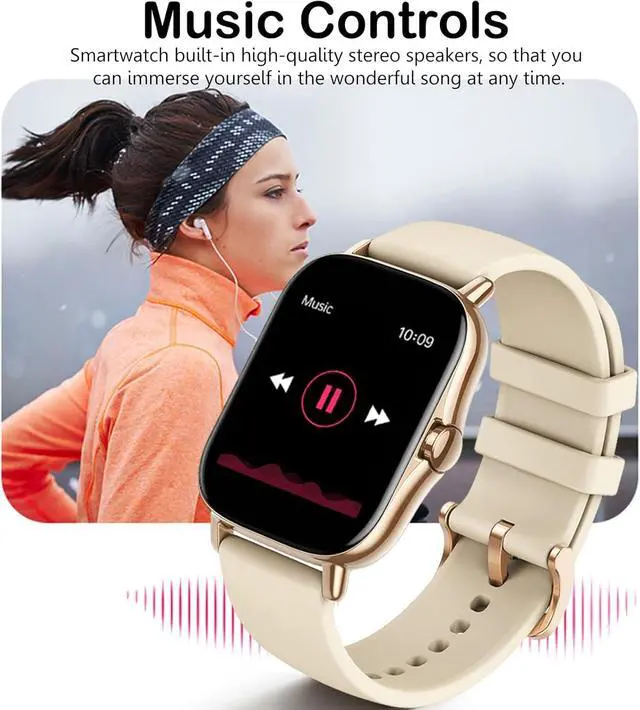
| Basic function | Step?Distance?Calorie?Call reminder?SMS Alerts?Social APP Message Reminder?Alarm clock reminder?A sedentary reminder?sport?Turn the wrist and shine the screen?Looking for bracelets?Looking for Phones?Remote Photography?Rejection of calls, Do Not Disturb?Multi-dial switching, music control, Bluetooth phone |
| Social APP message reminder | WeChat?QQ?Facebook?Twitter?Line?Whatsapp?Instagram |
| Message push language | English?Netherlands?Russian?French?German?Portuguese?Spanish?Turkish?Polish?Malaysia?Czech?Slovak,Italy |
| APP system | IOS 9.0 and aboveAnd roid 5.0 and above |
| APP language | English?Netherlands?Rusian?French?German?Portuguese?Spanish?Turkish?Japanese?Polish?Arabic?Malaysia?Thai?Czech?Slovak,Italy |
| Bluetooth version | 5.2 |
| Screen Size | 1.81 inches |
| Screen Resolution | 240 x 286 |
| Charging Method | 2-pin contact charging |
Q&A
Q:Howtopair a smart watchwith a mobilephone?
A:You canrefer to the following steps toset it up
Please charge it first to activate the watch the first time you receive it
Step 1: You need to download the "HryFine" app on your phone and keep your phone system running iOS 9.0 or Android 5.0 or above
Step 2: Make sure the Bluetooth of your phone is turned on, then open the "HryFine" app, click on the binding and search for "Y13" and connect. When the Bluetooth pairing request window pops up, select "Pairing". If the pop-up window does not appear,please enter your phone's Bluetooth settings and find"Y13"for manual pairing.
Step 3: When a pairing request for Bluetooth calls and message notifications appears, please select "Allow", and then in the "HryFine" App, click on the message push and open the social media app.Then you can make calls and receive message notifications from the app through the smartwatch
Q: The product does not work?
A:1,the battery is dead,please charge;
2,The power is not turned on,please turn on the power;
If it still doesn't work properly, please via “Find Order - Contact Seller.”