


Qualified Printing Performance
Experience an amazing range of colors when you use our cartridge.
This will be a good choice for both economical home printing and professional-grade presentations.
Printer Compatibility:
Tips: This TN450 Toner Cartridge is fit for your Printer if your printer Model # is included.
Brother HL-2280DW HL-2270DW HL-2250 HL-2242 HL-2240D HL-2230 HL-2220
Brother MFC-7860DW MFC-7470 MFC-7460DN MFC-7360N MFC-7240
Brother DCP-7070 DCP-7065 DCP-7060 Printer
Brother FAX-2990 FAX-2950 FAX-2940 IntelliFax-2845 IntelliFax-2840
Fine Precision, High Yield
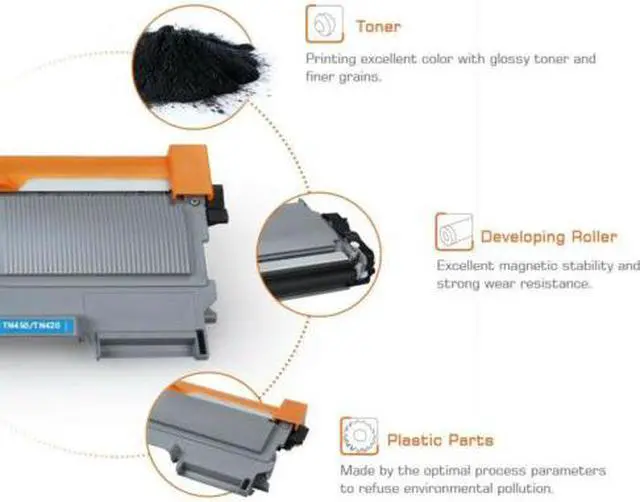
Precisely designed to deliver clear and crisp printing result to satisfy your every need. Experience an amazing range of colors when you use our cartridge. This will be a good choice for both economical home printing and professional-grade presentations.
Page Yield: 2600 pages per black Toner Cartridge at 5% Coverage of letter/A4.
Compatible Printers:
? Brother-DCP Printers: DCP-7055; DCP-7057; DCP-7060D; DCP-7065DN; DCP-7070DW
? Brother-HL Printers: HL-2130; HL-2135W; HL-2132; HL-2210;HL-2220; HL-2230; HL-2240; HL-2240D; HL-2250DN; HL-2270DW; HL-2275DW; HL-2280DW
? Brother-MFC MultiFunction Printers: MFC-7240; MFC-7290; MFC-7360; MFC-7360N; MFC-7362N;MFC-7365DN; MFC-7460DN; MFC-7470D; MFC-7860DW
? Brother IntelliFax Printers: IntelliFax-2840; Intellifax-2890; IntelliFax-2940; Intellifax-2950; Intellifax-2990
Package Includes:
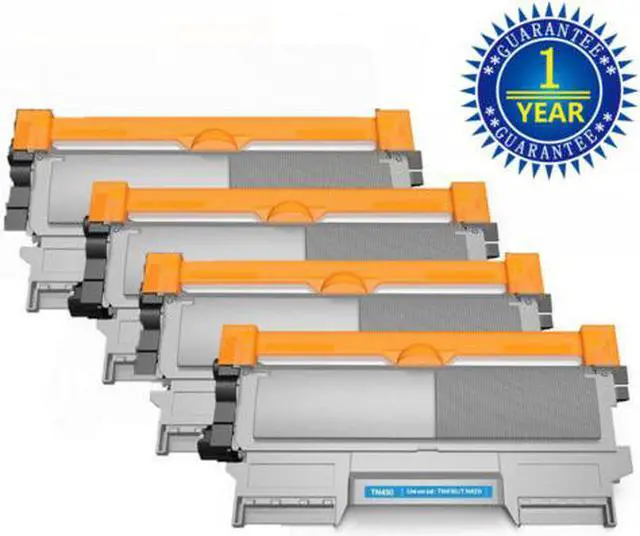
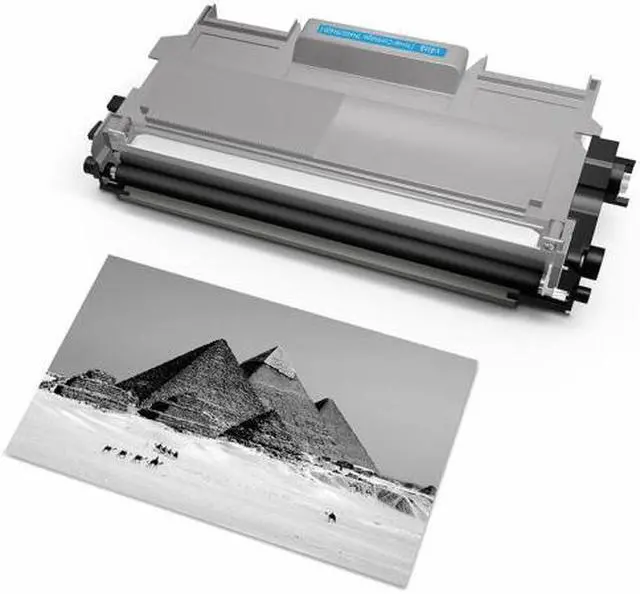
? 4PK Compatible Brother TN450 Toner Cartridge
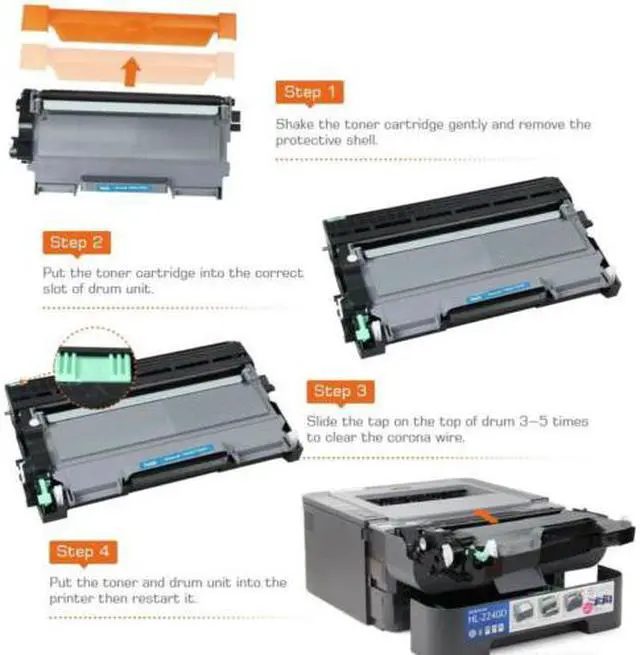
Installation Instructions:
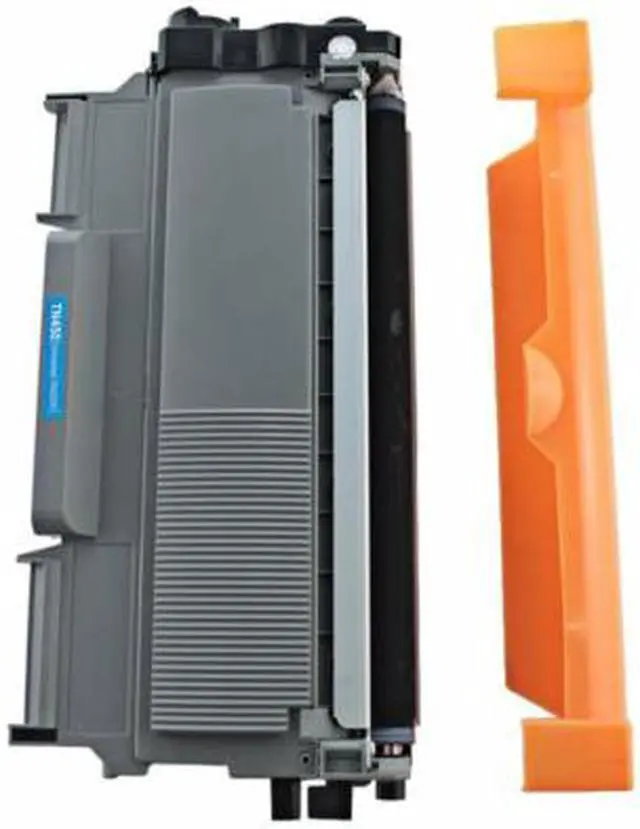
? Step-1 Gently shake the toner cartridge from side to side to distribute the toner. Then remove the protective cover.
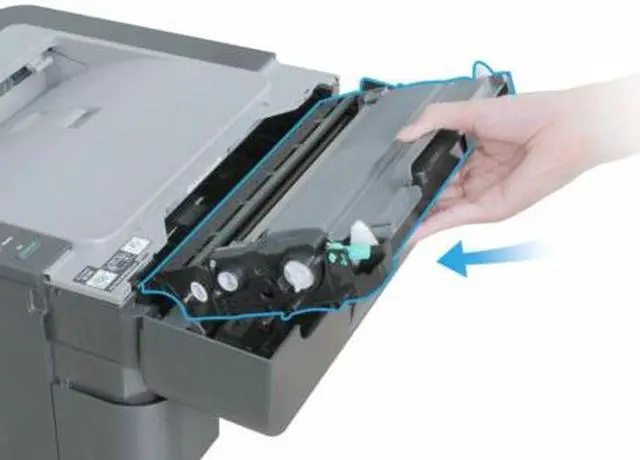
? Step-2 Insert the toner cartridge into the drum unit until it locks into place.
? Step-3 Gently slide the green tab of the drum unit from side to side several times to clean up the corona wire.
? Step-4 Install the toner cartridge and drum unit assembly into the printer.