




ORGBRO
YOUR BEST ORGANISING BROTHER.
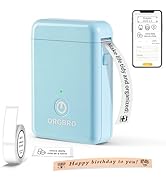
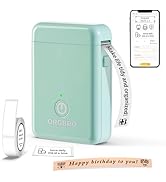
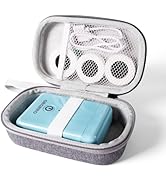
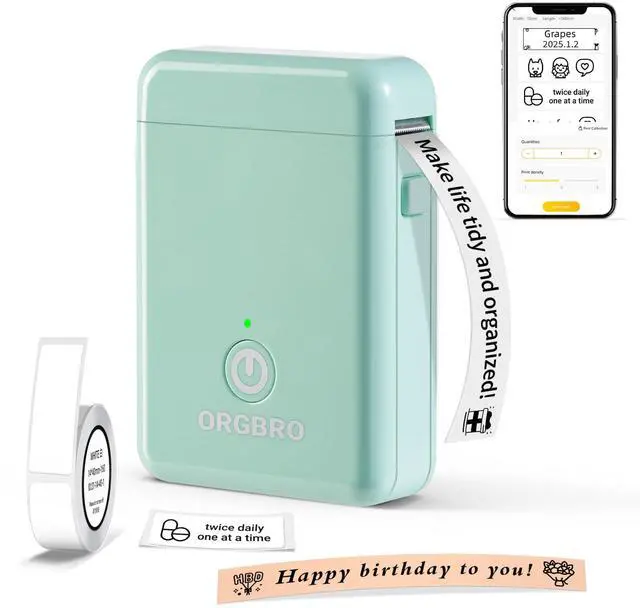
ORGBRO Label Printer
ORGBRO is dedicated to the research and development of small, portable, and intelligent printing devices, striving to bring users an excellent printing experience.
The name ORGBRO means "Organizing Brother", and we are committed to producing high-quality products that help users improve their work efficiency and make their lives more organized. We hope to create a green and sustainable life and world with you.
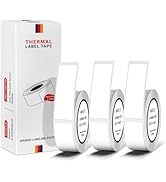
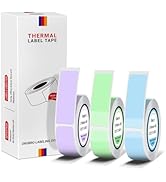
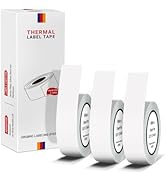
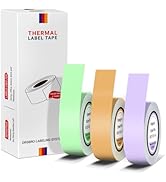
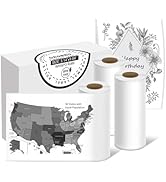
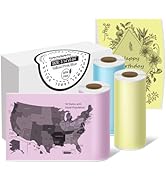
ORGBRO Label Tape
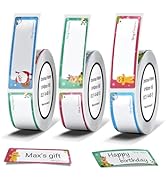
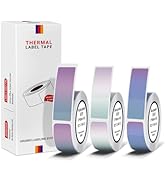
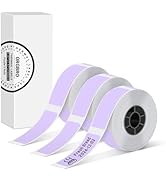
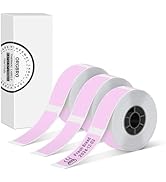
ORGBRO Label Tape
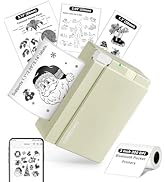
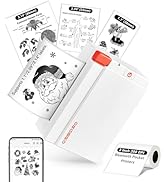
ORGBRO 3 inch Label Printer
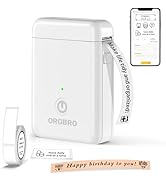
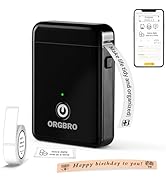
ORGBRO X1 Label Maker


How to connect Bluetooth?
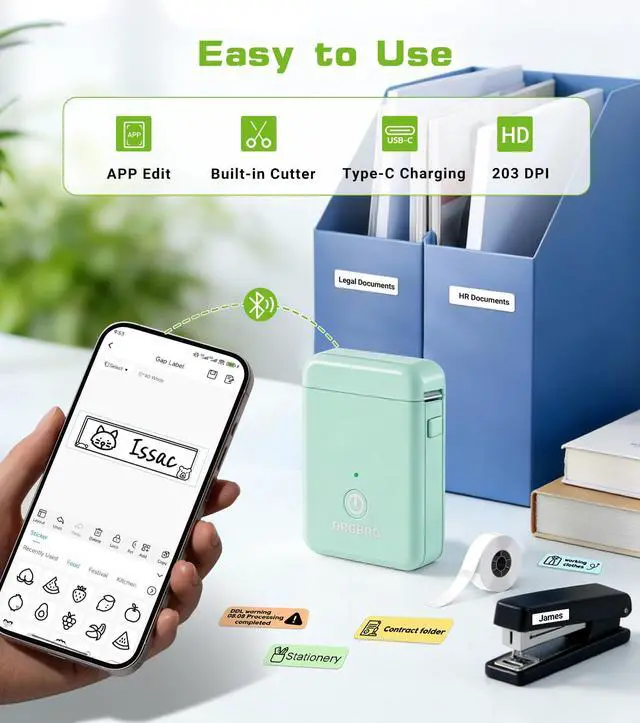
1. Connecting to Bluetooth through the "XeasyLabel" or "Snap & Tag" APP.
2. Download the APP from the Apple Store/Google Play.
3. Turn on Bluetooth on your phone, then turn on the DX1 label maker machine, and open the APP to link to Bluetooth.
How to use the DX1 label maker correctly?
1. Press and hold the power button to turn on, indicator light will display green.
2. Connect via Bluetooth via the app.
3. Press the button twice to print a test page and adjust the paper position.
What to do if labels are not printed clearly?
1. Fully charge the label maker.
2. Clean the print head and platen roller with alcohol pads.
Can it print pre-cut and continuous labels?
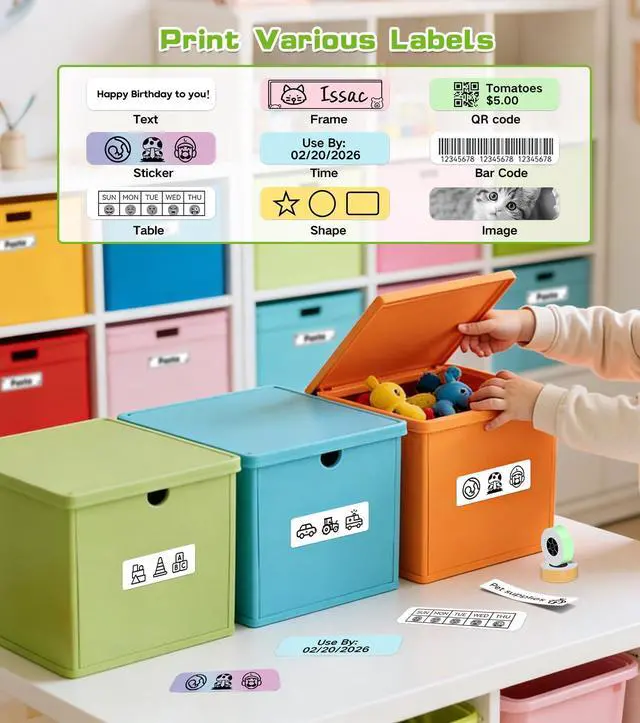
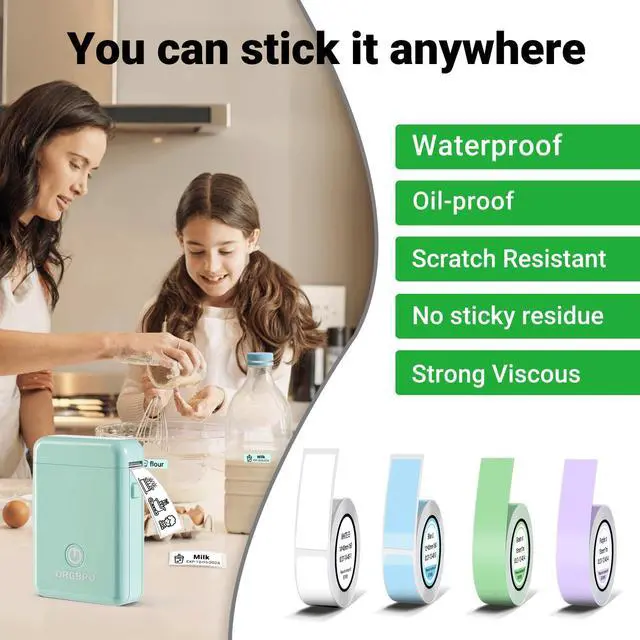
Yes, the DX1 Label Printer supports printing both pre-cut and continuous labels, making it even more powerful.
What can the DX1 label maker do?
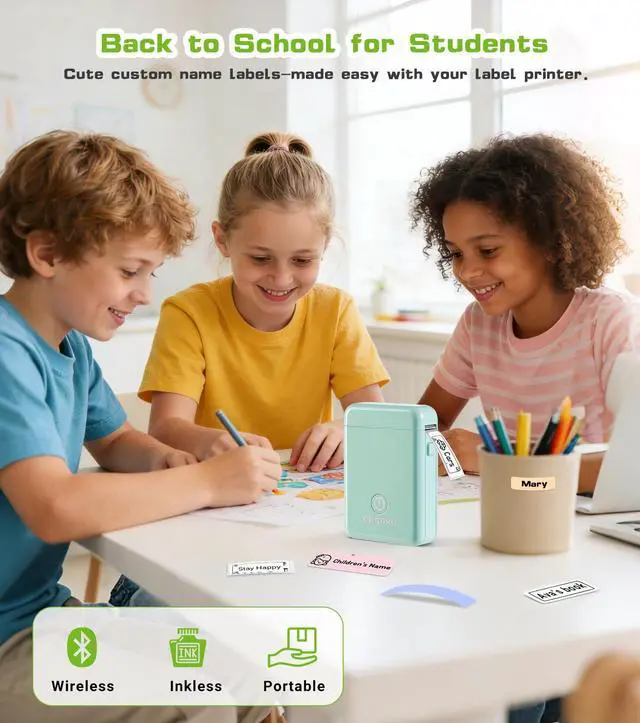
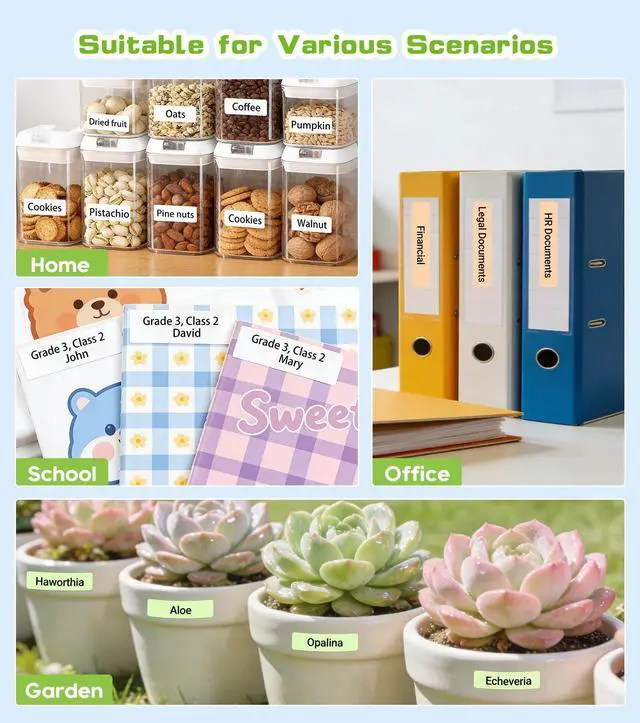
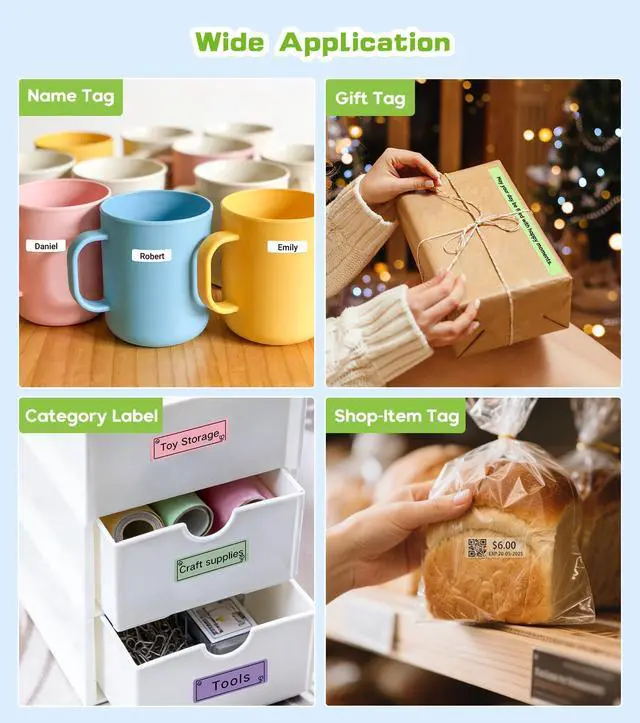
The ORGBRO DX1 label maker is an ideal holiday gift, perfect for classroom supplies, teacher labels, office document management, small business price tags, home organization (food dates, cable labels), and holiday gift stickers.


How to connect Bluetooth?
1. Connecting to Bluetooth through the "XeasyLabel" or "Snap & Tag" APP.
2. Download the APP from the Apple Store/Google Play.
3. Turn on Bluetooth on your phone, then turn on the DX1 label maker machine, and open the APP to link to Bluetooth.
How to use the DX1 label maker correctly?
1. Press and hold the power button to turn on, indicator light will display green.
2. Connect via Bluetooth via the app.
3. Press the button twice to print a test page and adjust the paper position.
What to do if labels are not printed clearly?
1. Fully charge the label maker.
2. Clean the print head and platen roller with alcohol pads.
Can it print pre-cut and continuous labels?
Yes, the DX1 Label Printer supports printing both pre-cut and continuous labels, making it even more powerful.
What can the DX1 label maker do?
The ORGBRO DX1 label maker is an ideal holiday gift, perfect for classroom supplies, teacher labels, office document management, small business price tags, home organization (food dates, cable labels), and holiday gift stickers.
ORGBRO
YOUR BEST ORGANISING BROTHER.
ORGBRO is dedicated to the research and development of small, portable, and intelligent printing devices, striving to bring users an excellent printing experience.
The name ORGBRO means "Organizing Brother", and we are committed to producing high-quality products that help users improve their work efficiency and make their lives more organized. We hope to create a green and sustainable life and world with you.
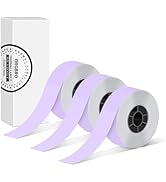
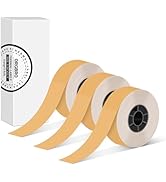
ORGBRO X1 Label Tape
ORGBRO X1 Label Tape
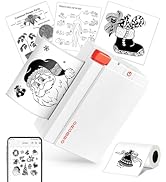
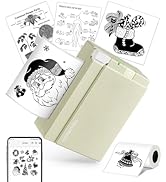
ORGBRO Label Printer
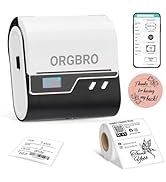
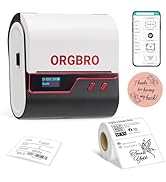
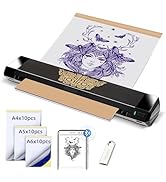
ORGBRO Label Printer
ORGBRO X1 Label Maker
