










-
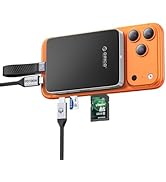
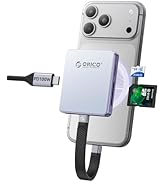
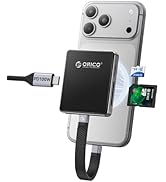
Magsafe Series for iPhone17PRO
-
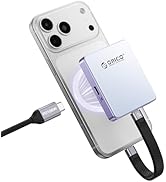
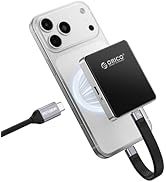
Magsafe M.2 NVMe SSD 2230/2242
-
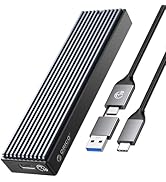
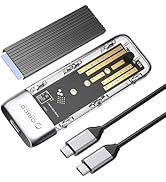
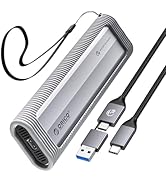
???????????? NVMe Enclosure
-
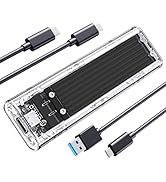
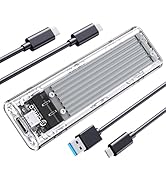
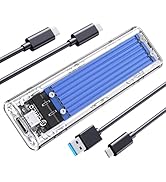
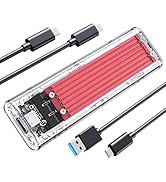
Transparent M.2 Enclosure
-
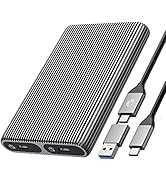
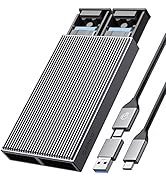
???????? ?????? M.2 Enclosure
-
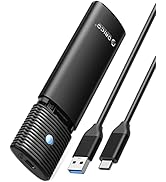
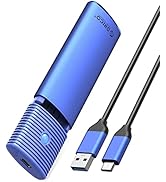
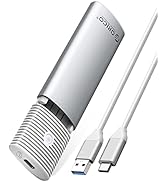
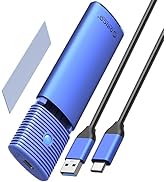
NVMe & SATA M.2 Enclosure
-
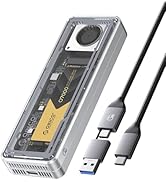
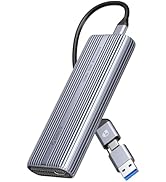
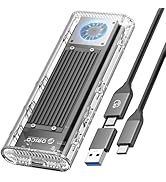
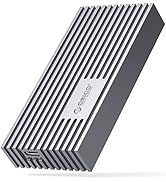
4?????????? NVMe Enclosure
-
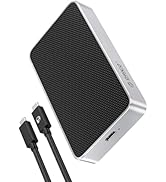
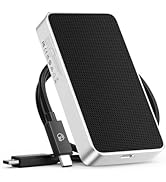
8?????????? NVMe Enclosure
-
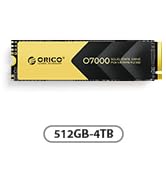
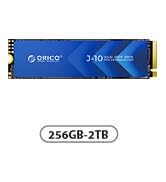
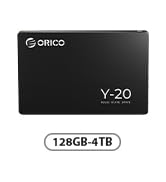
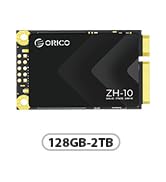
ORICO SSD Series 500-7000MB/s
-
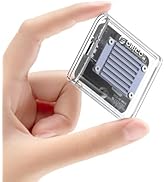
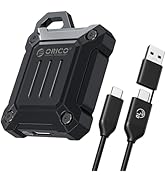
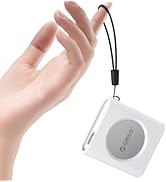
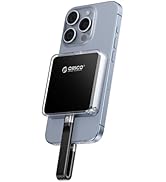
???????? M.2 NVMe SSD
-

-

-
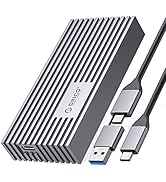
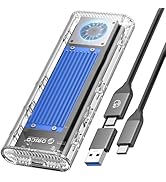
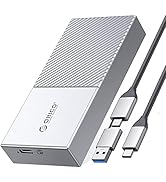
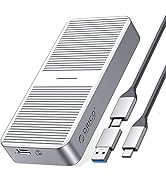
???????????? NVMe Enclosure
-
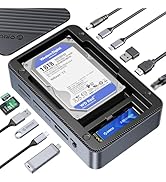
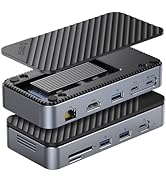
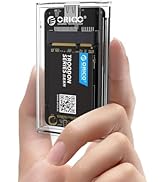
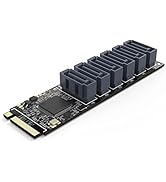
More Featured Products
-


-
Why can't it write under macOS? But under Windows it can read and write normally.
Please check the format of your M2 SSD, and Mac OS needs to install NTFS reading software to read M2 SSDs. exFAT format is recommended for SSDs
-
Why can’t my system recognize the SSD inside the NVMe enclosure?
Since the SSD is brand new, you should format it to Exfat or NTFS format before using it.
-
Why is the speed not as high as stated?
This depends on the laptop, the M.2 SSD & the USB port type. To achieve the fastest read and write speed, you should use the SSD that matches the characteristics of the SSD enclosure, interface & data cable
-
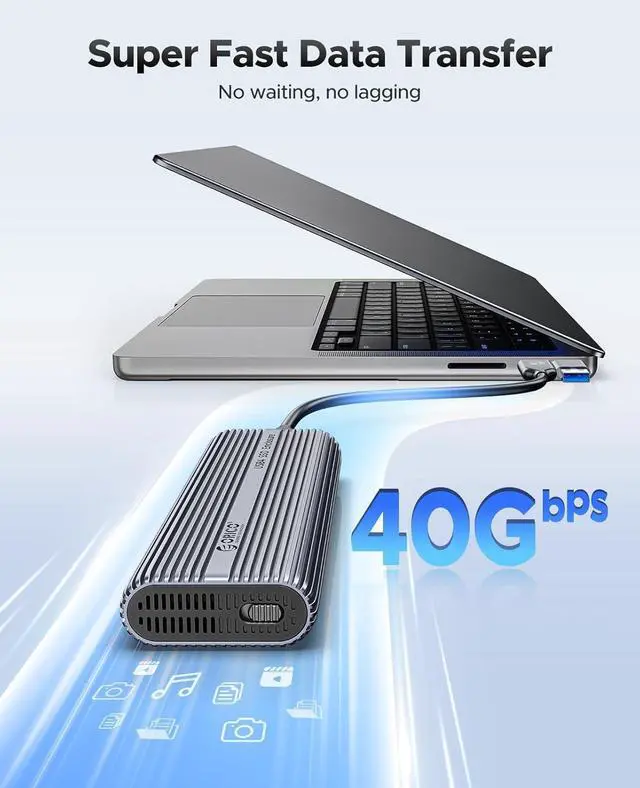
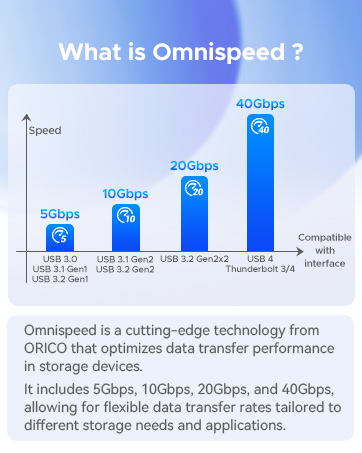
Why is only 32Gbps/22Gbps used for data transfer on Thunderbolt 4/Thunderbolt 3 port?
Of the 40Gbps bandwidth of Thunderbolt3/4, only 32Gbps (Thunderbolt 4) or only 22Gbps (Thunderbolt 3) are used for data transmission, and 8Gbps (Thunderbolt 4) or 18Gbps (Thunderbot 3) are reserved for the DP signal
-
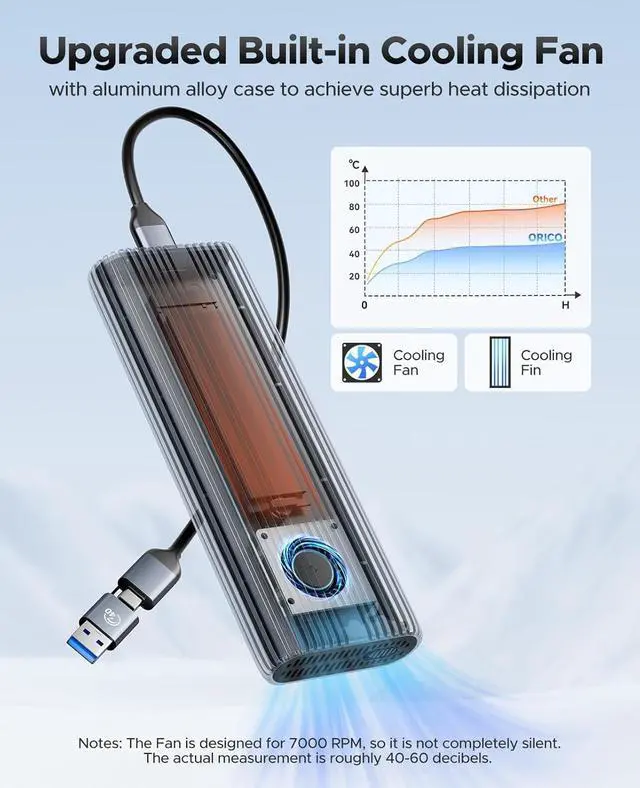
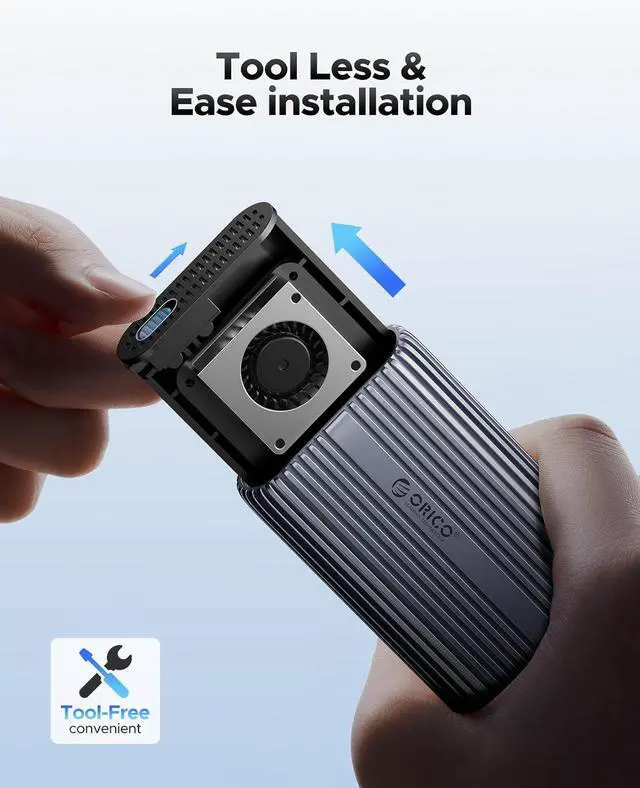
Is the fan loud?
The fan is designed for 700O RPM, so it is not completely silent. The actual measurement is around 40-60 decibels.


SSD not included


-
Why can't it write under macOS? But under Windows it can read and write normally.
Please check the format of your M2 SSD, and Mac OS needs to install NTFS reading software to read M2 SSDs. exFAT format is recommended for SSDs
-
Why can’t my system recognize the SSD inside the NVMe enclosure?
Since the SSD is brand new, you should format it to Exfat or NTFS format before using it.
-
Why is the speed not as high as stated?
This depends on the laptop, the M.2 SSD & the USB port type. To achieve the fastest read and write speed, you should use the SSD that matches the characteristics of the SSD enclosure, interface & data cable
-
Why is only 32Gbps/22Gbps used for data transfer on Thunderbolt 4/Thunderbolt 3 port?
Of the 40Gbps bandwidth of Thunderbolt3/4, only 32Gbps (Thunderbolt 4) or only 22Gbps (Thunderbolt 3) are used for data transmission, and 8Gbps (Thunderbolt 4) or 18Gbps (Thunderbot 3) are reserved for the DP signal
-
Is the fan loud?
The fan is designed for 700O RPM, so it is not completely silent. The actual measurement is around 40-60 decibels.
-
Magsafe Series for iPhone17PRO
-
Magsafe M.2 NVMe SSD 2230/2242
-
???????????? NVMe Enclosure
-
Transparent M.2 Enclosure
-
???????? ?????? M.2 Enclosure
-
NVMe & SATA M.2 Enclosure
-
4?????????? NVMe Enclosure
-
8?????????? NVMe Enclosure
-
ORICO SSD Series 500-7000MB/s
-
???????? M.2 NVMe SSD
-
-
-
???????????? NVMe Enclosure
-
More Featured Products
-