One-touch Backup and Deletion
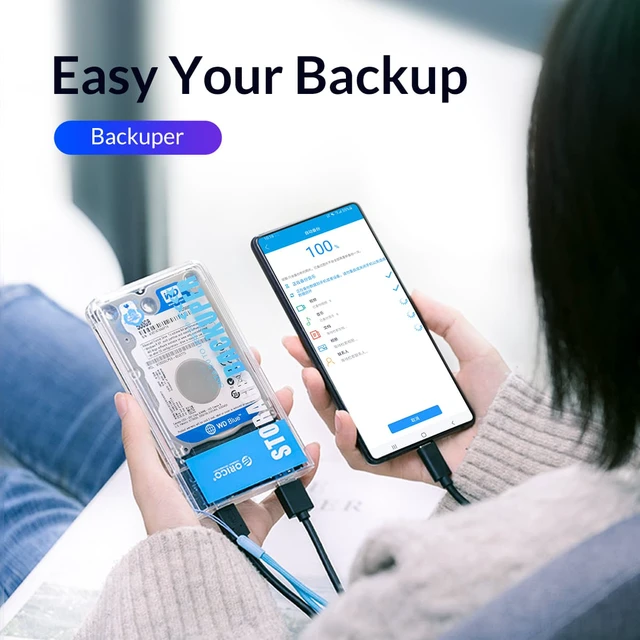
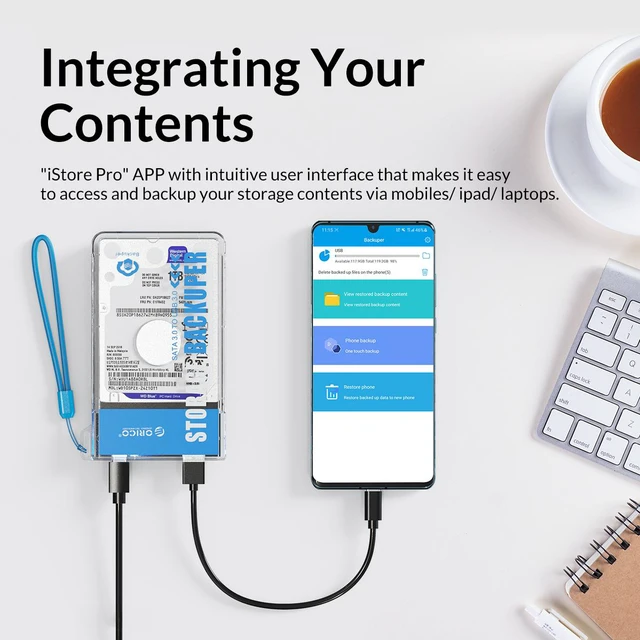
One-touch backup your iphone via app when the external hard drive is connected (Search" iStore Pro" in the APP Store, No monthly fees). transfer all your videos/photos/files/music/contact from your iPhone to HDD/SSD, Featured with incremental recognition,thus improve backup efficiency, or you can One-touch delete all files.
One-touch Backup
Open "iStore Pro",One-touch automatically backup contacts, pictures, videos, music and documents.( iOS systemnot support document and audio frequency backup)
One-touch Delete
Support One-touch Delete, instantly releasing capacityspace and making sorting more convenient.
Incremental Recognition
Featured with Incremental Recognition,which can automatically select unbacked files, thus improve backup efficiency.
Auto-Sleep Function
Automatic enter sleep mode after 10 minutes without operation, which can provides better energy-saving and prolong service life of hard disk.
Tool-Free
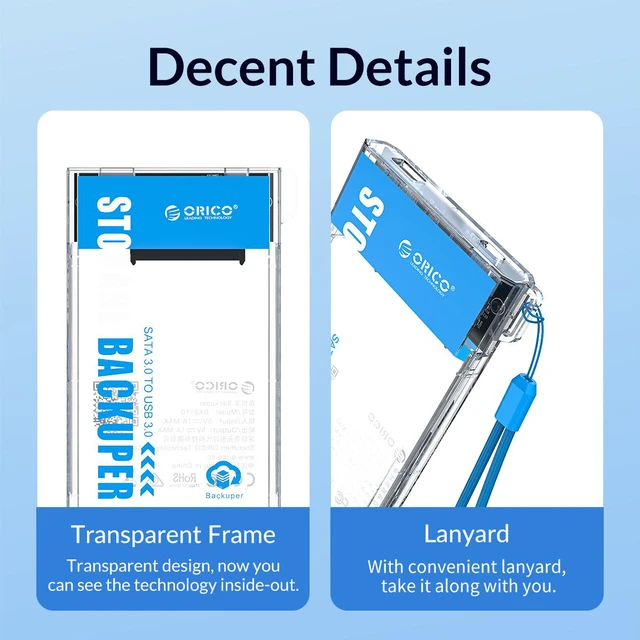
Sliding cover design makes it easy to install
1.Sliding off upper cover
2.Close upper cover after insert in the hard disk.
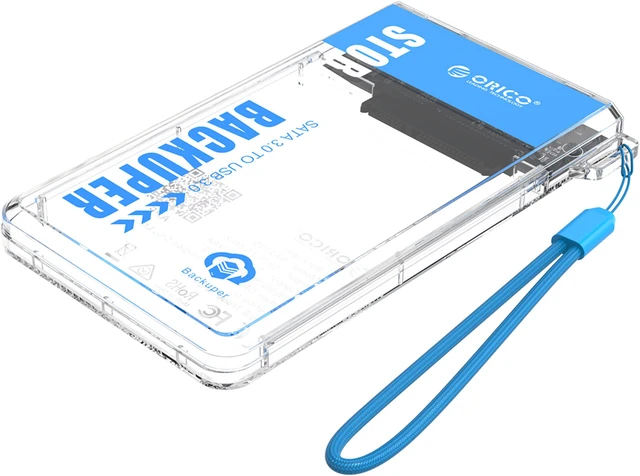
Backuper is designed to be light and compact, which can perfectly fit your SSD, so that your SSD is no longer just serving the PC, it can also help to easily backup your phone / iPad.
Easy to use: Open “iStore Pro”, it can automatically backup contacts, pictures, videos, music and documents with one-click. With up to 2TB extra storage capacity, which is equivalent to storing 500, 000 HD photos, 1, 312 Blu-ray movies or 2, 000, 000 files, saving everything you want. And featured with incremental recognition, which can automatically select unbacked files, thus improve backup efficiency. "iStore Pro" APP with intuitive user interface that makes it easy to access and backup your storage contents of mobiles/ iPad/ laptops. Backuper supports a variety of devices. With iStore Pro, no matter you are using Apple, Android or PC, it can offer you an all-round connection, and here are some of the mainstream devices that are supported.
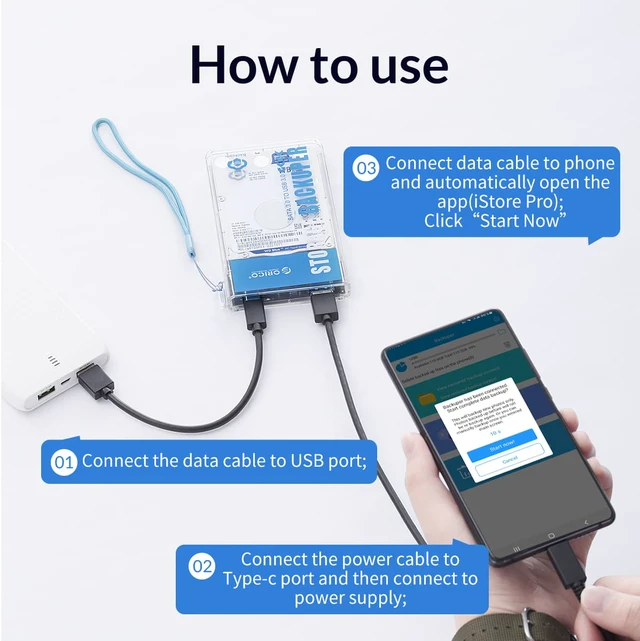
How to use:? Use the A-TO-C cable to connect the Backuper and power bank;? Connect the data cable to your phone;? Open the app (iStore Pro) and click "Start Now".
Note: IOS only supports the backup of videos and pictures. Android needs to download third-party apps to access documents. SSD is not included
Features: *
One-touch Backup: Plug in the data cable and you can easily back up files to your hard disk or transfer disk files to your phone; *
Smart Backup: Featured with incremental recognition, which can automatically select unbacked files, thus improve backup efficiency; *
One-touch Delete: Support to delete the copied data on mobile devices with just single touch, and sort them automatically; *
Backuper APP: "iStore Pro" APP with intuitive user interface that makes it easy to access your storage contents of mobiles/ iPad/ laptops; * 2TB
Capacity: With up to 2TB massive capacity, now you can store as much as you want.
* 5Gbps: Up to 5Gbps theoretical transfer rate (for computers only); *
Type-C: Type-C interface supports both data transfer and power supply; *
Wide Compatibility: Compatible with mainstream Android/ iOS/ Windows/ Mac/ Linux systems.
Specifacations:
Name: ORICO mobile backup treasure
Model: ORICO
BA2110-CR-BP Material: Transparent
PC Color: transparent + painted
Input interface: SATA 3.0
Output interface: Connect
to mobile phone: USB 2.0 Type-A (data transmission) + Type-C (power supply)
Connect to computer: USB 3.0 Type-C (data/power supply)
Transmission rate: 5Gbps
Product power supply: Type-C interface 5V power supply
Support capacity: Maximum 4TB ( 9.5 mm and below thickness)
Installation method: Tool-free, sliding cover disassembly
Support system: Android/Ios/Windows / Mac / Linux
Indicator status: white light is on after power on, white light flashes when reading and writing data
Product wiring: A to C data line 0.5M
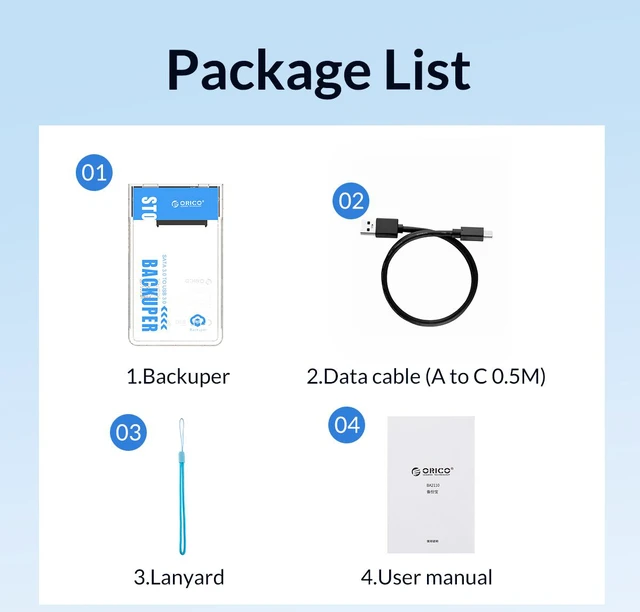
Product Certification: CE FCC RoHS What in the box: 1 x ORICO Backuper 1 x User Manual/Thanks Card