




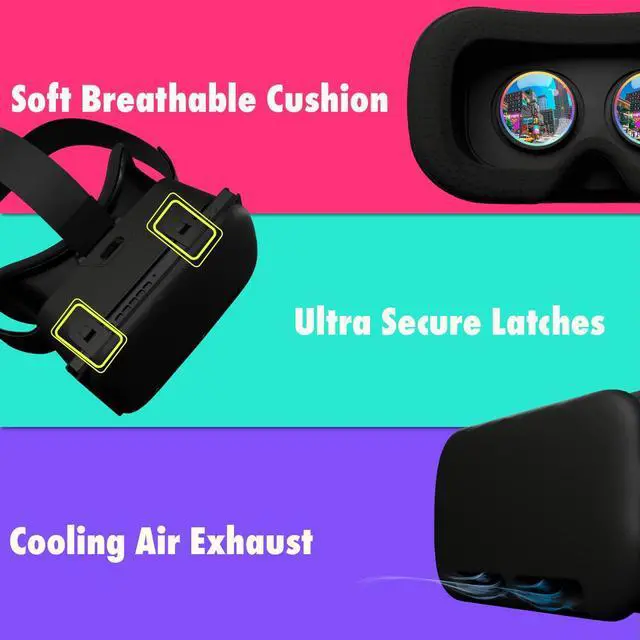
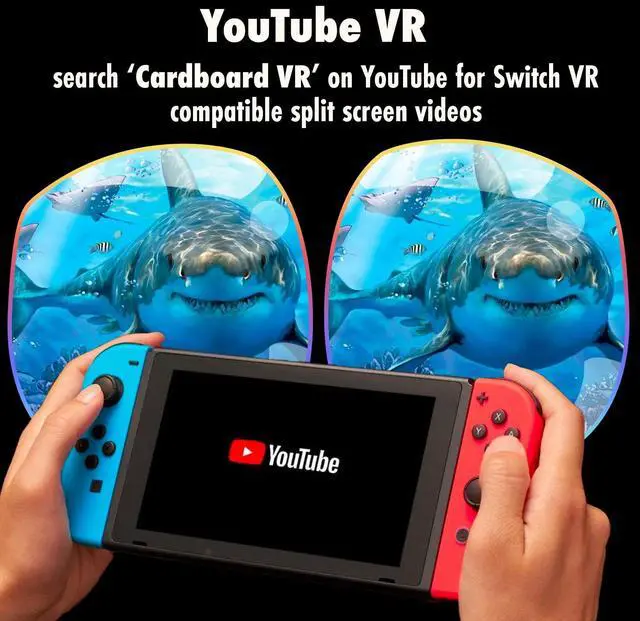


Ultra-Soft Padding
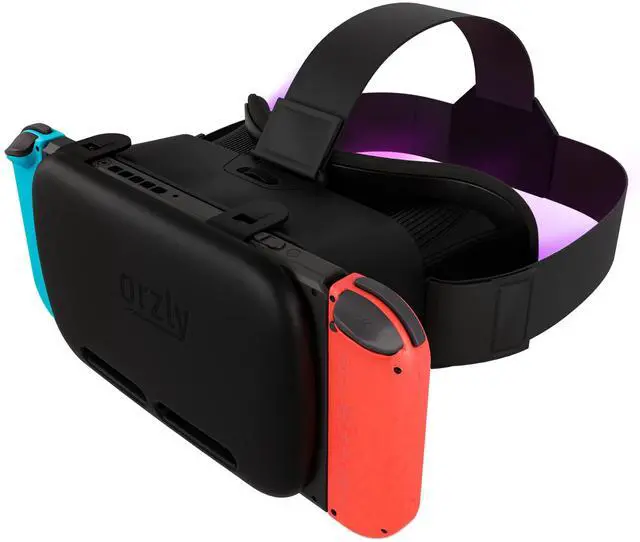
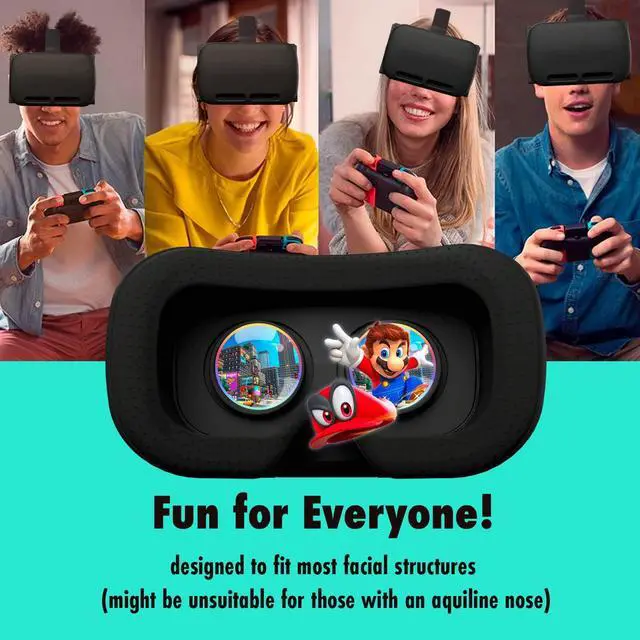
Features extra large crystal clear lenses for comfortable viewing and luxuriously soft breathable cushions for extended use. (VR Headset may be unsuited for those with aquiline noses).

Focus Dial
Here at Orzly we understand that everyone's eye and facial structure is unique! Adjusting the Focus Dial will bring the world of VR into clear HD for your unique eyesight requirements.

Adjustable Head Straps
Three-way adjustable head straps ensure children and adults alike don't miss out on the fun! Securly affixes the VR Headset so it won't slip off during vigorous VR gaming! (Recommended for ages 8+, adult supervision recommended).

Full Access to Functions
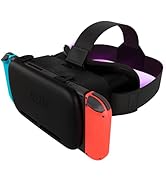
Minimalistic yet heavy duty latches offer full unobstructed access to your Nintendo Switch's functions such as: the charging port, power button, volume buttons, and air vents.


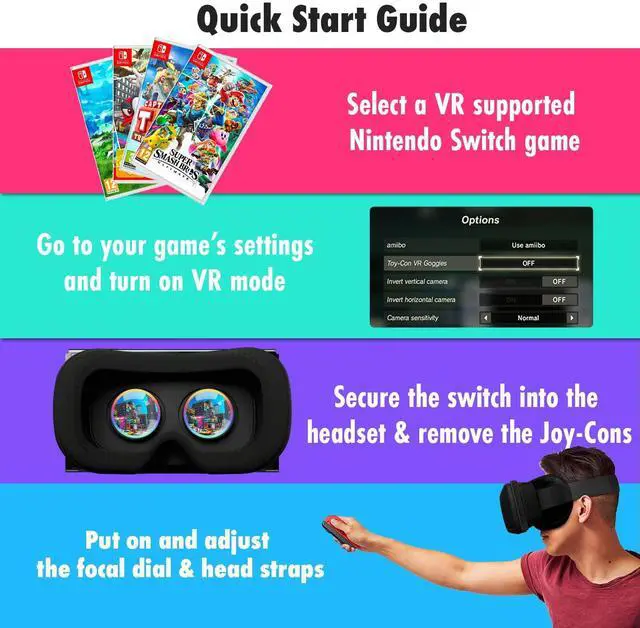
1) Choose a VR Supported Game
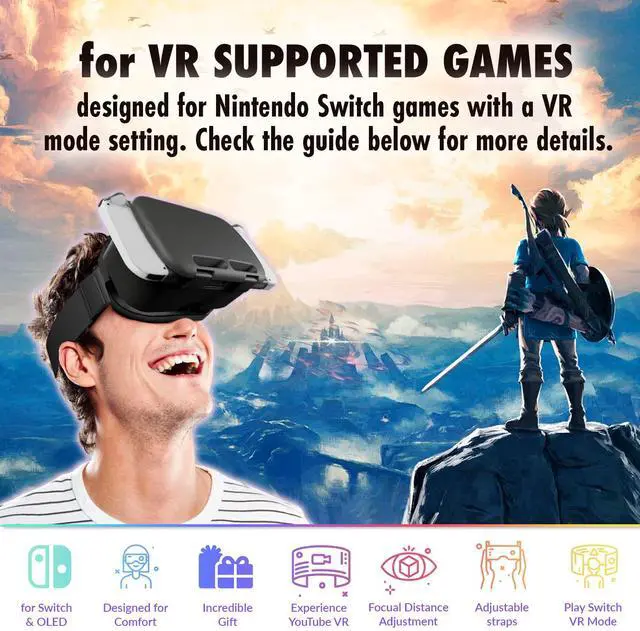
Select a VR supported game from the list above. Ensure that your console and game are fully up to date - your Nintendo Switch will tell you if there is an update available.

2) Navigate to Settings and Turn On VR Mode
Go to game settings and turn on 'VR Mode' or 'Toy-Con VR Goggles'. This will split your screen into two bubbles. Need some help? Feel free to reach out to us.

3) Seat the Switch into the Headset
Once your game is set-up and ready to play, open the latches and seat the console into the VR Headset. Next, remove the Joy-Con controllers and fasten the latches. Tentatively, test that the console is fastened securely.

4) Put On & Adjust the Straps
Take a seat and slip on the Headset. Be sure to take your time in adjusting the straps so they're as comfortable as possible. Adjust the brightness of your game by holding down the 'Home' button on your Joy-Con controller. Now immerse yourself in the world of VR!
 Orzly VR Headset |  Orzly Geek Bundle |  Orzly Carry Case |  Orzly Screen Protectors |  Orzly Party Pack | |
|---|---|---|---|---|---|
| Customer Reviews | — | — | — | — | — |
| Price | — | — no data | — | — | — |
| Switch OLED 2021 | ? | ? | ? | ? | ? |
| Original Switch 2017 | ? | no data | ? | no data | ? |

About Us
Everyone in the Orzly team has a passion for tech, we all love what we do and enjoy designing and developing accessories that will offer style, protection or functionality to your device.
As our innovative spirit continues to drive the Orzly culture, our aim is to ensure we understand consumer needs and continue to develop products that protect or enhance the technology you use in your everyday life.
As seen on
Orzly products have been spotted in hit shows like Netflix's Cobra Kai
Featured in
Orzly products have earned glowing reviews from TechRadar, IGN, Business Insider, Forbes, Wired, GamesRadar, GameSpot, and Eurogamer.
![Orzly Racing Steering Wheels Compatible with Switch 2 (2025 Console) – Party [Pack of 4] Joy-Con ...](//c1.neweggimages.com/sellingpilot/modules/product/a-plus/2648e09c08963d19dba4eb25e1018f1f9fe04b67d8cc5ee0e8e653a807700688.jpg)
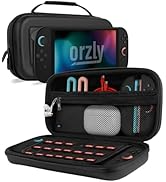
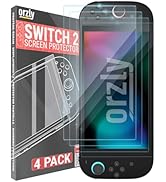
Nintendo Switch 2 Case
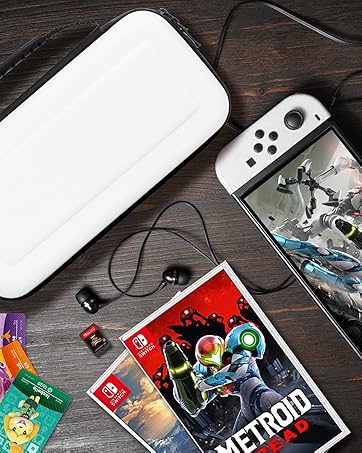
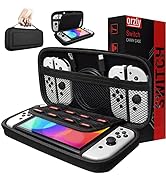
Nintendo Accessories
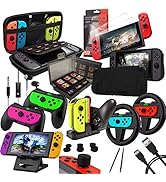
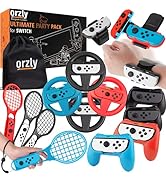
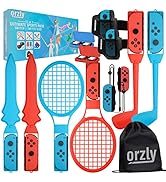
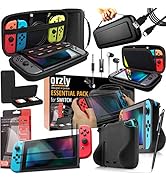
Nintendo Switch Packs
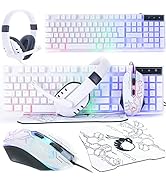
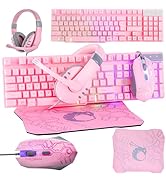
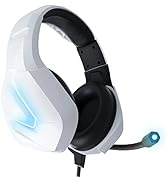
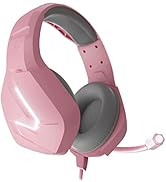
PC Accessories
Xbox Accessories
Playstation Accessories
What makes our products unique?
Everyone in the Orzly team has a passion for tech, we all love what we do and enjoy designing and developing accessories that will offer style, protection or functionality to your device. Our designers work hard to make sure we release the best products we can for our customers.
Our Mission
At Orzly, we aim to deliver premium-grade accessories at great value for our fans. Our purpose is to help our fans pursue their passion for gaming.
![Orzly Racing Steering Wheels Compatible with Switch 2 (2025 Console) – Party [Pack of 4] Joy-Con ...](http://c1.neweggimages.com/sellingpilot/modules/product/a-plus/2648e09c08963d19dba4eb25e1018f1f9fe04b67d8cc5ee0e8e653a807700688.jpg)
Ultra-Soft Padding
Features extra large crystal clear lenses for comfortable viewing and luxuriously soft breathable cushions for extended use. (VR Headset may be unsuited for those with aquiline noses).
Focus Dial
Here at Orzly we understand that everyone's eye and facial structure is unique! Adjusting the Focus Dial will bring the world of VR into clear HD for your unique eyesight requirements.
Adjustable Head Straps
Three-way adjustable head straps ensure children and adults alike don't miss out on the fun! Securly affixes the VR Headset so it won't slip off during vigorous VR gaming! (Recommended for ages 8+, adult supervision recommended).
Full Access to Functions
Minimalistic yet heavy duty latches offer full unobstructed access to your Nintendo Switch's functions such as: the charging port, power button, volume buttons, and air vents.
1) Choose a VR Supported Game
Select a VR supported game from the list above. Ensure that your console and game are fully up to date - your Nintendo Switch will tell you if there is an update available.
2) Navigate to Settings and Turn On VR Mode
Go to game settings and turn on 'VR Mode' or 'Toy-Con VR Goggles'. This will split your screen into two bubbles. Need some help? Feel free to reach out to us.
3) Seat the Switch into the Headset
Once your game is set-up and ready to play, open the latches and seat the console into the VR Headset. Next, remove the Joy-Con controllers and fasten the latches. Tentatively, test that the console is fastened securely.
4) Put On & Adjust the Straps
Take a seat and slip on the Headset. Be sure to take your time in adjusting the straps so they're as comfortable as possible. Adjust the brightness of your game by holding down the 'Home' button on your Joy-Con controller. Now immerse yourself in the world of VR!
Orzly VR Headset | Orzly Geek Bundle | Orzly Carry Case | Orzly Screen Protectors | Orzly Party Pack | |
|---|---|---|---|---|---|
| Customer Reviews | — | — | — | — | — |
| Price | — | — no data | — | — | — |
| Switch OLED 2021 | ? | ? | ? | ? | ? |
| Original Switch 2017 | ? | no data | ? | no data | ? |
About Us
Everyone in the Orzly team has a passion for tech, we all love what we do and enjoy designing and developing accessories that will offer style, protection or functionality to your device.
As our innovative spirit continues to drive the Orzly culture, our aim is to ensure we understand consumer needs and continue to develop products that protect or enhance the technology you use in your everyday life.
As seen on
Orzly products have been spotted in hit shows like Netflix's Cobra Kai
Featured in
Orzly products have earned glowing reviews from TechRadar, IGN, Business Insider, Forbes, Wired, GamesRadar, GameSpot, and Eurogamer.
Nintendo Switch 2 Case
Nintendo Accessories
Nintendo Switch Packs
PC Accessories
Xbox Accessories
Playstation Accessories
What makes our products unique?
Everyone in the Orzly team has a passion for tech, we all love what we do and enjoy designing and developing accessories that will offer style, protection or functionality to your device. Our designers work hard to make sure we release the best products we can for our customers.
Our Mission
At Orzly, we aim to deliver premium-grade accessories at great value for our fans. Our purpose is to help our fans pursue their passion for gaming.