here!
here!
I’m your shopping assistant for PC builds, upgrades, and everything tech.
Got questions? Ask away!
Start a conversation
here!
I’m your shopping assistant for PC builds, upgrades, and everything tech.
Got questions? Ask away!
Start a conversation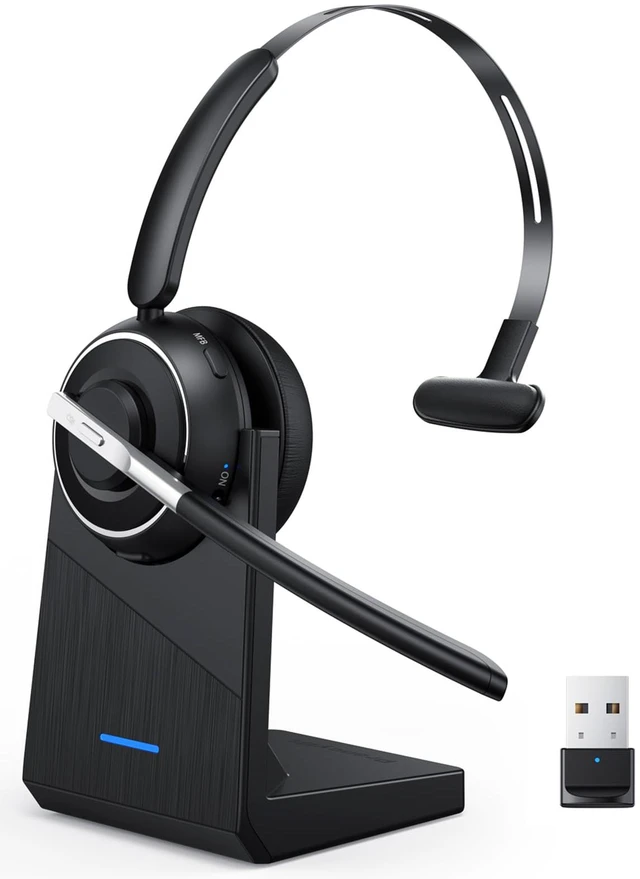


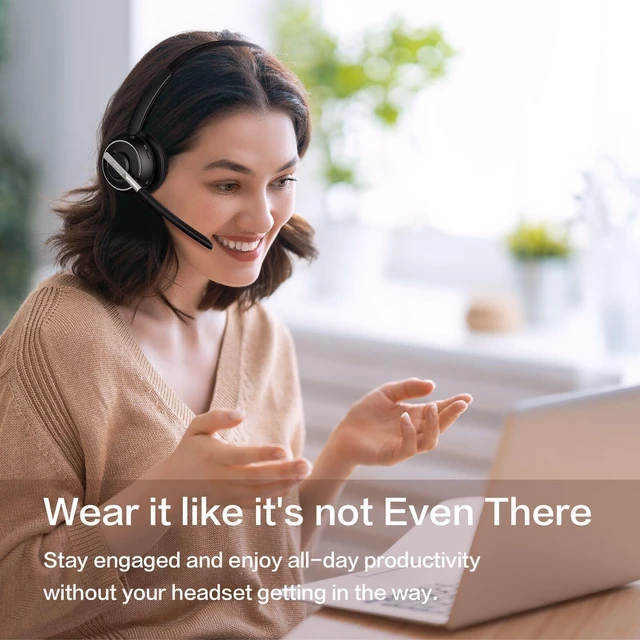



Any questions? Ask CelesteSM will help you find out quickly.

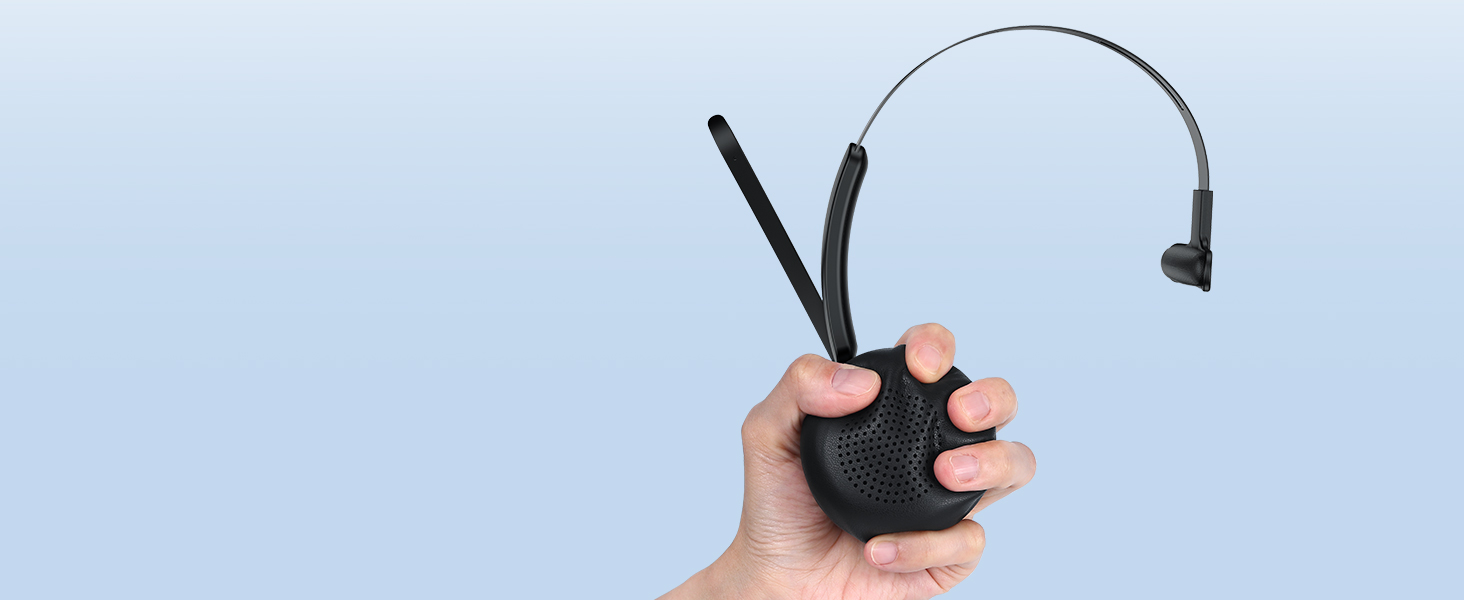
Cloud-soft memory foam cushions your ear for all-day comfort during calls, meetings, and work.
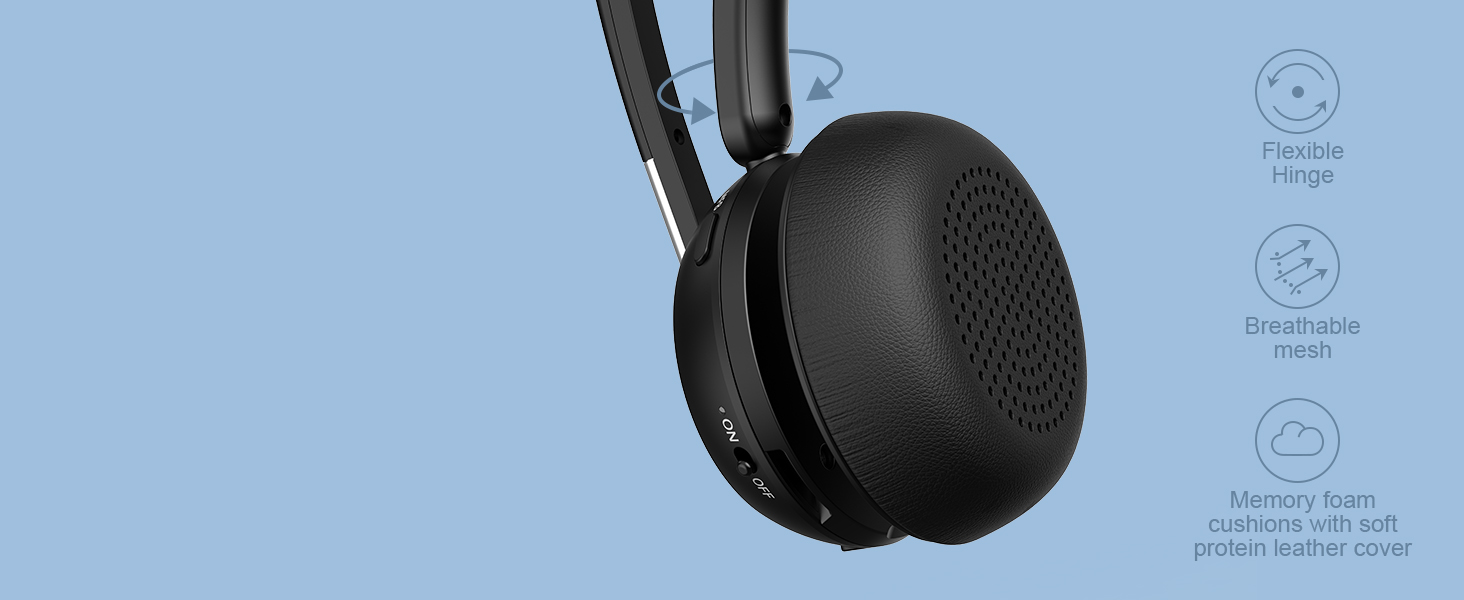
The 180° flexible hinge adapts to different head shapes for a secure, natural, and comfortable fit.

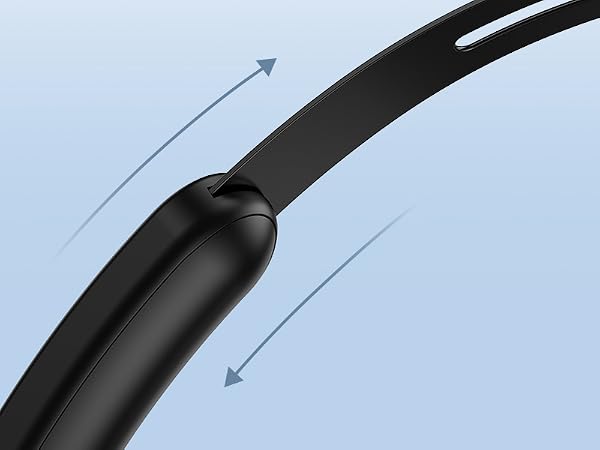
An adjustable headband provides a secure and comfortable fit for different head sizes.

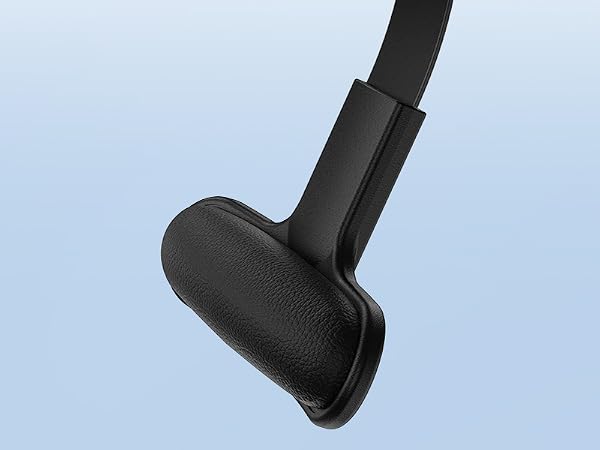
Soft protein leather support pad cushions the other side of your head for balanced, all-day comfort

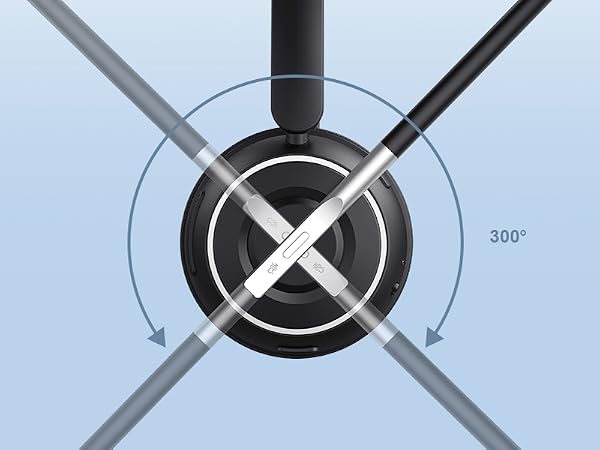
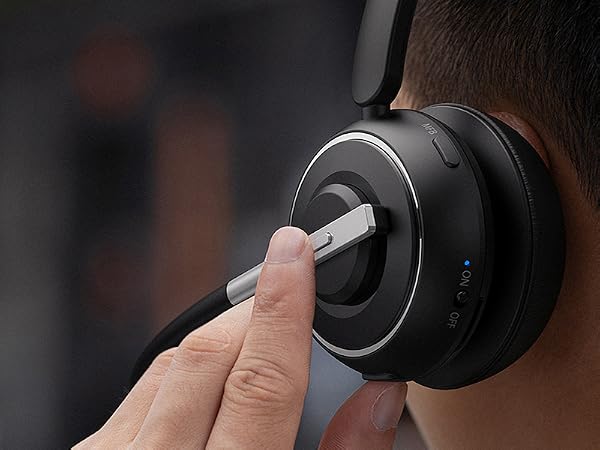
Rotate the microphone to switch between left and right ear for lasting comfort during long workdays.

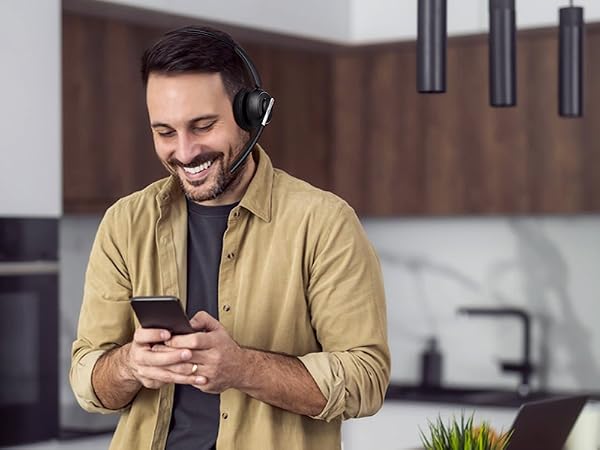
Move freely to grab a coffee, collaborate with teammates, or stay productive while on a call.
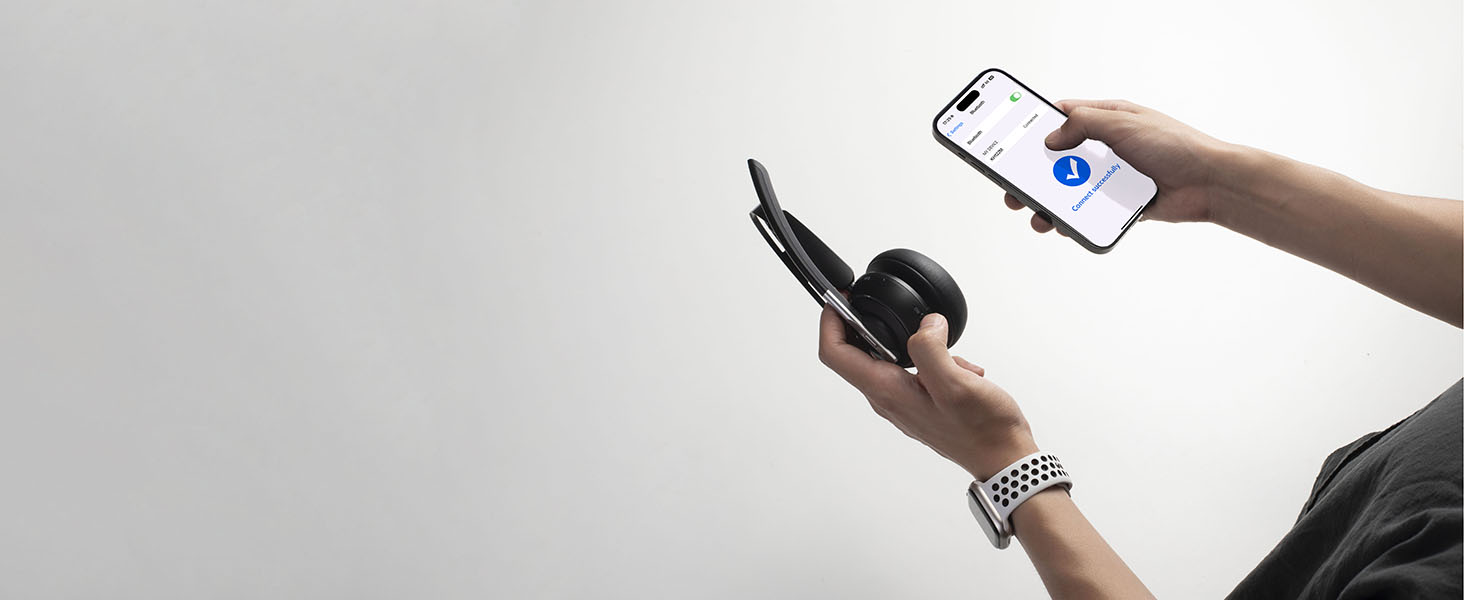
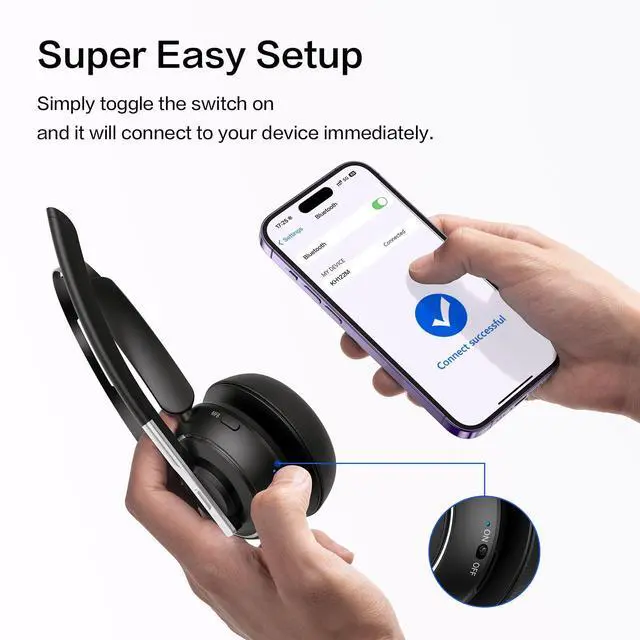
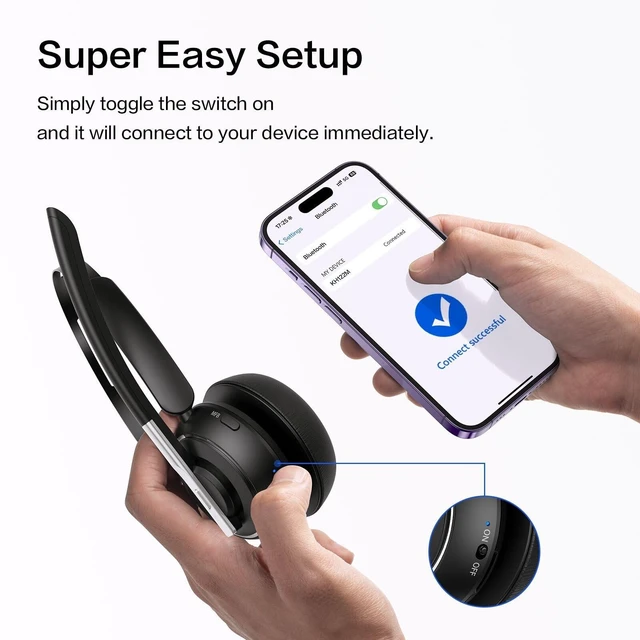
No button presses or waiting—just flip the switch to reconnect instantly to your last paired device.
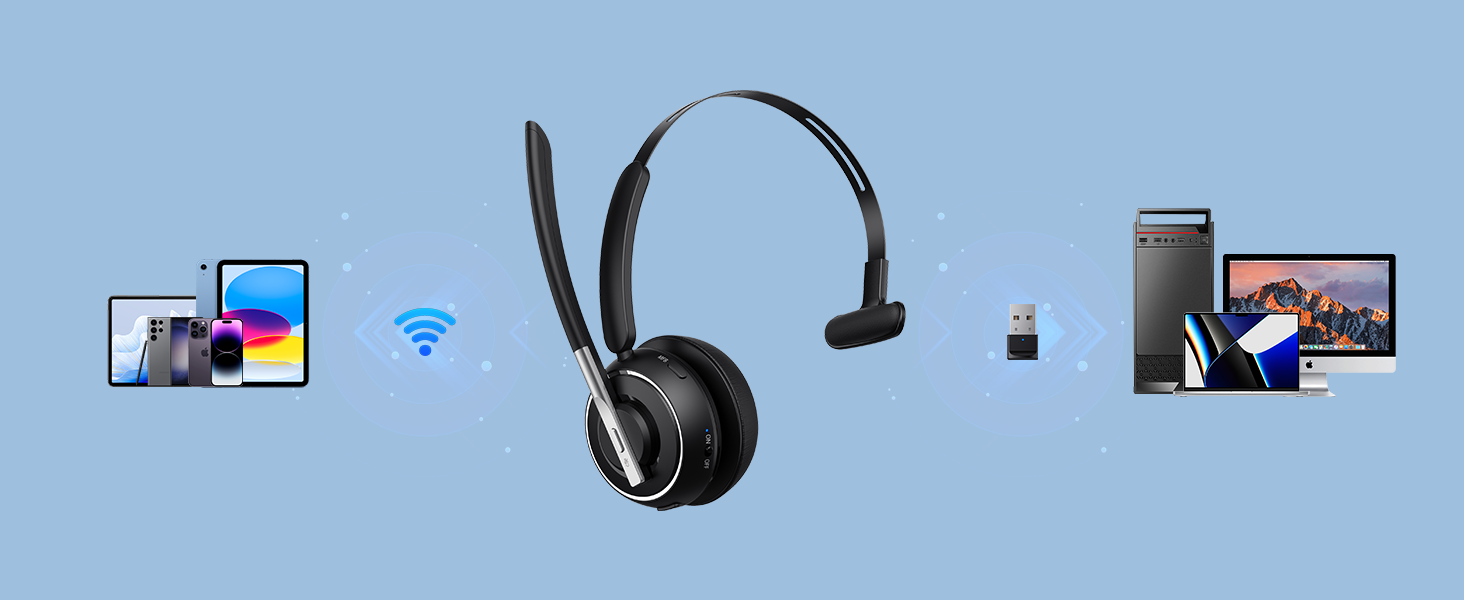
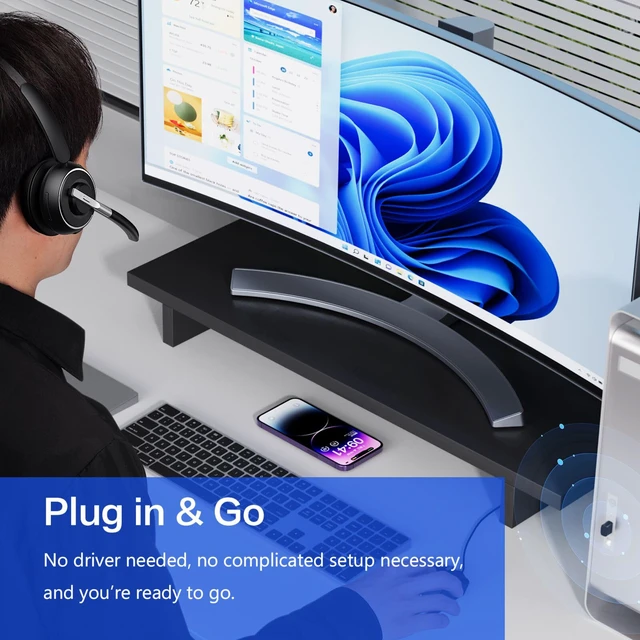
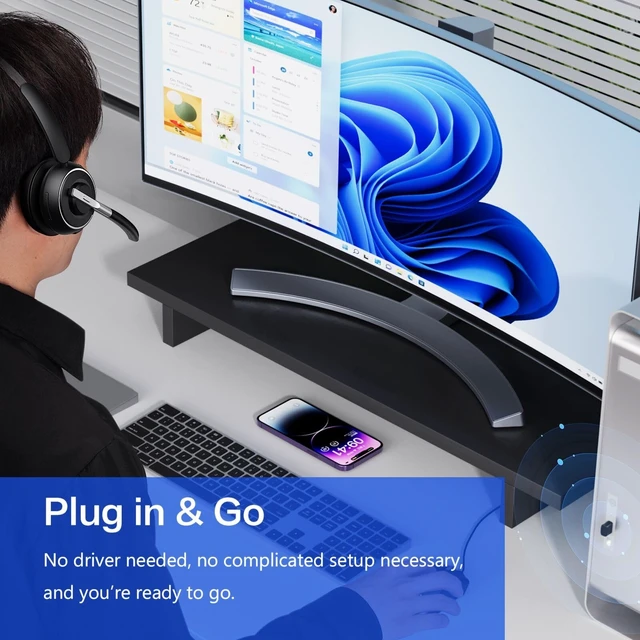
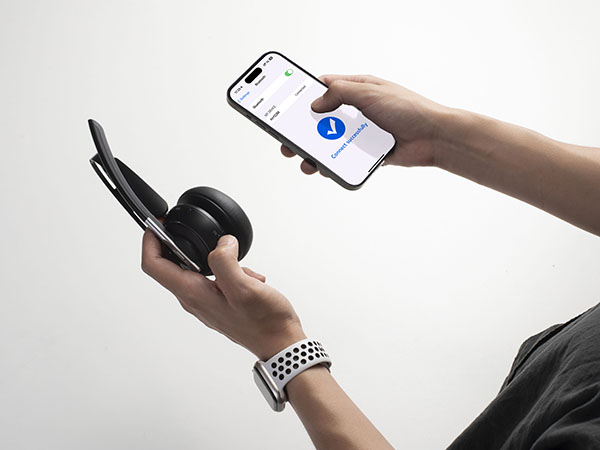
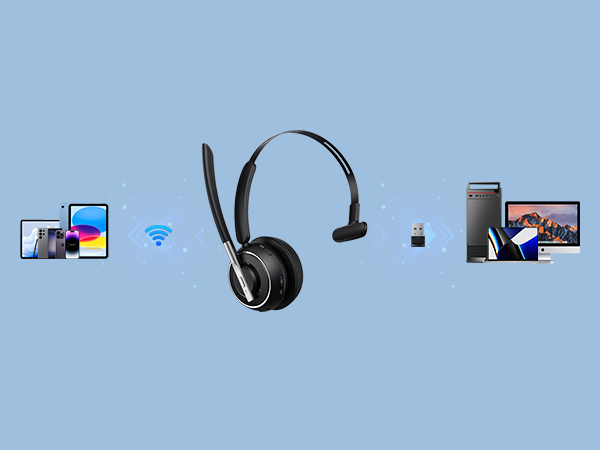
Use Bluetooth for wireless convenience or the USB dongle for instant plug-and-play PC connection.
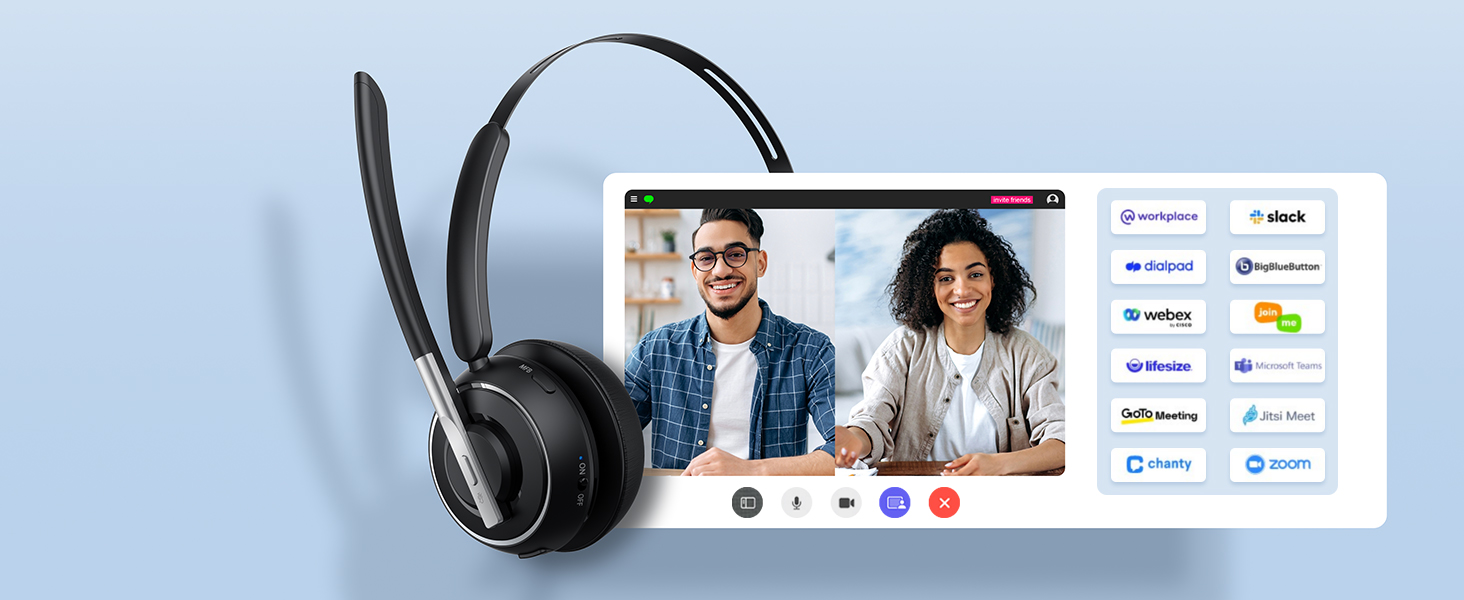
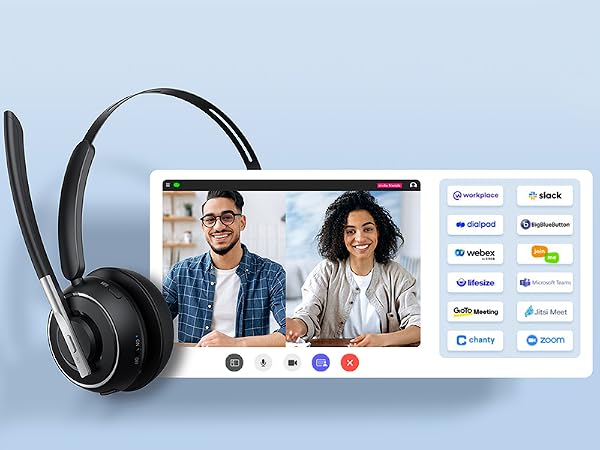
Compatible with popular meeting platforms, including Microsoft Teams, Zoom, Google Meet, and Skype.

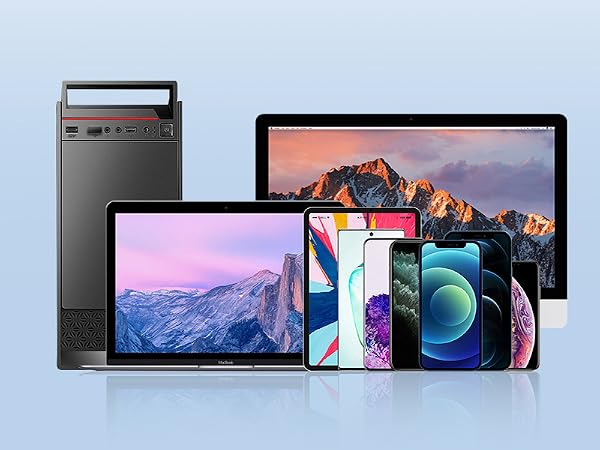
Compatible with iPhone, Android phones, iPads, PCs, Macs, smart TVs & most Bluetooth-enabled devices
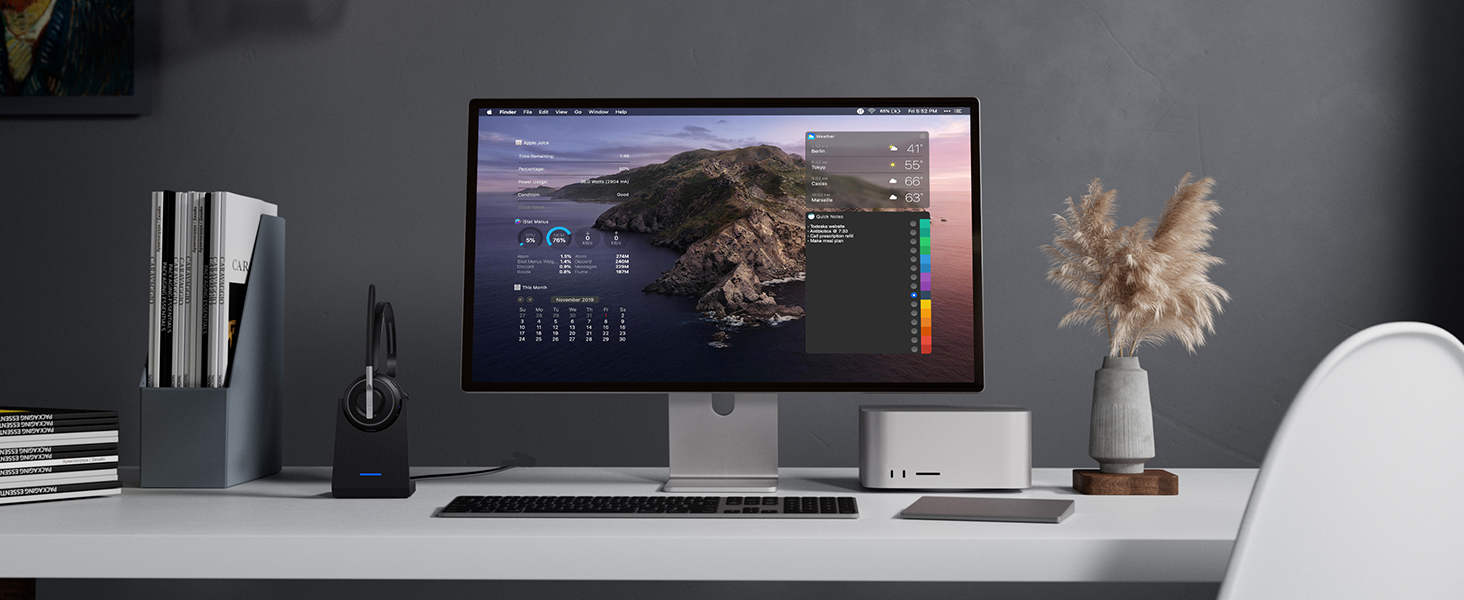
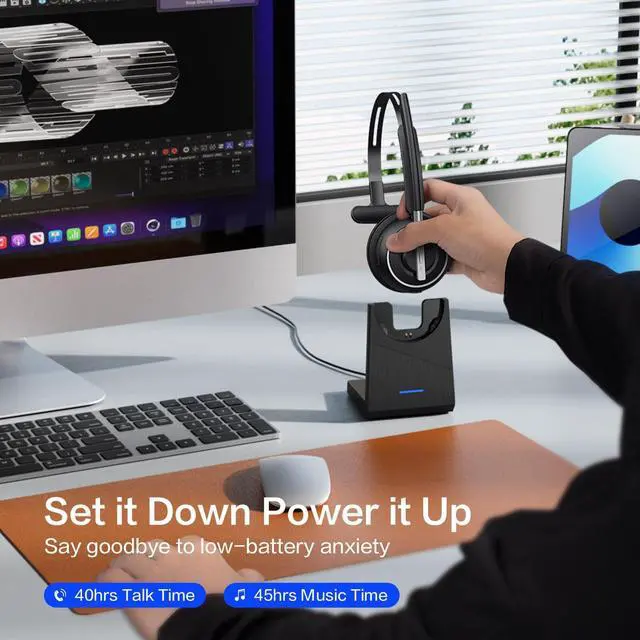
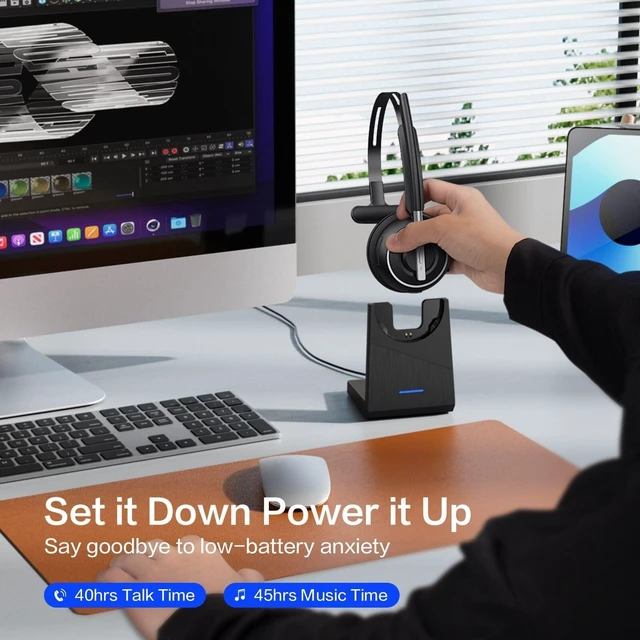
Store and charge your headset in one place for a tidy workspace and a headset that’s always ready.
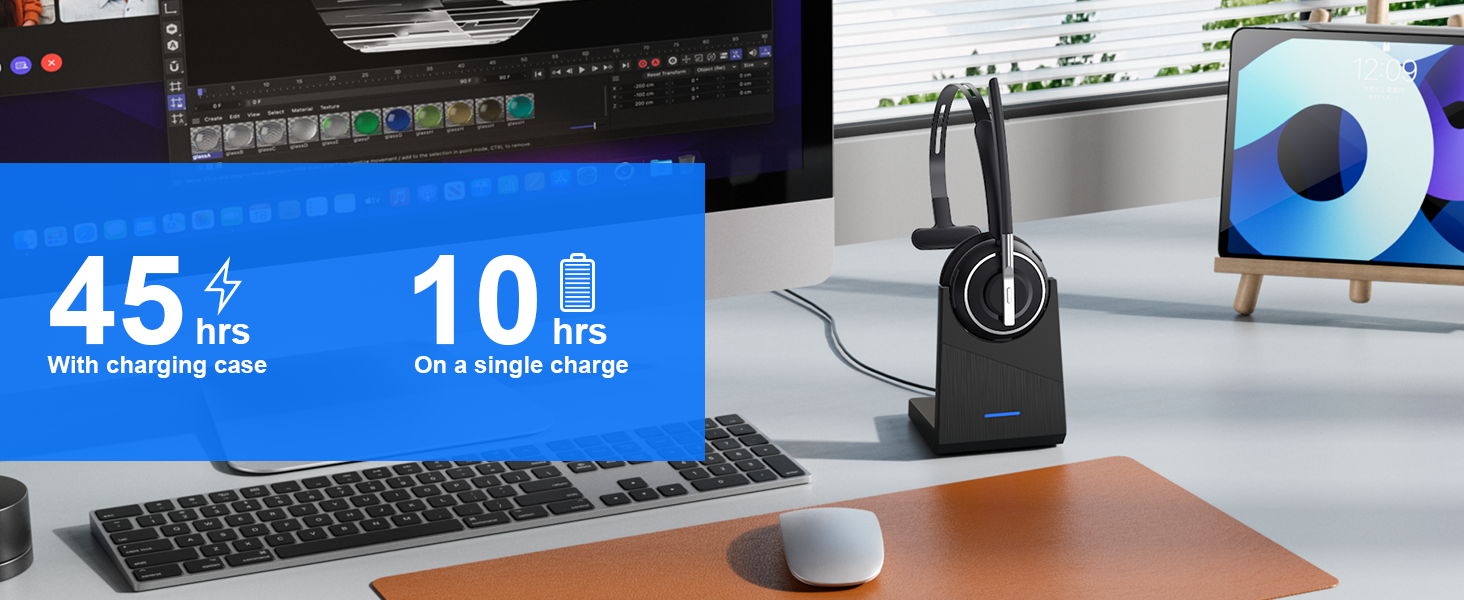
Up to 40 hours of talk time helps keep you connected through long workdays, meetings, and calls.
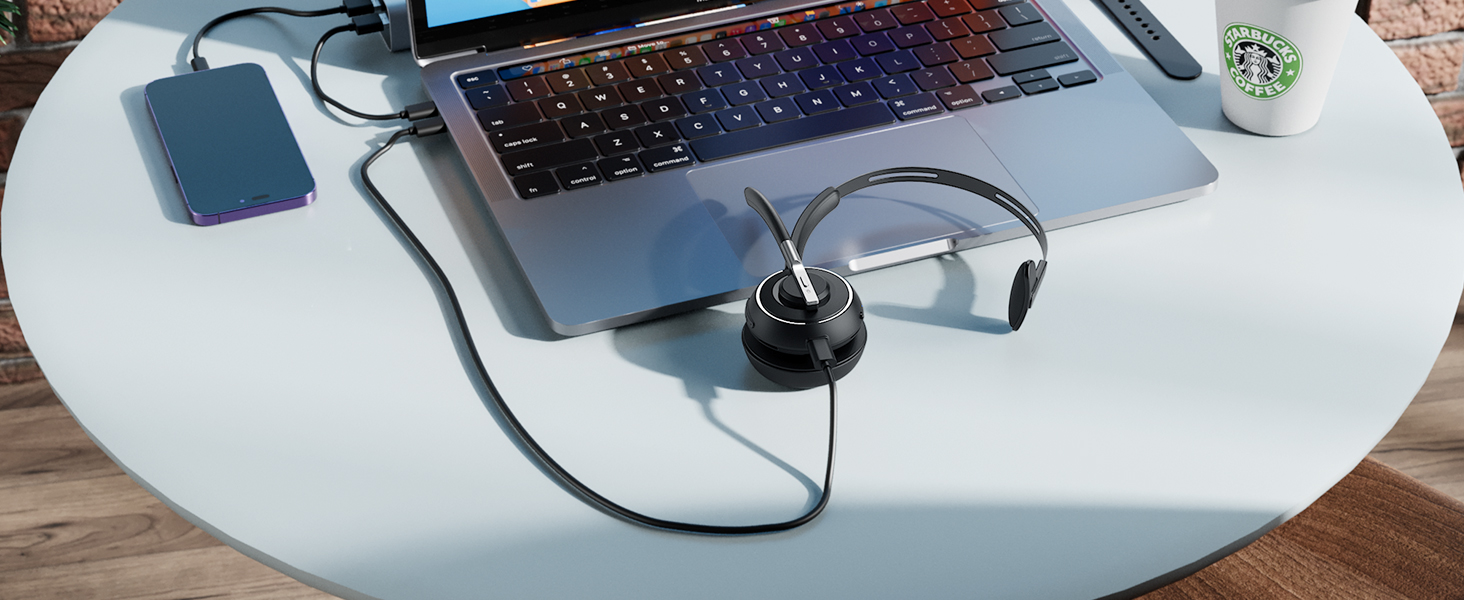
Charge with the desktop charging base or the USB-C cable for convenient power wherever you work.
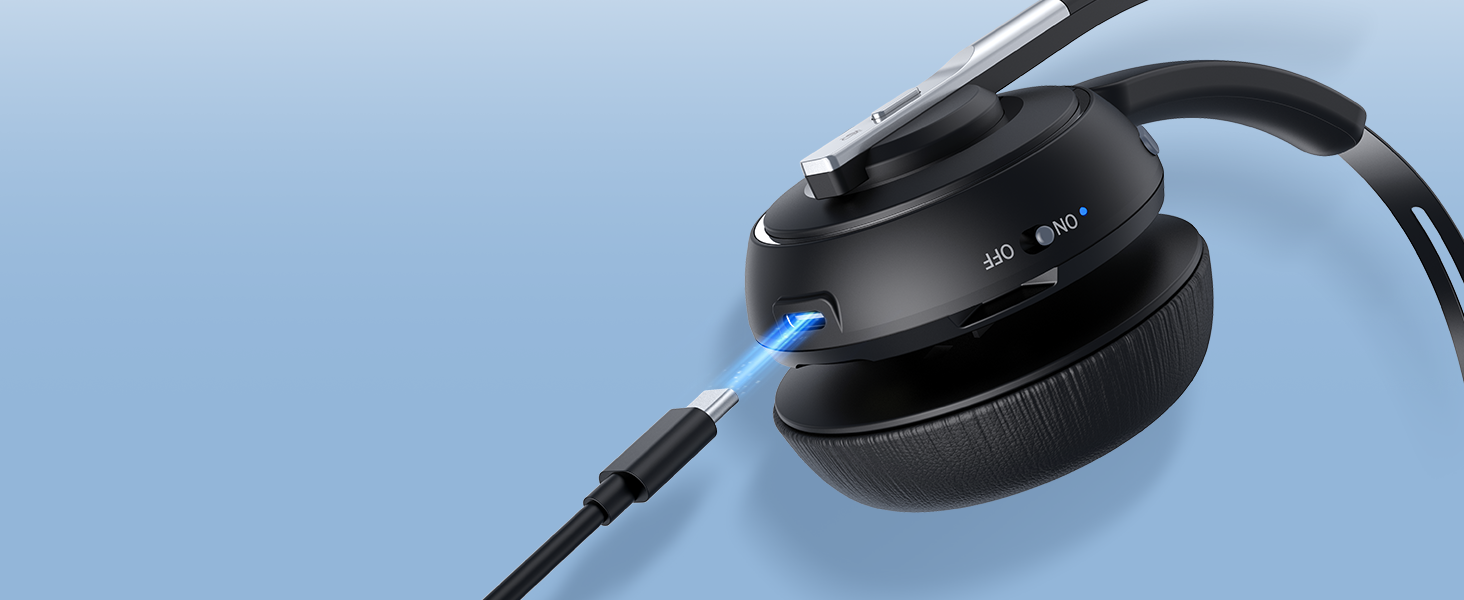
The durable USB-C port is built for reliable, convenient charging through everyday use.
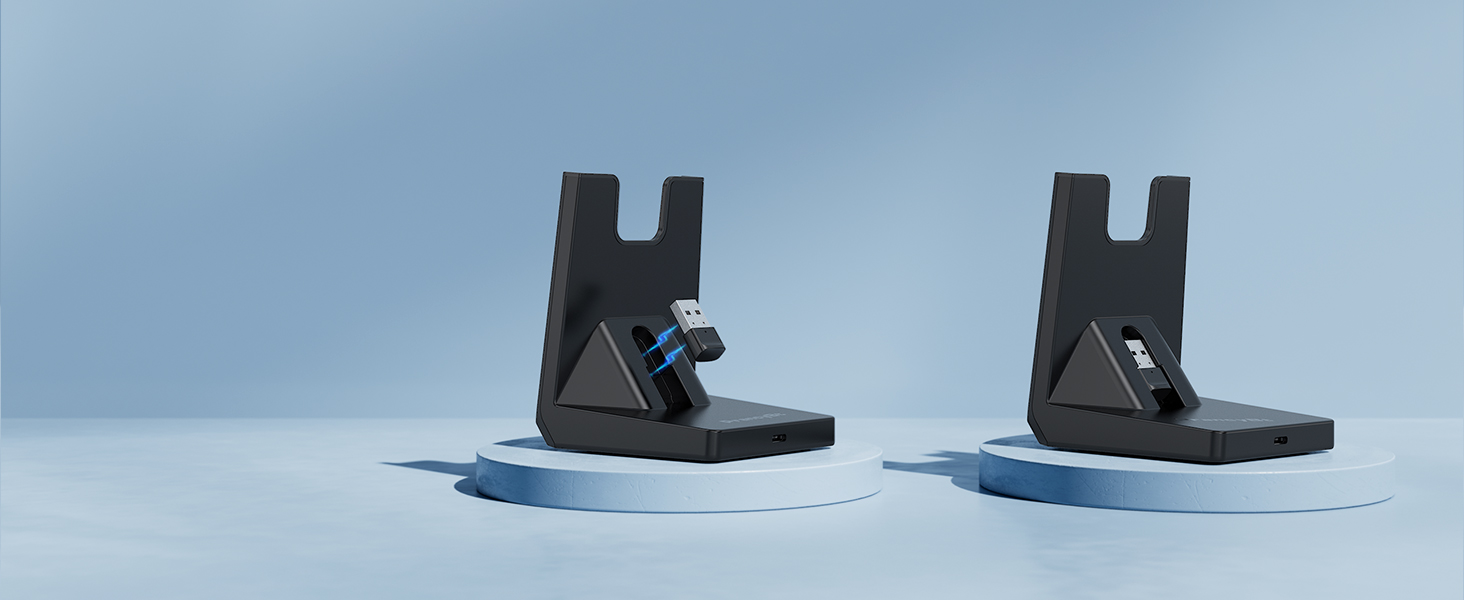
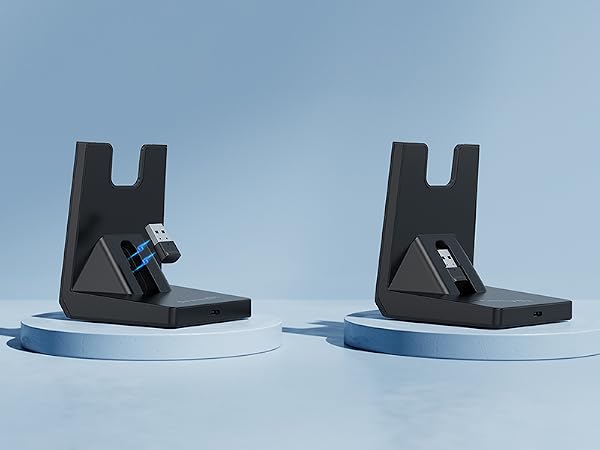
A dedicated storage slot keeps your USB dongle secure, organized, and easy to find.
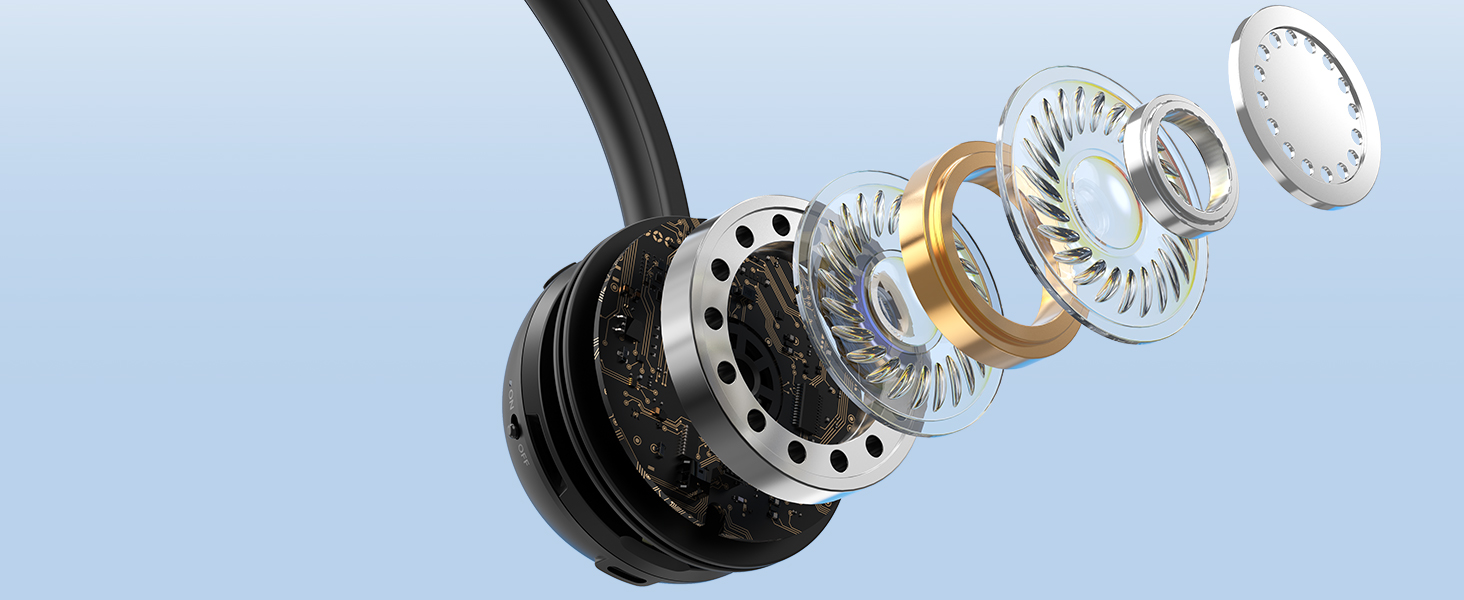
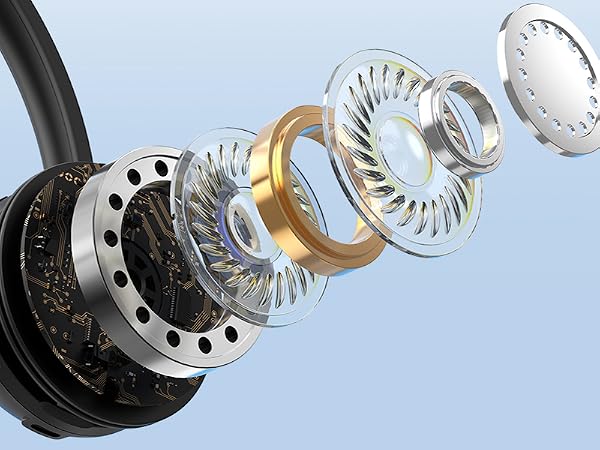
Focuses on your voice while helping reduce background noise for clear, natural conversations.

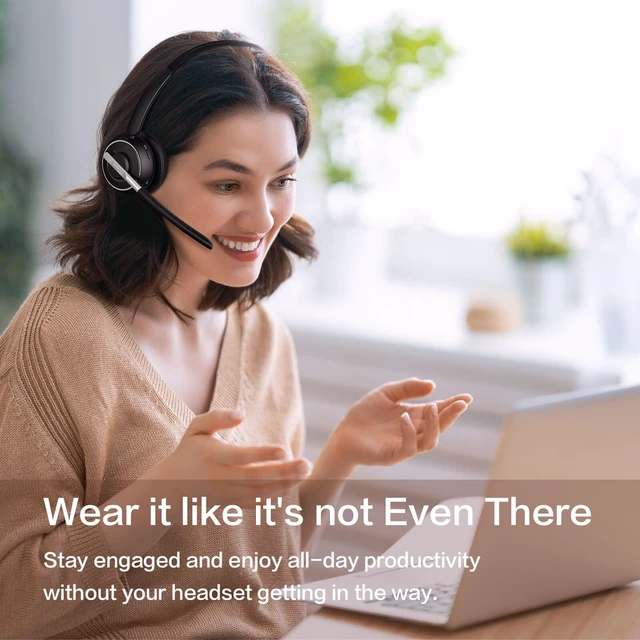
Enjoy lasting comfort and stay focused through long calls, meetings, and workdays.
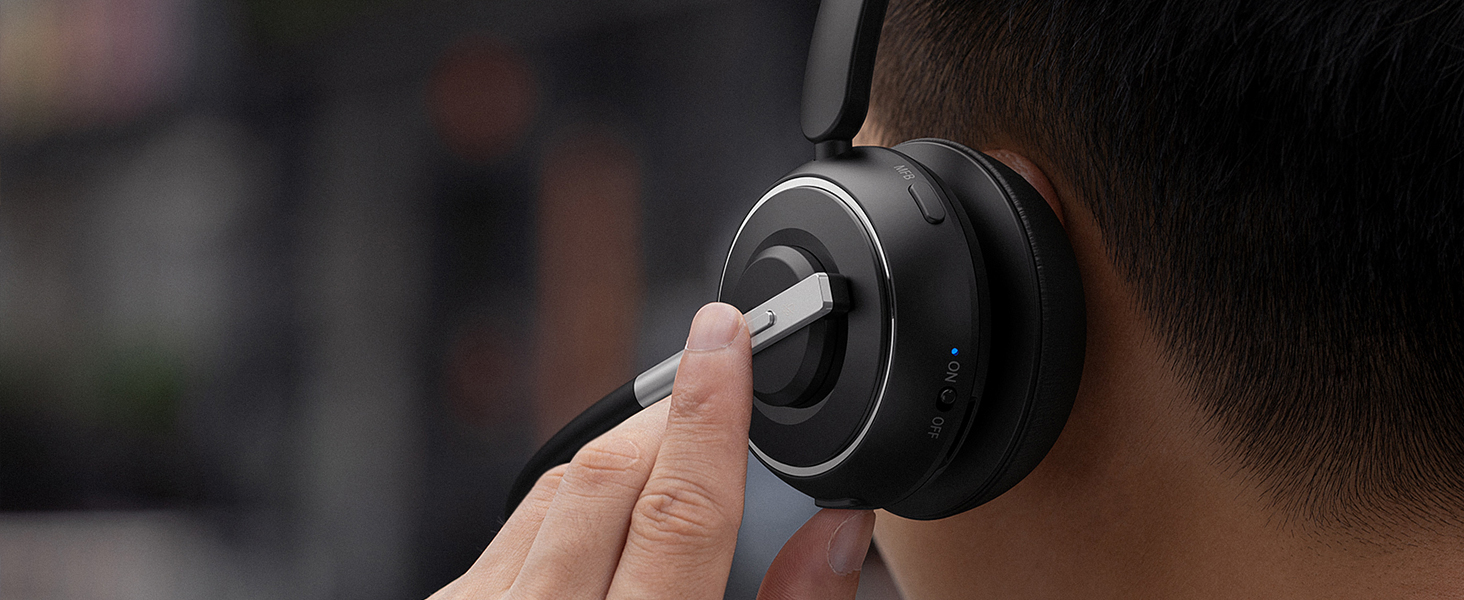
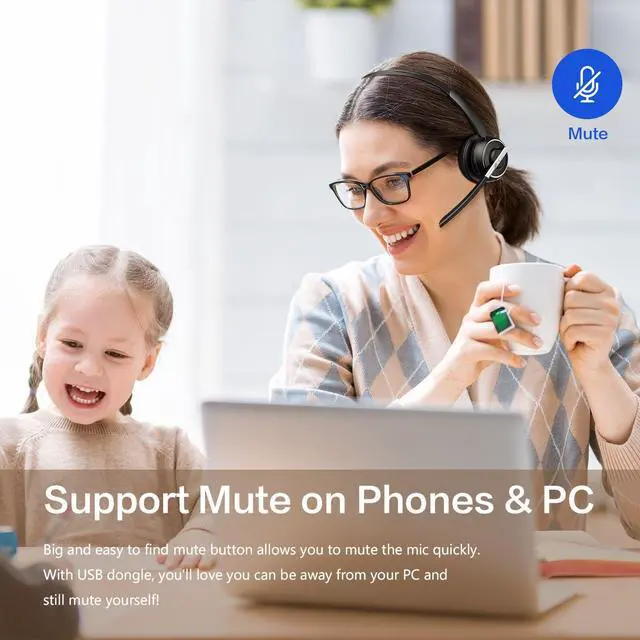
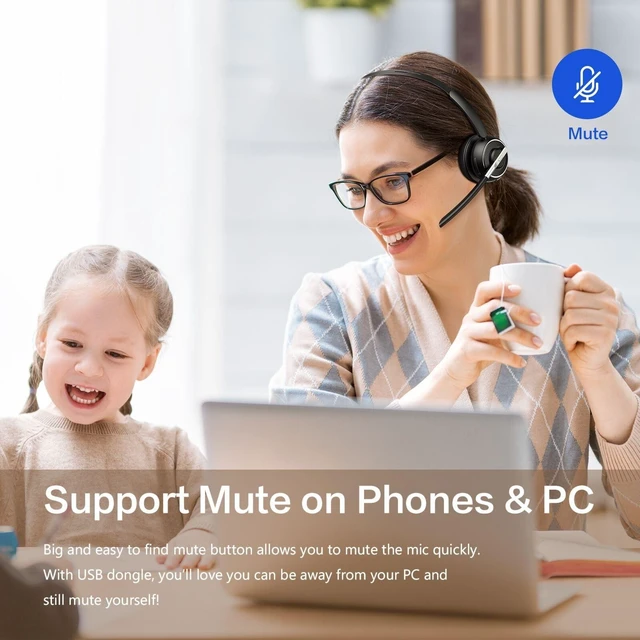
Mute instantly with a dedicated side button for quick control during calls, meetings, and webinars.

Keep phone in your pocket and use voice commands to make calls, send messages, or check schedules.
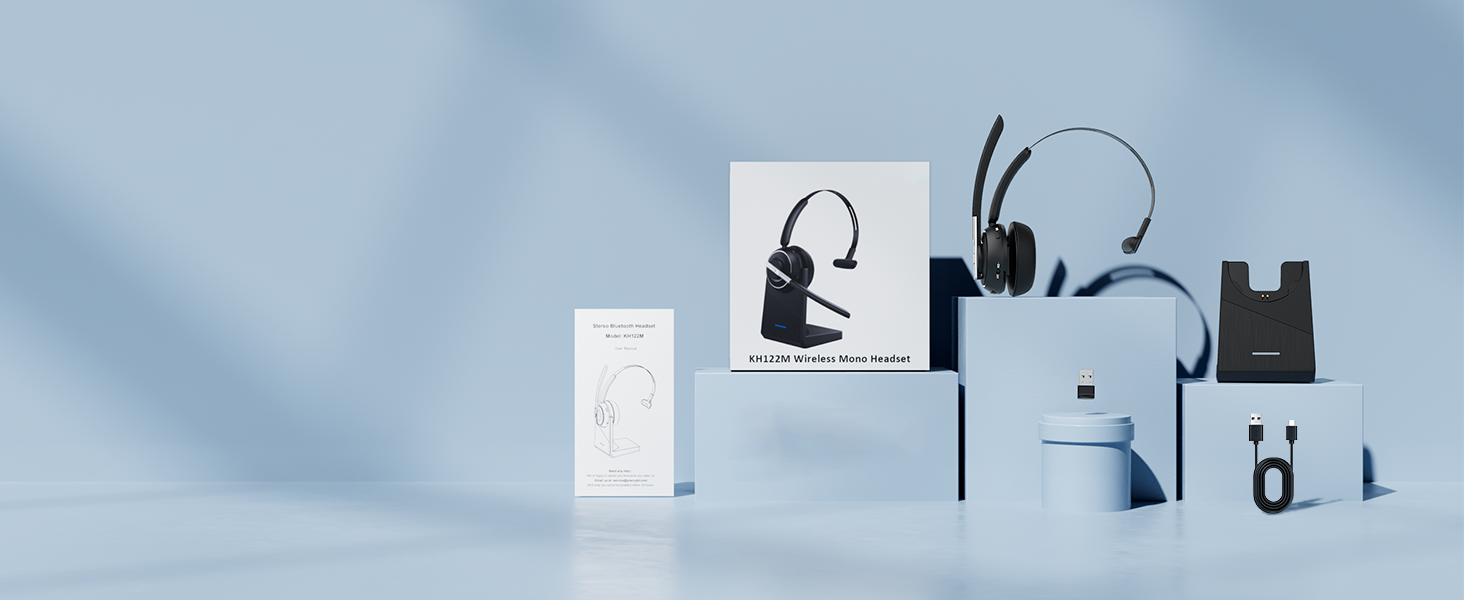
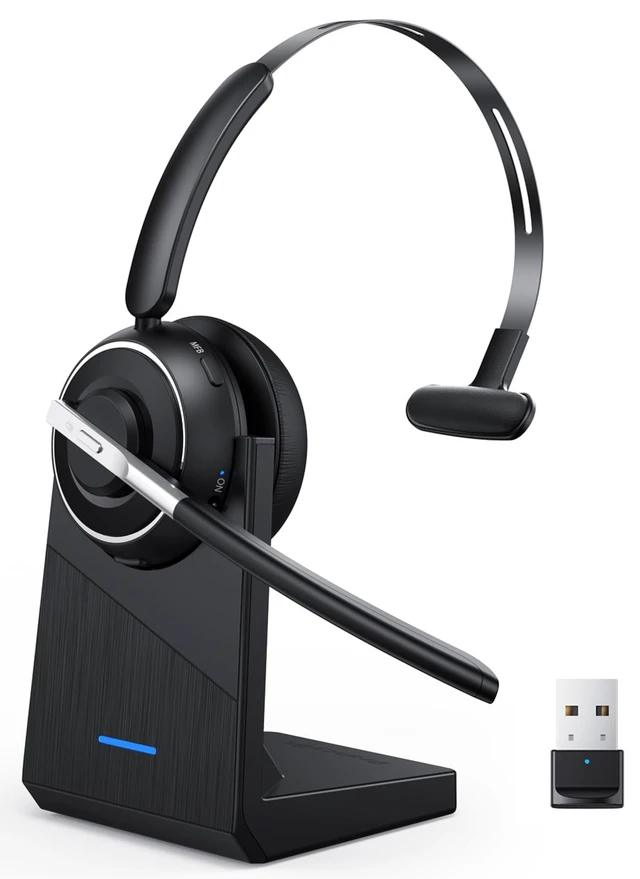
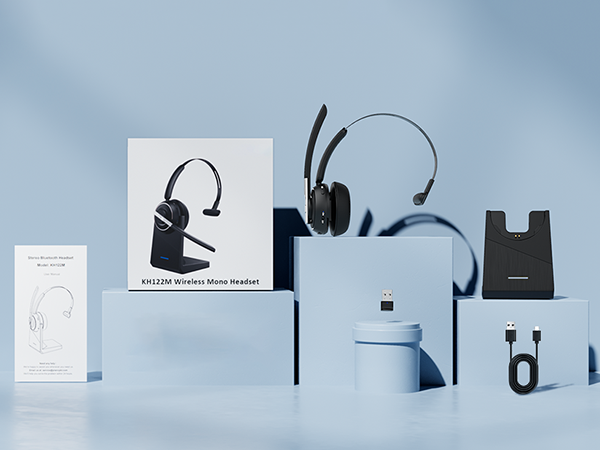
1 Bluetooth Headset, 1 Charging Base, 1 USB Dongle, 1 USB-C Charging Cable, and 1 User Manual.

From ringing phones to office chatter, the AI noise-canceling microphone helps reduce background noise so your voice comes through clearly on every call.

Handle work calls with confidence, even when everyday household distractions become part of your day

Working from home means balancing calls with kids, family, and everyday household activity—without missing a beat.

From engine noise to busy highways, keep conversations clear throughout every mile of your journey.

From airports and hotels to client visits, stay focused on important conversations in busy surroundings.

From coffee shops to coworking spaces, stay productive while taking calls in busy work environments.
Does this Bluetooth headset has a mute button? Will the mute button work on the computer?
Yes, it does. The headset has a mute button on the side so it is easily accessible. If you paired the headset with your computer via the USB dongle, the mute button would work on your computer as well.
How do I turn on the headset?
Simply toggle the ON/OFF switch on the headset to the ON/OFF position, and you can turn on/off it. No need to press and hold a button and wait or guess the status of the headset from now on!
What if the connection with my computer is unstable and drops frequently?
Please try to update the Bluetooth driver of your computer or check if there is any interference signal around the computer (you can try to test it in another room) if the connection is unstable and you frequently drop it.
Can I answer incoming calls from computer and my desk phone (VOIP) using the headset?
If you use the headset with cell phones, you can click the MFB button to answer/end calls (mobile phone calls only). If you use the headset with computers/desk phones, please answer/end calls manually on the computer interface or via the desk phone.
What are the benefits of mono design of KH122M Bluetooth headset?
Lighter weight - won't feel like wearing a helmet.
Allows you to hear what's going on around you.
No need to remove the headset to communicate with colleagues.
Easier to regulate voice volume.
Safer for driving. Can be used for more purposes.

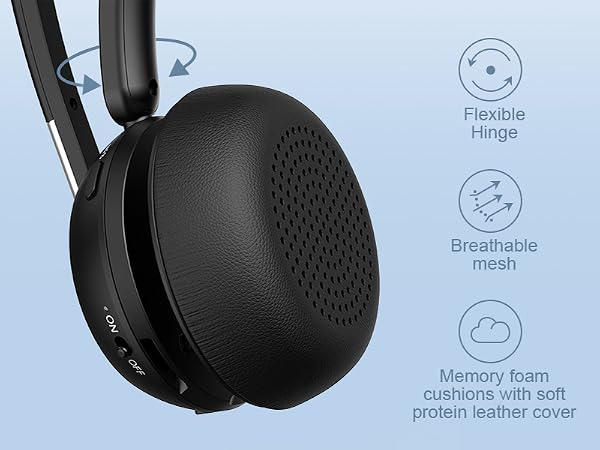
Cloud-soft memory foam cushions your ear for all-day comfort during calls, meetings, and work.
The 180° flexible hinge adapts to different head shapes for a secure, natural, and comfortable fit.
An adjustable headband provides a secure and comfortable fit for different head sizes.
Soft protein leather support pad cushions the other side of your head for balanced, all-day comfort
Rotate the microphone to switch between left and right ear for lasting comfort during long workdays.
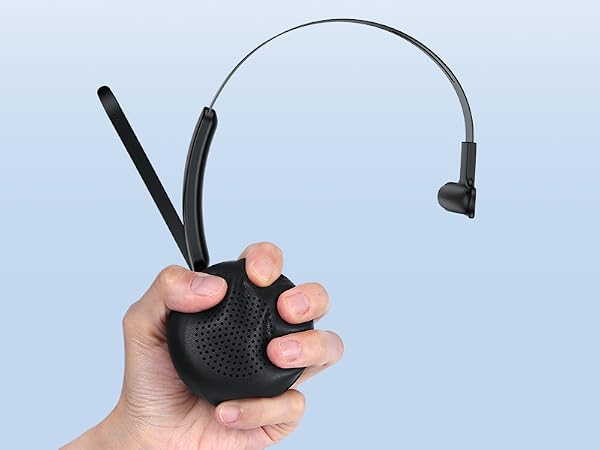
Move freely to grab a coffee, collaborate with teammates, or stay productive while on a call.
No button presses or waiting—just flip the switch to reconnect instantly to your last paired device.
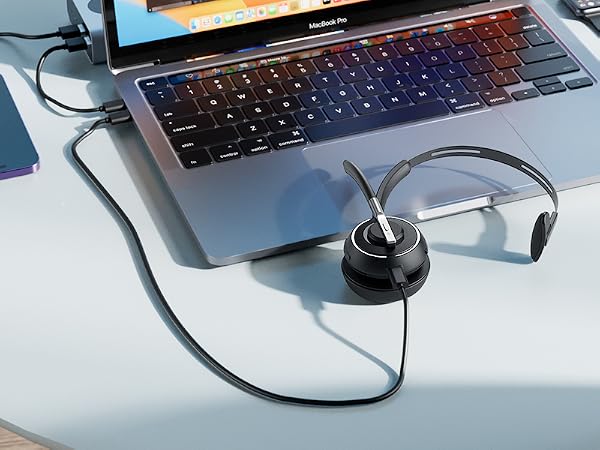
Use Bluetooth for wireless convenience or the USB dongle for instant plug-and-play PC connection.
Compatible with popular meeting platforms, including Microsoft Teams, Zoom, Google Meet, and Skype.
Compatible with iPhone, Android phones, iPads, PCs, Macs, smart TVs & most Bluetooth-enabled devices
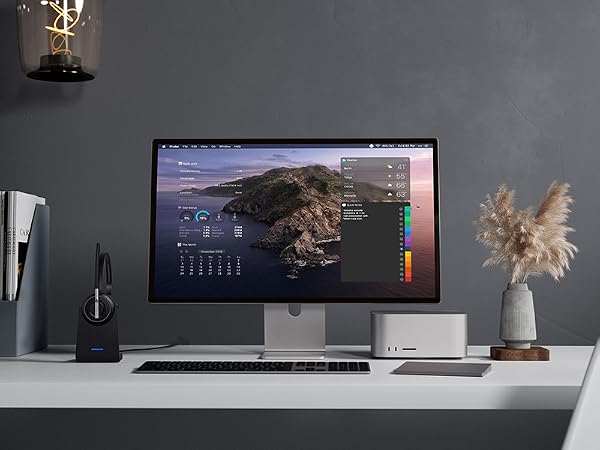
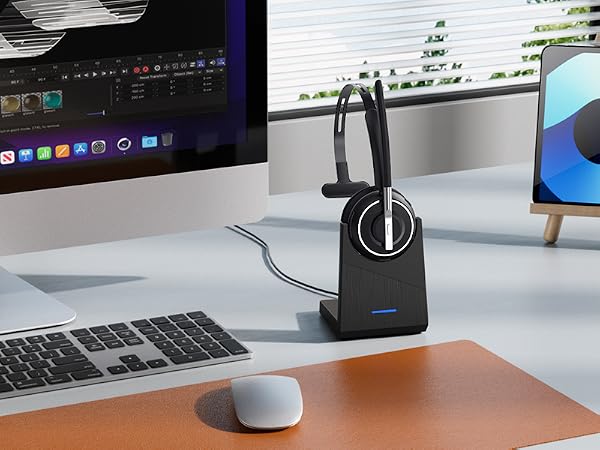
Store and charge your headset in one place for a tidy workspace and a headset that’s always ready.
Up to 40 hours of talk time helps keep you connected through long workdays, meetings, and calls.
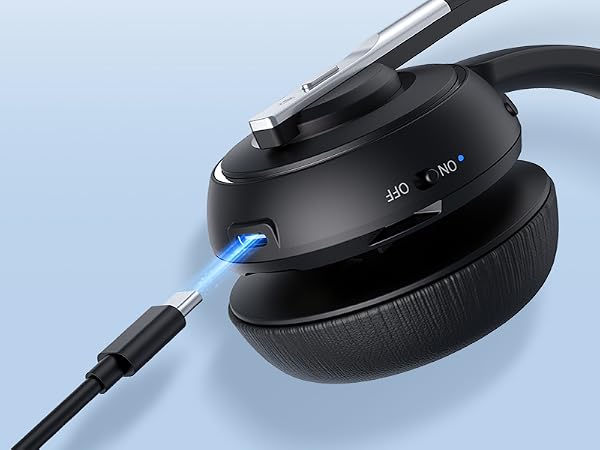
Charge with the desktop charging base or the USB-C cable for convenient power wherever you work.
The durable USB-C port is built for reliable, convenient charging through everyday use.
A dedicated storage slot keeps your USB dongle secure, organized, and easy to find.
Focuses on your voice while helping reduce background noise for clear, natural conversations.
Enjoy lasting comfort and stay focused through long calls, meetings, and workdays.
Mute instantly with a dedicated side button for quick control during calls, meetings, and webinars.
Keep phone in your pocket and use voice commands to make calls, send messages, or check schedules.
1 Bluetooth Headset, 1 Charging Base, 1 USB Dongle, 1 USB-C Charging Cable, and 1 User Manual.



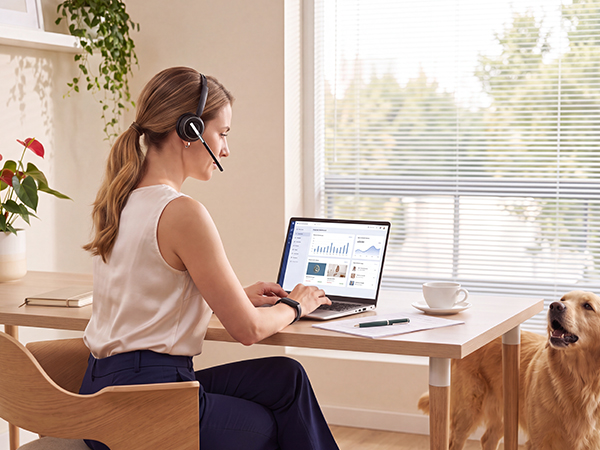




From ringing phones to office chatter, the AI noise-canceling microphone helps reduce background noise so your voice comes through clearly on every call.
Handle work calls with confidence, even when everyday household distractions become part of your day
Working from home means balancing calls with kids, family, and everyday household activity—without missing a beat.
From engine noise to busy highways, keep conversations clear throughout every mile of your journey.
From airports and hotels to client visits, stay focused on important conversations in busy surroundings.
From coffee shops to coworking spaces, stay productive while taking calls in busy work environments.
Does this Bluetooth headset has a mute button? Will the mute button work on the computer?
Yes, it does. The headset has a mute button on the side so it is easily accessible. If you paired the headset with your computer via the USB dongle, the mute button would work on your computer as well.
How do I turn on the headset?
Simply toggle the ON/OFF switch on the headset to the ON/OFF position, and you can turn on/off it. No need to press and hold a button and wait or guess the status of the headset from now on!
What if the connection with my computer is unstable and drops frequently?
Please try to update the Bluetooth driver of your computer or check if there is any interference signal around the computer (you can try to test it in another room) if the connection is unstable and you frequently drop it.
Can I answer incoming calls from computer and my desk phone (VOIP) using the headset?
If you use the headset with cell phones, you can click the MFB button to answer/end calls (mobile phone calls only). If you use the headset with computers/desk phones, please answer/end calls manually on the computer interface or via the desk phone.
What are the benefits of mono design of KH122M Bluetooth headset?
Lighter weight - won't feel like wearing a helmet.
Allows you to hear what's going on around you.
No need to remove the headset to communicate with colleagues.
Easier to regulate voice volume.
Safer for driving. Can be used for more purposes.