here!
here!
I’m your shopping assistant for PC builds, upgrades, and everything tech.
Got questions? Ask away!
Start a conversation
here!
I’m your shopping assistant for PC builds, upgrades, and everything tech.
Got questions? Ask away!
Start a conversation



Any questions? Ask CelesteSM will help you find out quickly.
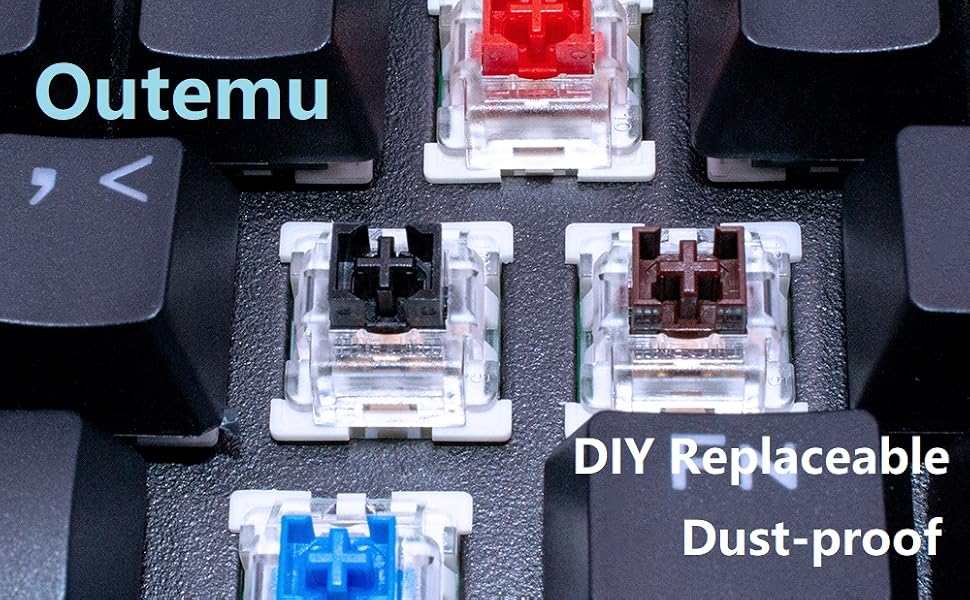
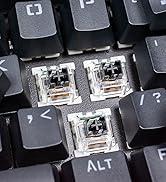
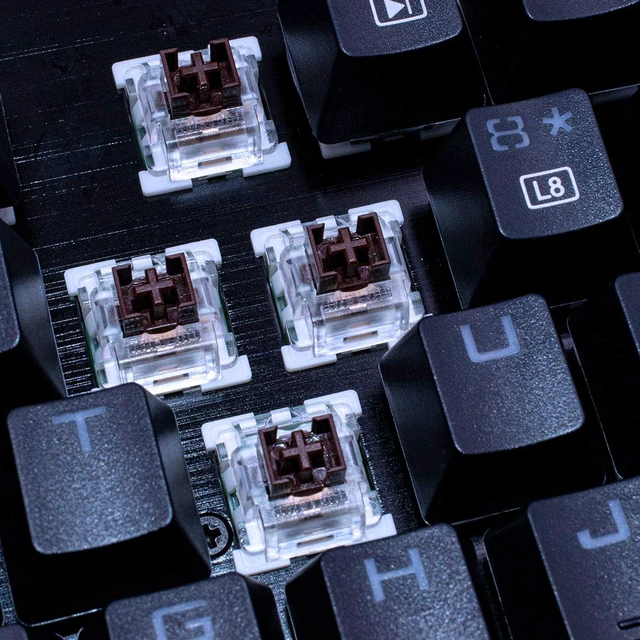
Outemu switches are designed to allow you to replace key switches without soldering. Support RGB plug-in lights, round two-legged lights. Compatible with Cherry MX switches, suitable for most mechanical keyboards. This caters to anyone who uses the keyboard for a variety of purposes, be it office workers, programmers, typing parties, or gaming enthusiasts.
The OUTEMU switch is one of the keyboard switches commonly used by most mechanical keyboard manufacturers on the market. It has excellent dustproof effect.
It Supports Keyboards of following brands: Redragon, Huoji, Mechanicaleagle , E-yooso and other standard mechanical keyboard with Cherry MX Switches.
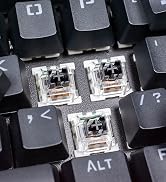
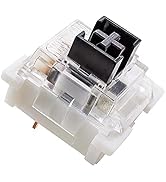
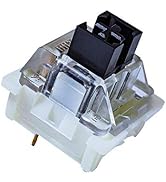
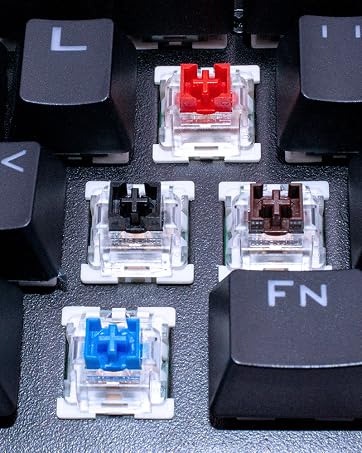
The OUTEMU Black Switch is linear switch, the actuation force is highest. The feel is straight up and down, and the sound is low. It is the most commonly used switch for gamers. (game)
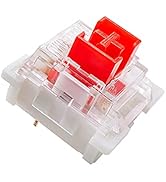
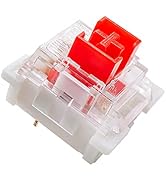
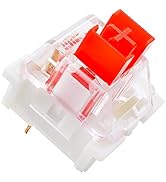
The OUTEMU Red Switch is linear switch, the actuation force is moderate. The feel is straight up and down, and the sound is low. which is very suitable for office environment use. (office)
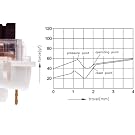
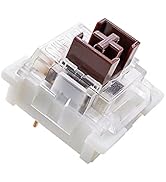
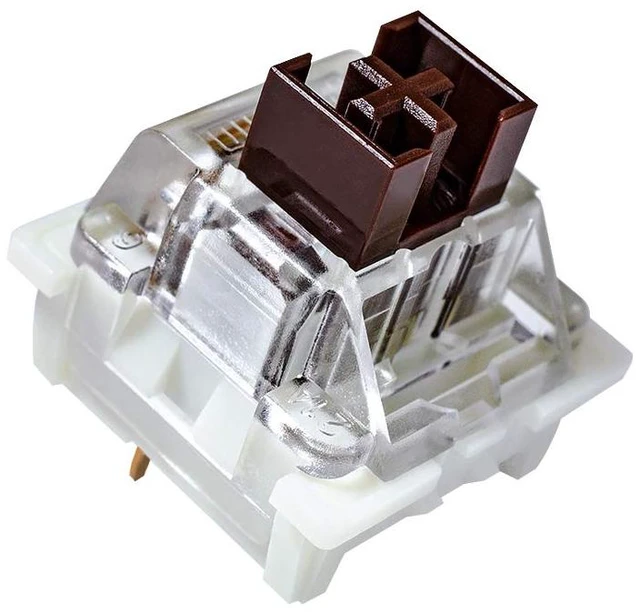
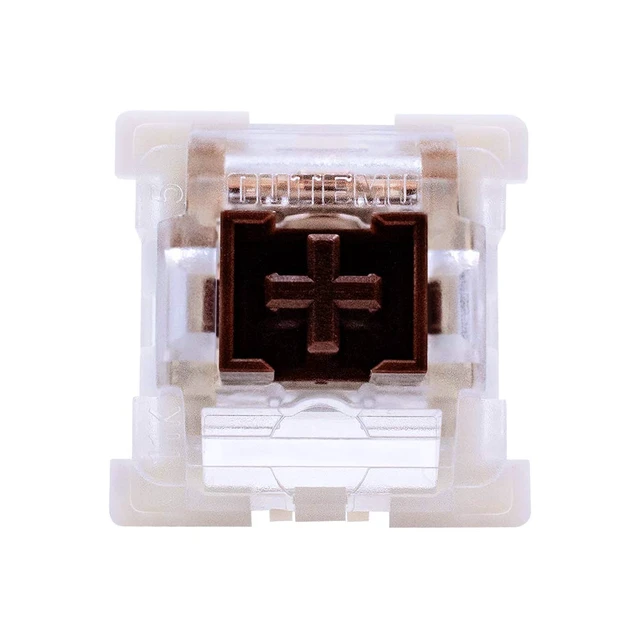
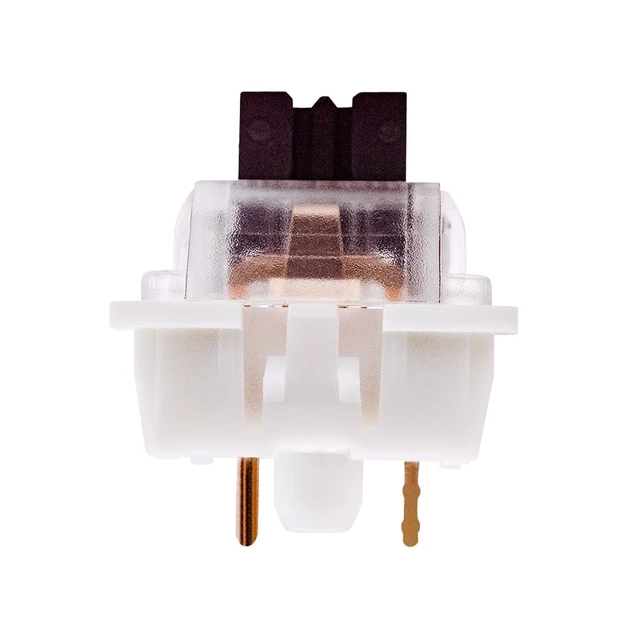
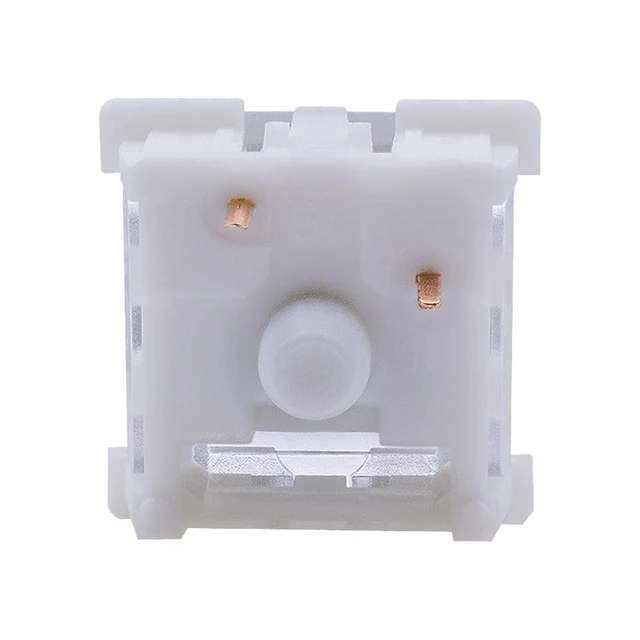
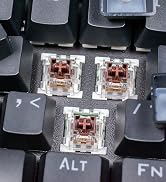
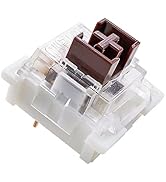
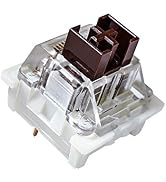
The OUTEMU Brown Switch is tactile switch, the actuation force is moderate. There is no clicking sound, but the sound is moderate. It is a common switch for entry-level beginners. (universal)
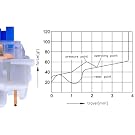
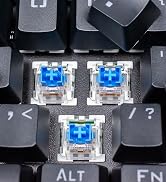
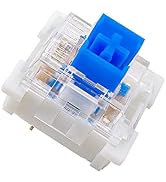
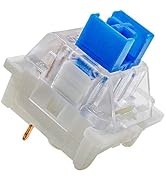
The OUTEMU Blue Switch is tactile switch, the actuation force is high. There is a clicking sound, and the sound is crisp, which is very suitable for typing input and has a strong mechanical sense. (type)

Pull out the keycap vertically, either by hand or with a tool.

Use the switch puller tool included with the package to pull out the old key switch vertically.

Align the new key switch with the hole on the keyboard and insert it firmly.

Reinstall the keycap back on the new key switch and it will work normally.
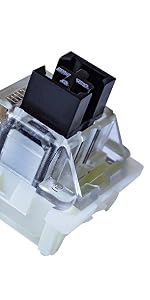 OUTEMU Black | 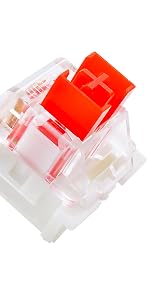 OUTEMU Red | 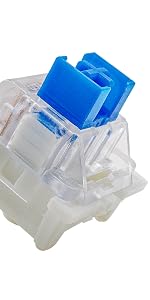 OUTEMU Blue | 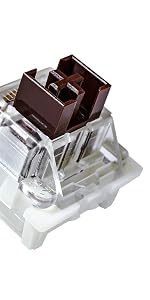 OUTEMU Brown | |
|---|---|---|---|---|
| Customer Reviews | — | — | — | — |
| Price | — | — | — | — |
| Switch Style | Linear | Linear | Tactile&Clicky | Tactile |
| Life Cycle | 50 Million | 50 Million | 50 Million | 50 Million |
| Pins | 3-Pin | 3-Pin | 3-Pin | 3-Pin |
| Pre Travel | 2.0±0.6mm | 2.0±0.6mm | 2.2±0.6mm | 2.0±0.6mm |
| Total Travel | 4±0.4mm | 4±0.4mm | 4±0.4mm | 4±0.4mm |
| Actuation Force | 60±15gf | 45±15gf | 50±15gf | 45±15gf |
| Bottom out Force | 80±15gf | 60±15gf | 60±15gf | 60±15gf |
Outemu switches are designed to allow you to replace key switches without soldering. Support RGB plug-in lights, round two-legged lights. Compatible with Cherry MX switches, suitable for most mechanical keyboards. This caters to anyone who uses the keyboard for a variety of purposes, be it office workers, programmers, typing parties, or gaming enthusiasts.
The OUTEMU switch is one of the keyboard switches commonly used by most mechanical keyboard manufacturers on the market. It has excellent dustproof effect.
It Supports Keyboards of following brands: Redragon, Huoji, Mechanicaleagle , E-yooso and other standard mechanical keyboard with Cherry MX Switches.
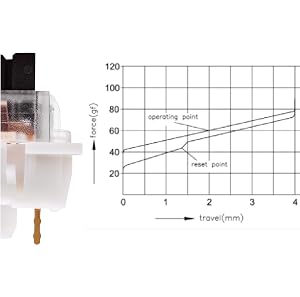
The OUTEMU Black Switch is linear switch, the actuation force is highest. The feel is straight up and down, and the sound is low. It is the most commonly used switch for gamers. (game)
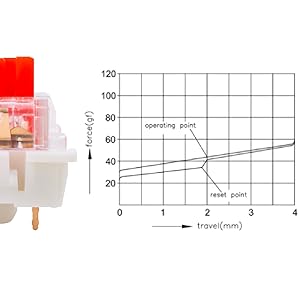
The OUTEMU Red Switch is linear switch, the actuation force is moderate. The feel is straight up and down, and the sound is low. which is very suitable for office environment use. (office)
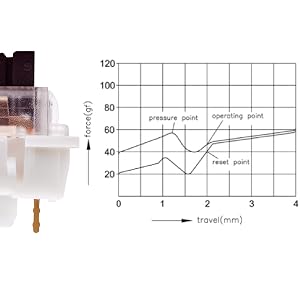
The OUTEMU Brown Switch is tactile switch, the actuation force is moderate. There is no clicking sound, but the sound is moderate. It is a common switch for entry-level beginners. (universal)
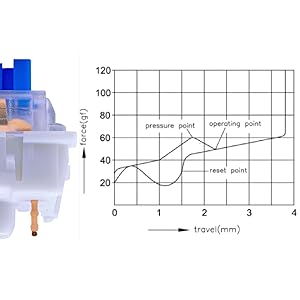
The OUTEMU Blue Switch is tactile switch, the actuation force is high. There is a clicking sound, and the sound is crisp, which is very suitable for typing input and has a strong mechanical sense. (type)
Pull out the keycap vertically, either by hand or with a tool.
Use the switch puller tool included with the package to pull out the old key switch vertically.
Align the new key switch with the hole on the keyboard and insert it firmly.
Reinstall the keycap back on the new key switch and it will work normally.
OUTEMU Black | OUTEMU Red | OUTEMU Blue | 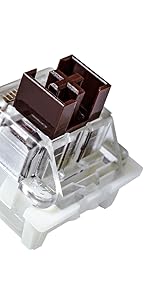 OUTEMU Brown | |
|---|---|---|---|---|
| Customer Reviews | — | — | — | — |
| Price | — | — | — | — |
| Switch Style | Linear | Linear | Tactile&Clicky | Tactile |
| Life Cycle | 50 Million | 50 Million | 50 Million | 50 Million |
| Pins | 3-Pin | 3-Pin | 3-Pin | 3-Pin |
| Pre Travel | 2.0±0.6mm | 2.0±0.6mm | 2.2±0.6mm | 2.0±0.6mm |
| Total Travel | 4±0.4mm | 4±0.4mm | 4±0.4mm | 4±0.4mm |
| Actuation Force | 60±15gf | 45±15gf | 50±15gf | 45±15gf |
| Bottom out Force | 80±15gf | 60±15gf | 60±15gf | 60±15gf |

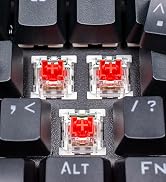
These Switches are hot-swappable and dust-proof.