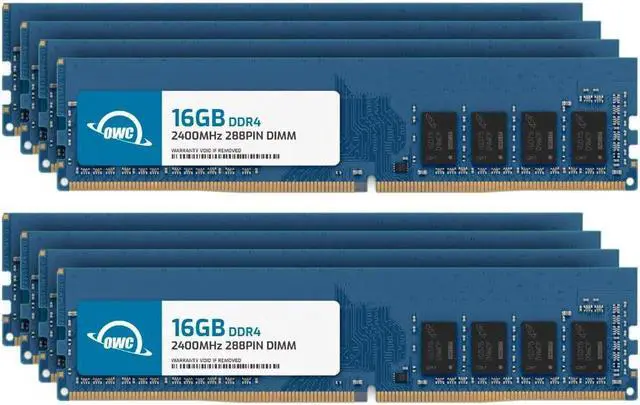
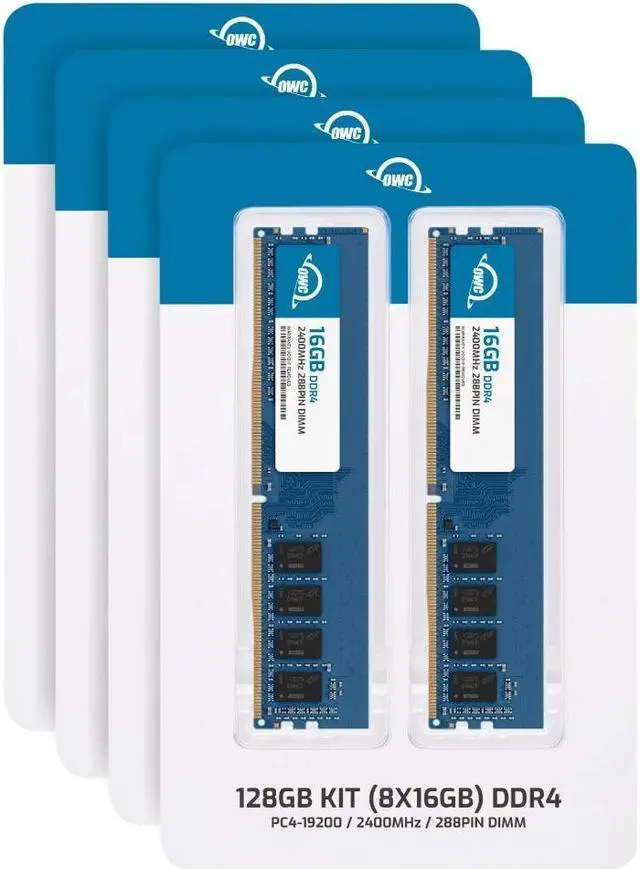
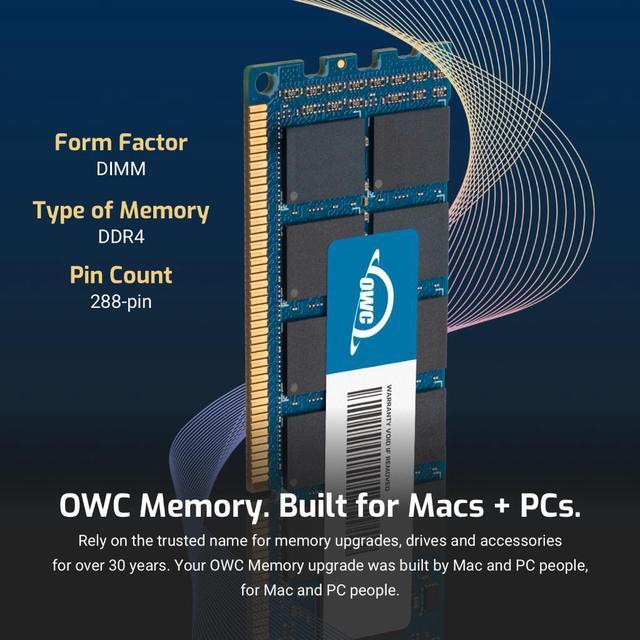
OWC 128GB (8x16GB) DDR4-2400 desktop memory is an eight-module, non-ECC unbuffered UDIMM kit for desktop users who need high memory capacity and whose system supports eight 16GB DDR4 UDIMMs.
Recommended For
- Desktop video editors working with 6K footage or memory-heavy projects who need 128GB of system RAM; workstation guidance lists 128GB as a baseline for 6K Premiere Pro workflows. Confirm the motherboard supports eight DDR4 UDIMMs and 128GB total.
- PC users running several virtual machines alongside development tools, remote desktops, or other open work apps who have measured memory pressure on a lower-capacity setup. Community users describe 128GB helping with this kind of concurrent workload; the kit requires an eight-slot DDR4 desktop.
- Graphics, CAD, or simulation workstation users handling large models, textures, or datasets that push past lower RAM capacities. This is most relevant when the workload actually benefits from more system memory and the desktop supports 128GB across eight DDR4 slots.
- Owners of compatible DDR4 desktops or workstations seeking a high-capacity memory replacement or upgrade using non-ECC, unbuffered DIMMs. Check the system’s memory support and slot count before purchase; this set contains eight 16GB modules.
Real-World Use Scenarios
- When editing high-resolution video or building complex After Effects compositions, the extra memory can leave more frames available for previews and reduce reliance on disk caching—provided the project would otherwise exceed the system’s RAM. It won’t by itself make every export faster.
- When running several virtual machines for software testing, operating-system experiments, or a home lab, the available memory can be divided among the host and guests. This can make it practical to keep more VMs running at once, as long as the processor and virtualization software also meet the workload’s needs.
- When working across demanding creative apps—such as video editing, motion graphics, and image editing—at the same time, additional memory can help keep those applications and project data in memory instead of competing for a limited RAM pool. The benefit depends on whether the combined workload is actually running short of memory.
- When loading large 3D or visualization projects, more system memory can provide room for complex scenes and other open applications. It helps only when the scene is limited by system RAM; graphics-card memory and processing performance remain separate constraints.
- When testing multiple operating systems or application builds locally, a developer can assign memory to several test environments while keeping the desktop host responsive. The practical limit depends on how much RAM each environment needs and on the motherboard and CPU’s supported memory configuration.




 here!