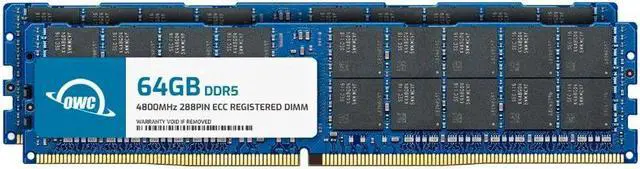
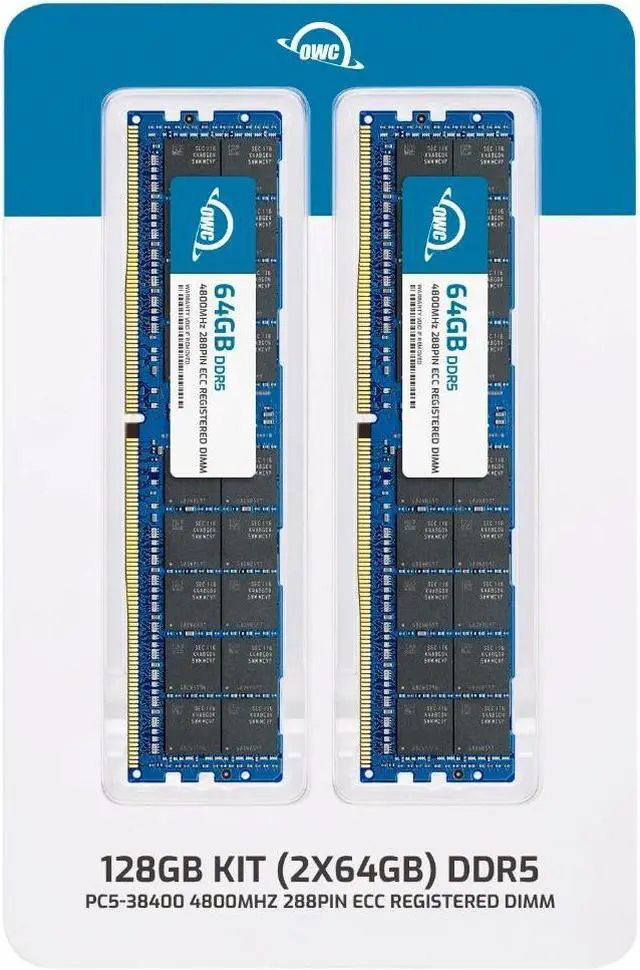
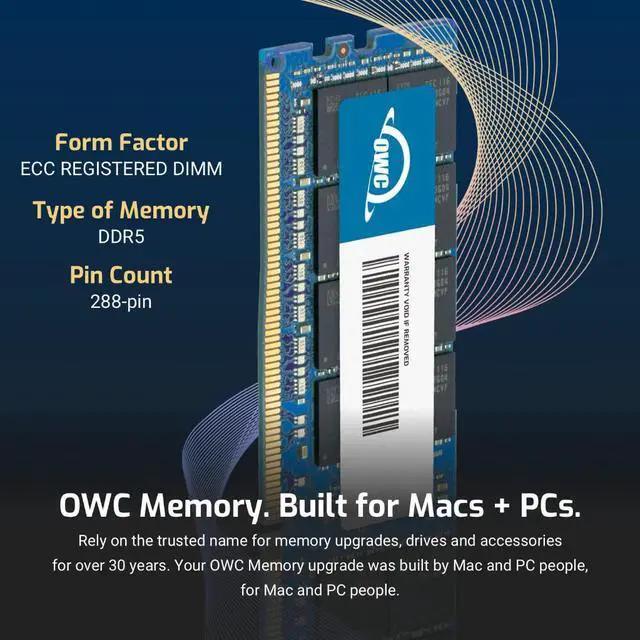
The OWC 128GB DDR5-4800 ECC Registered memory kit includes two 64GB RDIMMs for compatible Dell Precision 5860 and 7960 workstations, including listed Tower, XL Tower, and Rack models. It suits users upgrading supported workstation memory with registered ECC modules.
Recommended For
- Dell Precision 7960 Tower users doing complex Maya modeling, animation, effects, or rendering who need a 128GB ECC memory configuration; Dell lists 128GB ECC RDIMM in its recommendation for this workflow.
- Owners of a listed compatible Precision workstation upgrading to 128GB with two 64GB modules, especially when their work involves large projects or datasets that benefit from additional memory capacity.
- Precision workstation users running engineering or simulation workloads who need ECC RDIMM memory; Dell's workstation recommendations include ECC RDIMM configurations for applications such as ANSYS Mechanical.
- Workstation administrators upgrading a specifically listed Dell Precision 5860 or 7960 model who want a two-module 128GB kit rather than sourcing individual DIMMs.
Real-World Use Scenarios
- When an engineering team works with large CAD assemblies and runs CPU-based simulations on a compatible Precision 5860, adding memory can give the model and related applications more room to stay in RAM, helping avoid slowdowns from memory pressure. The benefit depends on the workstation’s total installed memory and the project’s needs.
- For CAE work such as Fluent or Mechanical, users handling larger simulation models and pre- or post-processing can use added memory to accommodate a larger working set. It supports the workflow; it does not by itself make the processor or graphics card run faster.
- When working with large reality-capture datasets—such as point clouds or photogrammetry projects—on a compatible Precision workstation, more memory can help keep more of the project available to analysis and design applications instead of relying as heavily on disk paging, if memory capacity was a constraint.
- For 3D visualization and rendering workflows using tools such as SOLIDWORKS Visualize or 3ds Max, added system memory can help accommodate larger scenes and other open applications when the existing RAM is limiting. Rendering performance still depends heavily on the workstation’s CPU and GPU.
- For high-resolution or RAW video work on a compatible Precision workstation, extra system memory may help when editing projects alongside other memory-intensive applications, provided the current setup is running short of RAM. A memory upgrade alone does not guarantee faster video playback or exports.




 here!