




 here!
I’m your shopping assistant for PC builds, upgrades, and everything tech.
Got questions? Ask away!
Start a conversation
here!
I’m your shopping assistant for PC builds, upgrades, and everything tech.
Got questions? Ask away!
Start a conversation







Any questions? Ask CelesteSM will help you find out quickly.


| Technology | DDR4 |
|---|---|
| Speed | PC4-21300 2666MHz CL19 |
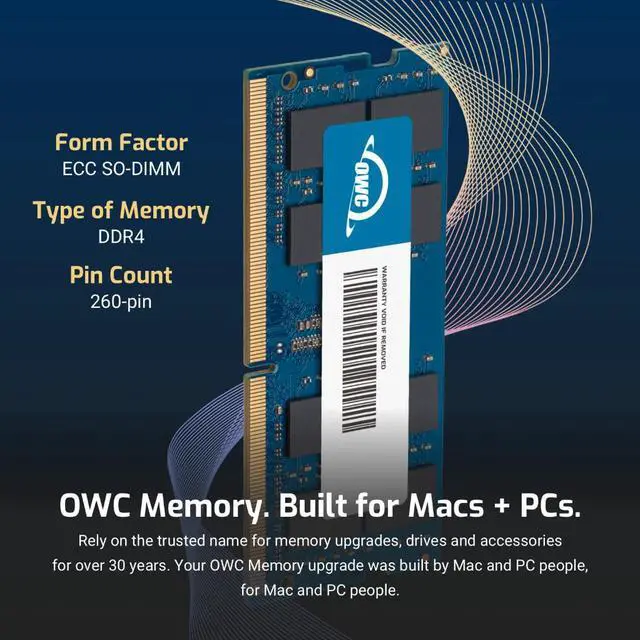
| Form Factor | 260PIN SO-DIMM |
| ECC Type | ECC |
| Voltage | 1.2v |
| Compatibility | Micro Servers, NAS Systems, POS |
| Backward Compatibility | Backwards Compatible with 2400MHz and 2133MHz |


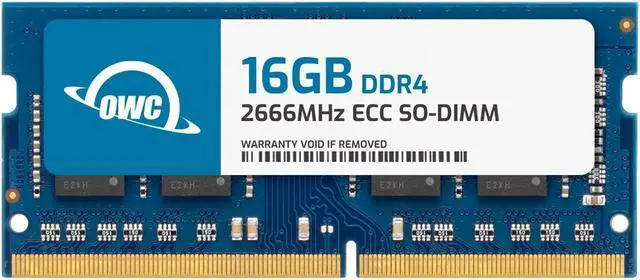
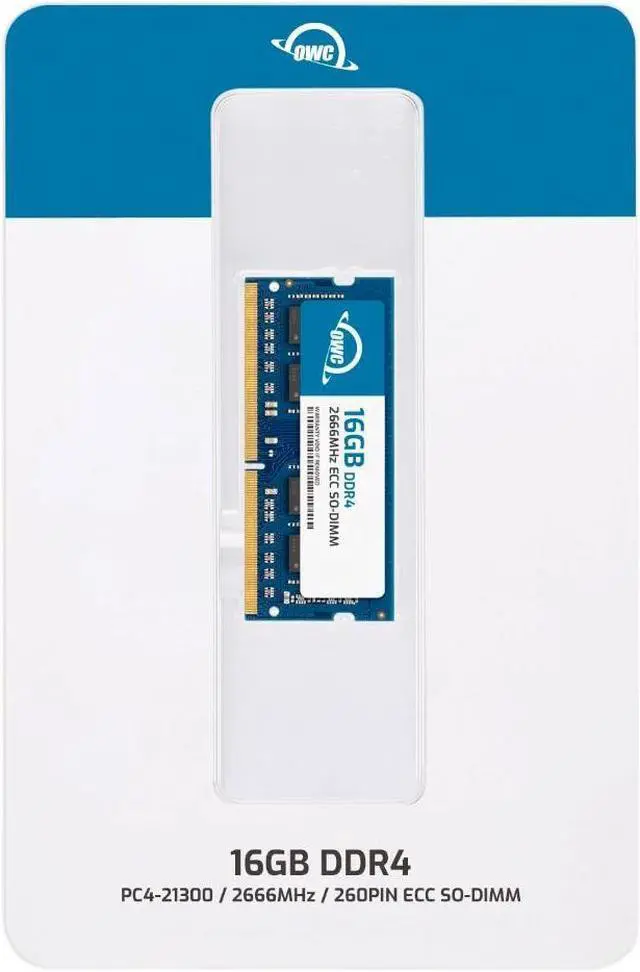
The OWC 16GB DDR4-2666 ECC unbuffered SO-DIMM is a single-module memory upgrade for Synology NAS, RackStation, FlashStation, and NVR DVA systems, including the models listed on the product page. It suits owners seeking a compatible 260-pin, 1.2V memory module for a supported system.
| Attribute | Value |
|---|---|
| Best For | A 16GB DDR4 ECC SO-DIMM memory upgrade for compatible Synology NAS systems, including the DS1618+, DS1621+, DS1819+, DS1821+, and DS923+ |
| Capacity And Module Count | 16GB in a single module |
| Memory Type And Speed | DDR4 SO-DIMM, rated at 2666 MHz (2666 MHz data transfer rate), CL19 |
| Electrical And Physical Specifications | ECC memory, 1.2V, 260-pin |
| Compatibility | Compatible with Synology DS1618+, DS1621+, DS1819+, DS1821+, and DS923+ |
| Brand And Model | OWC (Other World Computing), model OWC2C6D42R816GB |
Q: OWC 16GB vs. OWC 8GB ECC SODIMM for a compatible Synology NAS: which should I choose?
A: Choose the OWC 16GB module when you want a larger memory upgrade from one module; choose the OWC 8GB module for a smaller-capacity upgrade. Both are DDR4-2666 ECC unbuffered SO-DIMMs, but confirm the selected capacity is supported by your specific NAS model.
Q: For a 16GB upgrade, should I use one OWC 16GB module or two OWC 8GB modules?
A: Choose one OWC 16GB module if you want to reach 16GB with a single module; choose two OWC 8GB modules if your NAS supports that configuration and you prefer two matching modules. Check the NAS model’s memory guidance before installing multiple modules.
Q: Should I choose one OWC 16GB module or two OWC 16GB modules for a compatible NAS?
A: Choose one module for a 16GB addition; choose two for a 32GB addition when the specific NAS model supports two 16GB modules. The two-module configuration doubles the added memory capacity, so verify the model’s supported configuration before purchasing.
Q: Will this 16GB module work with my Synology NAS?
A: It is specified for the Synology models listed in the product description and uses DDR4-2666 ECC unbuffered SO-DIMM memory. Check your exact NAS model’s memory requirements and supported capacity before buying; compatibility should not be assumed for unlisted models.
Q: Can I add this to the RAM already in my NAS?
A: This is one 16GB module. Whether you can add it alongside installed memory depends on your NAS’s available slots, maximum capacity, and supported memory configuration. Check the manual for your exact model before installation, and do not assume mixed modules are supported.
Q: Will adding 16GB make my NAS faster?
A: It increases installed memory, which may help if your NAS workload is limited by available RAM. It is most relevant to users running multiple services or other memory-intensive tasks; it does not guarantee faster file transfers or improve every workload.
Q: Is this a single 16GB stick, and is installation DIY?
A: Yes. The package is specified as one 16GB, 260-pin ECC unbuffered SO-DIMM. Memory installation is often a DIY task, but follow the instructions for your specific NAS model and confirm its supported configuration before opening the device.
Q: Will this 16GB OWC module work in my Synology NAS?
A: The product listing names specific compatible models, including the DS1621+, DS1821+, and DS1522+. Reddit users also report using OWC 16GB modules in Synology systems, but those reports do not verify this exact module in every listed model. Check your NAS model and the exact part number before buying.
Q: Could my Synology show a warning after I install it?
A: It may depend on the NAS model and software. Some Reddit users reported no warning with OWC memory in their Synology systems, but those individual reports cannot guarantee the same result for every NAS or this exact module.
Q: Is this worth buying instead of Synology-branded memory?
A: It may suit buyers seeking a single 16GB ECC upgrade without buying Synology-branded memory. Reddit discussions compare third-party memory as a lower-cost alternative, but the supplied product data has no price, so compare current prices and your NAS’s exact compatibility before deciding.
Q: Is this actually ECC memory?
A: Yes. The provided product specifications describe it as 16GB DDR4 ECC unbuffered SO-DIMM. Reddit discussions show that OWC memory details can vary by part number, so confirm the label or exact SKU matches the listing if ECC is essential for your setup.


