




 here!
I’m your shopping assistant for PC builds, upgrades, and everything tech.
Got questions? Ask away!
Start a conversation
here!
I’m your shopping assistant for PC builds, upgrades, and everything tech.
Got questions? Ask away!
Start a conversation






Any questions? Ask CelesteSM will help you find out quickly.
| Technology | DDR3 |
|---|---|
| Speed | PC3L-10600 1333MHz CL9 |
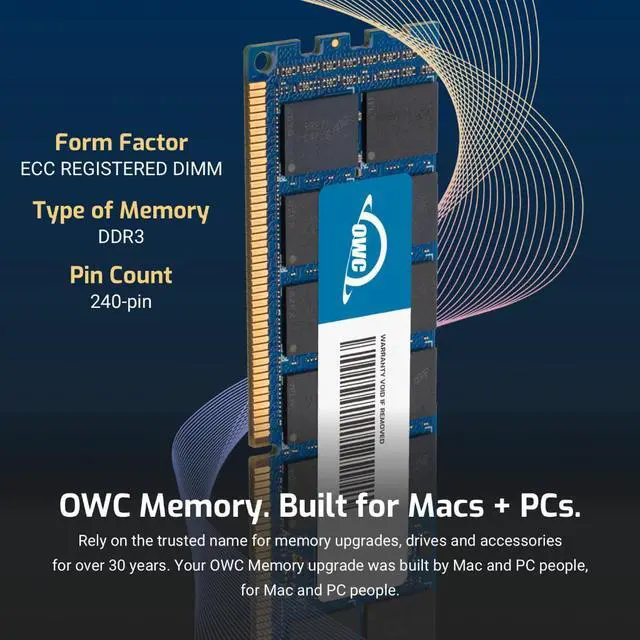
| Form Factor | 240PIN DIMM |
| ECC Type | ECC REGISTERED |
| Voltage | 1.35v |
| Compatibility | WORKSTATION , SERVER, NAS SYSTEM, ROUTER |
















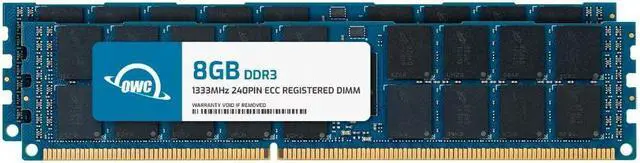
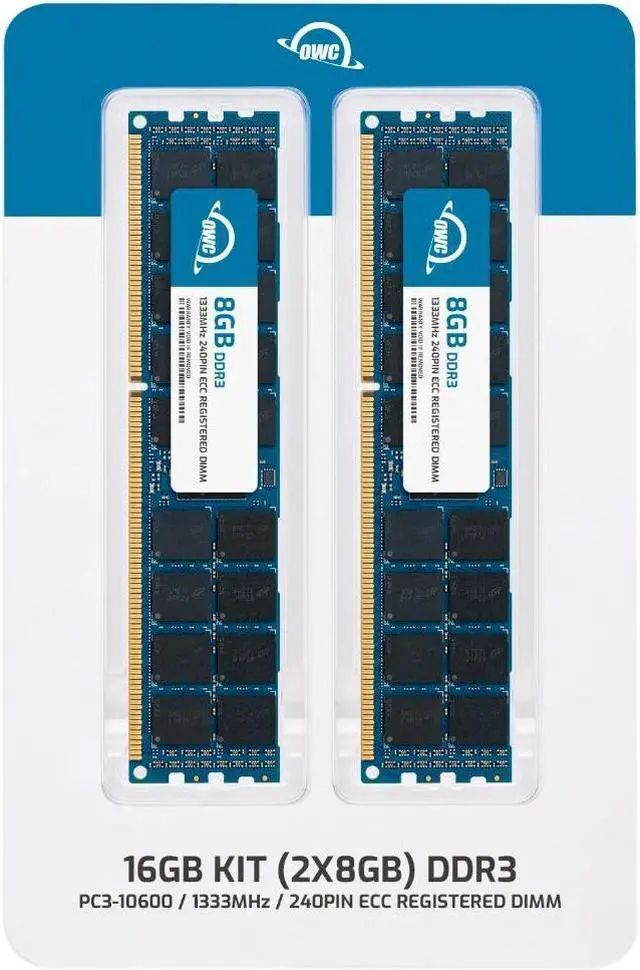
The OWC 16GB (2×8GB) DDR3L-1333 ECC Registered RDIMM kit is a server-memory upgrade for Cisco UCS B440 M1 and C460 M2 systems that use compatible 240-pin, 2Rx4 modules.
| Attribute | Value |
|---|---|
| Best For | ECC registered server-memory upgrades for Cisco UCS B440 M1 and C460 M2 systems |
| Capacity And Kit Configuration | 16GB kit with two 8GB modules |
| Memory Type And Configuration | DDR3L ECC registered RDIMM, 240-pin, 2Rx4 rank |
| Speed And Timing | 1333 MHz (PC3L-10600) with CL9 latency |
| Voltage And Physical Features | 1.35V; black chips; no heat spreader |
| Brand And Model Identifiers | OWC part number 1R3T32R4016P; model OWC1R3T32R4016P-B747-SF |
Q: Should I choose this 16GB (2x8GB) kit or an 8GB (2x4GB) memory configuration?
A: Choose this OWC kit when you want 16GB total in a matched pair of two 8GB modules. Compared with a 2x4GB configuration, it provides twice the total capacity while retaining the paired-DIMM format used in the Cisco UCS B440 M1 memory options.
Q: Is this 16GB kit or a 32GB (2x16GB) configuration a better choice?
A: Choose this 16GB kit when 16GB total meets your capacity target or you are adding memory in a two-module pair. A 32GB (2x16GB) configuration provides twice the capacity per pair where supported; check the server’s memory configuration before selecting it.
Q: For a 16GB pair, should I choose this DDR3L 1.35V kit or a 1.5V DDR3 RDIMM configuration?
A: Choose this OWC kit when your memory configuration calls for 16GB as two 8GB, 1333MHz, 1.35V registered DIMMs. The Cisco UCS B440 M2 specifications list that paired low-voltage configuration; select voltage and speed to match the target server’s supported memory setup.
Q: Will this memory work in a Cisco UCS B440 M1 or C460 M2?
A: It is specified as compatible with the Cisco UCS B440 M1 and C460 M2. Before buying, confirm that your server configuration supports 8GB DDR3L 1333MHz ECC registered 2Rx4 DIMMs.
Q: Can I use this RAM in a standard desktop computer?
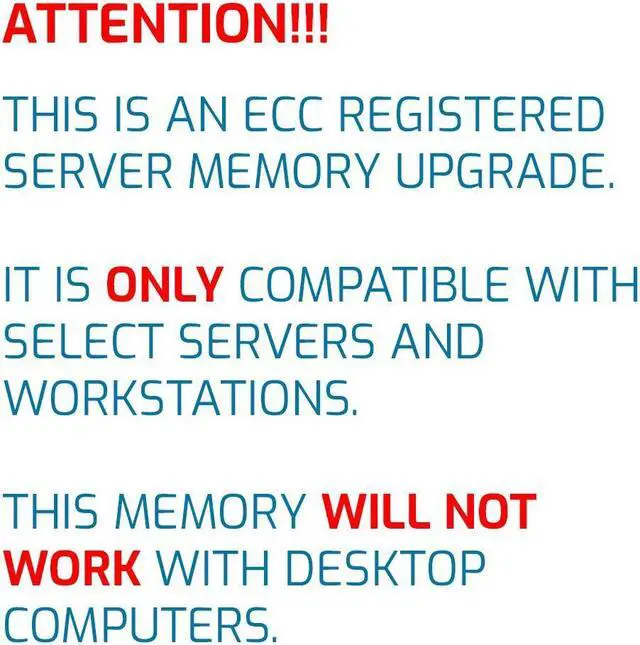
A: No. This is 240-pin ECC registered server memory, not standard desktop memory. Use it only in a system that supports DDR3 ECC RDIMMs; it is not compatible with systems that require unbuffered memory.
Q: Can I mix this kit with the RAM already installed in my server?
A: Do not mix it with unbuffered or load-reduced memory. Check your server’s memory rules and existing DIMM specifications before combining modules; matching DIMMs and correct slot population matter for compatibility.
Q: What comes in the 16GB kit, and should I install both modules?
A: The kit contains two 8GB DDR3L ECC registered DIMMs, for 16GB total. Install them as a pair and follow the server’s recommended DIMM slots and population order.


