




 here!
I’m your shopping assistant for PC builds, upgrades, and everything tech.
Got questions? Ask away!
Start a conversation
here!
I’m your shopping assistant for PC builds, upgrades, and everything tech.
Got questions? Ask away!
Start a conversation







Any questions? Ask CelesteSM will help you find out quickly.


| Technology | DDR4 |
|---|---|
| Speed | PC4-21300 2666MHz CL19 |
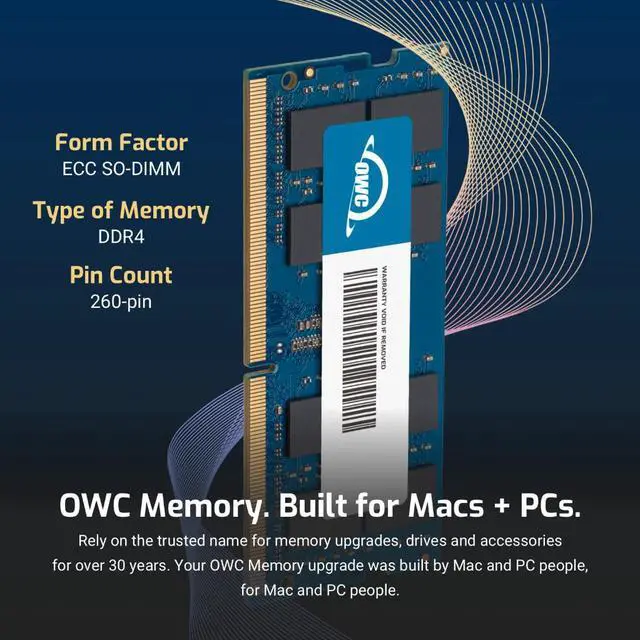
| Form Factor | 260PIN SO-DIMM |
| ECC Type | ECC |
| Voltage | 1.2v |
| Compatibility | Micro Servers, NAS Systems, POS |
| Backward Compatibility | Backwards Compatible with 2400MHz and 2133MHz |


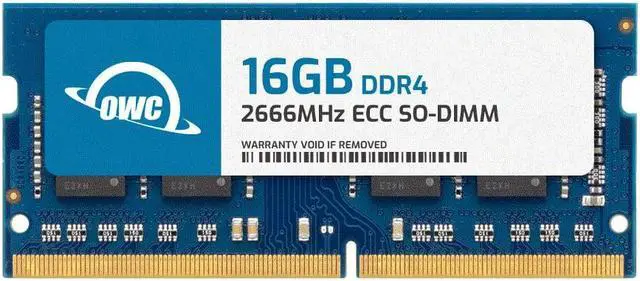
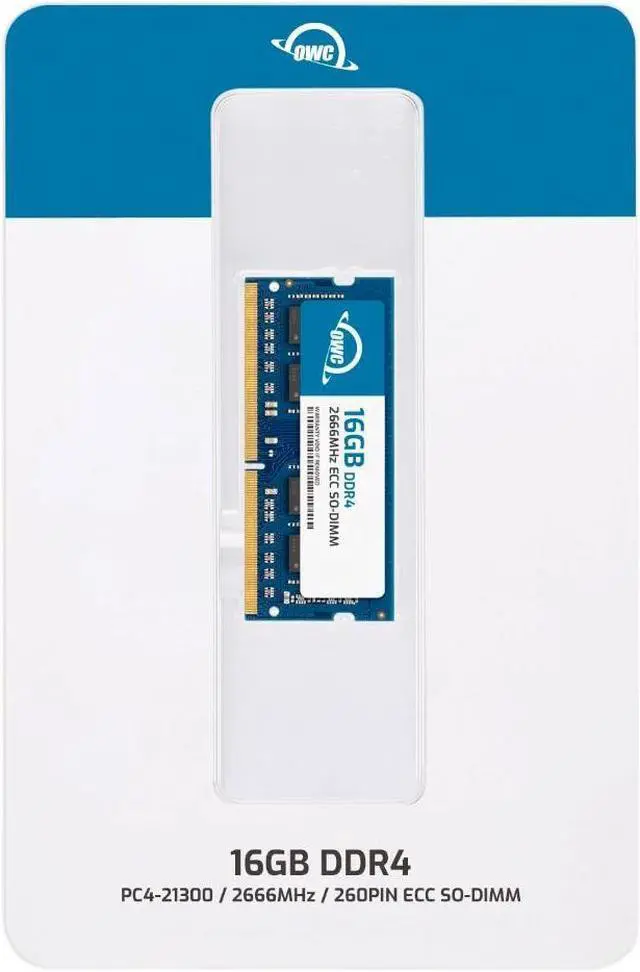
The OWC 16GB DDR4-2666 ECC unbuffered SO-DIMM is a memory upgrade with the same specifications as QNAP part RAM-16GDR4ECT0-SO-2666, suited to compatible NAS and micro-server systems that require this module type.
| Attribute | Value |
|---|---|
| Best For | Memory upgrades for laptops, all-in-one systems, and NAS systems |
| Capacity And Memory Type | 16GB DDR4 memory |
| Speed And Timing | 2666 MT/s (PC4-21300) with CL19 latency; listed data transfer rate is 16 Gigabits Per Second |
| Form Factor And Compatibility | 260-pin SO-DIMM laptop form factor |
| Error Correction And Buffering | ECC, unbuffered |
| Voltage And Physical Design | 1.2V; no heat spreader; black chips |
| Model Identifiers | OWC, part number 2C6D42R816GB; model OWC2C6D42R816GB-B577-SF |
Q: Should I choose the OWC 16GB or 32GB DDR4-2666 ECC SO-DIMM?
A: Choose the 16GB module for a 16GB upgrade using one memory stick; choose OWC’s 32GB single-module option when you want twice the capacity in one stick and your system supports it. Both are 260-pin DDR4-2666, CL19, 1.2V ECC SO-DIMMs.
Q: How does the OWC 16GB module compare with the OWC 8GB ECC version?
A: Both are single 260-pin DDR4-2666, CL19, 1.2V ECC SO-DIMMs. The 16GB module provides twice the capacity, making it the choice when you want a larger single-module upgrade; choose 8GB when that capacity matches your upgrade plan. Check your system’s supported memory capacity and module configuration.
Q: Should I get one OWC 16GB module or the OWC 32GB (2 × 16GB) kit?
A: Choose the single 16GB module for a one-stick 16GB upgrade. The 32GB kit includes two 16GB modules with the same DDR4-2666, CL19, ECC, 260-pin SO-DIMM specifications, so it provides double the total capacity. Confirm the system supports the kit’s capacity and two-module configuration.
Q: Is the OWC 16GB ECC module different from an OWC 16GB non-ECC DDR4-2666 module?
A: Yes. Both are 16GB DDR4-2666 SO-DIMMs, but this product is ECC and the other configuration is non-ECC. Choose this module when your system’s memory requirements call for ECC; match the module type to the system specifications.
Q: Will this 16GB module work in my QNAP NAS?
A: It matches the listed specifications for QNAP part RAM-16GDR4ECT0-SO-2666: 16GB DDR4-2666 ECC unbuffered SO-DIMM. Confirm your exact NAS model supports a 16GB, 260-pin ECC module before buying; matching specifications alone do not guarantee compatibility.
Q: Can I install this alongside the RAM already in my NAS?
A: Possibly. This is one 16GB module, and using it with existing memory depends on your NAS’s free slots, maximum capacity, and supported memory configuration. Check the manual for your exact model before mixing modules.
Q: Does this RAM provide ECC, and will ECC work in my system?
A: Yes, the module is specified as ECC unbuffered memory. ECC operation also requires support from the NAS’s processor and platform, so check your model’s specifications to confirm it supports ECC SO-DIMMs.
Q: Will adding this RAM make my NAS faster?
A: It may help if your NAS is running short on memory, such as when multiple services are active. It is not a guaranteed speed boost: if memory is not the bottleneck, or storage, network, or processor limits performance, adding RAM may make little difference.
Q: What should I verify before buying this RAM for a QNAP NAS?
A: Check your NAS model’s supported memory type and configuration. This module is a 16GB, 260-pin DDR4-2666 ECC unbuffered SO-DIMM; a Reddit discussion about QNAP’s RAM-16GDR4ECT0-SO-2666 identifies it as ECC memory. Similar capacity and speed alone do not establish compatibility.
Q: Will this 16GB module work in any QNAP NAS with a SO-DIMM slot?
A: No universal compatibility is established by the discussions. QNAP owners report that RAM compatibility can vary by NAS model and module specifications, including cases where a 2666MHz SO-DIMM did not work. Confirm support for ECC unbuffered memory and this capacity on your exact NAS model before buying.
Q: Could adding RAM help with demanding NAS tasks?
A: More memory may be useful for memory-intensive workloads, such as handling multiple media streams or large data transfers, but the benefit depends on the NAS model and workload. A YouTube QNAP upgrade video describes those as examples of tasks that may benefit; it does not establish a specific performance gain for this module.
Q: Is installing RAM in a QNAP NAS a reasonable DIY upgrade?
A: It can be, if your NAS has an accessible, replaceable memory slot and you follow its model-specific instructions. A QNAP upgrade video demonstrates a SO-DIMM installation, but installation steps vary by NAS model.


