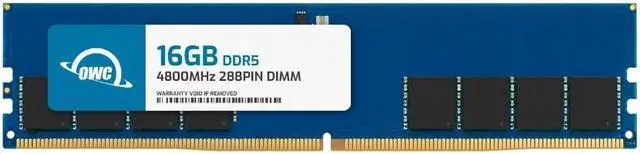
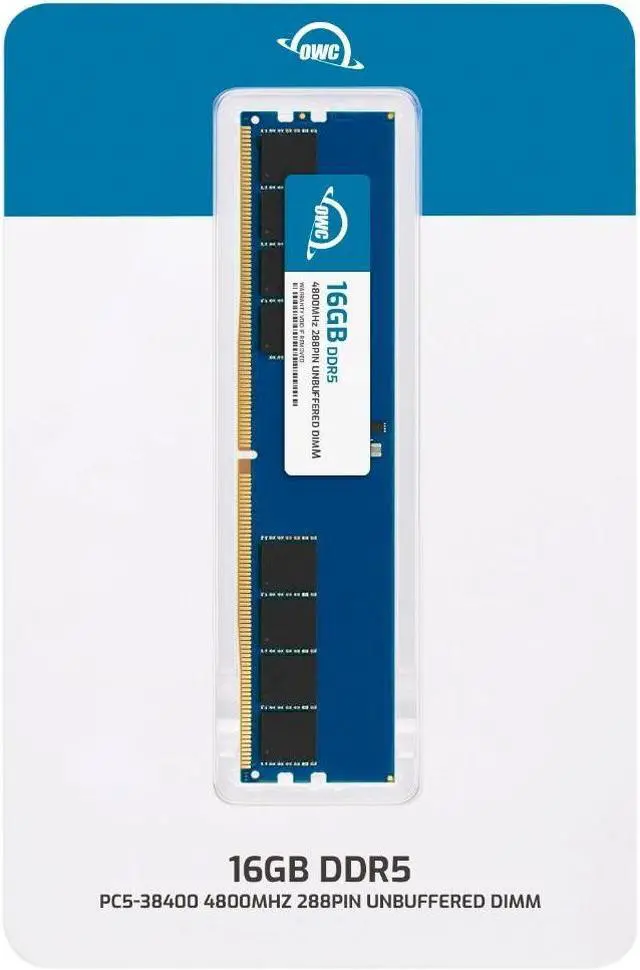
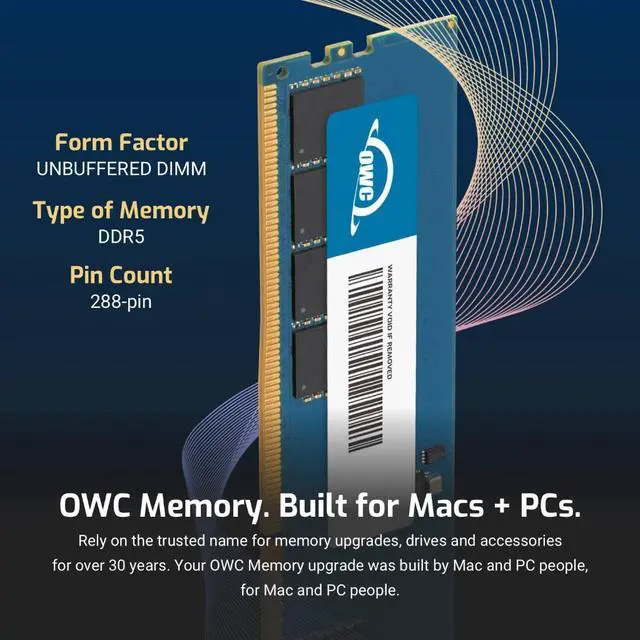
The OWC 16GB DDR5-4800 UDIMM is a desktop memory upgrade compatible with Kingston part KVR48U40BS8-16, for users replacing that module or adding memory to a compatible desktop that supports 16GB, 288-pin, non-ECC unbuffered DDR5 DIMMs.
Recommended For
- Desktop owners replacing a failed or mismatched 16GB DDR5-4800 UDIMM—particularly those seeking the listed Kingston KVR48U40BS8-16 replacement—after confirming their motherboard supports this memory type.
- Desktop users adding a 16GB module to a compatible DDR5 system to increase installed memory for everyday work, such as office applications, browsing, and moderate multitasking; check the system’s supported capacity and memory configuration first.
- DIY desktop upgraders who want a standard-spec, non-ECC DDR5 module for a compatible 288-pin UDIMM slot rather than a laptop-sized memory module.
- Users who need a 16GB memory upgrade component for a desktop and value OWC’s listed lifetime limited warranty and available installation guidance.
Real-World Use Scenarios
- Replacing a failed 16GB DDR5 desktop module: in a desktop that supports this module, a compatible replacement can restore normal operation if the old RAM was causing memory-related errors or preventing startup.
- Upgrading a desktop that is running short on memory during everyday work: adding this module, if the motherboard and existing RAM support the configuration, can give Windows and common apps more room and may reduce slowdowns when several browser tabs and office applications are open.
- Using a compatible desktop for casual gaming: 16GB can suit a game-focused session with few demanding apps open, but this module alone should not be expected to increase frame rates; results depend on the rest of the PC and its memory configuration.
- Doing light photo editing alongside normal desktop tasks: 16GB can handle modest projects, but larger files or several creative apps open at once may benefit from more memory.
- Editing video or working with large creative projects: this 16GB module may help a memory-limited PC, but 16GB is not a reliable target for demanding Premiere workflows; check the project’s needs and the system’s total memory before choosing it.




 here!