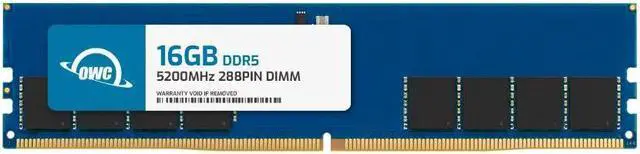
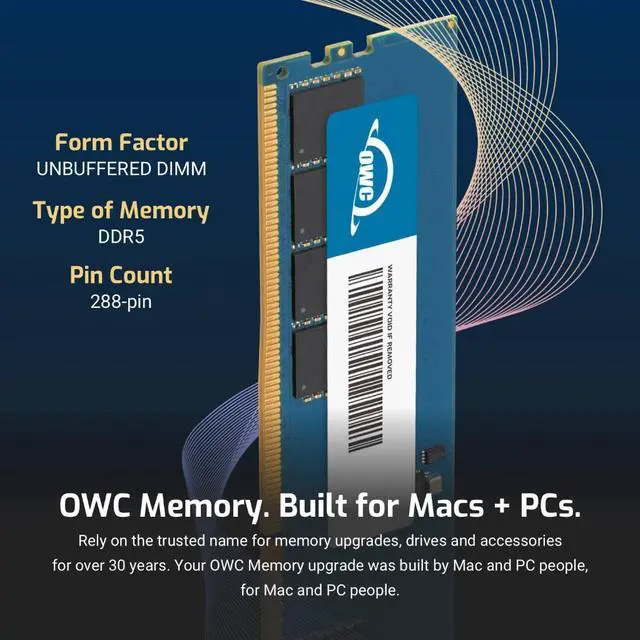
The OWC 16GB DDR5-5200 UDIMM is a single non-ECC desktop memory module for users upgrading a compatible desktop that supports DDR5 unbuffered DIMMs.
Recommended For
- Owners of a compatible DDR5 desktop with one 16GB stick and an open slot who want to move to 32GB for more browser tabs, apps, or larger files; OWC recommends matching DIMMs by capacity and speed, and preferably manufacturer.
- Desktop users whose compatible system is running short on memory during office multitasking—such as keeping documents, spreadsheets, and several apps open—and who want a single 16GB module rather than a matched kit.
- Compatible DDR5 desktop owners making a staged memory upgrade who can use one 16GB stick now and consider adding a suitably matched module later; independent gaming tests show a single DDR5 DIMM can be usable, though performance varies by game and system.
- DIY upgraders with a compatible desktop who want a standard 288-pin, non-ECC DDR5 UDIMM and are comfortable checking their motherboard’s supported memory type and speed before installation.
Real-World Use Scenarios
- When a compatible desktop runs short on memory during everyday work, adding this module can give Windows, browser tabs, email, and office apps more room to stay open together; the result depends on the PC’s existing memory and configuration.
- For a compatible desktop used for browsing, documents, and video calls, a 16GB total-memory setup can suit routine tasks; this single module can provide that capacity if installed as the system’s only memory module.
- When gaming on a compatible PC that is constrained by available memory, adding this module may reduce slowdowns caused by memory pressure; it does not guarantee higher frame rates, and the benefit depends on the game and the computer’s total RAM.
- For light creative work such as editing photos while keeping reference tabs and other apps open, extra memory can help avoid closing apps to make room; demanding projects may still call for more than 16GB total.
- For a user comfortable opening a desktop case, installing the module is a straightforward way to upgrade a compatible system; checking the motherboard or PC maker’s memory support first helps avoid buying a module the system cannot use.




 here!