




 here!
I’m your shopping assistant for PC builds, upgrades, and everything tech.
Got questions? Ask away!
Start a conversation
here!
I’m your shopping assistant for PC builds, upgrades, and everything tech.
Got questions? Ask away!
Start a conversation







Any questions? Ask CelesteSM will help you find out quickly.
| Technology | DDR5 |
|---|---|
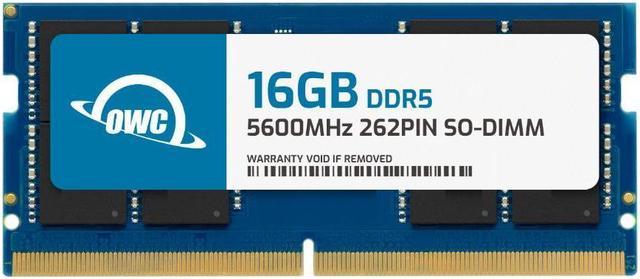
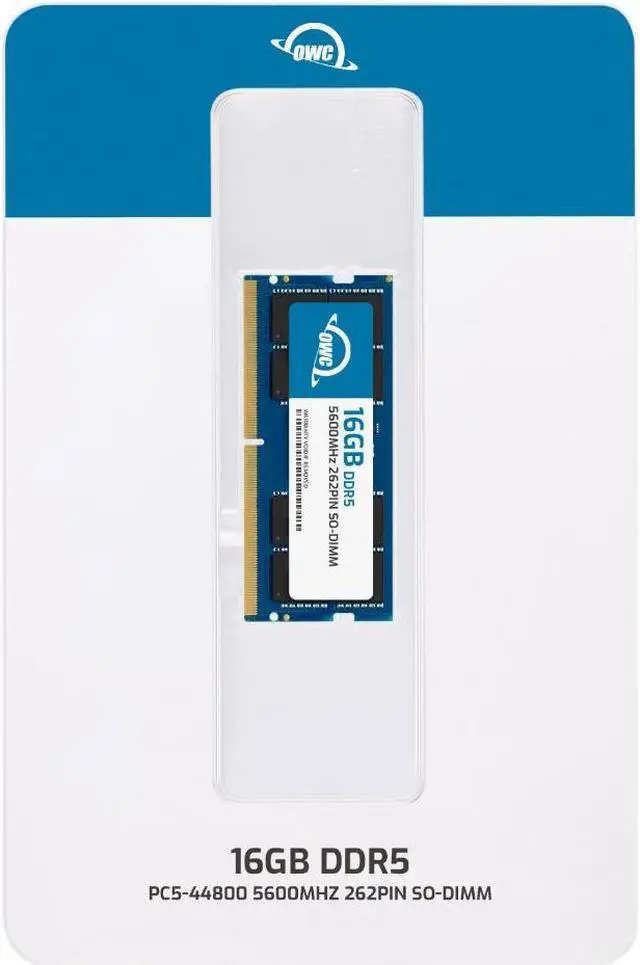
| Speed | PC5-44800 5600MHz CL46 |
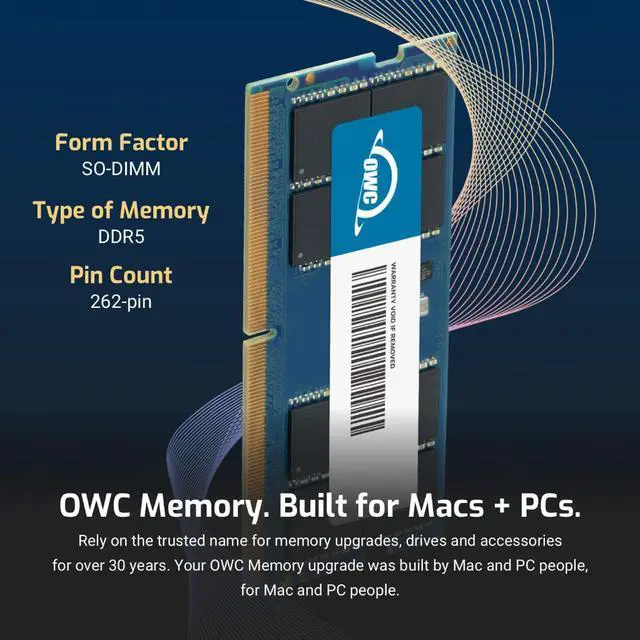
| Form Factor | 262PIN SO-DIMM |
| ECC Type | NON ECC UNBUFFERED |
| Voltage | 1.1v |
| Compatibility | Laptops, Notebooks, , NAS System, All In One |
















The OWC 16GB DDR5-5600 SODIMM is a single-module memory upgrade for HP AIO 24-cr1000t and 27-cr1000t systems, suited to owners seeking a compatible 16GB module with JEDEC-standard specifications.
| Attribute | Value |
|---|---|
| Best For | Adding 16GB of memory to an HP AIO 24-cr1000t or 27-cr1000t |
| Capacity | 16GB in a single memory module |
| Memory Type And Form Factor | DDR5 non-ECC unbuffered SODIMM with 262 pins |
| Speed And Latency | 5600 MHz (PC5-44800) with CL46 latency |
| Electrical And Module Configuration | 1.1V, 1Rx8, without a heat spreader |
| Model Identifiers | OWC part number 5S6D51R816GB; model OWC5S6D51R816GB-C139-SF |
Q: Should I choose this OWC 16GB module or the OWC 32GB (2×16GB) kit?
A: Choose this module for a 16GB, single-stick upgrade. Choose OWC’s 32GB kit when you want 32GB total from two 16GB DDR5-5600 modules. Both are 262-pin, non-ECC SO-DIMMs rated at CL46; confirm the kit is supported by your specific system.
Q: How does this compare with an OWC 32GB DDR5-5600 SO-DIMM?
A: This product is one 16GB module; OWC also offers a single 32GB DDR5-5600 SO-DIMM. Choose the 16GB module for a 16GB upgrade, or consider the 32GB module when you want 32GB from one stick and your system supports that capacity and configuration.
Q: Should I get this single 16GB OWC module or OWC’s 16GB (2×8GB) kit?
A: Both options provide 16GB of DDR5-5600 memory rated at CL46. Choose this product when you want one 16GB module; choose the OWC kit when your system configuration calls for two 8GB modules. Check your system’s memory layout before selecting.
Q: Is this memory compatible with my HP All-in-One?
A: The listing identifies this 16GB DDR5-5600 SODIMM as compatible with the HP AIO 24-cr1000t and 27-cr1000t. Check your exact model number before buying; compatibility with other HP systems is not specified.
Q: Will it run at 5600 MT/s in my computer?
A: The module is rated for DDR5-5600 (PC5-44800), but its actual operating speed depends on the computer’s supported memory speed. Confirm the specifications for your exact HP AIO model; the 5600 rating does not guarantee it will operate at that speed.
Q: Does this package include one 16GB stick or multiple modules?
A: It includes one 16GB SODIMM module. Whether it adds to the computer’s existing memory or replaces a module depends on the AIO’s available memory slots and configuration.
Q: Can I install this memory myself?
A: The product information says memory installation is a DIY task in most cases and points to an OWC installation video. Check the service instructions for your exact AIO model before opening it; seek professional help if you are unsure.


