




 here!
I’m your shopping assistant for PC builds, upgrades, and everything tech.
Got questions? Ask away!
Start a conversation
here!
I’m your shopping assistant for PC builds, upgrades, and everything tech.
Got questions? Ask away!
Start a conversation







Any questions? Ask CelesteSM will help you find out quickly.
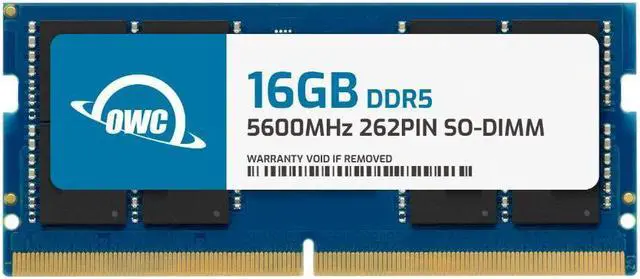
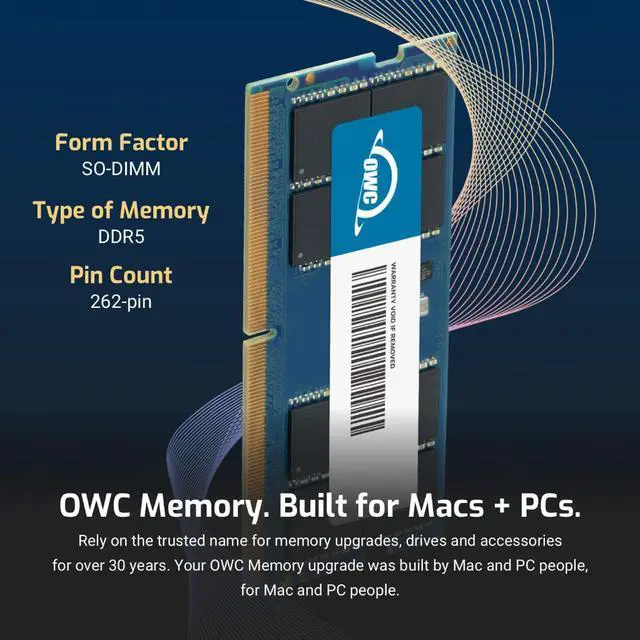
| Technology | DDR5 |
|---|---|
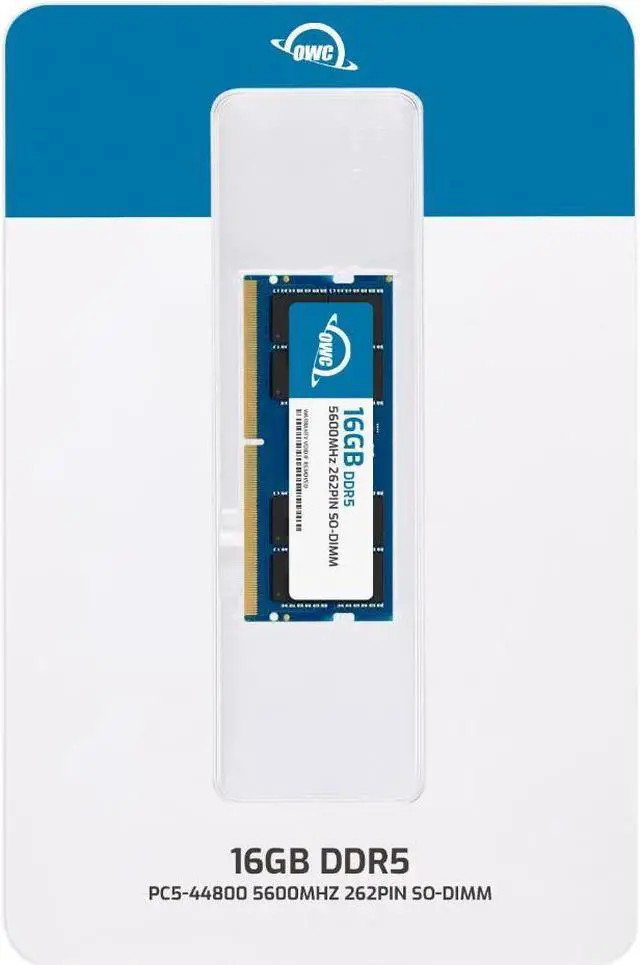
| Speed | PC5-44800 5600MHz CL46 |
| Form Factor | 262PIN SO-DIMM |
| ECC Type | NON ECC UNBUFFERED |
| Voltage | 1.1v |
| Compatibility | Laptops, Notebooks, , NAS System, All In One |
















The OWC 16GB DDR5-5600 SODIMM is a single-module memory upgrade for Dell OptiPlex 7420 AIO and 7420 AIO Plus systems, suited to owners looking to add compatible laptop-style memory with 16GB capacity.
| Attribute | Value |
|---|---|
| Best For | A 16GB DDR5 memory upgrade for Dell OptiPlex 7420 AIO and 7420 AIO Plus systems |
| Capacity | Single 16GB memory module |
| Memory Type And Speed | DDR5-5600 (PC5-44800) with CL46 latency |
| Module Configuration | 262-pin SODIMM, 1Rx8, non-ECC and unbuffered; 1.1V, with no heat spreader |
| System Compatibility | Compatible with Dell OptiPlex 7420 AIO and Dell OptiPlex 7420 AIO Plus |
| Model Identifiers | OWC part number 5S6D51R816GB; model number OWC5S6D51R816GB-C131-SF |
Q: Should I use this 16GB OWC module or a 2×8GB setup for 16GB total in an OptiPlex 7420?
A: Choose this single 16GB module if you want the 16GB capacity in one stick and a possible path to 32GB by adding another 16GB module later. A 2×8GB setup also provides 16GB and is a Dell-supported dual-channel configuration; the choice is between keeping a slot available for expansion and starting with two modules.
Q: Is this 16GB module or a single 32GB module the better upgrade?
A: Choose this 16GB module for a 16GB upgrade or to pair with another 16GB module for a Dell-supported 32GB dual-channel configuration. Choose a single 32GB module when you want 32GB from one module; Dell lists both 1×32GB and 2×16GB configurations for the OptiPlex 7420 Plus.
Q: How does this OWC 16GB DDR5-5600 module compare with OWC's 16GB DDR5-4800 module?
A: This module is rated for DDR5-5600, while OWC's 16GB alternative is rated for DDR5-4800. For the OptiPlex 7420, the supported memory speed depends on the processor configuration: Dell lists configurations at both 4800 and 5600 MT/s. Match the choice to the system's supported speed; the installed memory runs according to the system's configuration.
Q: Is this memory compatible with the Dell OptiPlex 7420 AIO or 7420 AIO Plus?
A: Yes. The product is listed as compatible with both the Dell OptiPlex 7420 AIO and 7420 AIO Plus. It is a 16GB DDR5-5600, 262-pin non-ECC SODIMM; confirm your exact system model and available memory slot before ordering.
Q: Does this listing include one 16GB memory stick or a kit?
A: It includes one 16GB DDR5 SODIMM module, not a multi-module kit.
Q: Will it run at 5600 speed in my computer?
A: The module is rated for DDR5-5600. Its operating speed depends on the computer’s memory support, so check the system specifications; the listed compatibility for this module is limited to the OptiPlex 7420 AIO and 7420 AIO Plus.
Q: Can I install this memory myself?
A: The product information describes memory installation as a DIY task in most cases and points to an OWC installation video. Check the OptiPlex service instructions first, since access steps can vary by system.
Q: Is upgrading memory in the OptiPlex 7420 AIO an easy DIY job?
A: It may not be straightforward: an OptiPlex 7420 AIO owner described upgrades as somewhat difficult. This OWC module is listed as compatible with the 7420 AIO and 7420 AIO Plus, but check the system’s access procedure and memory configuration before starting.


