




 here!
I’m your shopping assistant for PC builds, upgrades, and everything tech.
Got questions? Ask away!
Start a conversation
here!
I’m your shopping assistant for PC builds, upgrades, and everything tech.
Got questions? Ask away!
Start a conversation






Any questions? Ask CelesteSM will help you find out quickly.
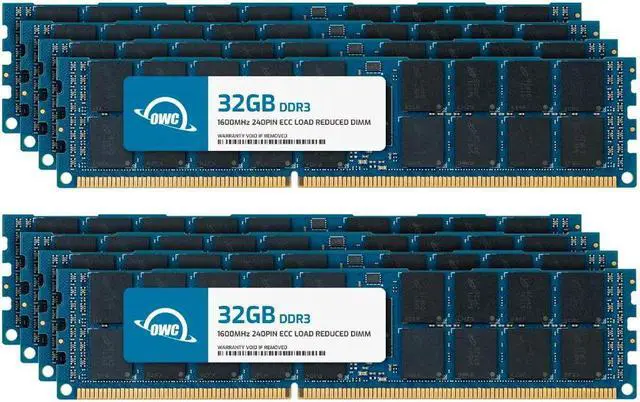
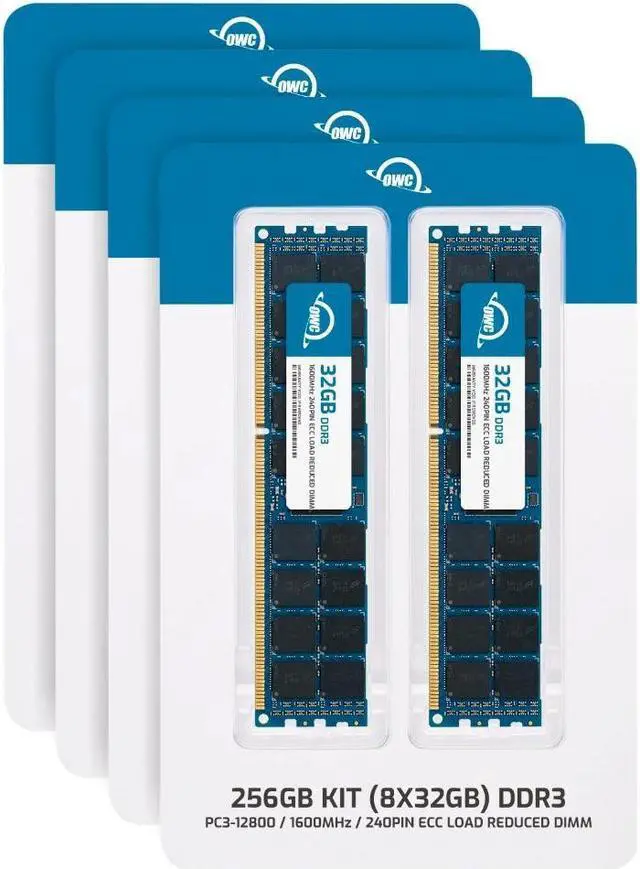
The OWC 256GB kit is eight 32GB DDR3L-1600 ECC Load-Reduced DIMMs for upgrading compatible Cisco UCS B200 M3, B22 M3, B420 M3, C22 M3, and C220 M3 servers.
| Attribute | Value |
|---|---|
| Best For | Memory upgrades for the listed Cisco UCS server systems |
| Capacity And Configuration | 256GB total, supplied as 8 × 32GB modules |
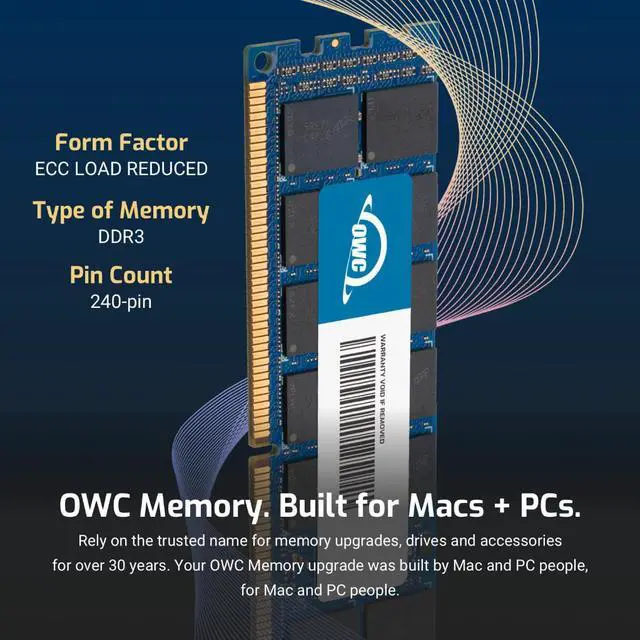
| Memory Type And Speed | 240-pin DDR3L-1600 ECC load-reduced LRDIMM, PC3L-12800 |
| Latency And Voltage | CL11 latency at 1.35V |
| Rank And Thermal Design | 4Rx4 rank, without a heat spreader |
| Compatible Systems | Cisco UCS B200 M3, B22 M3, B420 M3, C22 M3, and C220 M3 |
| Model Identifiers | OWC part number 1L6T34R4256K |
Q: OWC 128GB or 256GB LRDIMM kit for a Cisco UCS M3 server?
A: Choose the OWC 256GB kit when your target is 256GB: it includes eight 32GB DDR3L-1600 ECC LRDIMMs. Choose the OWC 128GB kit when 128GB meets your capacity target; it includes four of the same 32GB module type and speed. Cisco’s C220 M3 configuration guide lists an eight-module, 256GB configuration using 32GB LRDIMMs.
Q: Should I choose this 256GB kit or a 512GB memory configuration for a UCS C220 M3?
A: Choose this OWC kit for a 256GB target using eight 32GB modules. For a 512GB target, Cisco documents a C220 M3 configuration with sixteen 32GB LRDIMMs. The 512GB configuration uses twice as many modules, so select according to the server’s supported population plan and required capacity.
Q: For 256GB in a UCS C220 M3, should I use eight 32GB modules or sixteen 16GB modules?
A: This OWC kit provides 256GB with eight 32GB LRDIMMs. Cisco’s C220 M3 guide also lists a 256GB configuration with sixteen 16GB RDIMMs. Choose the OWC kit when the server configuration calls for 32GB LRDIMMs; use the server’s documented population plan to select the memory type and module count for the system.
Q: Will this memory work in my server?
A: It is listed for Cisco UCS B200 M3, B22 M3, B420 M3, C22 M3, and C220 M3 systems. Confirm your exact server configuration supports 32GB DDR3L-1600 ECC LRDIMMs and the required 4Rx4 modules before buying; matching the speed or pin count alone does not guarantee compatibility.
Q: Can I use this RAM in a regular desktop PC?
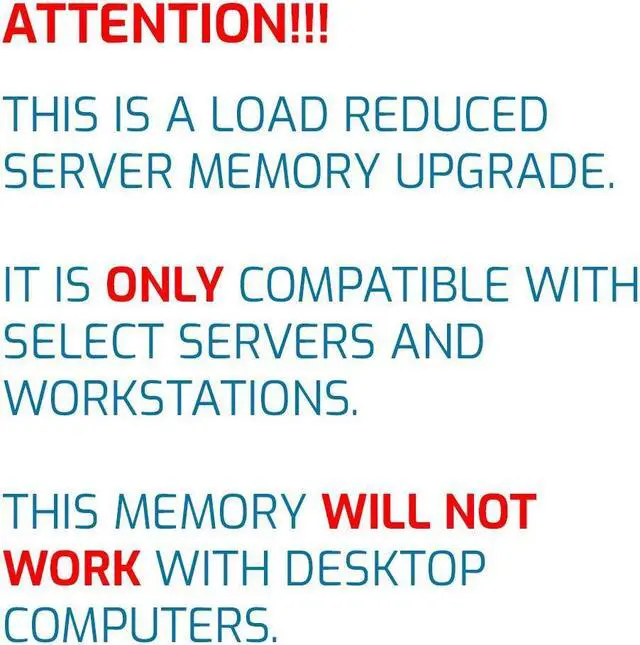
A: No. This is 240-pin ECC load-reduced server memory, not standard desktop RAM. It is intended for compatible servers or workstations that support DDR3L LRDIMMs.
Q: Can I mix this with the RAM already installed in my server?
A: Do not mix this kit with unbuffered memory or ECC registered memory. Check the server’s memory rules and existing DIMM type before installation to confirm the configuration is supported.
Q: What comes in the 256GB kit, and what should I check before installing it?
A: The kit contains eight 32GB DDR3L-1600 ECC LRDIMMs, for 256GB total. Confirm the server supports this DIMM type and capacity, has the required available slots, and follows the correct memory-population order.
Q: Can I use this LRDIMM kit alongside my existing RDIMMs or unbuffered memory?
A: No. The product information says this LRDIMM kit cannot be mixed with ECC registered or unbuffered memory. Confirm the type of every installed DIMM before upgrading; a Reddit server-memory discussion also describes boot problems when LRDIMMs and RDIMMs are combined.
Q: Can I use third-party memory in a Cisco UCS B200 M3?
A: The kit is listed as compatible with the B200 M3, and a Reddit discussion describes upgrading B200 M3 blades with third-party memory. That is an anecdotal report, not a guarantee of Cisco support; the discussion notes that aftermarket DIMMs may trigger a UCS Manager warning or need to be removed during memory-related troubleshooting.
Q: What should I check before replacing a DIMM in a Cisco UCS B200 M3?
A: Identify the installed DIMM’s part number and type before ordering, then confirm the server’s memory requirements and population rules. This 256GB kit contains eight 32GB DDR3L 1600 ECC LRDIMMs and is listed for the B200 M3, but matching the server model alone does not confirm that it can be mixed with the memory already installed.


