• $395.00
  • Free 30-day Returns
  • Sold by Direct from manufacturerOWC
    4.7 (29 seller ratings)

    Shipped by Direct from manufacturerOWC

    Price alert
    Shop it at NeweggBusiness.

    Meet Your Seller

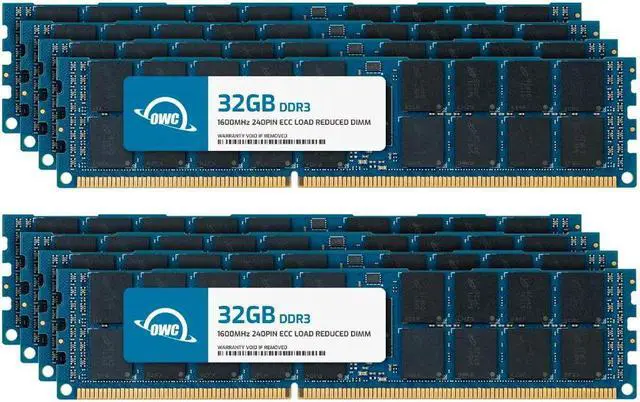
    OWC 256GB (8x32GB) DDR3L 1600 PC3L-12800 CL11 4Rx4 240-pin 1.35V ECC Load Reduced LRDIMM Memory RAM Module Upgrade Kit Compatible with Cisco UCS C24 M3 C240 M3 C420 M3

    • 16GB
    • 16GB (2 x 8GB)
    • 32GB
    • 32GB (2 x 16GB)
    • 32GB (4 x 8GB)
    • 64GB (2 x 32GB)
    • 64GB (4 x 16GB)
    • 64GB (8 x 8GB)
    • 128GB (4 x 32GB)
    • 128GB (8 x 16GB)
    • 256GB (8 x 32GB)
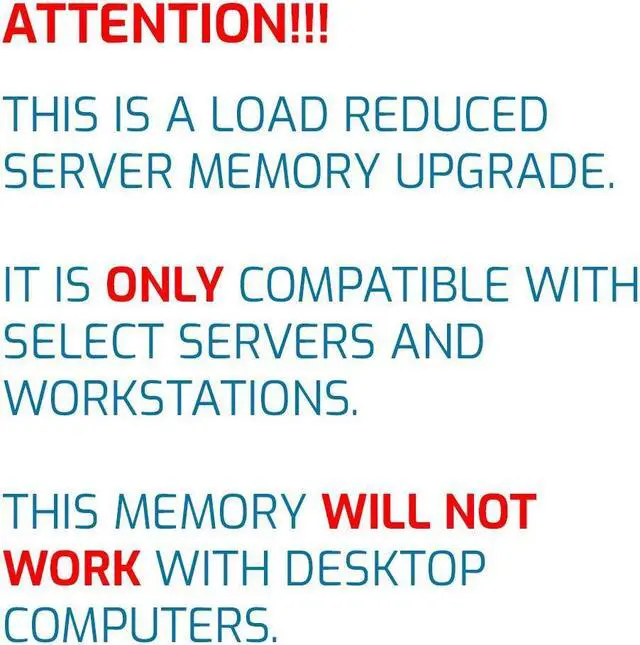
    • ECC LOAD REDUCED UPGRADE: This type of memory is used in Workstations and Servers. It will NOT be compatible with standard desktop computers. Also, it cannot be mixed with UNBUFFERED -or- ECC REGISTERED memory.
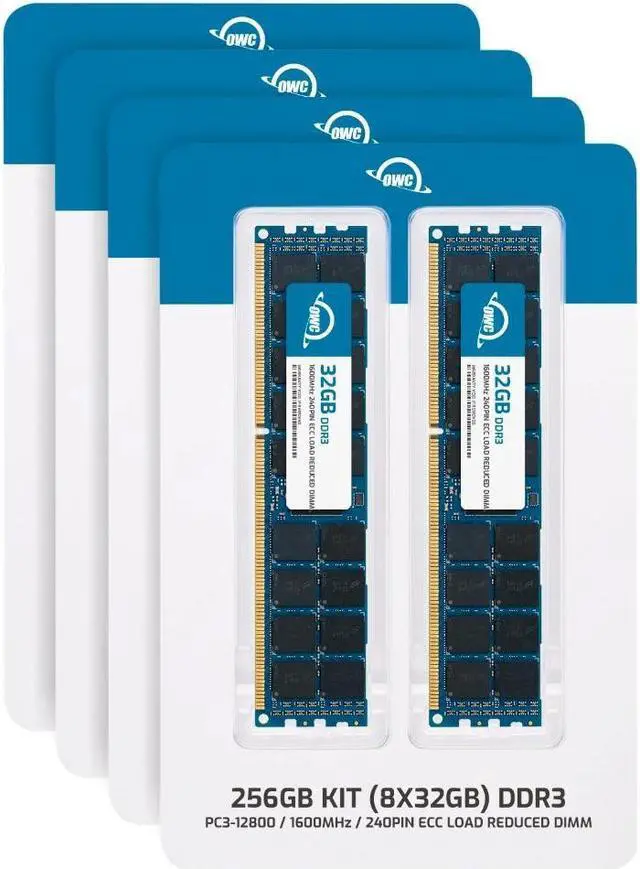
    • OWC 256GB UPGRADE: Consists of 8pcs of 32GB DDR3L 1600 PC3L-12800 CL11 4Rx4 240-pin 1.35V ECC Load Reduced DIMM Memory RAM Module Upgrade compatible with Cisco UCS models C24 M3, C240 M3 And C420 M3.
    • INDUSTRY LEADING: Consumer-friendly Advanced Replacement Program and Limited Lifetime Warranty, which includes Free Tech Support by Other World Computing.
    • MAXIMIZE YOUR SERVER: With OWC's ECC Load-Reduced Server Memory, you will extend the life of your old infrastructure or save money when building a new one.
    • Replacement for Cisco part numbers UCSML1X324RYA, UCS-ML-1X324RZ-A and UCSML2X324RYE.
    +
    +
    Overview
    Specs
    Reviews
    See all Q & A

    Any questions? Ask CelesteSM will help you find out quickly.

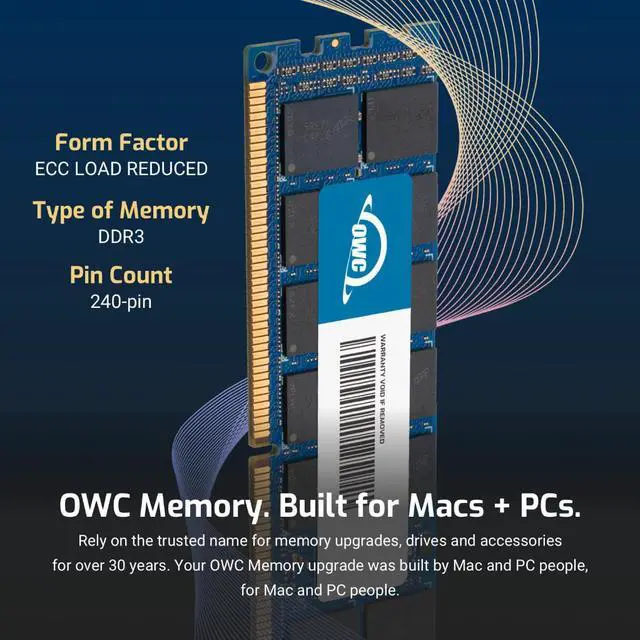
    OWC DDR3L memory is Fully compliant with JEDEC specifications, ROHS compliant, providing a warranty safe upgrade. OWC Memory is the most cost effective and simple DIY upgrade you can install to unleash your Mac or PC's full potential and speed up overall responsiveness. Become a multitasking maven when you upgrade your Mac or PC with OWC Memory. Open more apps. Open larger files. Plus, work with multiple files all at the same time. We test every OWC memory module at our in house lab so you can upgrade with the confidence that your memory is built to last.

    We built your OWC Memory upgrade to meet or exceed the toughest industry specs to provide years of worry-free service. OWC recommends that all DIMMs be the same capacity, speed, and manufacturer to ensure optimal memory performance.

    Warranty & Returns

    Warranty, Returns, And Additional Information

    Warranty

    • Please contact the Seller directly for warranty information. Warranty information may also be found on the Manufacturer's website.
    • CONTACT

    Return Policies

    • Return for refund within: 30 days
    • Return for replacement within: 60 days
    • This item is covered by OWC Return Policy

    Manufacturer Contact Info

    LOADING...

    The OWC 256GB DDR3L ECC LRDIMM kit is an eight-module server memory upgrade for Cisco UCS C24 M3, C240 M3, and C420 M3 systems that use compatible load-reduced DIMMs. It combines 8 x 32GB modules at 1600 MT/s with ECC for supported server and workstation configurations.

    Recommended For

    • Cisco UCS C240 M3 operators expanding a compatible server’s memory for additional virtual machines or a larger homelab workload; community discussions describe C240 M3 systems being used as VM hosts.
    • Administrators maintaining a Cisco UCS C24 M3, C240 M3, or C420 M3 who need a matched 8-module memory expansion using 32GB DDR3L LRDIMMs.
    • Teams running memory-intensive standalone workloads on a compatible C420 M3, where adding server memory is part of maintaining or extending an existing deployment.
    • Owners of a compatible C240 M3 or C420 M3 seeking to raise memory capacity for server workloads without replacing the entire platform.

    Real-World Use Scenarios

    • When consolidating several services into virtual machines on a compatible UCS server, the added memory gives the host more room to allocate RAM to guests, which can help avoid memory pressure as workloads run together.
    • For a small or medium database hosted on a compatible UCS C24 M3, the extra memory can give the database more room for its working set; the actual benefit depends on the database, CPU, and storage configuration.
    • When running several web or application services on one supported UCS server, the additional RAM provides more capacity for concurrent processes and service instances, subject to the server’s CPU and software limits.
    • For a file-serving or storage-intensive role on a compatible UCS C24 M3, extra memory can leave more room for the operating system and services to use available RAM; it does not replace adequate disk capacity or storage performance.
    • When keeping an older compatible UCS C24 M3, C240 M3, or C420 M3 in service, this kit offers a memory-capacity upgrade path without replacing the server; confirm DIMM population rules and do not mix LRDIMMs with RDIMMs or UDIMMs.

    Spec Summary

    AttributeValue
    Best ForServer memory upgrades for Cisco UCS C24 M3, C240 M3, and C420 M3 systems
    Capacity256GB total as 8 × 32GB modules
    Memory Type And Performance240-pin DDR3L ECC load-reduced LRDIMM, 1600 MT/s (PC3L-12800), CL11, 1.35V, 4Rx4 rank
    Physical DesignNo heat spreader
    Model IdentifiersOWC part number 1L6T34R4256K

    Reference Q&A

    Q: OWC 256GB vs. 128GB DDR3L LRDIMM kit: which should I choose?

    A: Choose the OWC 256GB kit when you want 256GB using eight 32GB DDR3L-1600 ECC LRDIMMs. Choose the OWC 128GB LRDIMM kit for a 128GB configuration using four of the same 32GB module type. Both kits use 240-pin PC3L-12800 memory; select based on your target capacity and the server’s memory population plan.

    Q: Should I get the OWC 256GB or 64GB DDR3L LRDIMM kit?

    A: Choose the 256GB kit for a 256GB target configuration with eight 32GB modules. Choose the OWC 64GB kit for a 64GB target configuration with two 32GB modules. Both use DDR3L-1600 ECC LRDIMMs; confirm that the selected capacity and module layout match the server’s planned population.

    Q: OWC 256GB LRDIMM kit vs. OWC 128GB RDIMM kit: how do they differ?

    A: The 256GB kit provides eight 32GB DDR3L-1600 ECC LRDIMMs, while OWC’s 128GB kit provides eight 16GB DDR3L-1333 ECC RDIMMs. Choose the 256GB LRDIMM configuration when your target is 256GB with 32GB modules; choose the 128GB RDIMM configuration when your planned memory setup calls for 16GB RDIMMs. Cisco specifies distinct DIMM population rules for RDIMM and LRDIMM configurations.

    Q: Will this 256GB memory kit work in my server?

    A: It is listed as compatible with the Cisco UCS C24 M3, C240 M3, and C420 M3. Before buying, confirm your exact server configuration supports 32GB DDR3L 1600 ECC LRDIMMs and the required eight-module installation; matching the memory generation alone does not confirm compatibility.

    Q: Can I mix this kit with the RAM already in my server?

    A: Do not mix this kit with unbuffered or ECC registered memory. It uses ECC load-reduced DIMMs, so check the server’s memory rules and use a supported LRDIMM configuration.

    Q: Can I use this memory in a standard desktop PC?

    A: No. This is 240-pin ECC load-reduced server memory, not standard desktop RAM. It is intended for a compatible server or workstation that supports DDR3L LRDIMMs.

    Q: Who is this 256GB memory kit suitable for?

    A: It is suitable for users upgrading a listed Cisco UCS C24 M3, C240 M3, or C420 M3 server that needs 256GB of memory and supports this kit’s DDR3L 1600 ECC LRDIMM specifications. It is not a general-purpose desktop upgrade.

    Q: Is this kit a suitable memory upgrade for a Cisco UCS C240 M3?

    A: The product is listed as compatible with the Cisco UCS C240 M3 and provides 256GB as eight 32GB DDR3L 1600 ECC LRDIMMs. Confirm your server model and current memory type before buying; this kit cannot be mixed with unbuffered or ECC registered memory.

    Q: What should I check before buying RAM for a Cisco C240 M3?

    A: Check the exact server model and whether its installed memory is compatible with LRDIMMs. This kit is DDR3L ECC load-reduced memory, and the product information says not to mix it with unbuffered or ECC registered memory. A Reddit discussion also highlights the M3/M4 distinction: the M3 uses DDR3, while the M4 uses DDR4.

    Q: Is upgrading an older Cisco UCS M3 server still worth considering?

    A: It may suit someone extending the use of an existing M3 server, especially if the goal is to increase its memory capacity. It is a platform-specific DDR3L kit, so it is not a reusable upgrade for newer DDR4-based servers. Compare the cost of upgrading with the cost and requirements of moving to a newer platform.