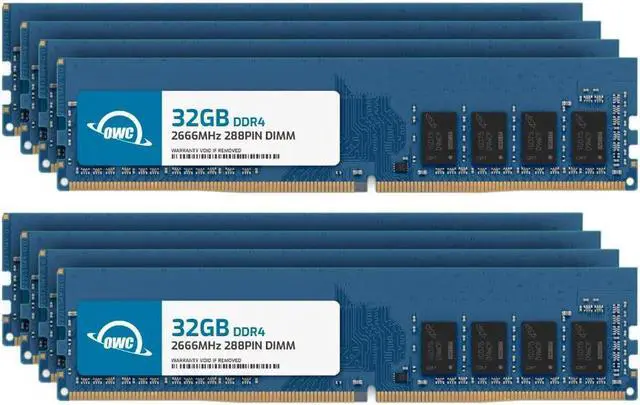
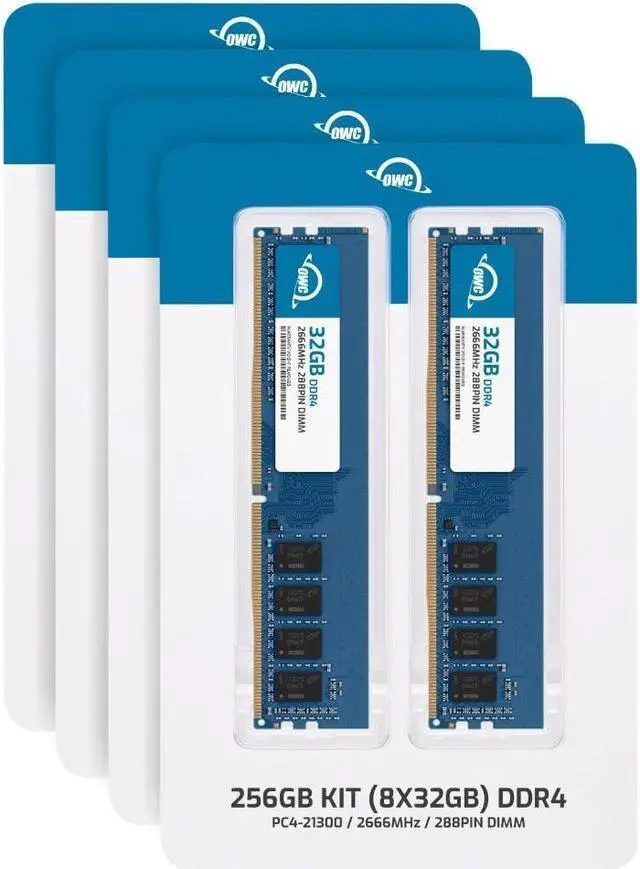
The OWC 256GB DDR4-2666 desktop memory kit includes eight 32GB non-ECC, unbuffered UDIMMs and is suitable for compatible desktops that need high memory capacity for demanding multitasking or memory-intensive workloads.
Recommended For
- Editors working with 12K footage or similarly memory-heavy Premiere Pro projects who need up to 256GB of system RAM; confirm the motherboard and processor support this capacity and eight DIMMs.
- 3D, motion-graphics, or game-development professionals whose complex projects use large datasets, caches, and intermediate calculations—and whose current memory use is approaching their installed capacity.
- Workstation owners running memory-intensive virtual machines, data analysis, or several large applications at once who want more workloads to fit in RAM and reduce reliance on slower storage swapping.
- Owners of compatible eight-slot DDR4 desktops who need a full 256GB using eight 32GB non-ECC, unbuffered DIMMs; check the board’s memory list and CPU-specific limits before buying.
Real-World Use Scenarios
- When running several virtual machines for a home lab or software test environment, the extra memory can let more guests stay active alongside the desktop operating system; the number and speed of VMs still depend on the CPU, storage, and memory assigned to each guest.
- For workstation video editors handling demanding 8K projects, this capacity can provide room for large editing workloads that exceed what smaller-memory systems can comfortably accommodate; actual playback and export performance also depend on the CPU, GPU, storage, and editing software.
- When building complex After Effects compositions with high-resolution footage, effects, or multi-frame rendering, more system memory can give the application and other open creative apps more room for frames and previews, reducing memory pressure when the project is demanding.
- For large CPU-rendered 3D scenes, detailed environments, or memory-heavy simulations, the added capacity can help keep scene data and working assets in system memory instead of relying as heavily on slower disk paging; GPU rendering may be limited more by graphics-card memory.
- When processing very large photogrammetry image sets, additional RAM can support alignment jobs that need more memory as image counts and feature settings rise, helping avoid a memory-capacity bottleneck on a suitably equipped workstation.




 here!