




 here!
I’m your shopping assistant for PC builds, upgrades, and everything tech.
Got questions? Ask away!
Start a conversation
here!
I’m your shopping assistant for PC builds, upgrades, and everything tech.
Got questions? Ask away!
Start a conversation








Any questions? Ask CelesteSM will help you find out quickly.
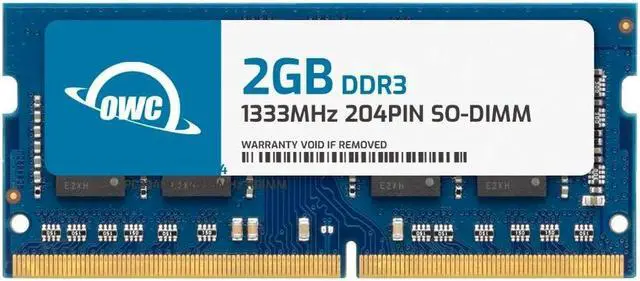
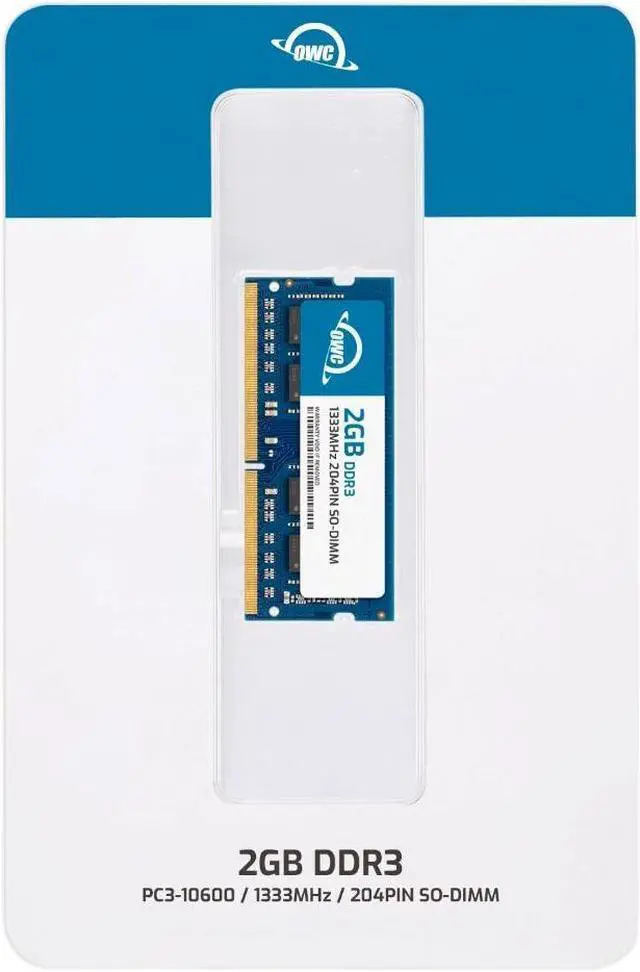
The OWC 2GB DDR3-1333 CL9 SODIMM is a single 204-pin, 1.5V non-ECC laptop memory module listed as compatible with the Alienware M17x R3, making it suitable for owners seeking a model-specific RAM replacement or upgrade.
| Attribute | Value |
|---|---|
| Best For | Adding 2GB of laptop memory to a compatible Alienware M17x R3 |
| Capacity | 2GB in one memory module |
| Memory Configuration | 204-pin DDR3 SODIMM, 1Rx8, non-ECC, unbuffered, with no heat spreader |
| Speed And Latency | 1333 MHz (PC3-10600) with CL9 latency |
| Voltage | 1.5V |
| Model Identifiers | OWC; part number 1S3D31R802GB; model OWC1S3D31R802GB-B287-SF |
Q: OWC 2GB DDR3-1333 vs OWC 8GB kit: which should I choose for an Alienware M17x R3?
A: Choose the OWC 2GB module for a smaller, single-module memory addition. Choose the OWC 8GB kit when you want two matched 4GB modules for an 8GB upgrade. Both options use DDR3-1333, 204-pin SO-DIMMs; Dell’s M17x R3 guide lists 2GB and 4GB module capacities and configurations up to 32GB.
Q: Should I get one OWC 2GB stick or the OWC 4GB (2 x 2GB) kit?
A: Choose this OWC 2GB stick when you want a single 2GB module. Choose the OWC 4GB kit when you want 4GB total supplied as two matched 2GB modules. Both are DDR3-1333, 204-pin, non-ECC SO-DIMMs; the kit is the straightforward choice for installing a pair together.
Q: OWC 2GB vs OWC 4GB DDR3-1333: which is better for a small M17x R3 upgrade?
A: Choose the 2GB module for a 2GB addition; choose an OWC 4GB module when you want twice the capacity from one module. Both are 204-pin DDR3-1333 SO-DIMMs, so the decision is mainly about the amount of memory you want to add.
Q: Will this RAM work in an Alienware M17x R3?
A: Yes. This module is specified as compatible with the Alienware M17x R3 and uses 2GB DDR3-1333 (PC3-10600), 204-pin SO-DIMM memory at 1.5V. Check your laptop’s current configuration and memory requirements before installing.
Q: Can I add this module to the RAM already in my laptop?
A: Possibly. It is one 2GB module, so adding it depends on whether your M17x R3 has an available compatible slot and supports the resulting memory configuration. Check the laptop’s installed memory and system limits first.
Q: Is one 2GB RAM module enough for an upgrade?
A: It adds 2GB of memory, so it may suit a compatible system that needs a small capacity increase or a replacement module. Whether that is enough depends on the laptop’s existing RAM and how you use it; this module alone does not guarantee a noticeable speed improvement.
Q: Can I install this laptop RAM myself?
A: Often, yes, if you are comfortable opening the laptop and following its service instructions. Shut the laptop down and follow the M17x R3’s memory-installation procedure; check the manual if you are unsure which memory slots are accessible in your configuration.
Q: Is it worth upgrading an M17x R3, or should I put the money toward a newer laptop?
A: Consider this module for a low-cost repair, restoration, or basic-use upgrade—not as a way to make the M17x R3 perform like a modern computer. Reddit users note that the laptop can remain useful for some tasks, but recommend against investing heavily in it for demanding modern work.
Q: Is one 2GB module enough to make a noticeable RAM upgrade?
A: It adds only 2GB, so whether that is useful depends on the laptop’s current memory and available slots. M17x R3 owners discussing upgrades describe adding larger amounts of memory; treat this module as a small incremental addition, not a complete high-capacity upgrade.
Q: Can I replace or add RAM in an Alienware M17x R3 myself?
A: Community videos show RAM being swapped in the M17x R3, so a memory change is a documented upgrade. Check the laptop’s existing configuration and the module’s specifications before installing; the product listing identifies this 204-pin DDR3 1333 module as compatible with the M17x R3.


















