




 here!
I’m your shopping assistant for PC builds, upgrades, and everything tech.
Got questions? Ask away!
Start a conversation
here!
I’m your shopping assistant for PC builds, upgrades, and everything tech.
Got questions? Ask away!
Start a conversation







Any questions? Ask CelesteSM will help you find out quickly.
| Technology | DDR3 |
|---|---|
| Speed | PC3-10600 1333MHz CL9 |
| Form Factor | 240PIN DIMM |
| ECC Type | NON ECC |
| Voltage | 1.5v |
| Compatibility | DESKTOP, WORKSTATION |
















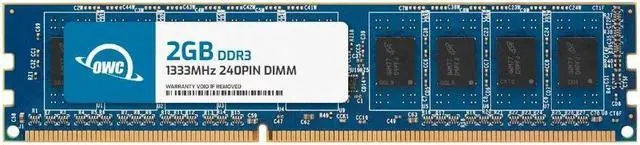
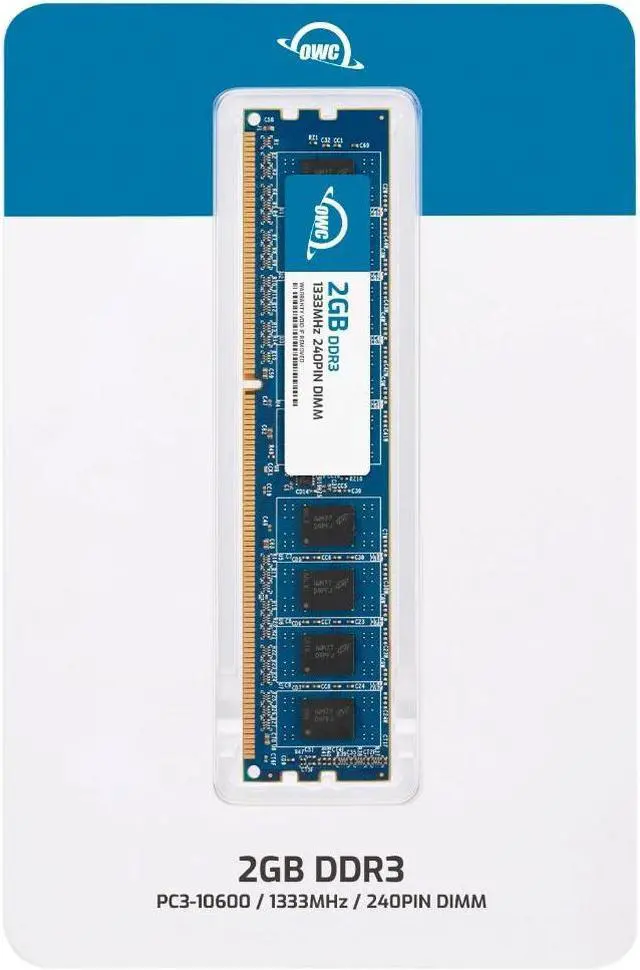
The OWC 1U3D31R802GB is a 2GB DDR3-1333 non-ECC unbuffered desktop memory module for compatible Dell OptiPlex 990 systems, including the Desktop, SFF, Tower, and USFF models.
| Attribute | Value |
|---|---|
| Best For | A desktop memory upgrade for Dell OptiPlex 990 Desktop, SFF, Tower, and USFF systems |
| Capacity | 2GB |
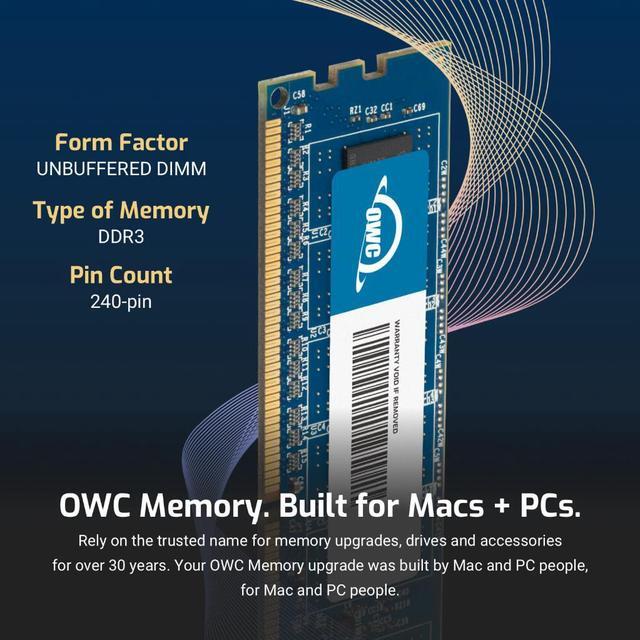
| Memory Type And Configuration | DDR3, 240-pin non-ECC unbuffered UDIMM, 1Rx8 |
| Speed And Latency | 1333 MHz (PC3-10600) with CL9 latency |
| Voltage And Physical Design | 1.5V, with no heat spreader |
| Model Identifiers | OWC; part number 1U3D31R802GB; model number OWC1U3D31R802GB-B352-SF |
Q: OWC 2GB DDR3-1333 vs an OWC 4GB module: which should I choose for an OptiPlex 990?
A: Choose this 2GB module for a smaller capacity addition; choose an OWC 4GB module when you want more memory from one DIMM slot. Both are 240-pin, non-ECC DDR3-1333 memory options. Dell lists support for 1GB, 2GB, and 4GB modules in the OptiPlex 990, with up to 8GB total in the USFF and up to 16GB in the other listed form factors.
Q: Should I get one OWC 2GB stick or an OWC 2x2GB kit for 4GB?
A: Choose this single 2GB module when you want to add 2GB or build a smaller-capacity configuration. Choose the OWC 2x2GB option when your target is 4GB across two matched modules. Dell lists 4GB DDR3-1333 configurations for the OptiPlex 990; the USFF supports up to 8GB total.
Q: OWC 2GB vs 8GB of DDR3-1333 for a Dell OptiPlex 990: which capacity fits my upgrade plan?
A: Choose this 2GB module for a modest capacity addition; choose an 8GB configuration when your target is 8GB total. Dell lists 8GB DDR3-1333 configurations for all OptiPlex 990 form factors, including the USFF, which has two DIMM slots. OWC lists 8GB as a four-module 2GB option; for the USFF, use a two-module configuration to fit its two slots.
Q: Will this 2GB memory module work in an OptiPlex 990?
A: It is listed as compatible with the OptiPlex 990 Desktop, SFF, Tower, and USFF. It is a 240-pin DDR3-1333, 1.5V, non-ECC, unbuffered desktop DIMM—not laptop SO-DIMM memory. Check that your system has an available slot and supports the intended memory configuration before buying.
Q: Can I add this to the RAM already in my computer?
A: It may be possible if the existing memory and the OptiPlex’s configuration support it, but mixed modules are not guaranteed to work together. Check the current RAM type, speed, capacity, and available slots; matching modules are the safer choice for a matched-pair configuration.
Q: Is one 2GB module enough for everyday use?
A: This is a 2GB module, so it is best viewed as a small memory addition or replacement for a compatible OptiPlex 990—not a high-capacity upgrade by itself. How usable the computer will be depends on its total installed memory, operating system, and workload.
Q: Is this memory difficult to install?
A: Memory installation is generally a straightforward desktop upgrade, but the computer must be powered off and the module correctly seated in a compatible DIMM slot. Follow the OptiPlex 990 service instructions if you are unfamiliar with opening the case.
Q: Will this 2GB module work in an OptiPlex 990 SFF?
A: It is specified for the OptiPlex 990 SFF and uses 240-pin DDR3-1333, 1.5V, non-ECC unbuffered memory. Check your existing configuration before buying, since a Reddit upgrade discussion highlights the need to choose memory matching the system’s requirements.
Q: Can I mix this with the RAM already installed?
A: Possibly, but the existing module’s details are not provided, so compatibility cannot be guaranteed. This module is DDR3-1333, 1.5V, non-ECC, and unbuffered; compare those specifications with your installed RAM before combining them.
Q: Is one 2GB stick enough for an OptiPlex 990 RAM upgrade?
A: It may suit a small capacity increase or a replacement for a failed 2GB module, but it adds only 2GB. Reddit upgrade discussions commonly frame the goal as reaching 8GB or more, so this single stick may not meet that target on its own.
Q: Can I use DDR2 or server RAM instead?
A: No. This module is DDR3 desktop memory, not DDR2 or registered memory. Check any alternative module for the required DDR3, non-ECC, unbuffered specifications rather than relying on a “server memory” label.


