




 here!
I’m your shopping assistant for PC builds, upgrades, and everything tech.
Got questions? Ask away!
Start a conversation
here!
I’m your shopping assistant for PC builds, upgrades, and everything tech.
Got questions? Ask away!
Start a conversation







Any questions? Ask CelesteSM will help you find out quickly.
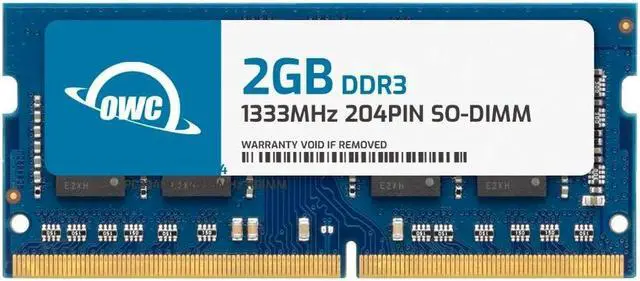
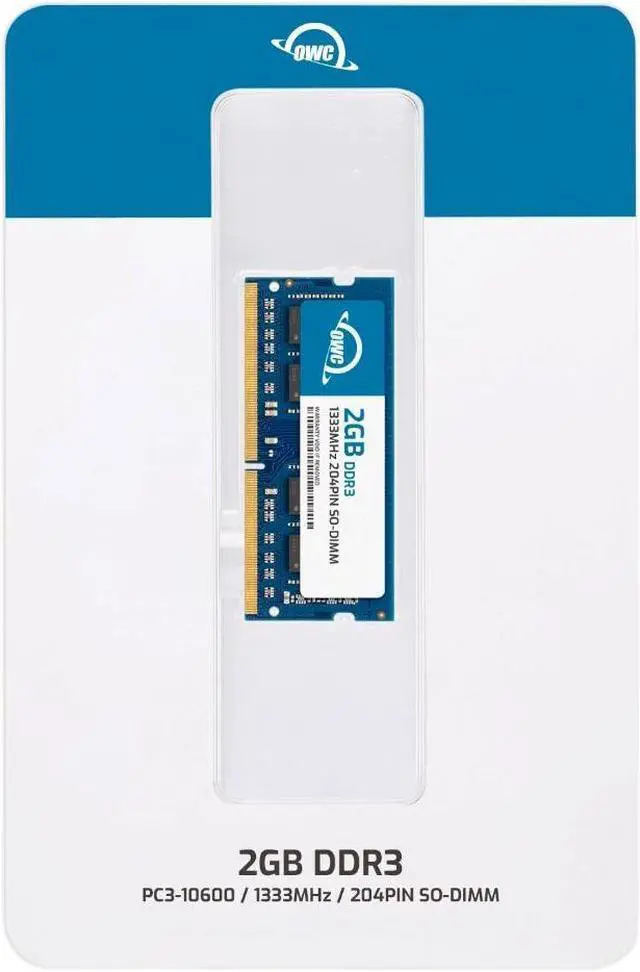
The OWC 2GB DDR3-1333 204-pin SODIMM is a non-ECC laptop memory module for owners upgrading or replacing RAM in compatible HP ProBook 4330s, 4331s, 4340s, 4421s, or 4430s.
| Attribute | Value |
|---|---|
| Best For | A 2GB laptop memory upgrade for HP ProBook 4330s, 4331s, 4340s, 4421s, and 4430s |
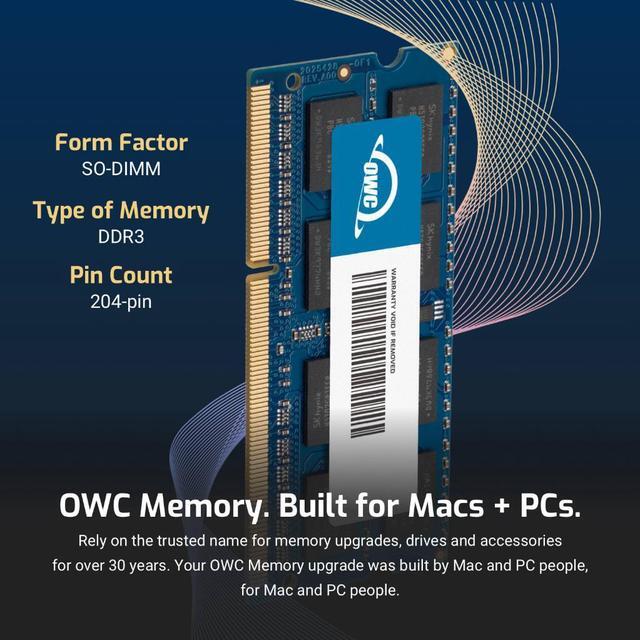
| Memory Configuration | 2GB DDR3-1333 (PC3-10600) 204-pin SODIMM, 1.5V, CL9, 1Rx8, non-ECC and unbuffered, with no heat spreader |
| Model Identifiers | OWC; part number 1S3D31R802GB; model number OWC1S3D31R802GB-B392-SF |
Q: Should I choose this OWC 2GB module or an OWC 4GB module for an HP ProBook 4330s or 4430s?
A: Choose this 2GB module when adding memory in a 2GB increment or matching a 2GB module already installed. Choose the OWC 4GB module when you want more capacity from one slot. HP lists 4GB DDR3-1333 modules and configurations up to 8GB for these ProBook models. ([eshop.macsales.com](https://eshop.macsales.com/item/owc-memory-pc-10600-ddr3-1333mhz-204-pin-so-dimm-for-pc?sku=OWC1S3D31R804GB))
Q: Is this single OWC 2GB stick or an OWC 4GB kit (2 × 2GB) a better fit?
A: Choose the single 2GB stick when you want to add or replace one module. Choose the 4GB kit when you want two matching 2GB modules for 4GB total. HP notes that matching memory size and speed in both slots maximizes dual-channel performance on the ProBook 4330s and 4430s. ([eshop.macsales.com](https://eshop.macsales.com/item/owc-memory-pc-10600-ddr3-1333mhz-204-pin-so-dimm-for-pc?sku=OWC1S3D31R804GB&utm_source=openai))
Q: For an 8GB ProBook memory upgrade, should I buy this 2GB module or an OWC 8GB kit?
A: Choose this 2GB module for a 2GB addition or replacement. Choose an OWC 8GB kit made of two 4GB modules when targeting 8GB total; HP lists that configuration for the ProBook 4330s and 4430s. ([eshop.macsales.com](https://eshop.macsales.com/item/owc-memory-pc-10600-ddr3-1333mhz-204-pin-so-dimm-for-pc?sku=OWC1S3D31R804GB&utm_source=openai))
Q: Will this 2GB memory module fit my laptop?
A: It is specified as a 204-pin DDR3-1333 SODIMM, 1.5V, non-ECC module for the HP ProBook 4330s, 4331s, 4340s, 4421s, and 4430s. Check your exact laptop model and memory requirements before buying; the listed compatibility should not be assumed for other laptops.
Q: Can I use this alongside a different-capacity memory module?
A: Possibly, if the laptop supports both modules’ specifications and the combined capacity is within its limit. This product is a single 2GB module; check the laptop’s manual for supported configurations. Matching module sizes and speeds are generally preferred for dual-channel operation.
Q: Is 2GB enough for multitasking or demanding applications?
A: This is a single 2GB module, so it is best treated as a small memory addition or replacement—not a guarantee of smooth performance for demanding apps or heavy multitasking. The result depends on the laptop’s total installed memory, operating system, and workload.
Q: Is installing this memory a DIY job?
A: The product is a laptop SODIMM intended for an internal memory slot. Installation may be a simple DIY task, but the access steps vary by laptop. Shut the computer down and follow the service instructions for the exact HP ProBook model.
Q: Will this memory module work in an HP ProBook 4430s?
A: The product listing specifies compatibility with the HP ProBook 4430s and identifies the module as 2GB, 204-pin DDR3-1333 SODIMM. A ProBook 4430s RAM-upgrade video and a Reddit upgrade discussion confirm that memory replacement or expansion is a relevant use for this model; check your exact laptop model and current memory configuration before buying.
Q: Is a 2GB module enough if I want a noticeable RAM upgrade?
A: It adds 2GB, so it is best suited to a small capacity increase or replacing a faulty module—not to a buyer specifically aiming for 8GB. ProBook 4430s discussions describe upgrades from 4GB to 8GB, including a video showing a 2 × 4GB configuration; confirm your laptop’s supported configuration and available slots before choosing.
Q: What should I check if the laptop has memory errors after installation?
A: Reseat the module and test the memory for errors. In a ProBook 4430s troubleshooting discussion, the user reported that testing identified the newly installed stick as faulty; checking the module and slot individually can help isolate the problem.


















