




 here!
I’m your shopping assistant for PC builds, upgrades, and everything tech.
Got questions? Ask away!
Start a conversation
here!
I’m your shopping assistant for PC builds, upgrades, and everything tech.
Got questions? Ask away!
Start a conversation








Any questions? Ask CelesteSM will help you find out quickly.
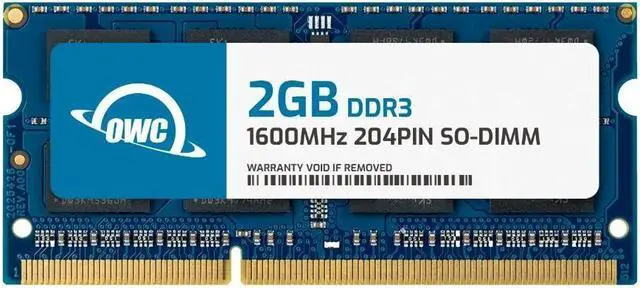
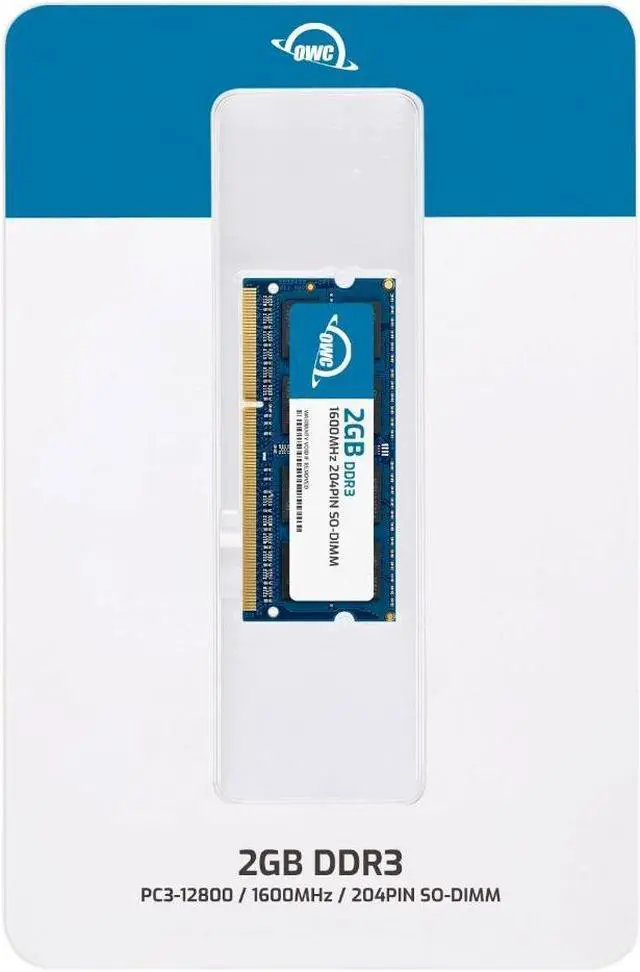
The OWC 2GB DDR3-1600 SODIMM is a memory module for Dell Inspiron 14z 5423 owners seeking a compatible RAM upgrade, with 204-pin, 1.5V, non-ECC, unbuffered specifications.
| Attribute | Value |
|---|---|
| Best For | A 2GB laptop memory upgrade for the Dell Inspiron 14z 5423, supplied as one DDR3 SODIMM module |
| Memory Capacity And Configuration | 2GB single module, 1Rx8 |
| Memory Type And Compatibility | 204-pin DDR3 SODIMM, non-ECC and unbuffered; compatible with Dell Inspiron 14z 5423 |
| Speed And Timing | 1600 MHz (PC3-12800) with CL11 latency |
| Voltage And Module Design | 1.5V, without a heat spreader; black chips |
| Model Identifiers | OWC, part number 1S6D31R802GB; model OWC1S6D31R802GB-B330-SF |
Q: For a Dell Inspiron 14z 5423, should I choose this 2GB OWC module or OWC’s 4GB DDR3-1600 module?
A: Choose the 2GB module for a Dell-supported 6GB configuration using one 4GB module and one 2GB module. Choose the 4GB module when building an 8GB configuration with two 4GB modules. Both capacities use 204-pin DDR3-1600 SO-DIMM memory; the 14z 5423 has two memory connectors and supports up to 8GB.
Q: Is this OWC 2GB module or an OWC 4GB module the better choice for a 6GB RAM setup?
A: For a 6GB setup, choose this 2GB module to pair with a 4GB module. Dell lists 6GB as a supported Inspiron 14z 5423 memory configuration. The 4GB OWC module is the relevant choice when the target is 8GB using two 4GB modules.
Q: Should I choose a 2GB or 4GB OWC module to reach 8GB in the Inspiron 14z 5423?
A: Choose two 4GB modules for an 8GB configuration. Dell lists 8GB as the system’s supported maximum, and OWC’s 4GB DDR3-1600 module matches the capacity needed for each of the laptop’s two memory connectors.
Q: Will this RAM work in a Dell Inspiron 14z 5423?
A: The listing identifies this single 2GB module as compatible with the Dell Inspiron 14z 5423. It is a 204-pin DDR3-1600, 1.5V, non-ECC SODIMM; confirm your laptop’s exact model and supported memory type before buying.
Q: Can I add this to the RAM already in my laptop?
A: Possibly. This is one 2GB module, so adding it depends on whether the laptop has an open compatible memory slot. Check the installed memory and available slots first; if both slots are occupied, an existing module may need to be replaced.
Q: Is installing this laptop memory a DIY job?
A: It may be suitable for a careful DIY installation, but access varies by laptop. Check the Inspiron 14z 5423 service instructions before opening the computer; the product information also provides an installation video and says installation is easy in most cases.
Q: Is a single 2GB module a substantial RAM upgrade for the Inspiron 14z 5423?
A: It adds 2GB, but it is a modest capacity. A YouTube upgrade video for the 14z 5423 describes installing 8GB of RAM, so consider your total memory needs and the laptop’s existing configuration before choosing this module.
Q: Can I replace or upgrade the RAM in an Inspiron 14z 5423 myself?
A: A YouTube repair tutorial shows RAM access on the Inspiron 14z 5423, so a DIY upgrade is possible. The tutorial rates the repair as intermediate and advises removing power and taking precautions against static discharge.


















