




 here!
I’m your shopping assistant for PC builds, upgrades, and everything tech.
Got questions? Ask away!
Start a conversation
here!
I’m your shopping assistant for PC builds, upgrades, and everything tech.
Got questions? Ask away!
Start a conversation








Any questions? Ask CelesteSM will help you find out quickly.
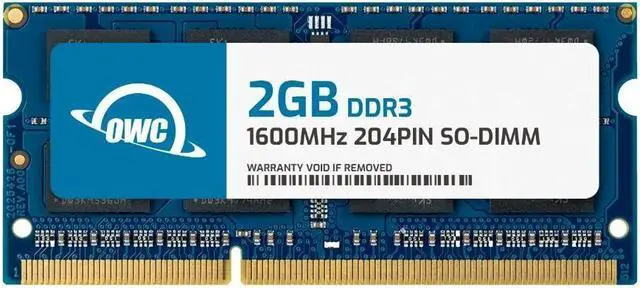
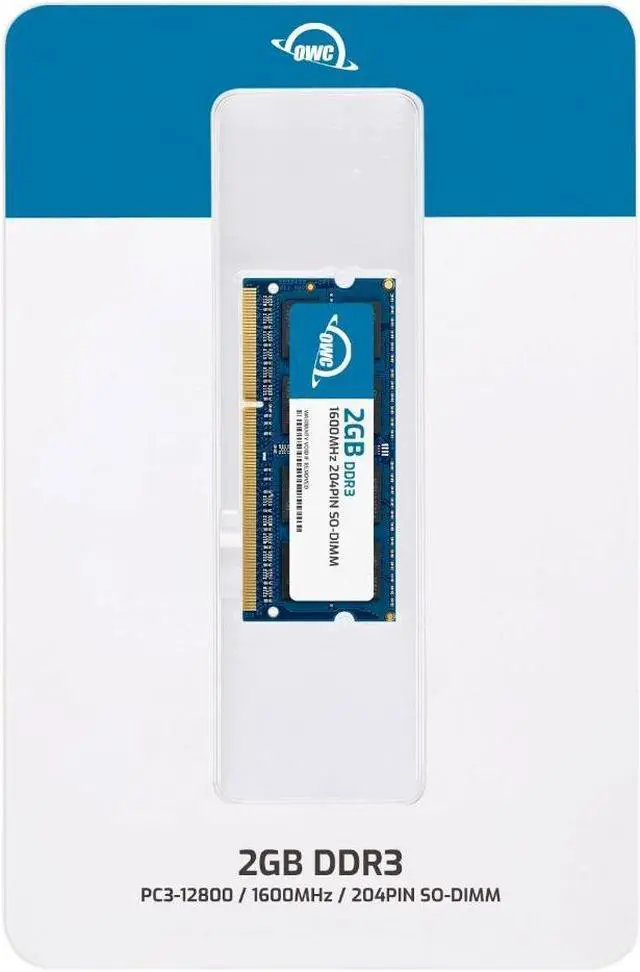
The OWC 1S6D31R802GB is a 2GB DDR3-1600 SODIMM memory module for owners upgrading compatible HP Omni 220-1130a, 220-1155xt, or 220-1185qd systems that use 204-pin, 1.5V DDR3 memory.
| Attribute | Value |
|---|---|
| Best For | Adding 2GB of DDR3 SODIMM memory to the listed HP Omni 220 models |
| Capacity | 2GB memory module; one item |
| Memory Type And Configuration | 204-pin DDR3 SODIMM, non-ECC and unbuffered, with a 1Rx8 rank configuration |
| Speed And Latency | 1600 MHz (PC3-12800) with CL11 latency |
| Voltage And Module Design | 1.5V; no heat spreader |
| Compatibility | Compatible with HP Omni 220-1130a, 220-1155xt, and 220-1185qd |
| Model Identifiers | OWC; part number 1S6D31R802GB; model number OWC1S6D31R802GB-B437-SF |
Q: For an HP Omni 220, should I choose OWC’s 2GB or 4GB DDR3-1600 module?
A: Choose the 2GB module when you want a 2GB-per-module match; choose OWC’s 4GB DDR3-1600 module when you want more capacity per module and your exact Omni configuration supports it. Both are 204-pin DDR3-1600 SO-DIMMs.
Q: Is one OWC 2GB module or an OWC 8GB (2 × 4GB) kit a better HP Omni 220 upgrade?
A: Choose the 2GB module for a smaller, single-module capacity match. Choose the 8GB kit when you want two matched 4GB modules and your exact Omni model and operating system support an 8GB configuration. The kit uses two 204-pin DDR3-1600 SO-DIMMs.
Q: Should I get this OWC 2GB DDR3-1600 module or OWC’s 2GB DDR3-1066 module?
A: Choose this DDR3-1600 module when your system supports DDR3-1600 memory. Choose OWC’s DDR3-1066 version when that is the speed specified for your system. Both are 2GB, 204-pin DDR3 SO-DIMMs; match the memory speed to the system’s supported specification.
Q: Will this RAM work with my HP Omni 220?
A: The listing identifies this 2GB module as compatible with the HP Omni 220-1130a, 220-1155xt, and 220-1185qd. It is a 204-pin DDR3-1600 SO-DIMM rated at 1.5V; verify your exact model and its memory requirements before buying.
Q: Can I add this module to the RAM already in my computer?
A: Possibly. This is one 2GB module, so adding it depends on whether the computer has an available compatible memory slot and supports the resulting total capacity and memory configuration. Check the system specifications and current RAM before installing it.
Q: Will adding this RAM make my computer faster?
A: It may improve responsiveness if the computer is running low on memory and supports this module. It adds only 2GB and does not upgrade the processor or storage, so the benefit depends on the computer’s existing memory, workload, and configuration.
Q: Is this one RAM stick, and can I install it myself?
A: It is one 2GB SO-DIMM module, not a multi-stick kit. OWC describes memory installation as a DIY upgrade in most cases, but access and installation steps vary by computer; check the system’s service instructions first.
Q: Can I upgrade the RAM in an HP Omni 220 myself?
A: A YouTube walkthrough demonstrates upgrading memory in an HP Omni 220 PC. This OWC product is a single 2GB DDR3-1600 SODIMM and is listed as compatible with the HP Omni 220-1130a, 220-1155xt, and 220-1185qd. Confirm your exact model and memory configuration before buying; the video’s example uses a different memory setup.


















