




 here!
I’m your shopping assistant for PC builds, upgrades, and everything tech.
Got questions? Ask away!
Start a conversation
here!
I’m your shopping assistant for PC builds, upgrades, and everything tech.
Got questions? Ask away!
Start a conversation








Any questions? Ask CelesteSM will help you find out quickly.
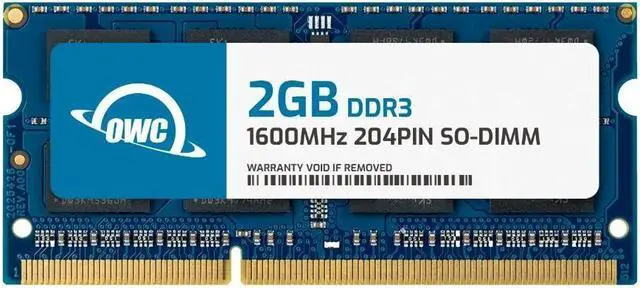
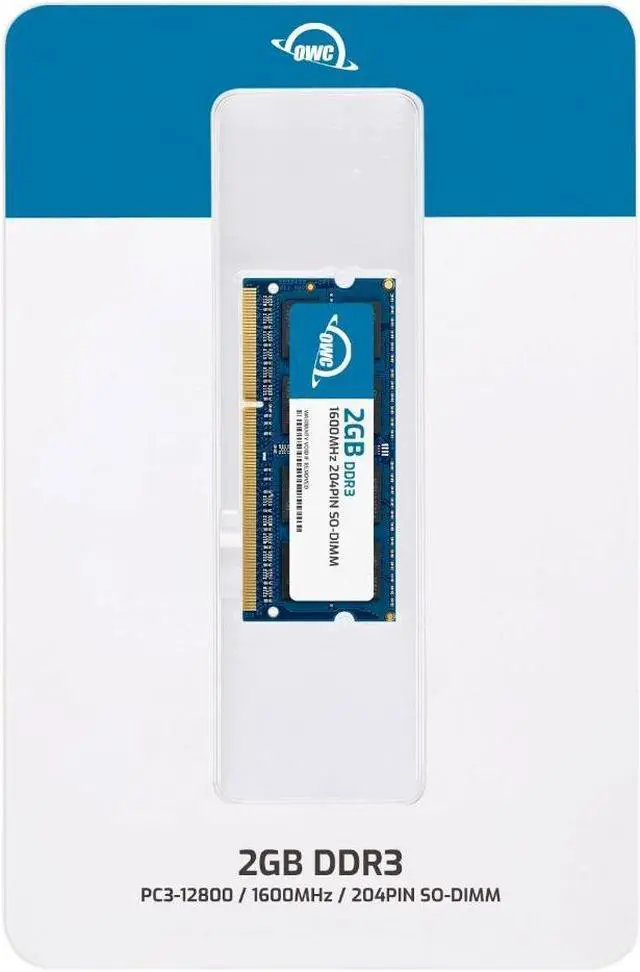
The OWC 2GB DDR3-1600 SODIMM is a 204-pin, 1.5V non-ECC laptop memory module for HP Presario CQ42-303LA, CQ42-320CA, and CQ42-324LA owners seeking a compatible memory upgrade or replacement.
| Attribute | Value |
|---|---|
| Best For | Memory upgrades for the HP Presario CQ42-303LA, CQ42-320CA, and CQ42-324LA |
| Capacity | 2GB single memory item |
| Memory Type And Configuration | DDR3 204-pin SODIMM; non-ECC, unbuffered, 1Rx8, 1.5V, with no heat spreader |
| Speed And Timing | 1600 MHz (PC3-12800) with CL11 latency |
| Product Identification | OWC (Other World Computing); part number 1S6D31R802GB; model OWC1S6D31R802GB-B444-SF |
Q: Should I choose this OWC 2GB module or two OWC 2GB modules for a Presario CQ42?
A: Choose this single 2GB module when you want to add or replace one memory module. Choose two 2GB modules when configuring 4GB total: HP’s CQ42 service guide lists a 4GB configuration as 2 × 2GB. Confirm the laptop’s current memory layout before ordering.
Q: Is this OWC 2GB module or an OWC 4GB DDR3-1600 module the better choice?
A: Choose this 2GB module when matching the product’s listed CQ42 compatibility or using a 2GB-per-slot configuration. OWC’s 4GB 1Rx8 module has the same listed DDR3-1600, CL11, 204-pin, 1.5V specifications and provides twice the capacity per module; choose it when the computer’s supported memory configuration calls for a 4GB module.
Q: Should I choose this OWC DDR3-1600 module or an OWC DDR3-1333 module?
A: Choose this module when you want a 2GB, 204-pin DDR3-1600 SO-DIMM matching the Newegg listing’s specifications and compatibility details. OWC also offers a 2GB DDR3-1333 SO-DIMM; HP’s CQ42 service guide lists DDR3-1333 memory, so that option more closely matches the guide’s stated memory speed.
Q: Will this RAM work in my HP Presario CQ42?
A: It is listed as compatible with the HP Presario CQ42-303LA, CQ42-320CA, and CQ42-324LA. Check your laptop’s full model number before buying; matching the CQ42 series name alone does not confirm compatibility.
Q: Can I add this 2GB module to the RAM already in my laptop?
A: Possibly. This is one 2GB module, so it can be added only if the laptop has an available compatible memory slot and supports the resulting total capacity. Check the laptop’s memory specifications and slot configuration first.
Q: Will adding this RAM make my laptop faster?
A: It may improve responsiveness if the laptop is running short on memory. This module adds 2GB, but the benefit depends on the laptop’s existing memory and workload; it does not upgrade the processor or storage.
Q: Is this a practical DIY RAM upgrade?
A: The product information describes installation as an easy DIY task in most cases. The exact steps depend on the laptop, so check its service instructions before opening it and follow appropriate precautions when handling the module.
Q: Is upgrading RAM alone enough to improve gaming on a CQ42?
A: Not necessarily. A Reddit discussion about the CQ42 family says more RAM may help the system run more smoothly, but gaming performance is limited by the processor and graphics hardware. This 2GB module should not be treated as a way to ensure better game frame rates.
Q: Is this 2GB module a sensible upgrade for an older CQ42?
A: It may make sense as a replacement for a faulty module or when a compatible system needs a small capacity increase. It is only 2GB, though, and a Reddit discussion about an older Presario notes that spending much on an aging laptop may not be worthwhile. Check the laptop’s current memory and supported capacity before buying.
Q: Should I upgrade the CQ42’s RAM, or replace the hard drive with an SSD too?
A: A YouTube CQ42 upgrade example upgraded the RAM and replaced the mechanical hard drive with an SSD. That suggests RAM is not the only upgrade to consider if the laptop feels slow; this product is RAM only and does not include storage.


















