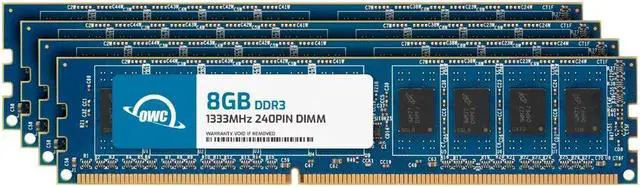
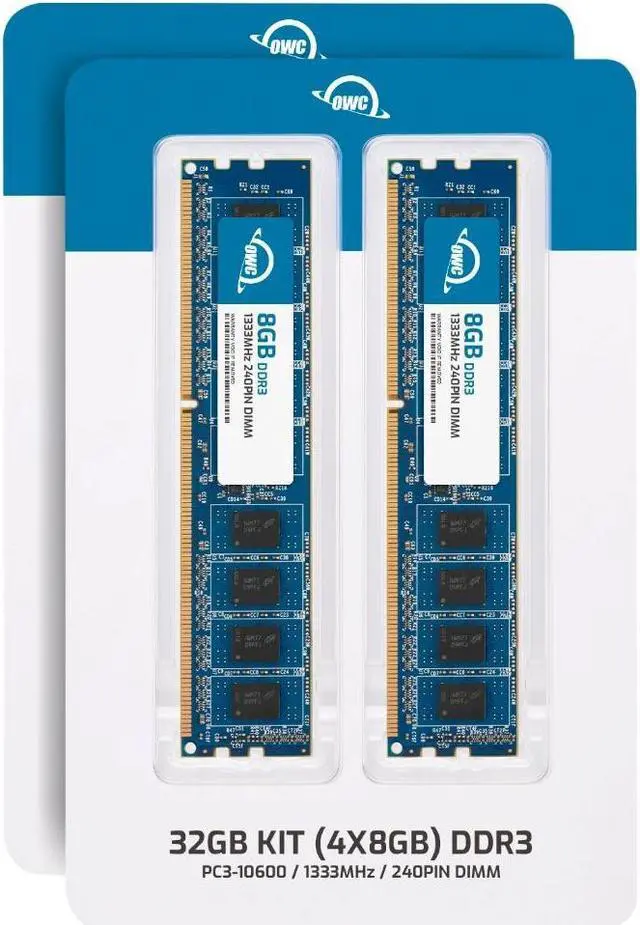
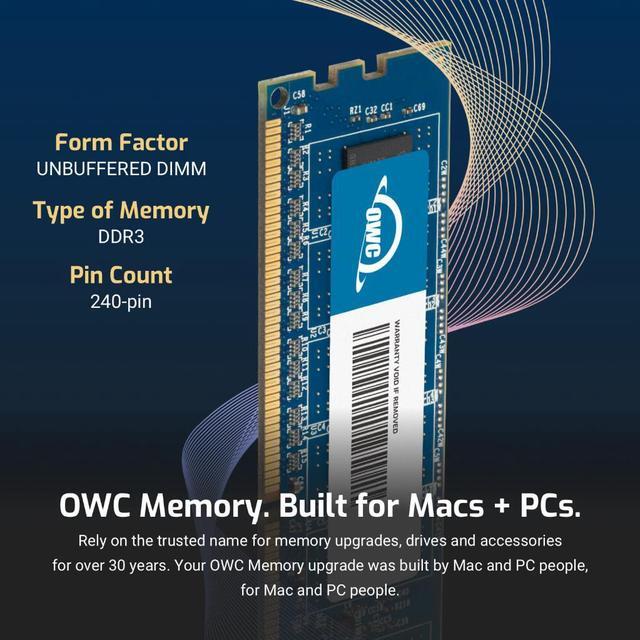
The OWC 32GB DDR3-1333 kit includes four 8GB, 240-pin, 1.5V non-ECC unbuffered DIMMs for upgrading compatible desktop PCs that use DDR3 memory.
Recommended For
- Owners of a compatible older desktop with four DDR3 DIMM slots who want to upgrade the system to 32GB using a matched 4×8GB kit. Check the motherboard’s supported memory type, capacity, and module configuration first.
- Home-lab users reusing a compatible DDR3 desktop for several modest self-hosted services, such as media streaming or file sharing, who need more memory without changing platforms.
- People keeping an older DDR3 desktop in service for memory-heavy multitasking or projects, when the motherboard supports 8GB modules and a 32GB total capacity.
Real-World Use Scenarios
- On a compatible desktop that runs short on memory with many browser tabs, office apps, and background programs open, moving to 32GB can leave more room for switching between tasks without the system relying as heavily on its page file. If the PC already has enough memory for its workload, adding more may not make everyday tasks noticeably faster.
- When editing video on an older desktop, 32GB can provide more room for larger projects and multiple applications to be open together, particularly if the previous memory capacity was limiting the workflow. It will not by itself make exporting faster if the processor, graphics card, or storage is the bottleneck.
- For a memory-limited desktop used for gaming alongside a browser, chat, or streaming tools, 32GB can give those background apps more room while a game is running. The RAM upgrade alone should not be expected to raise frame rates; game performance also depends on the processor and graphics card.
- When compressing very large files or working with memory-intensive applications, 32GB can help keep more data in memory and reduce slowdowns caused by paging to storage. The benefit is workload-dependent; routine file compression or light desktop use may not need this much memory.




 here!