




 here!
I’m your shopping assistant for PC builds, upgrades, and everything tech.
Got questions? Ask away!
Start a conversation
here!
I’m your shopping assistant for PC builds, upgrades, and everything tech.
Got questions? Ask away!
Start a conversation






Any questions? Ask CelesteSM will help you find out quickly.
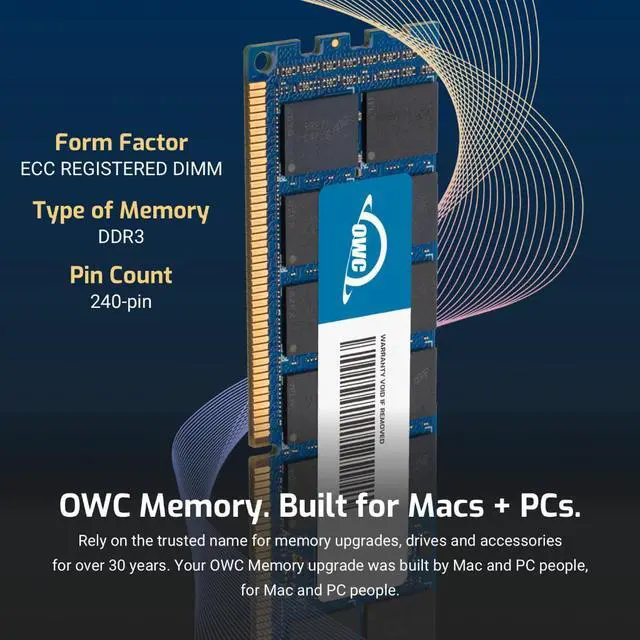
| Technology | DDR3 |
|---|---|
| Speed | PC3L-10600 1333MHz CL9 |
| Form Factor | 240PIN DIMM |
| ECC Type | ECC REGISTERED |
| Voltage | 1.35v |
| Compatibility | WORKSTATION , SERVER, NAS SYSTEM, ROUTER |
















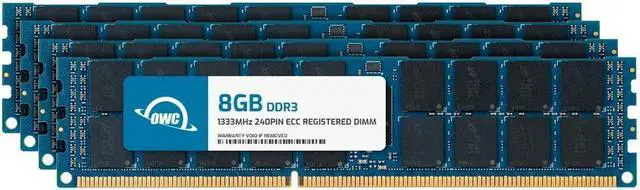
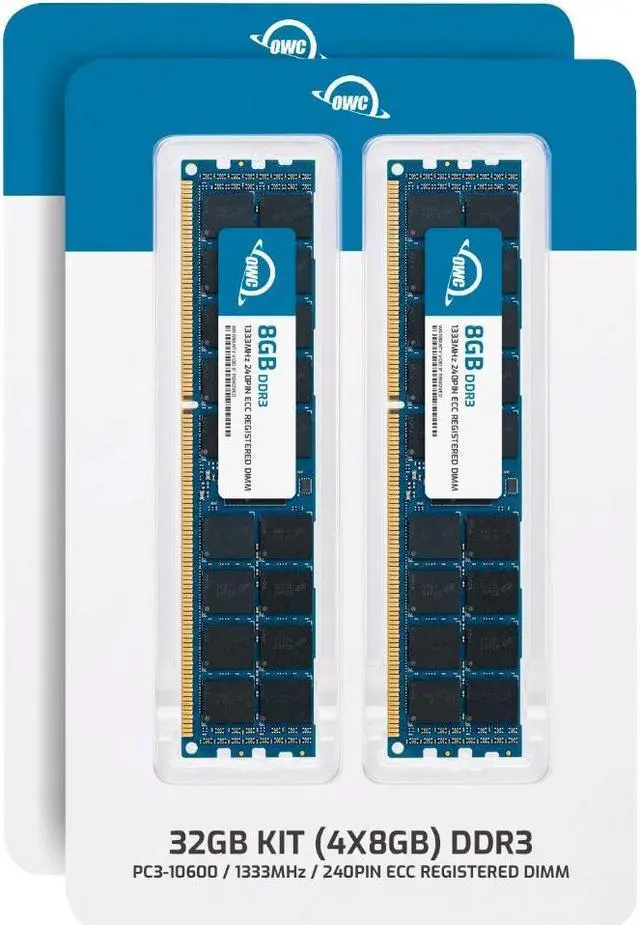
The OWC 32GB DDR3L ECC Registered RDIMM kit contains four 8GB, 1333MHz modules for upgrading a Cisco UCS B230 M1 server that supports 240-pin 1.35V 2Rx4 memory.
| Attribute | Value |
|---|---|
| Best For | ECC registered server-memory upgrades for the Cisco UCS B230 M1 |
| Capacity And Configuration | 32GB kit with four 8GB modules |
| Memory Type And Compatibility | 240-pin DDR3L ECC registered DIMMs for server systems |
| Speed And Timing | 1333 MHz (PC3L-10600) with CL9 latency |
| Voltage And Rank | 1.35V, 2Rx4 rank |
| Physical Design | Black chips; no heat spreader |
| Model Identifiers | OWC; part number 1R3T32R4032S; model OWC1R3T32R4032S-B745-SF |
Q: OWC 32GB (4x8GB) vs 16GB (2x8GB): which kit should I choose for a UCS B230 M1?
A: Choose the OWC 32GB kit for a 32GB memory upgrade using four 8GB modules. Choose the OWC 16GB kit for a 16GB upgrade using two 8GB modules. Both kits use DDR3L-1333 ECC registered DIMMs; follow the B230 M1’s matched-pair and slot-population rules.
Q: Should I get this OWC 32GB kit or an OWC 64GB (8x8GB) kit?
A: Choose this 32GB kit when 32GB is the intended memory capacity and a four-module kit fits your upgrade plan. Choose the OWC 64GB kit when you are planning for 64GB with eight 8GB modules. For either option, plan module placement around the B230 M1’s matched pairs and installed CPUs.
Q: OWC 32GB (4x8GB) vs an 8GB (2x4GB) memory configuration: which gives me more capacity?
A: The OWC 32GB kit provides four times the total capacity: 32GB from four 8GB modules, compared with 8GB from two 4GB modules. Choose the 32GB kit when your upgrade target is 32GB; choose an 8GB configuration when that smaller capacity matches your plan. Cisco documents 4GB and 8GB DIMM options for the B230 M1 and specifies matched-pair installation.
Q: Is this memory compatible with a Cisco UCS B230 M1?
A: It is listed as compatible with the Cisco UCS B230 M1. The kit contains four 8GB, 240-pin DDR3L-1333 ECC registered RDIMMs. Before buying, check the server’s memory configuration and slot-population requirements.
Q: Will this RAM work in a standard desktop PC?
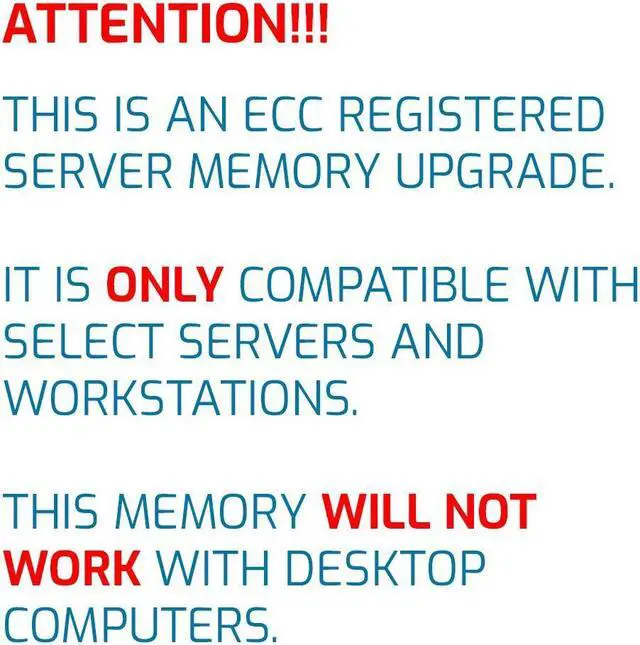
A: No. This is ECC registered server memory, not standard desktop memory. It is intended for systems that specifically support registered RDIMMs.
Q: Can I mix this kit with the RAM already in my server?
A: Do not mix it with unbuffered or ECC load-reduced memory. Check the installed memory type and the B230 M1’s configuration requirements before adding the kit.
Q: How much memory is included in the kit?
A: The kit contains 32GB total: four 8GB DDR3L-1333 ECC registered DIMMs.


