




 here!
I’m your shopping assistant for PC builds, upgrades, and everything tech.
Got questions? Ask away!
Start a conversation
here!
I’m your shopping assistant for PC builds, upgrades, and everything tech.
Got questions? Ask away!
Start a conversation






Any questions? Ask CelesteSM will help you find out quickly.
| Technology | DDR3 |
|---|---|
| Speed | PC3L-12800 1600MHz CL11 |
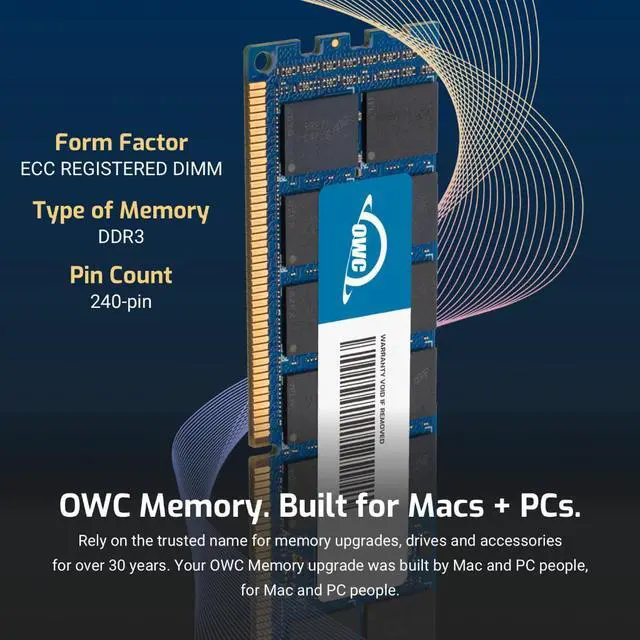
| Form Factor | 240PIN DIMM |
| ECC Type | ECC REGISTERED |
| Voltage | 1.35v |
| Compatibility | WORKSTATION , SERVER, NAS SYSTEM, ROUTER |
















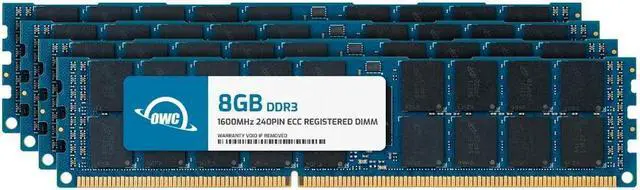
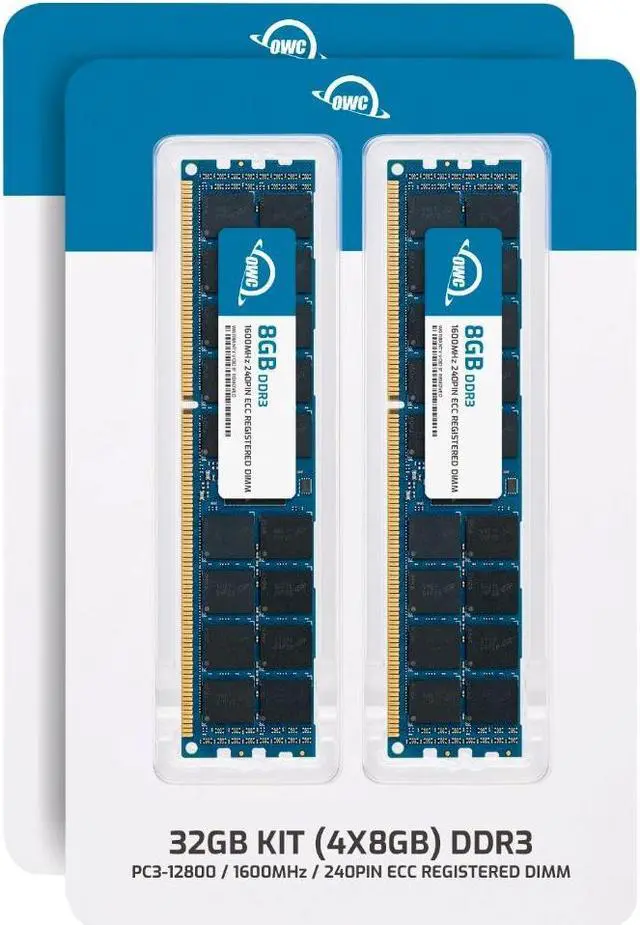
The OWC 32GB (4x8GB) DDR3L 1600 ECC Registered memory kit is a server-memory upgrade for Dell PowerEdge M610, M610X, M710, and M710HD systems that use compatible RDIMMs.
| Attribute | Value |
|---|---|
| Best For | ECC-registered memory upgrades for the Dell PowerEdge M610, M610X, M710, and M710HD |
| Capacity And Configuration | 32GB kit with four 8GB modules |
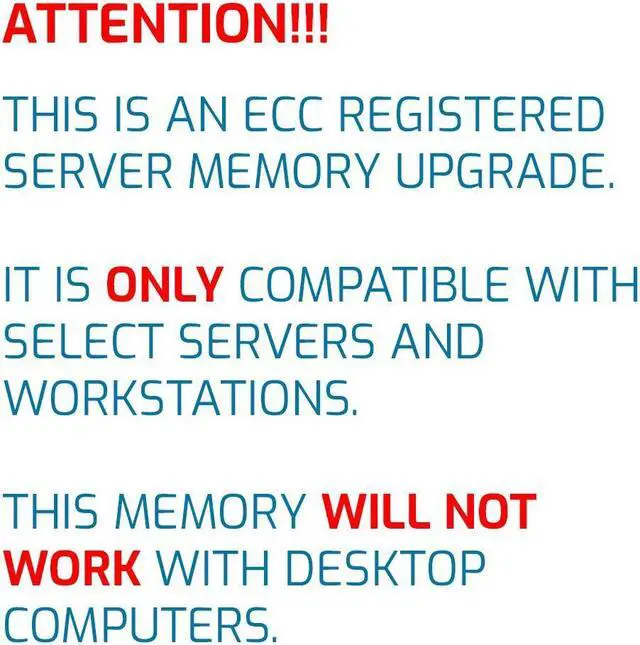
| Memory Type And Compatibility | DDR3L ECC registered server memory; not intended for standard desktop systems or use mixed with unbuffered memory |
| Speed And Latency | DDR3L-1600 (PC3L-12800), CL11 |
| Electrical And Module Configuration | 1.35V, 1Rx4, 240-pin DIMMs |
| Module Features | No heat spreader; black chips |
| Brand And Model Identifiers | OWC model OWC1R6T31R4032S-B703-SF; part number 1R6T31R4032S |
Q: OWC 32GB (4x8GB) vs. OWC 16GB (2x8GB): which should I choose for a PowerEdge M710?
A: Choose the 32GB kit when your target is 32GB total RAM; it provides four 8GB DDR3L-1600 ECC Registered modules. Choose OWC’s 16GB kit when 16GB total fits your planned configuration; it provides two 8GB modules. Follow the server’s memory-population rules when installing either kit.
Q: Should I buy this OWC 32GB kit or a single OWC 8GB RDIMM?
A: Choose this kit for a 32GB upgrade supplied as four 8GB 1Rx4 modules. Choose the single 8GB OWC RDIMM when your planned upgrade calls for one 8GB module. Both are listed as DDR3L-1600 ECC Registered memory for the PowerEdge M610, M610X, M710, and M710HD; check the server’s memory layout before installation.
Q: OWC 32GB (4x8GB) kit vs. a single OWC 16GB RDIMM: which offers the right capacity?
A: Choose the 32GB kit when you want 32GB supplied as four 8GB modules. Choose the single 16GB RDIMM when a one-module, 16GB upgrade matches your planned memory configuration. The kit’s modules are 1Rx4, while the single 16GB option is listed as 2Rx4, so use the server’s memory-population guidance when selecting a layout.
Q: Will this memory work in a Dell PowerEdge M610, M610X, M710, or M710HD?
A: The kit is listed for the Dell PowerEdge M610, M610X, M710, and M710HD. Before buying, confirm that your server’s memory configuration supports 8GB DDR3L-1600 ECC registered RDIMMs with a 1Rx4 rank and follow its DIMM slot-population rules.
Q: Can I mix this kit with the RAM already in my server?
A: Do not mix these registered DIMMs with unbuffered memory. When combining them with other registered DIMMs, check the server manual for supported capacity, rank, speed, and slot-population rules.
Q: Can I use this RAM in a standard desktop PC?
A: No. This is 240-pin ECC registered server memory, not standard desktop RAM. Use it only in a system that supports DDR3L ECC registered RDIMMs.
Q: How much memory is in the kit, and will it always run at 1600 MHz?
A: The kit contains four 8GB modules, for 32GB total, rated at DDR3L-1600 (PC3L-12800), CL11, and 1.35V. The server’s processor and installed memory configuration determine the actual operating speed, so 1600 MHz is not guaranteed in every setup.
Q: Can I mix this kit with the RAM already in my server?
A: Do not mix it with unbuffered memory: this kit is registered ECC RDIMM, and the product information says it is incompatible with unbuffered memory. Before combining it with other registered DIMMs, check your server’s memory rules and the existing modules’ specifications.
Q: Is this RAM suitable for a regular desktop PC?
A: No. This is registered ECC server memory, not standard desktop memory. The product information also says it cannot be used with unbuffered memory; verify that the computer supports RDIMMs before buying.
Q: What should I verify before buying this kit for a PowerEdge M610?
A: Confirm the exact server model and its supported memory configuration, including RDIMM type, rank, and speed. This kit is listed for the M610, M610X, M710, and M710HD, but a Reddit M610 upgrader was seeking different module specifications, showing why matching the server’s requirements matters.


