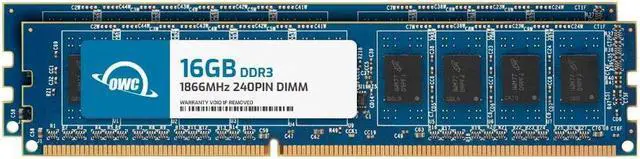
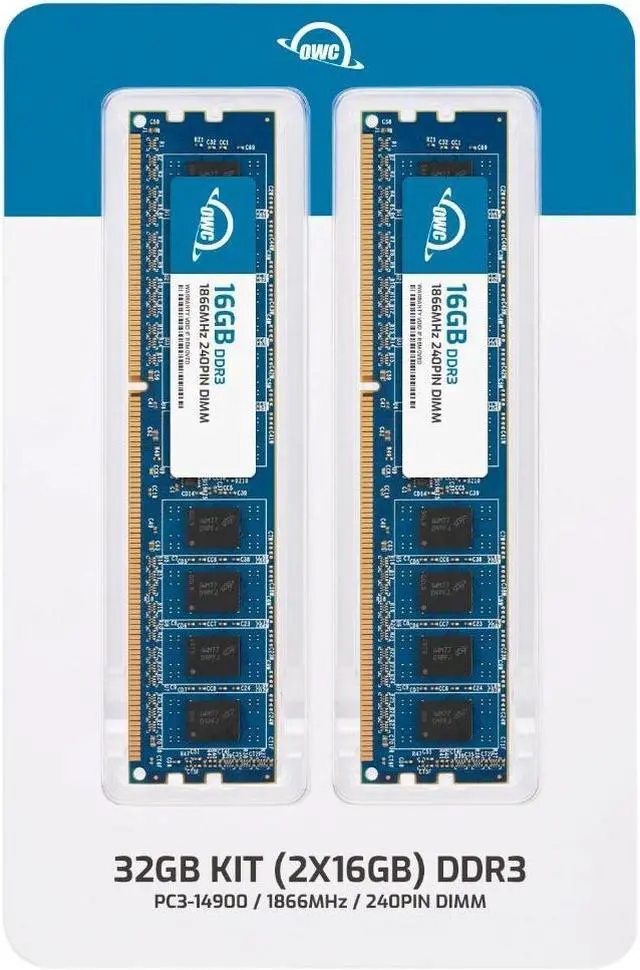
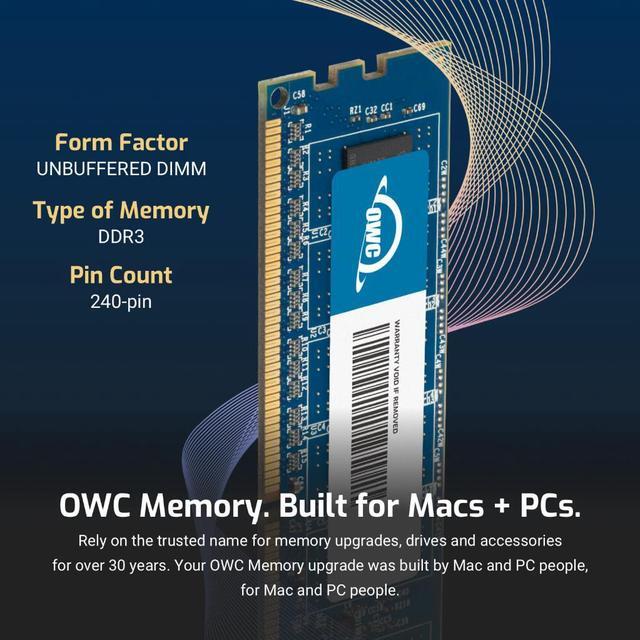
The OWC 32GB DDR3L-1866 kit includes two 16GB, 240-pin unbuffered, non-ECC desktop memory modules for users upgrading a compatible desktop that supports DDR3L 1866 memory.
Recommended For
- Owners of an older desktop with compatible DDR3L UDIMM slots who need to replace an existing kit or move to 32GB; check that the motherboard supports 16GB modules and 32GB total.
- People keeping a DDR3 desktop in service for memory-heavy multitasking, when they have confirmed the system supports this kit’s 32GB capacity and module type.
- Desktop users replacing two existing DDR3 DIMMs who want a matched 2×16GB kit for a supported dual-channel configuration.
- Owners of a compatible older desktop who specifically need low-voltage 1.35V DDR3L memory rather than a laptop-size module or registered server DIMM.
Real-World Use Scenarios
- On a compatible older DDR3 desktop that slows down with several apps open, a user can keep a browser, office tools, and other programs running together with more memory headroom; the improvement is most noticeable when the system was running short of RAM.
- When editing large photos while other apps are open on a memory-limited older desktop, the extra capacity can reduce reliance on slower storage for working data; it will not remove CPU or storage bottlenecks.
- For a compatible DDR3 desktop used as a home lab, the added capacity can be shared among a few virtual machines or test environments, leaving more room for the host system and other services.
- While compressing files, converting media, and editing photos on an older desktop, more RAM can help when those tasks compete for memory; benchmark results vary, and the upgrade may make little difference if the workload already fits in available RAM.
- On a compatible older DDR3 gaming PC, the extra capacity can leave more room for a game and background apps to run together, but it does not by itself guarantee higher frame rates.




 here!