




 here!
I’m your shopping assistant for PC builds, upgrades, and everything tech.
Got questions? Ask away!
Start a conversation
here!
I’m your shopping assistant for PC builds, upgrades, and everything tech.
Got questions? Ask away!
Start a conversation







Any questions? Ask CelesteSM will help you find out quickly.
| Technology | DDR5 |
|---|---|
| Speed | PC5-38400 4800MHz CL40 |
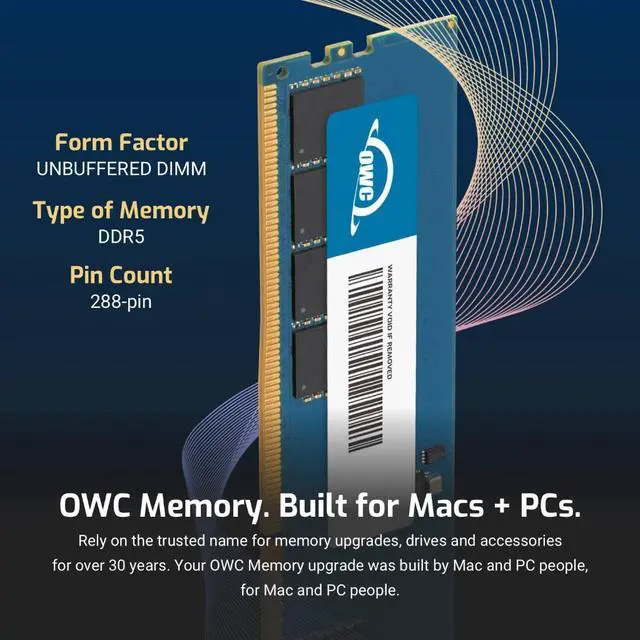
| Form Factor | 288PIN UNBUFFERED DIMM |
| ECC Type | NON ECC UNBUFFERED |
| Voltage | 1.1v |
| Compatibility | Desktop, Workstation, NAS System, All In One |
















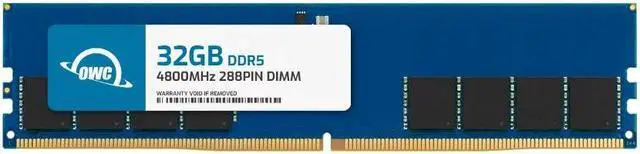
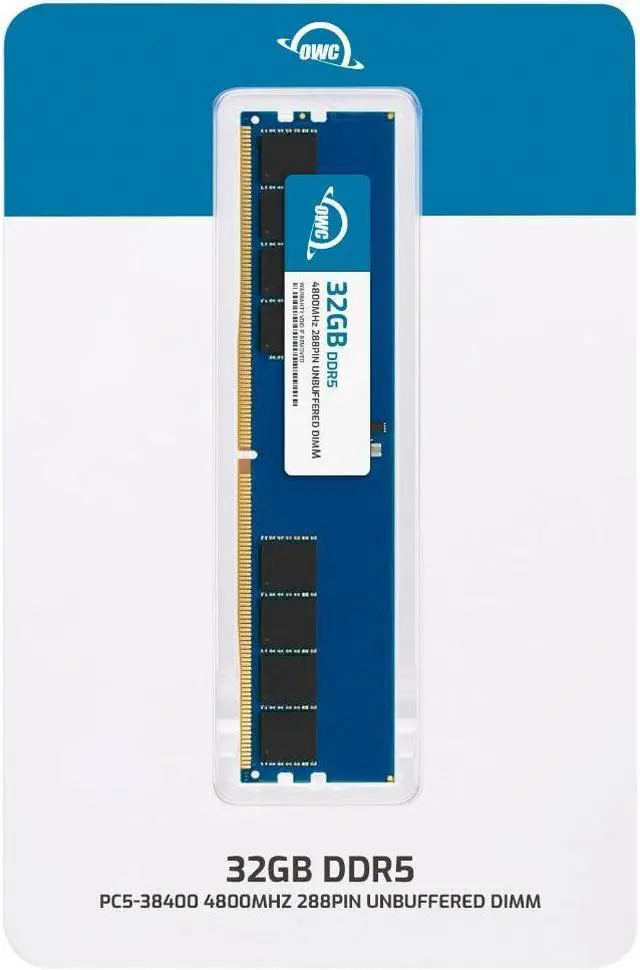
The OWC 32GB DDR5-4800 UDIMM is a single-module memory upgrade for Lenovo ThinkStation P3 Tower and P360 Tower owners who want to add 32GB of non-ECC, unbuffered RAM.
| Attribute | Value |
|---|---|
| Best For | Memory upgrades for Lenovo ThinkStation P3 Tower and P360 Tower systems |
| Capacity | 32GB as a single memory module |
| Memory Type And Configuration | 288-pin desktop DDR5 UDIMM, non-ECC and unbuffered, with a 2Rx8 rank configuration and no heat spreader; black chips |
| Speed And Latency | DDR5-4800 (PC5-38400) with CL40 latency |
| Operating Voltage | 1.1V |
| Model Identifiers | OWC, part number 4U8D52R832GB; model number OWC4U8D52R832GB-B881-SF |
Q: Should I get this OWC 32GB stick or an OWC 2x16GB DDR5-4800 kit for 32GB total?
A: Choose this single 32GB module when you want 32GB from one DIMM and want to keep more memory slots available for a later upgrade. Choose OWC’s 2x16GB kit when you prefer to install the same total capacity across two DIMMs. Both options are DDR5-4800 desktop memory; check your ThinkStation’s current memory layout and supported configuration before combining modules.
Q: Is this OWC 32GB module a better upgrade than an OWC 16GB DDR5-4800 module?
A: Choose the 32GB module when you want twice the capacity in one DIMM for memory-intensive work or a larger-capacity upgrade. Choose the 16GB module when 16GB per DIMM fits your planned total. OWC lists both capacities as DDR5-4800 desktop DIMMs; verify the system’s supported memory configuration before installation.
Q: When should I choose this OWC 32GB module instead of an OWC 64GB DDR5-4800 kit?
A: Choose this module when a 32GB upgrade is the target or you want to add capacity one DIMM at a time. Choose OWC’s 64GB kit, made from two 32GB DIMMs, when you are planning for 64GB total from the upgrade. Lenovo lists multiple supported memory capacities for the ThinkStation P3 Tower; confirm the configuration supported by your specific system.
Q: Is this RAM compatible with my desktop?
A: This 32GB DDR5-4800, 288-pin non-ECC UDIMM is listed as compatible with the Lenovo ThinkStation P3 Tower and P360 Tower. For another desktop—or a different configuration—check the system’s specifications for DDR5 UDIMM support and confirm its memory capacity limits before buying.
Q: Can I add this RAM to the memory already in my computer?
A: Possibly, if the ThinkStation has an open memory slot and supports the resulting capacity and configuration. This is one 32GB DDR5-4800 module; check the system’s memory instructions before mixing it with existing RAM, since mixed modules may not run at the same speed or work in every configuration.
Q: Does this include one 32GB stick or two 16GB sticks?
A: It includes one 32GB memory module, not a two-stick kit.
Q: Will this fit in a laptop?
A: No. This is a full-size 288-pin desktop UDIMM. Laptops that accept upgradeable memory generally use smaller SO-DIMMs, and some laptops have non-upgradeable memory.


